Sounds normal to me, if the locked values played instead of any over-riding performance on top … you’d never hear a new take whilst recording it in. - the hierarchy has live changes on top
the flip side of this is the annoyance if you wish to p-lock record in a steady level - it will detect that you are not changing and stop recording it in - so to circumvent this annoyance you have to wiggle very gently all through the recording to ensure you get ‘change’ noticed - this will work ok with filter approximations , but is tricky with other parameters (it’s not the same as just erasing the value and setting the default to match)
It looks like there is some major issue:
after using page loop (and erasing the current track) the state before using page loop is kind of “fixed” (despite trigs displayed as empty) and no new trigs make sounds on the track.
Had a weird issue that I haven’t run into before but could be a bug with the newest firmware. I had some p-locked steps that took a while to program in the chord machine* and when I went to manually record some additional steps, some of my previously inputted steps disappeared. I caught it on video… weirdly, before I filmed this I had just one out of four steps erase but I was able to catch 3 steps disappearing, leaving just my first step and the newest one I recorded. These were very spaced out steps so it’s not like I recorded over one. Kind of discouraging but I’ll reboot and try again.
*I enjoy the chord machine in general, despite it being one of the quirkier machines to deal with… it’s already very cumbersome to dial in chords and stick to a certain scale but it can lead to some cool results… but if p-locked steps are going to disappear… it’s a comically cruel workflow 🥲
Edit: rebooting seems to have fixed. I should’ve done that before posting but at the same time, maybe this will happen to someone else and this can help. I’m still gonna keep an eye on this mischievous little sequencer.
Strange behavior today working with the new machines. I had a very basic pattern going with BD acoustic and SD acoustic, and the BD steps would occasionally get taken over by a sub bass sound and the SD acoustic would also get altered by a filter like sound, but just occasionally and seemingly at random, not the same step each time. I had no p locks or lfos on. Possibly triggered by adjusting micro timing the steps?
First Elektron bug I’ve ever encountered I think through 3 machines.
I’m having a similar issue all of a sudden. My analog machines are bugging out. Every so often one of the hits is either missing the tone component and I only hear noise, or I only one long tone ringing out without it’s envelope. Hopefully not a hardware bug? I think I saw someone having a similar issue on reddit or here recently… now I wish I could find it.
EDIT: I ran calibration… didn’t help. I then fully shut down my machine, started it back up and got a “something went wrong”. Then shut it down and started it again and my problems went away… weird!
When auditioning sounds with function+yes in the [sound manager], the desired behaviour is after auditioning, the func shouldn’t trigger the up and down arrows to jump by 10 until you let go of function and press/hold again.
If you audition a sound that doesn’t work like digital on analog track/analog on digital track - a dialogue comes up on screen which causes the up and down arrows to jump by 10 if you already had the func button held, which makes auditioning sounds very annoying when the instruments are mixed amongst each other.
When I PLocked SUS and REL on AMP page - AMP button is not blinking while TRIG button blinks.
Everything is OK when I PLock any other parameters on AMP page. TRIG and AMP blinking.
I keep running into this issue and have been since old firmware. Somehow on startup the syntakt will load into an old version of the same project that Ive already saved over, no idea where it’s loading this from because if I load the project I’m currently in again it will load to the future/current version that I had last saved. A few times this has happened now I start it up, work on an old pattern and hit save to find out that it’s forgotten heaps of other patterns I’d made after that and I’ve now just wiped all that data, it’s so cooked. I think I’ve had this on the digitakt 2 as well.
OS 1.30 - and I think this issue started following the upgrade to 1.30.
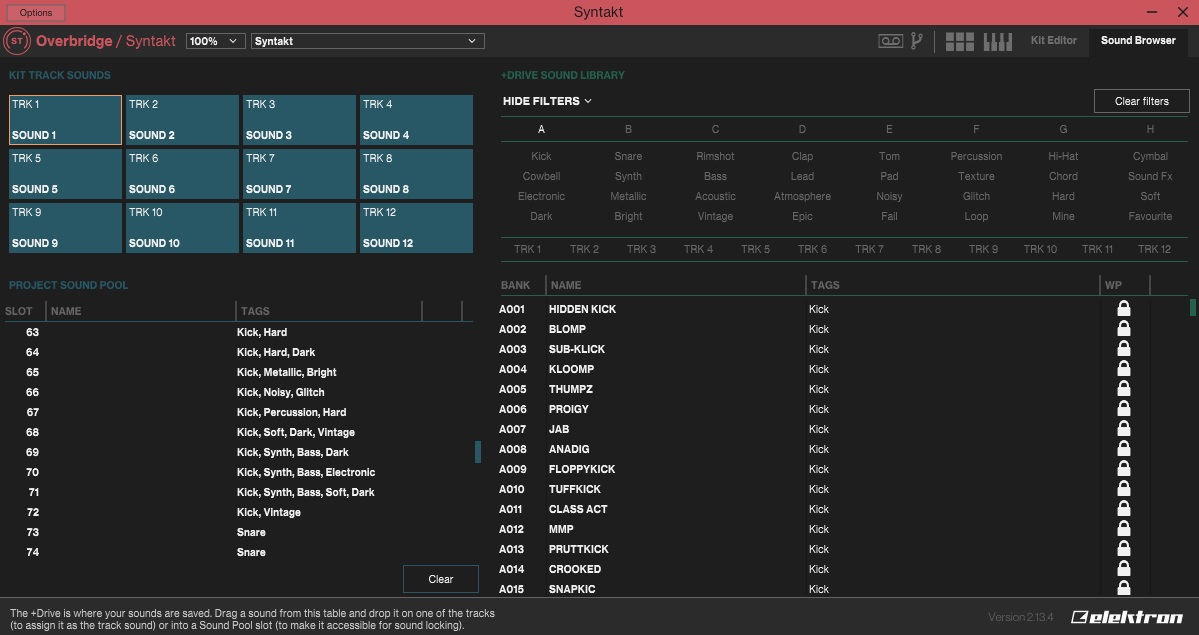
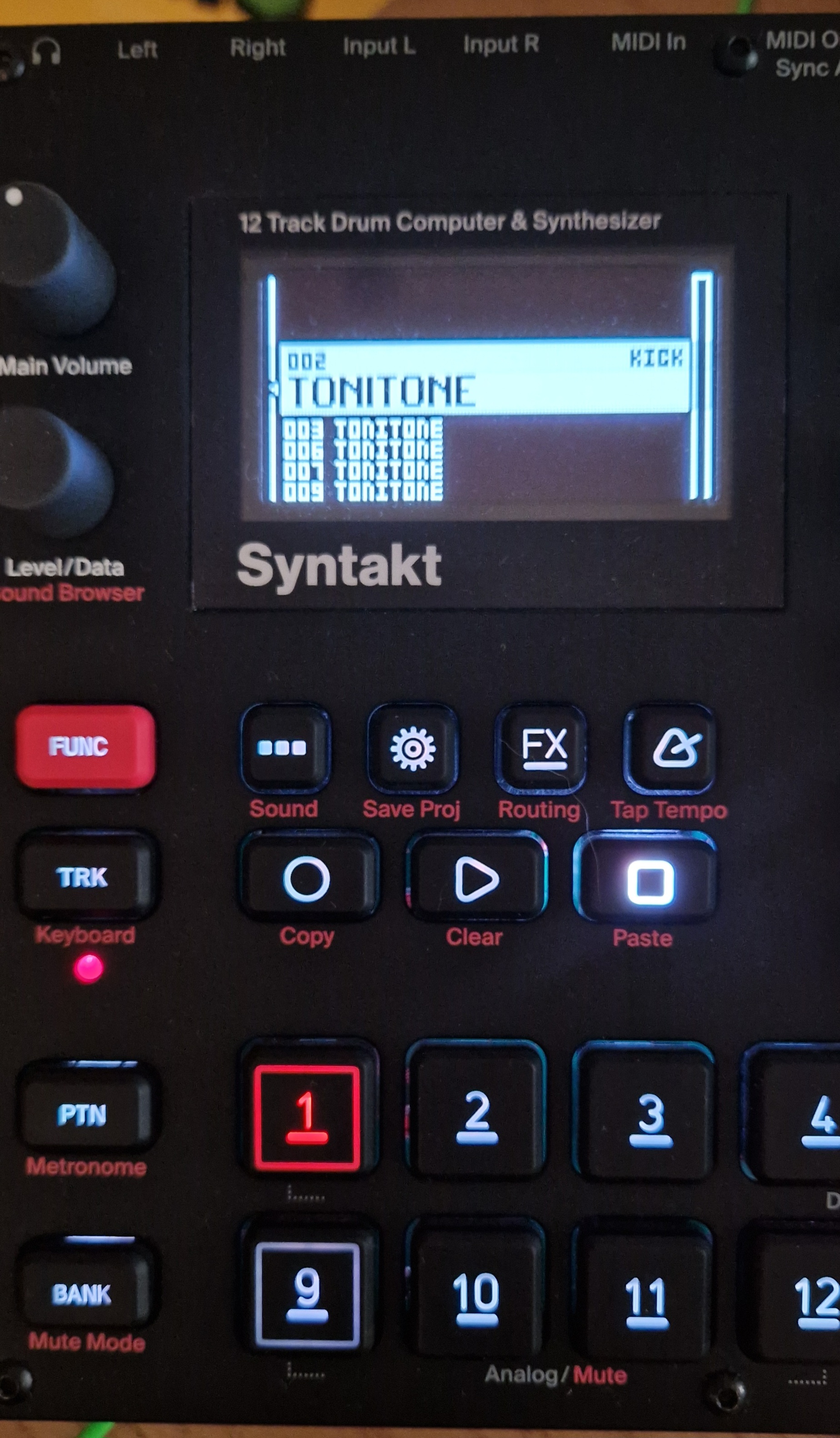
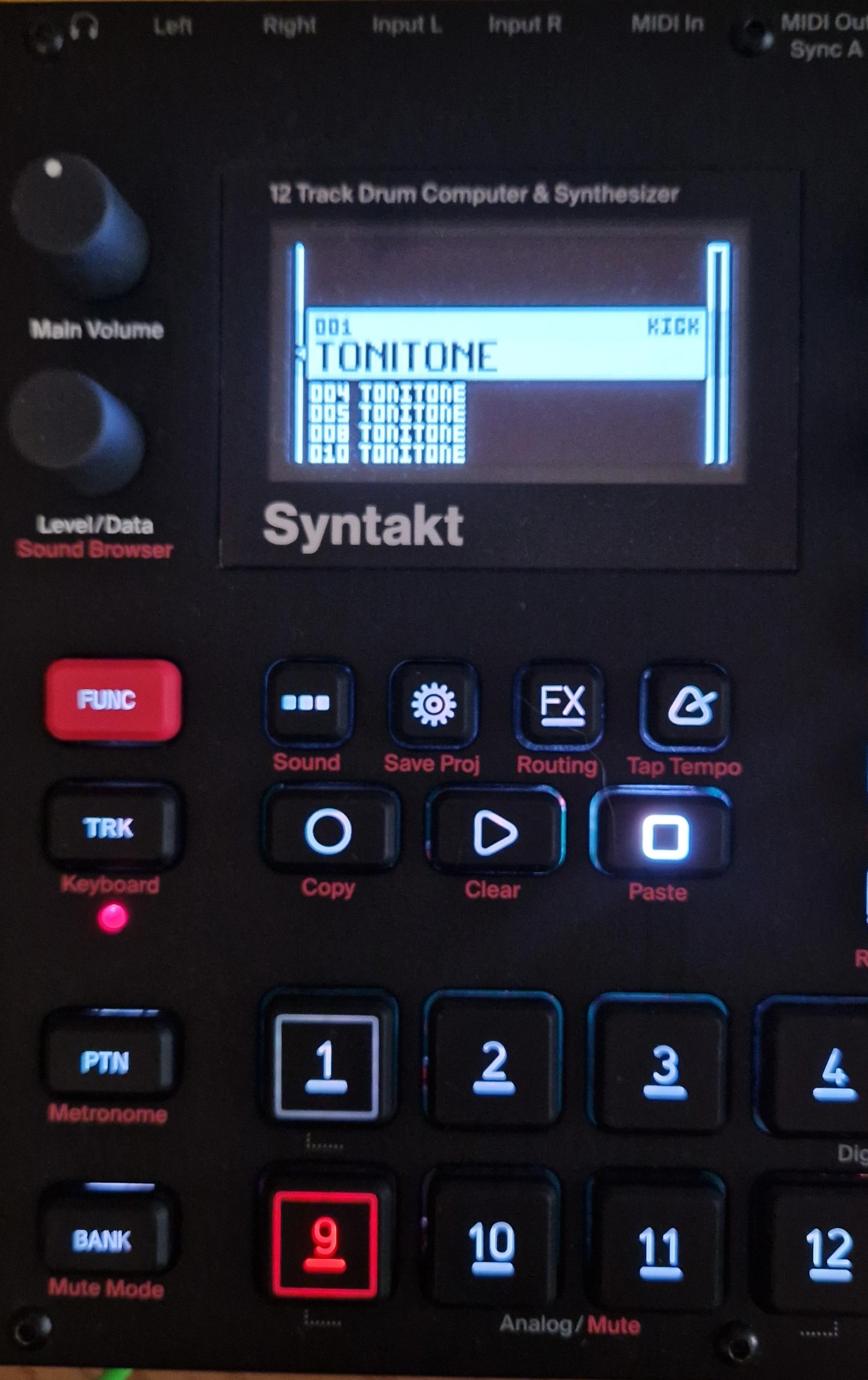
My sound pool is corrupted, it seems each slot is permanently set to the type (digital/analogue) and tags of the sounds I added to the sound pool at some point in some project. Even when creating a new project, the tags and type of each slot are already set without a sound being in that slot.
Let’s say I add an analogue sound to the first 10 slots of the sound pool of a brand new project, that sound is visible in the sound pool list when both analogue and digital tracks are selected:
Previewing those analogue tracks on digital tracks either plays the currently selected digital sound, or the last digital sound previewed in the sound pool.
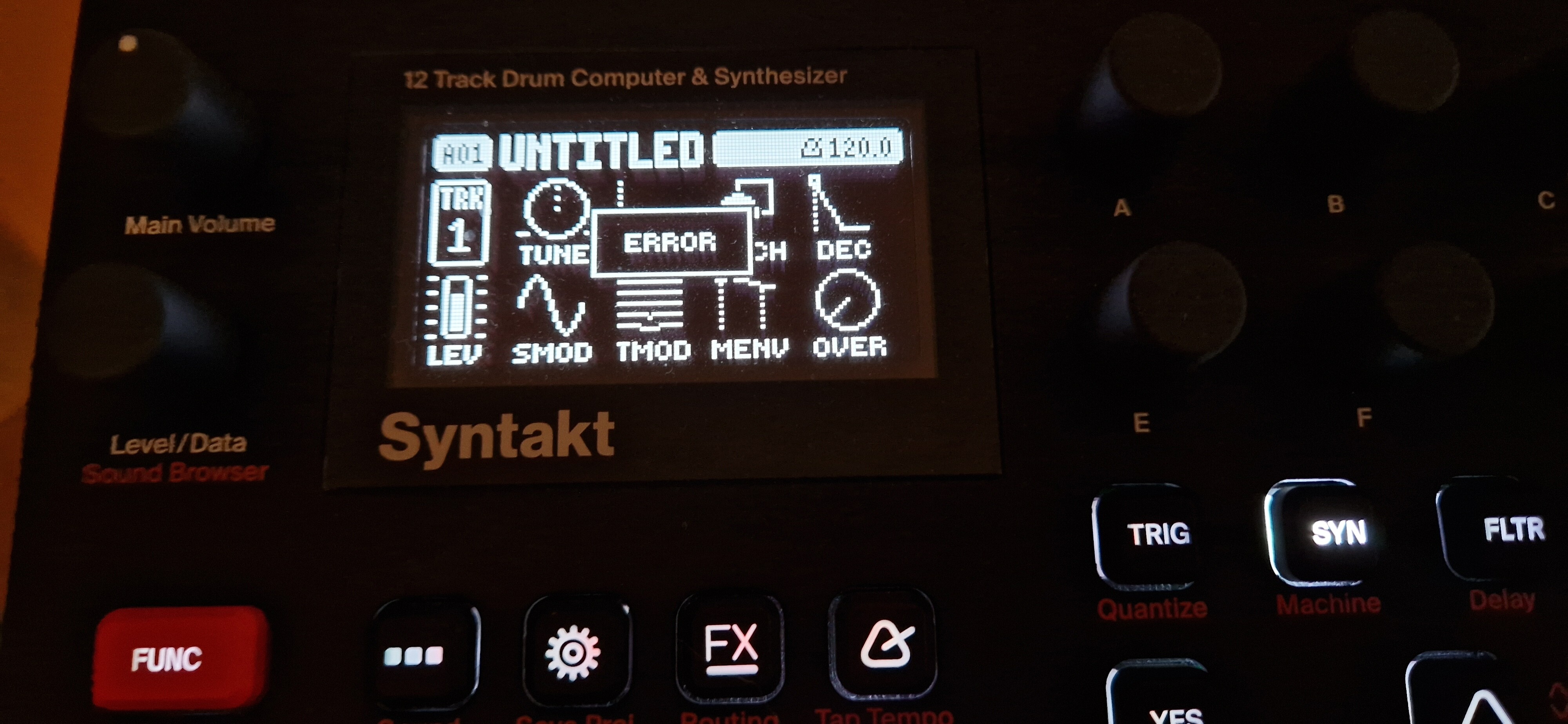
When I try to select an analogue sound on a digital track, I get an error message:
We have also found this and have a bug fix very soon ready to be tested. Basically what is happening is that it is incorrectly displaying the tags from sounds in Bank A instead of the Sound pool. The sounds themselves should not be corrupted from what we know. If you are interested, send me a DM and you can try the fix as soon as it is ready.
Not sure if it’s a bug but I found this behaviour surprising:
If you build a pattern by setting every track (including. FX) to only use euclidean and never add a “real” trig, then the pattern button will not be lit in bank view, as if the pattern was an empty one
I have come across a strange bug since updating to 1.30. Someone at Elektron is scratching their head over my project file, but I was wondering if anyone else has had this issue.
Any tracks routed to the FX block go silent, though strangely enough they can be heard through the FX block’s delay and/or reverb. So the dry signal doesn’t come through, though being processed into through the send effects…
And to make things simple, this behavior is triggered on occasion when switching patterns, rather unpredictable.
I think I just had a similar thing. I turned on the ST to resume working on a couple patterns, and across banks, the #9 sound/button had a random tone come in and out. This was a 4/4 kick with no LFOs or p locks. Switching to a different bank with a different sound on 9, there too would have the same pitch tone occurring randomly. I powered off and all seemed well afterwards. This is on 1.30