Im pretty new to Elektron gear and production in general, and im trying to figure out how audio routing works with the Syntakt and AUM.
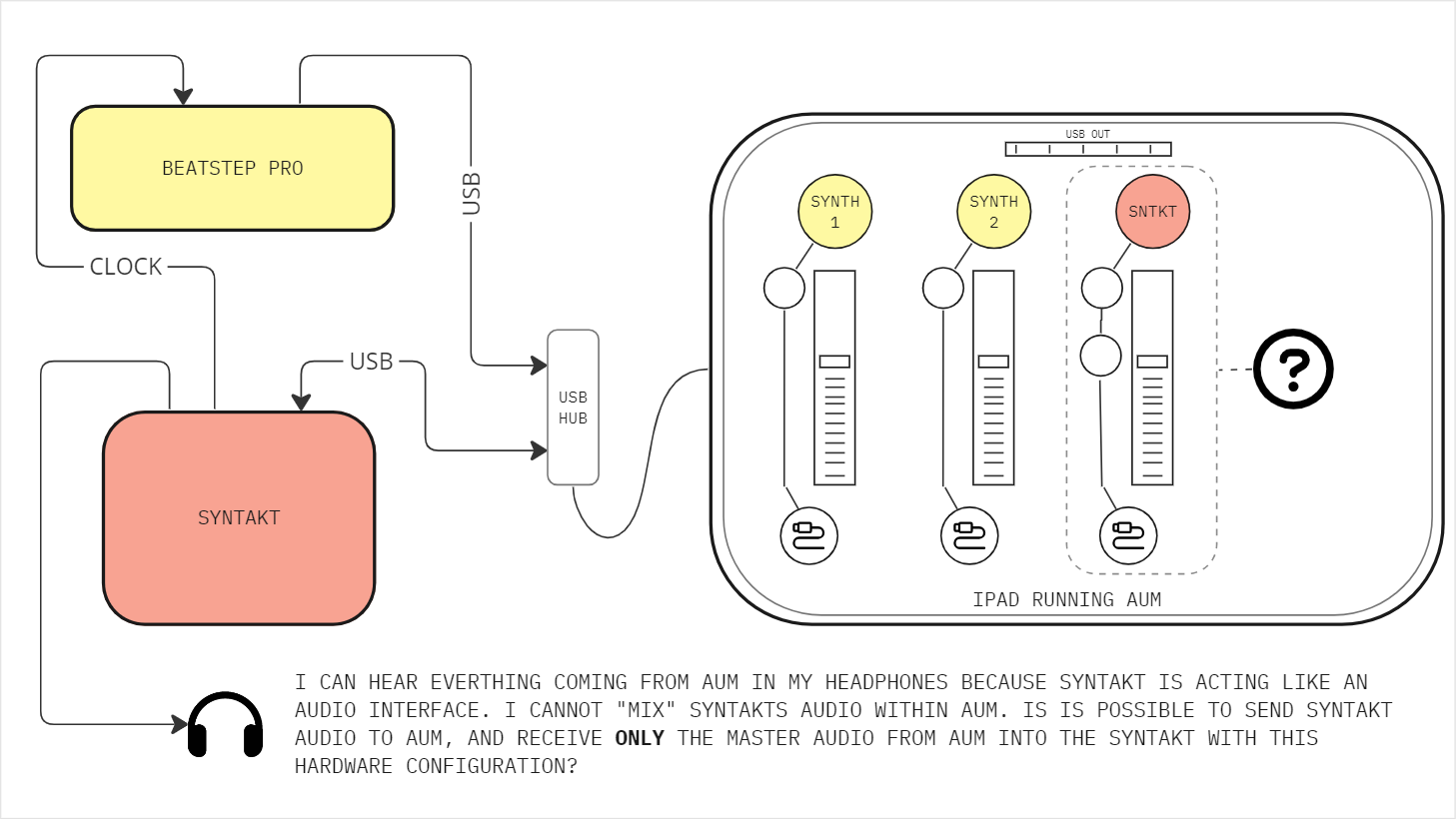
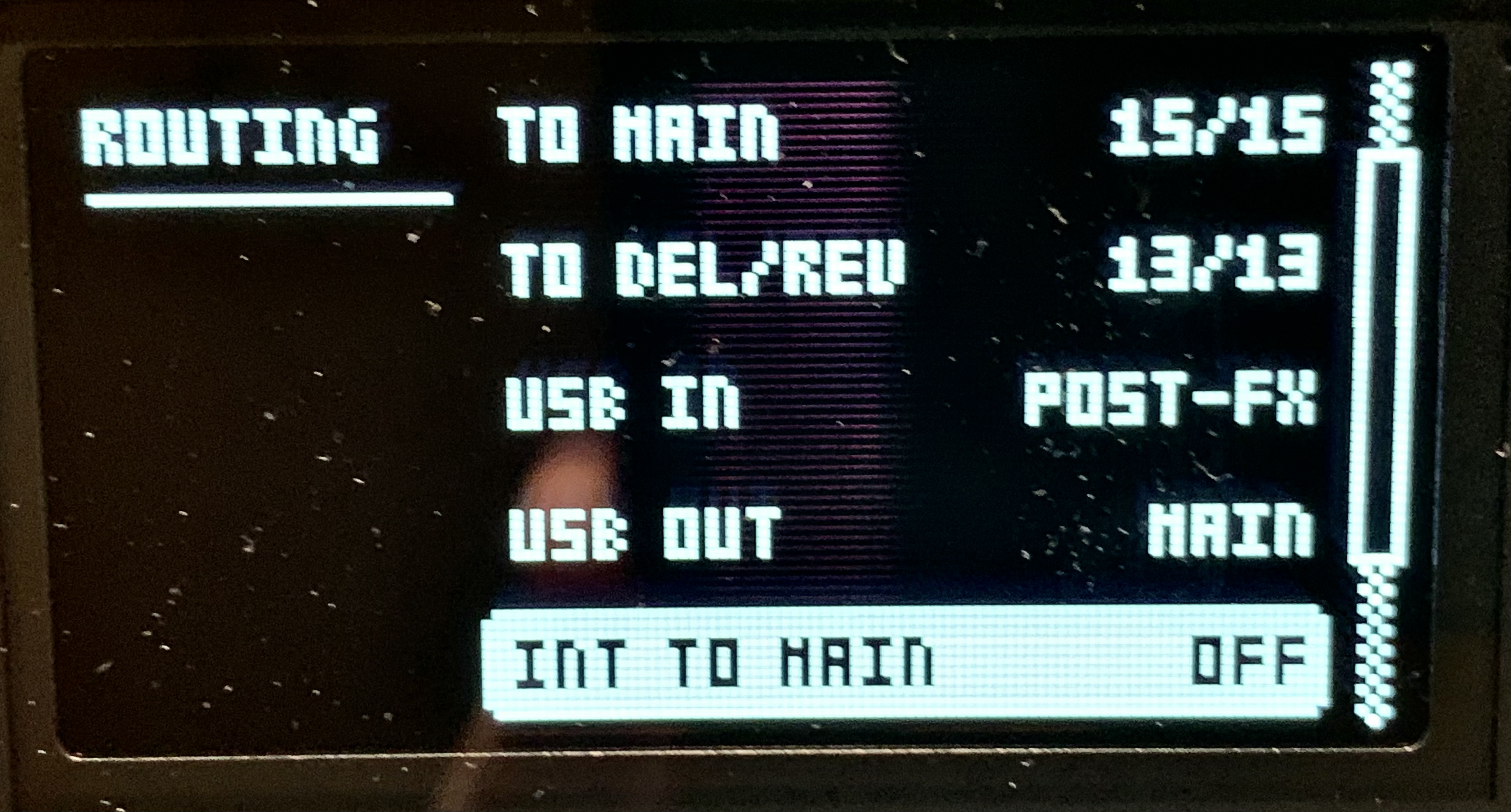
I noticed that the Syntakt functions as an audio interface [?], which really appeals to me. I have a beatstep pro clocked to my syntakt, and its sequencing 2 synths in AUM. I have everything connected as shown in the attchd image.
My issue is I cannot “mix” anything from the syntakt in AUM due to my lack of understanding of how audio routing in the syntakt and AUM works. My goal is to add effects and mix everything in AUM with my headphones plugged into the syntakt.
Is this possible or do i need to incorporate a stand alone audio interface and route L+R cables into it from the Syntakt?
I don’t know about Aum, but when I have selected the Syntakt as audio interface in Tracktion Waveform, I can listen to everything I do in Waveform through headphones connected to the Syntakt.
As far as I know, AUM should be the master as it can’t run as a slave.
You can set your BeatStep (Pro) as a controller in AUM and receiving clock via USB (or MIDI).
Your ST should also be set to receive clock. Both audio and MIDI via USB.
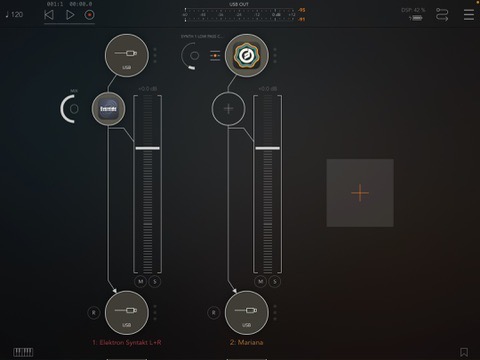
AUM should recognize the ST as an hardware interface for input (top of track / channel strip) and also as an output (bottom of track / channel strip).
Would recommend to create a BUS channel strip in AUM and set its output to the ST. You could call it MASTER MIX.
All other channels / tracks you create (including the virtual synths and the ST input for adding effects etc.) can then be routed to that master mix bus.