https://www.elektron.se/product/button-cap-kit-smooth-surface
They did release them, you just have pay extra for a non defective product, and install them yourself.
https://www.elektron.se/product/button-cap-kit-smooth-surface
They did release them, you just have pay extra for a non defective product, and install them yourself.
That’s great news. Thanks for the link.
Thanks for the link.
£97 to replace 2 sets of defective buttons (plus I’ve already paid £50 previously for another set of buttons that will also eventually rot)!
I’d like to replace them so I can use them again but paying that much out of pocket because of a terrible design/manufacture decision in the first place really takes the cake.
buy the UV coated ones - they will not become sticky as the rubber ones that come by default.
Just as an alternative, you could actually print replacement buttons yourself quite inexpensively, or buy pre-printed ones online. Some people also simply rub off the coating carefully; there are guides available for that here if you’d like to try.
Can Elektron please make knob replacements as well as smooth button caps for Tonverk available. Users of MK1s, AR and AK4 seemed no longer serviced.
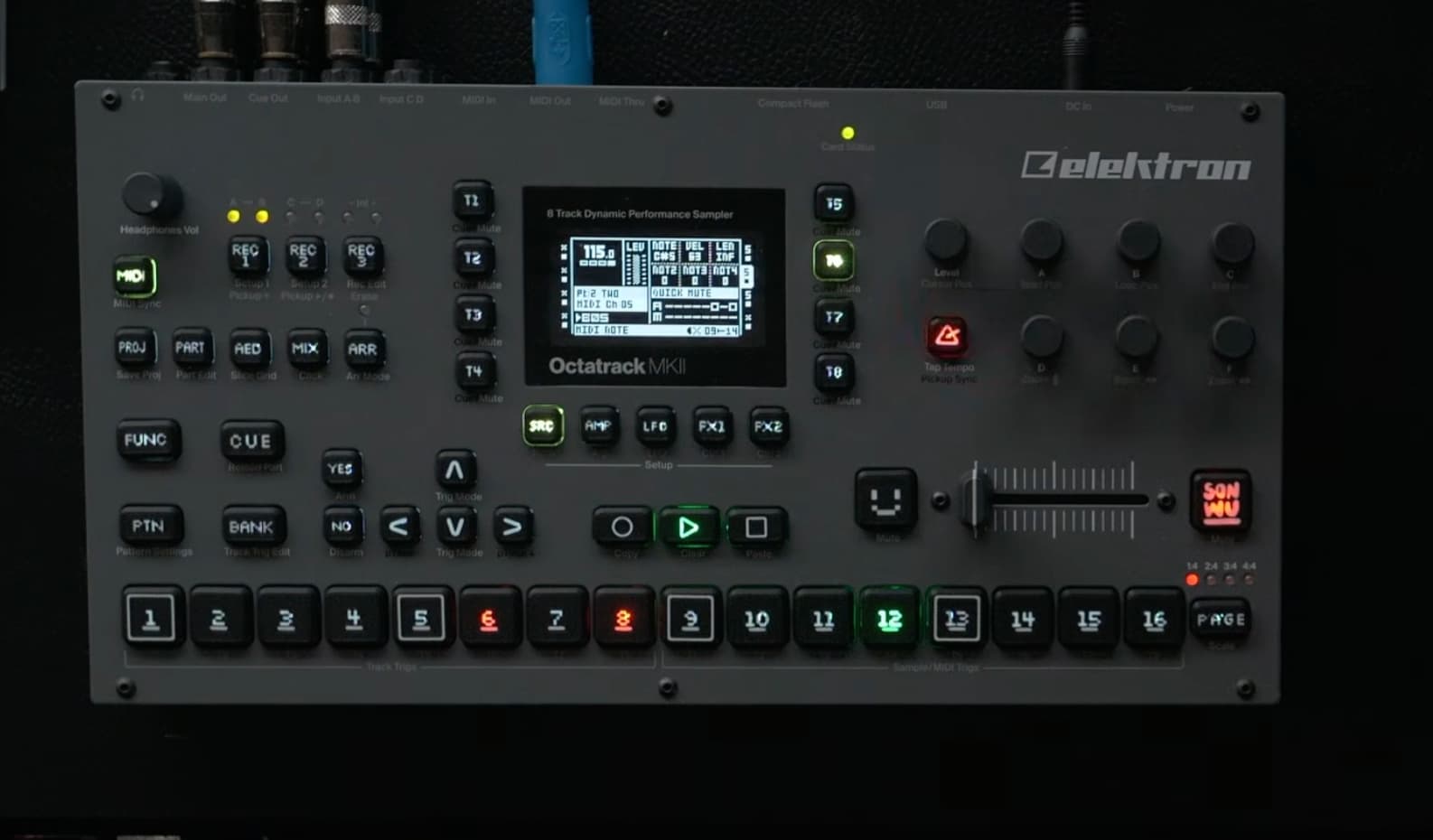
Current line-up.
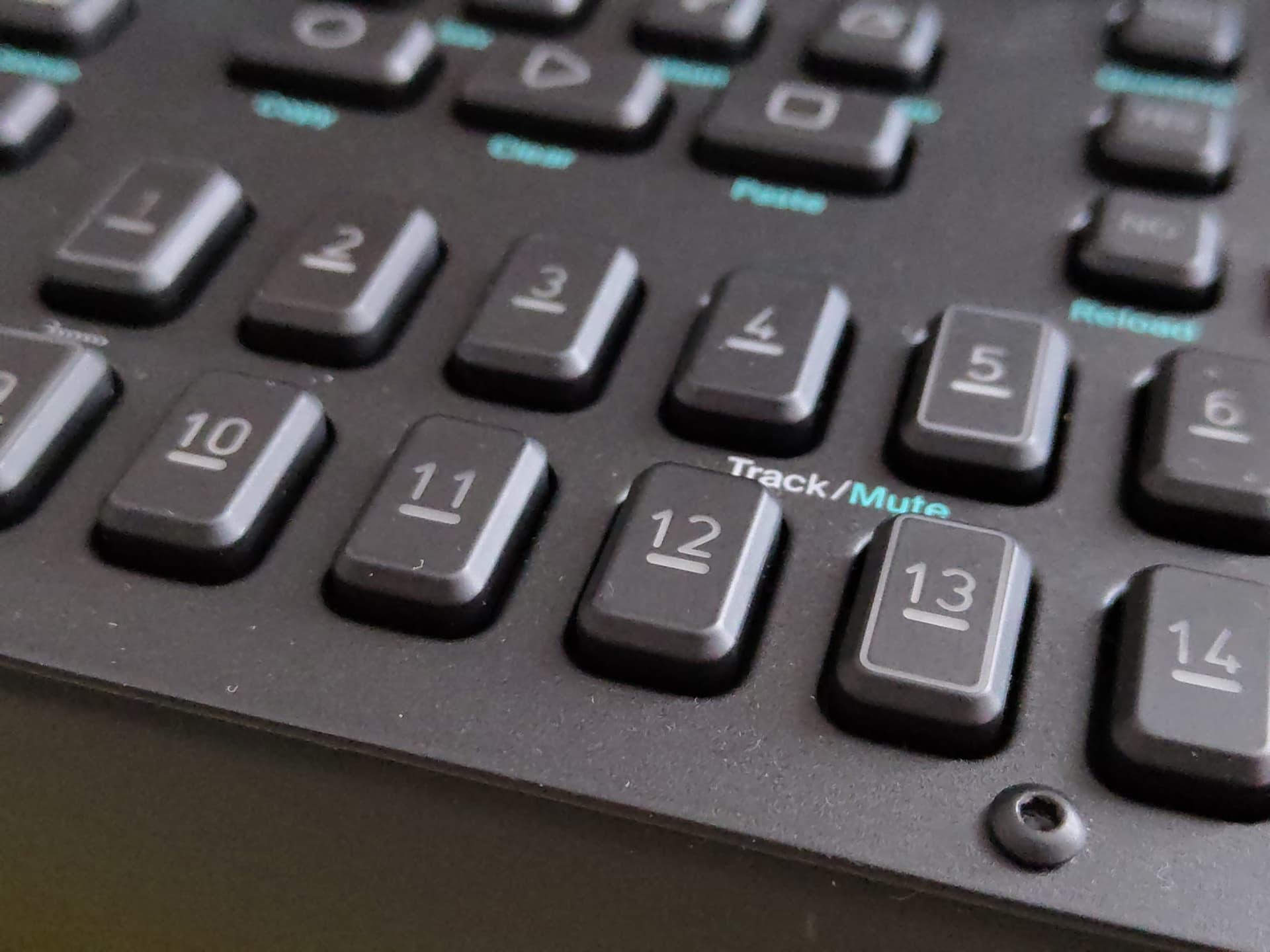
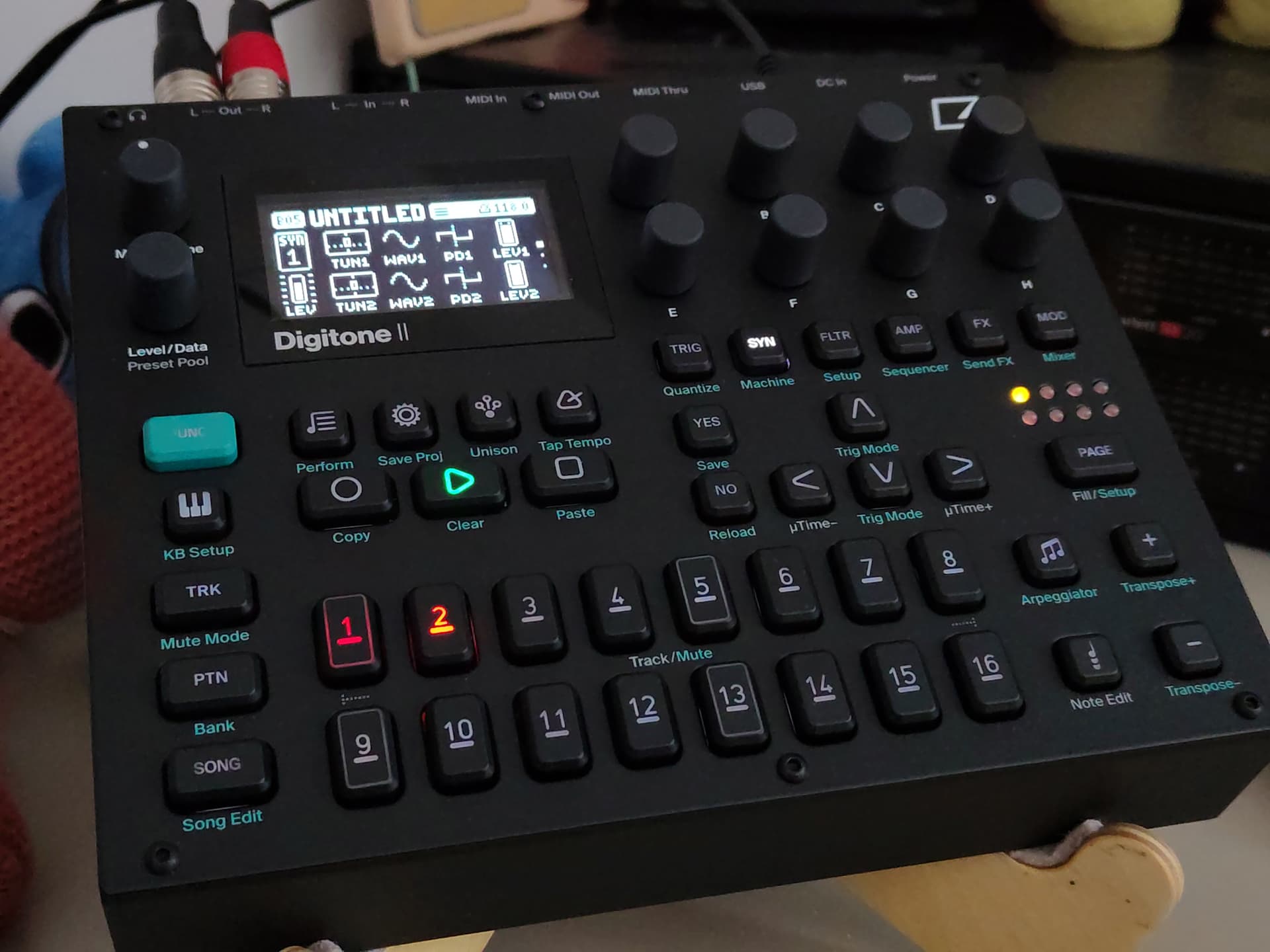
Finally the sticky button’s got me (again). Took just about 3.5 years. I have seen the offering from Elektron to buy new ones without goo. Can someone show a real-world comparison picture, please? The picture in the shop does not show any significant difference.
I also took some time to write a friendly support request to highlight the issue once again, hoping to be offered a solution.
Sure thing!
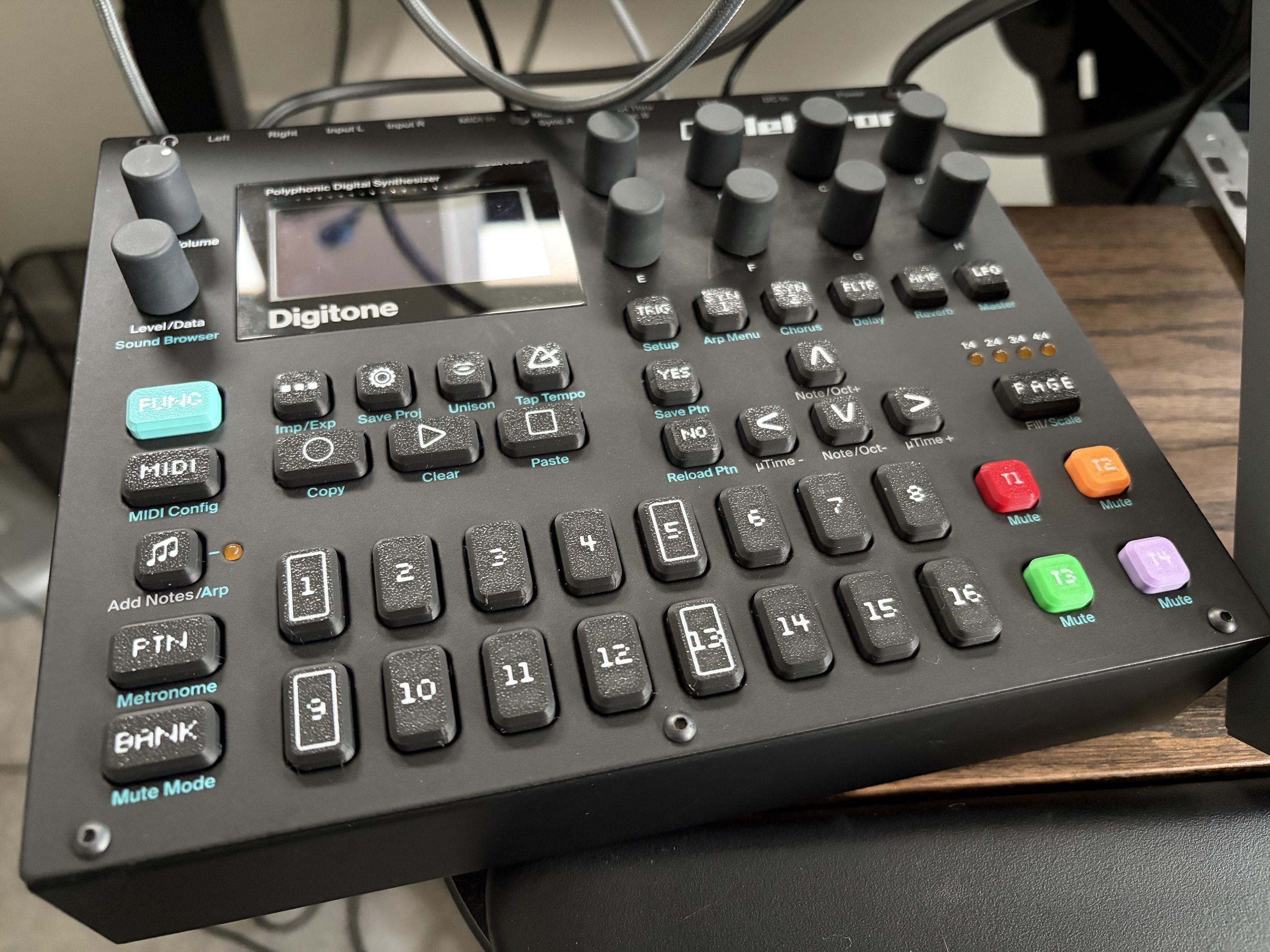
Digitone 2 (with the new smooth key caps):
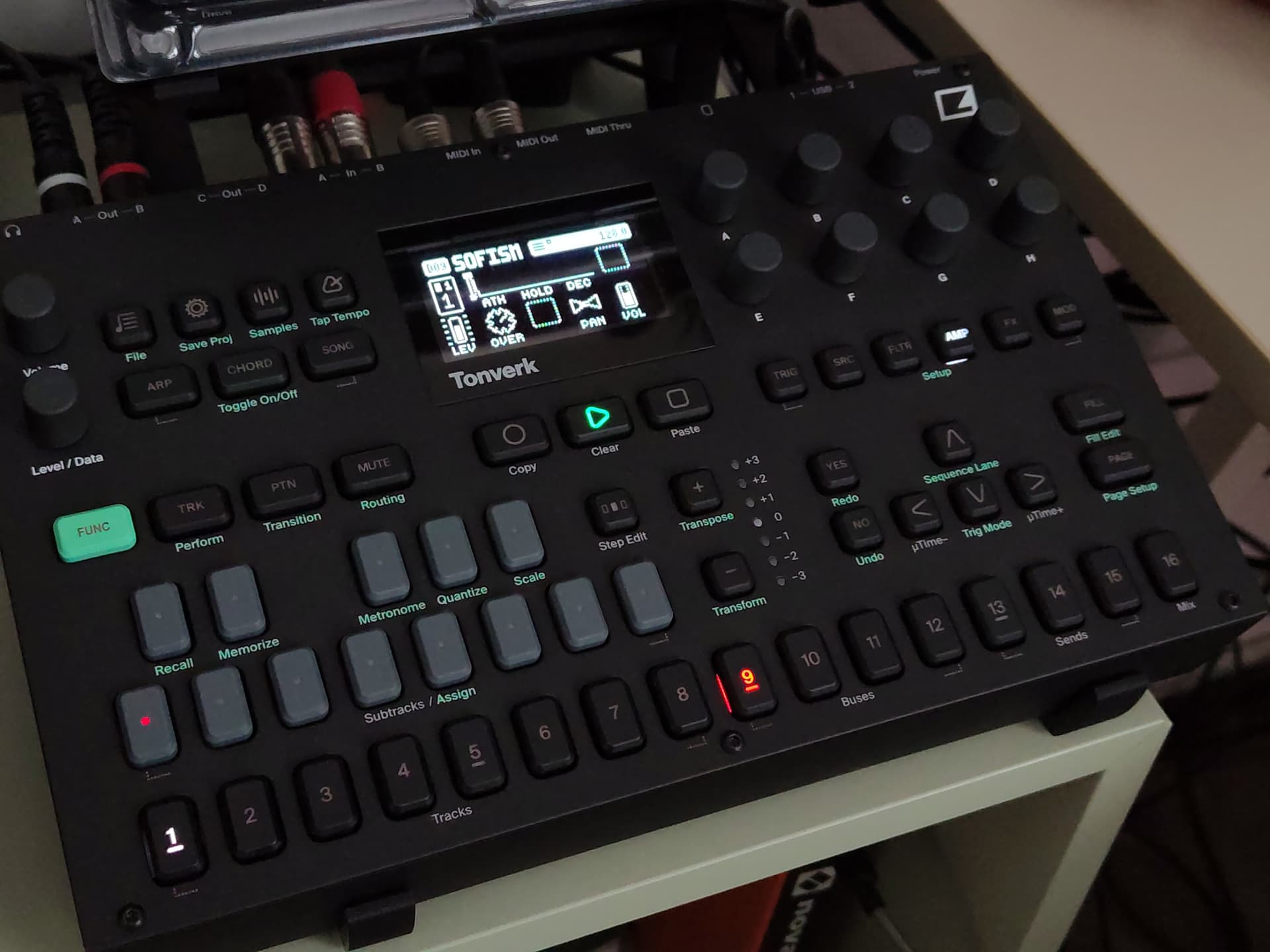
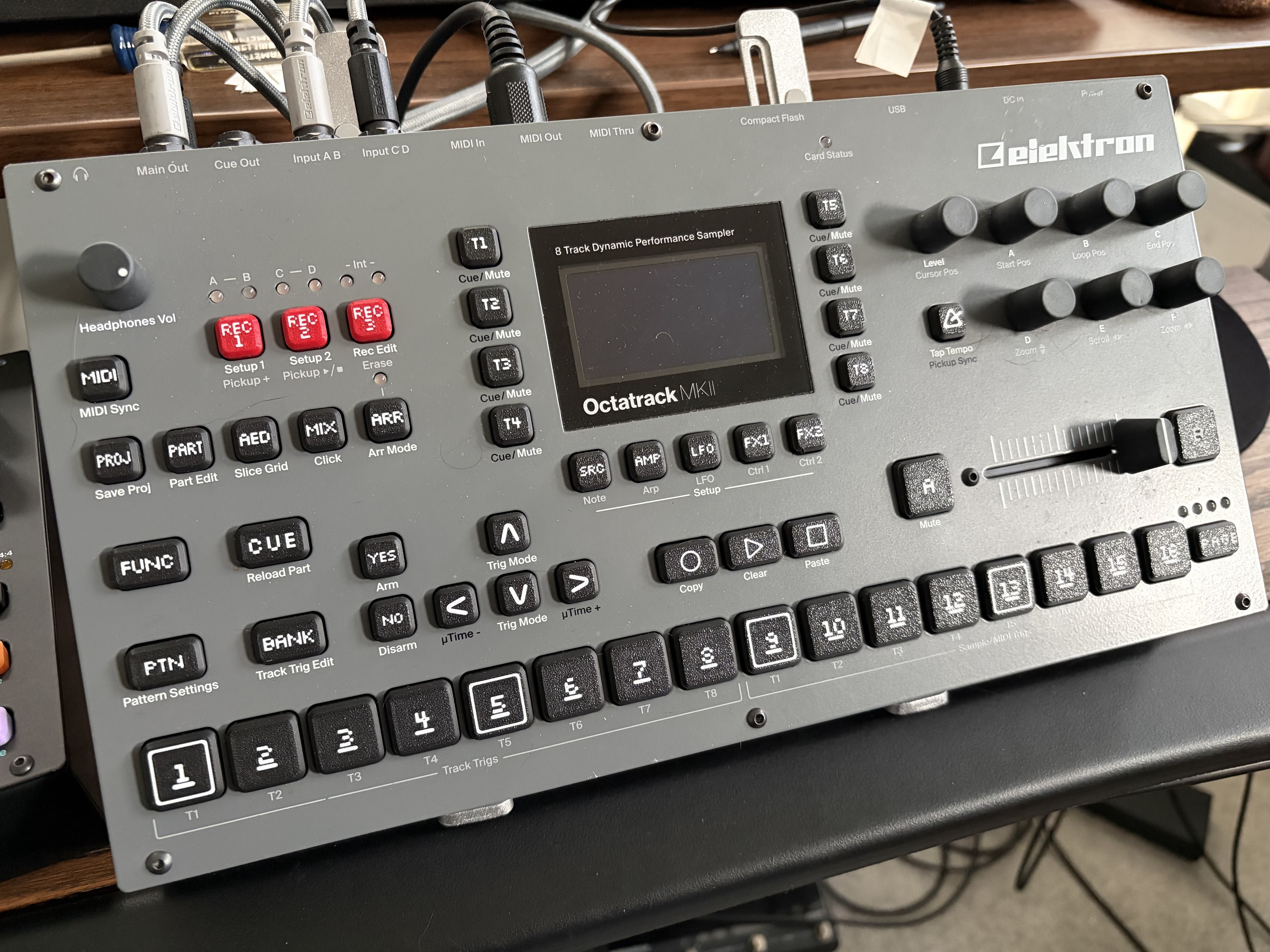
Tonverk (traditional gooey caps):
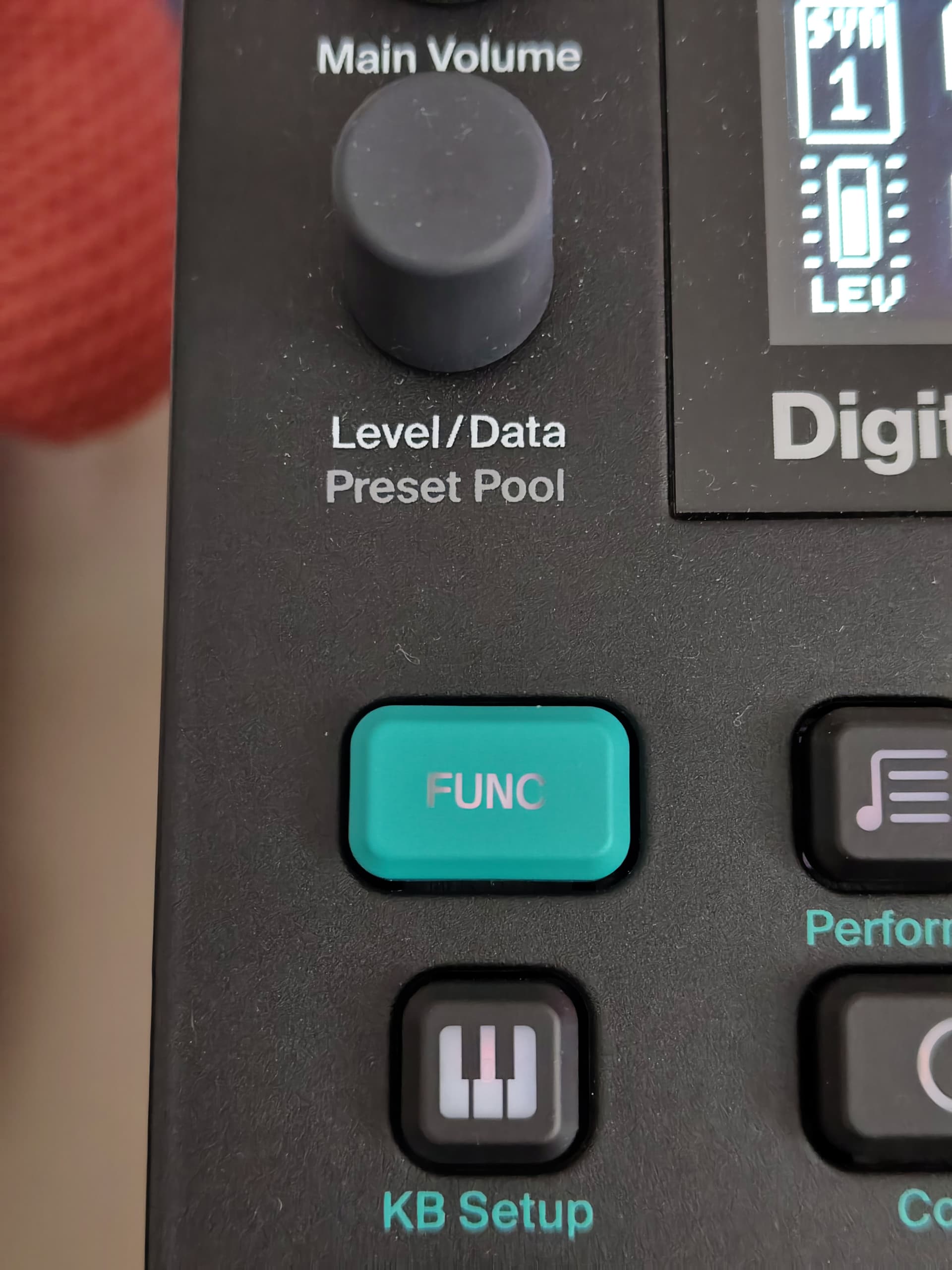
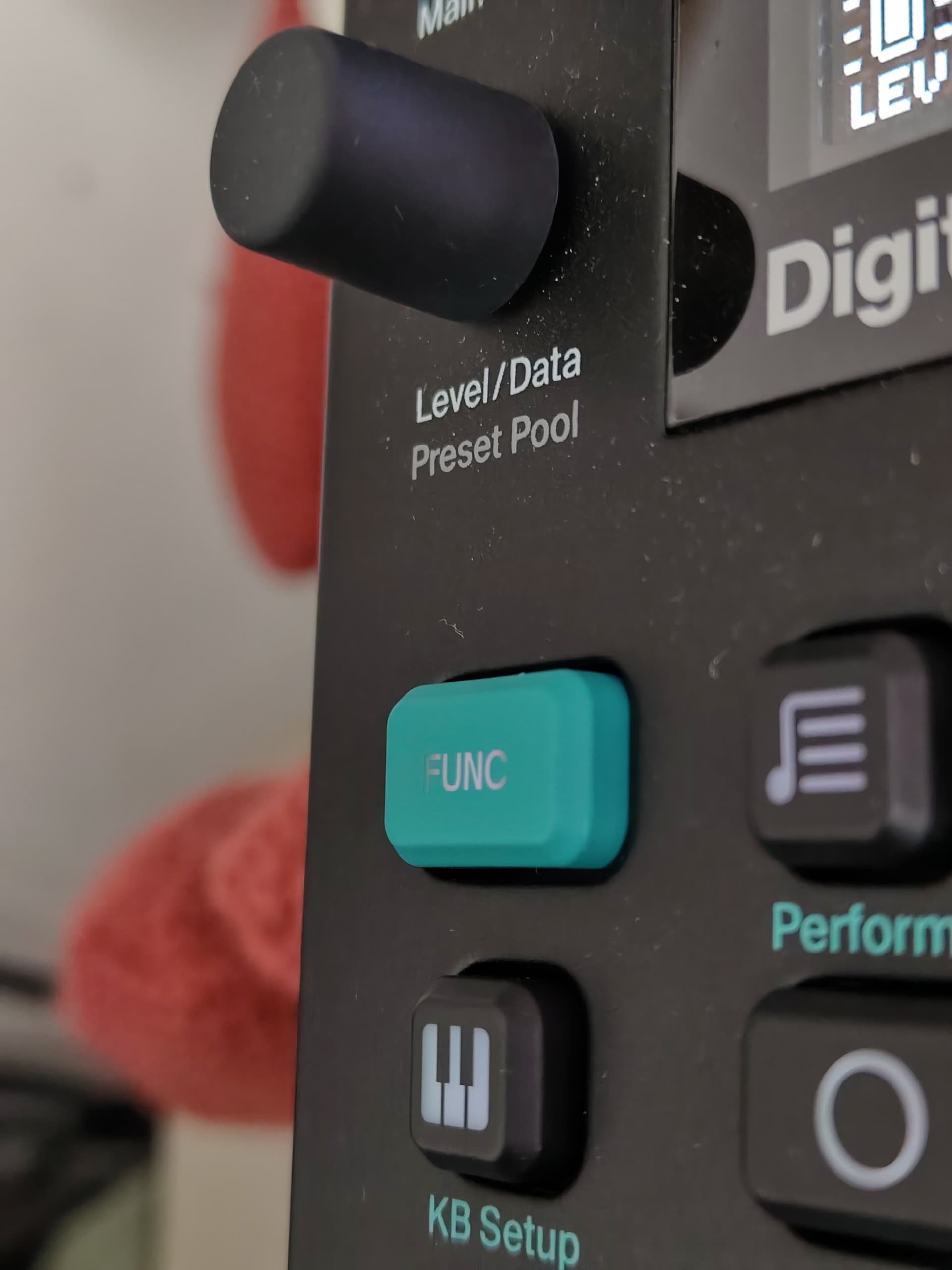
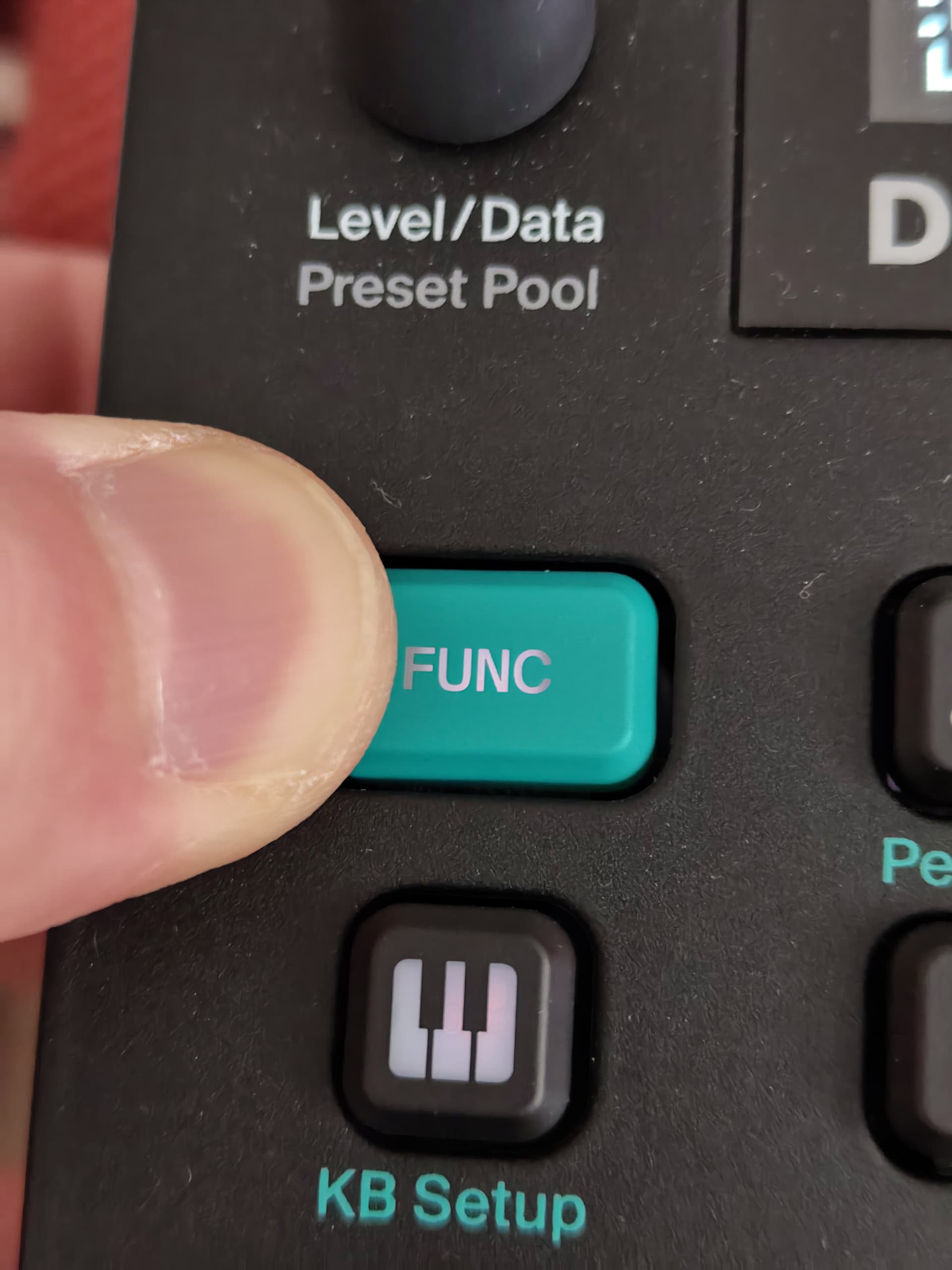
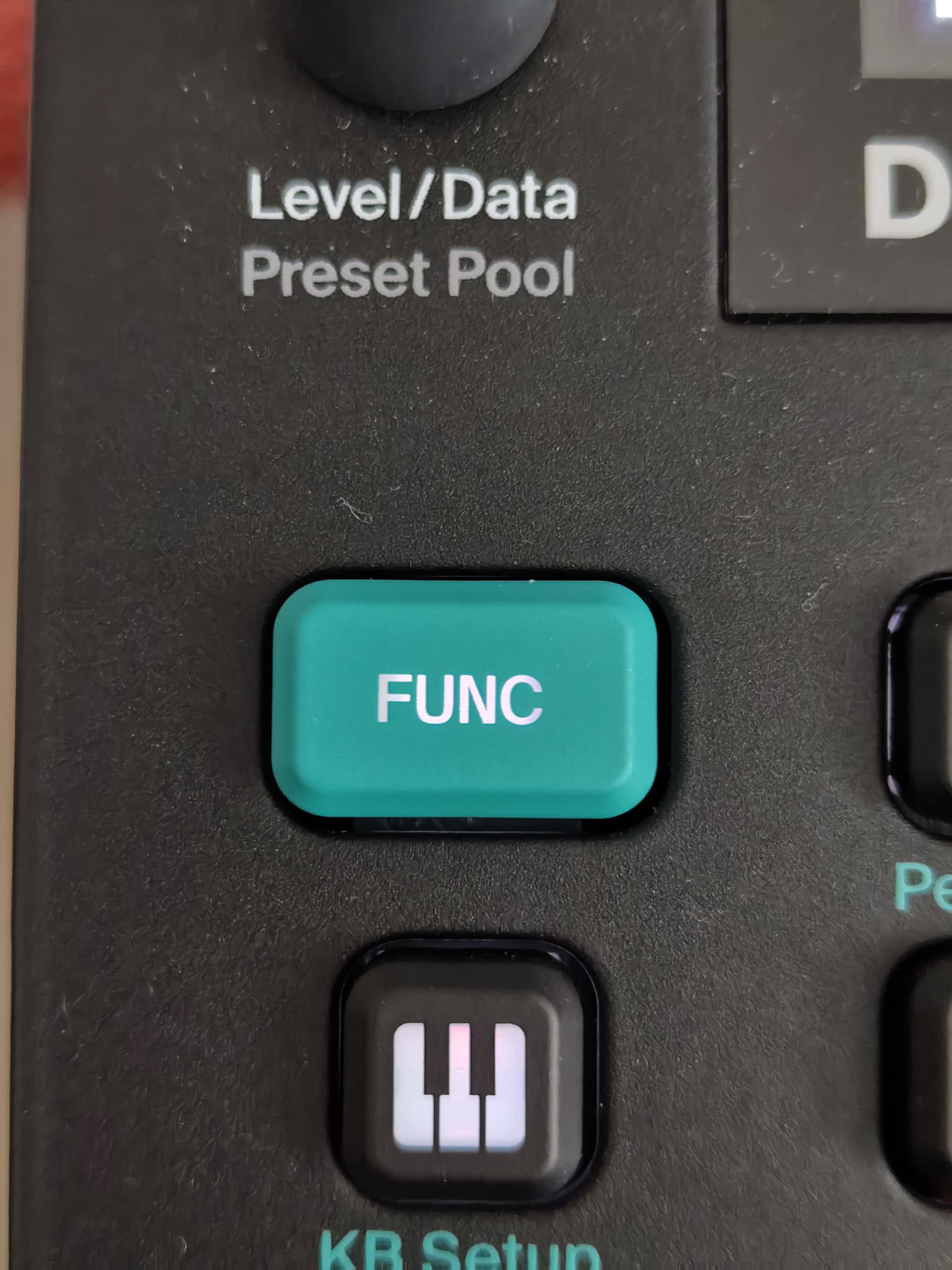
As you can see, the smooth caps look a tiny bit rougher, but otherwise identical. They feel very similar except of course, they are not sticky. They are not a cringey to tap with your nails, and make me more comfortable putting my hands all over the instruments. In fact, I’m surprised sometimes. I catch myself “chickenpicking” at the buttons to touch them as little as possible. Sometimes not even actuating them. On my DN and AH, I have to think “oh right, I don’t need to do that anymore!”. Can’t wait to feel that way about my Tonverk as well haha. I bought replacements for the Tonverk too. They just weren’t in stock when I first bought them for the DN2 and AHMkII.
Overall, I feel like the price is absolutely insane. Especially the 40€ before shipping I had to pay for the litteral TEN KEYS of my Analog Heat. Crazy stuff. Also, I’m pretty sure the caps are ABS rather than PBT. AKA, they will not get sticky, but they will get shiny and oily. Like older Elektron keys, or that shiny spot on the spacebar of cheap keyboards. This is most likely due to cost reasons and the need for transparency in the buttons of modern instruments.
So, it’s good quality, but quite expensive AND just trading sticky for shiny. Pick your poison I guess! But I’m glad I made the switch personally.
Note: I had to fully take the instruments apart to take the keycaps off. The switches are not using the MX (cross shaped) stem, thus the keycaps are reaaaaally in there. I’m sure they can be removed more easily, but I didn’t want to risk damaging the OG caps, or scratching the paint on the box itself. I’m glad I went this route after trying and failing the dental floss method. It takes 5 full minutes, but the instruments are pretty easy to service. A couple dozen screws and a ribbon cable and you have got a full disassembly, pretty much.
Looks nicer than expected, thank you!
The FUNC button on the second Digitone picture is still the original, right?
Nope! All replaced! It’s not melting though, it’s just that the new buttons transparency is sometimes a bit less consistent and the stem inside is very, VERY white. So, on wider keys that have a lot of text, it shows a sort of vignetting effect that is also on the OG caps. It’s just more apparent there.
I also run my devices at the lowest LED setting all the time. This vignette effect is much less visible at brighter LED values.
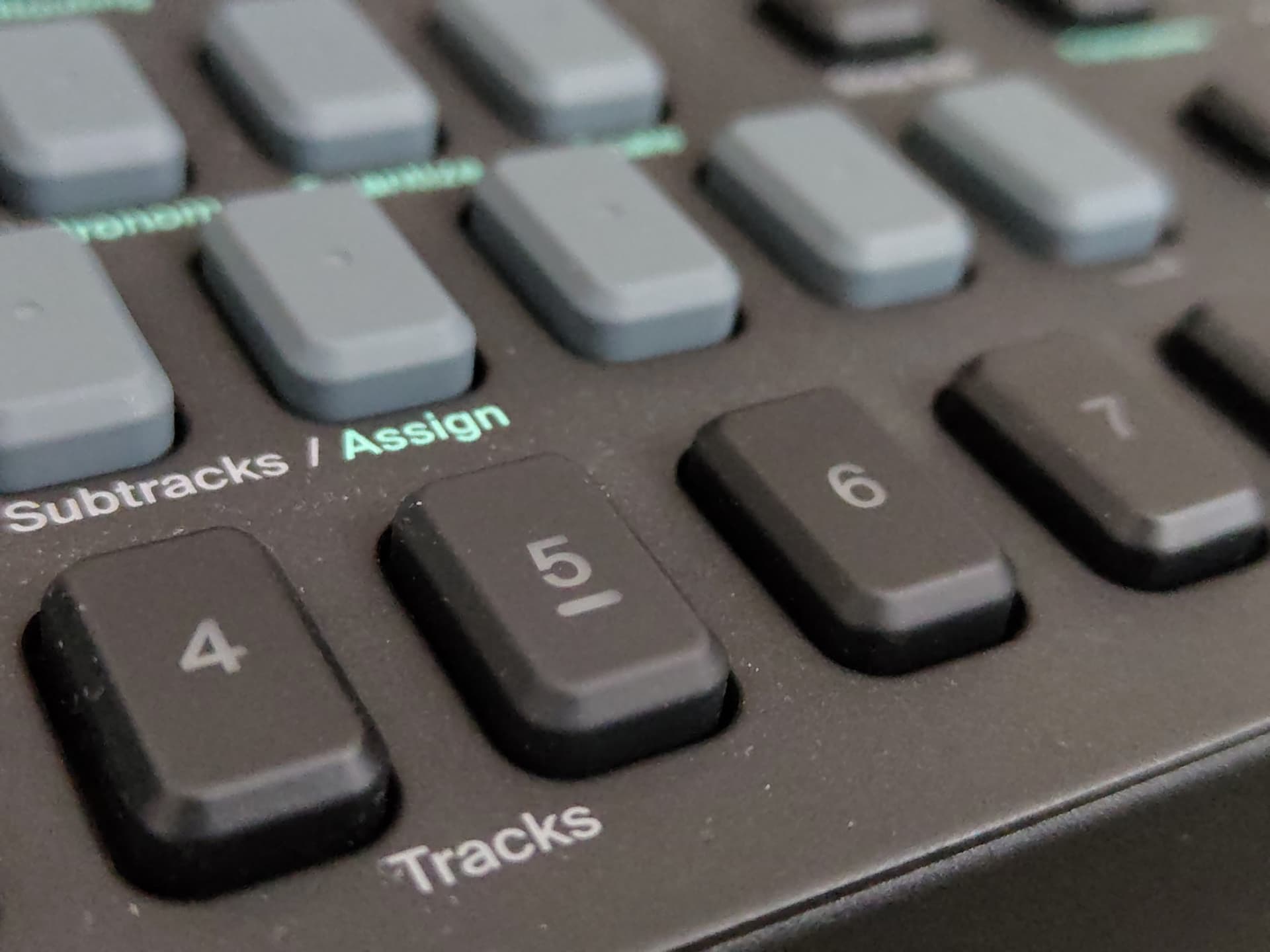
Front view:
Offset: (note the “C” is more visible as it aligns better with the white switch stem from this angle)
Front, button depressed:
Front, LED set to “MAX”:
my understanding is that you can remove the button with a simple credit card or similar thing
no need to open the machine.
at least this is what Elektron told me via e-mail.
did I misunderstand what you did?
No no, you got it right: I did open it. On my machines, there is just no way to stick a credit in the space betwen the caps and the shell, it’s way too narrow. I just did not want to damage anything, and I felt more comfortable actually opening the box than trying to forcefully remove dozens of keys.
edit: just tried it on my Tonverk and it indeed works, but I would recommend using a credit card you don’t care about anymore. It really bends it bad. Also, you have to catch the caps’ corner for it to work. It takes a bit of fiddling to find an angle that has the leverage, but doesn’t break the credit card.
edit 2: after more trying, I have no idea how one would remove the smallest square shaped buttons. It really feels like I’m scrapping the coating off of my buttons :s
edit 3: I did it, but yikes, I really hate how it feels D:
any dehydrated tiny spiders in there? 
Fortunately, no! All the spiders inside seemed to be thriving! 
 The DN2 did warn me about the sharcs though!
I did it on the Rytm Mk 2 and I used a fidelity card ( no credit card) and it worked quite well
it took not long to replace everything
and anyone who is worried about UV coating wearing off can always get the awesome buttons from @LaVernWinston
A guitar pick is my tool of choice. Really quick once you get a feel for it. No disassembling required.
Sorry but the type and meeting is 
Do you think spraying them with a (satin) fixative might help stop the greasey hot spots prior to installing them?