Bluebox, alas, doesn’t apparently do multitrack USB audio recording in, afaik. would be killer but my understanding from the discussions at 1010 forums is they just can’t make it work under the original specs
Yeah I’d probably be better off just sticking to a computer and then automating or making a macro to simplify the recording process.
I really want it to be as dumb as possible. Press a button and I’m capturing all channels over a long exploratory session. No screen. Boom. Stems on a usb stick or sd card.
Maybe a headless raspberry pi running reaper with some physical macro buttons to launch and record, stop and export to usb stick.
Or just keep things in the realm of PCM while recording then convert to wav. That’s a bit over my head but within reach and should be pretty achievable and well documented in that space.
I’ll think about how much I’d want this for a few weeks and maybe map out what it would take to achieve of I’m still into the idea.
Got one of these a couple of weeks ago and still getting the feel of it. Well, except that I ordered a few snakes to connect everything up via a patchbay, except I got the wrong ones so haven’t really been using it with hardware as yet except for guitars and plugging in stuff ad hoc.
But pretty pleased so far. Feel is good, it’s not super premium but solid, very clean and loads of headroom. I do find it kinda funny that probably I’m gonna be using plugins for “vintage analogue warmth” on this one. But it’s a really nice feeling to put whatever sound I’m working on up on a fader, early days but feeling fairly transformative right now.
Although, should probably have waited until the cables get here and everything is in place, but fwiw at this stage my reasoning in going for this over alternatives does seem to be panning out - it’s a console for routing things around and not a recording mixer like e.g. the Tascams and not a performance mixer like the Boredbrain or Jellymix. Which was exactly what I needed.
Edit: also, I don’t think I could find an answer to this on the thread before I bought, but it’s been handling Eurorack level signals without any issue for me - wasn’t a make or break thing but a nice bonus.
My computer is a MacBook that is gets used around the house and comes with me to work sometimes.
So I’m looking for a simple solution to multitrack recording without that main setup attached. Some of my best stuff happens when I’m just jamming with no pressure and it would be nice to capture that.
I should just settle for no multitrack for now and stick an SP404 on the end with skip back recording.
Still I might explore the raspberry pi option. It seems pretty simple to implement though I’m going to wait until I have some free time to start.
It might be a bit overkill and i quickly read thru the last replies in the thread but if you are looking for some kind of quick multitrack recording solution maybe the Outbox 8 can help to open up for more solutions since it can see all the BiG SiX channels from the USB and turn them into 8 audio outs?
Then you could also check out this app “Reel” that gives you 4 tracks to record to… i haven’t tested the app but i probably will since it seems really good. If i try it i will let you know if it works with the BiG SiX.
I’m sticking with the DAW for the most part but will get to experimenting with Push in standalone and the iPad at some point, for me another thing I’m really liking here is that it moves the focal point away from the computer and screen - probably helps that I’ve got it on a rack where I have to turn 90 degrees towards it. Again, really early days and I’m trying not to honeymoon post but it’s quite a different music-making experience even mainly using it just with stuff coming and going from the DAW over usb.
Btw I bought the Reel 4-track app and it is pretty neat. You can set up all of the 16 channels however you like it and have 4 track mulitrack recording with ease. Just connect the B6 with usb to iPhone and your all set… well you need to configure what channels goes to what reel first time of course.
I’m feeling kind of dumb. I re-wired some shit and now I can’t record the master channel into my DAW.
It’s possible I bumped or clicked some buttons too. I don’t think the actual rewiring made a difference in the USB output.
Any ideas? I’ve clicked everything I could to try to remedy. I can see all of the regular channels coming through just fine. I’m just recording to record the sub mix through the comp.
E: Somehow it was a DAW setting that fixed itself.
Got everything wired up last week and had some time at the weekend to get into it, was a bit nervous that it would all end up being overkill when there are far cheaper options, but honestly this is shaping up to be my single best / most important gear purchase. Honeymoon posting, I know, but right now I’d be surprised if this opinion ends up changing.
Running everything through a Samson S-Patch, means it’s a maximum of 30 seconds patching to bring any piece of hardware into play, or zero if it’s one of the pieces I have wired in. Mainly focused on hardware over the weekend having been mainly using the DAW before that, but it’s basically evaporated the difference. Previously, I didn’t really use my pedals other than as a conventional board with guitar going in just because of setup hassle. Now, I’m using inserts to easily set up pretty complex routings that were never possible with minimal effort.
Probably my only slight complaint is that it would be nice to have inserts on the stereo channels, but for how I’m using it this isn’t really a big deal. Bus B is hardwired to my S3000XL, completely transformed grabbing samples on it. As an aside, I’ve seen lots of people online knocking it as lacking character, but to my ears it’s vibey as hell.
Also throwing the S-4 and SP400 on the master insert. And a new lease of life for my severely underused Analog Heat. It think that all of my hardware is going to get used a lot more and differently from here on out. Also really nicely reorientates the DAW / computer and kinda makes them just another piece of the puzzle rather than the main event.
Again coming back to that thing of a console vs. a recording mixer, I haven’t been using it to record live takes off multiple boxes, if that was the thing probably cheaper options would have done it. For me it’s about tying the room together, quickly and easily routing things where I want them to go. Still a bit of figuring out left, but as of now would easily recommend for anyone who’s in a similar situation of wanting to integrate a bit of hardware but keeping the DAW as central brain.
Possibly this is more for the latency / sync thread, but wondering … how are people dealing with hybrid setups here?
When I’m running hardware only or sources coming and going from the DAW only it’s pretty much what I’m used to.
Where it’s getting complicated is mixing and matching. I’m used to running a hybrid setup, but in reality that’s meant feeding everything back into the DAW and using latency compensation / offsets there as required.
The way the Big Six has decentred the computer from this is really great, but monitoring through the mixer rather than through the computer pretty much negates the ways of syncing that I’m used to. E.g. I’m used to using overbridge with my Rytm and A4 but all a bit messy when I’m monitoring audio through the mixer rather than the plugin, similarly external hardware devices in the DAW assume all monitoring will go back through there. Which I guess I could do.
Current solution is just to use track delays in Ableton and the audio delay device in Bitwig to nudge things around to a place where they feel good and just go for it then nail it down in the edit once everything’s in the DAW. Possibly even recording the 2 bus might equally do it in some cases but it’s not really how I want to do things most of the time.
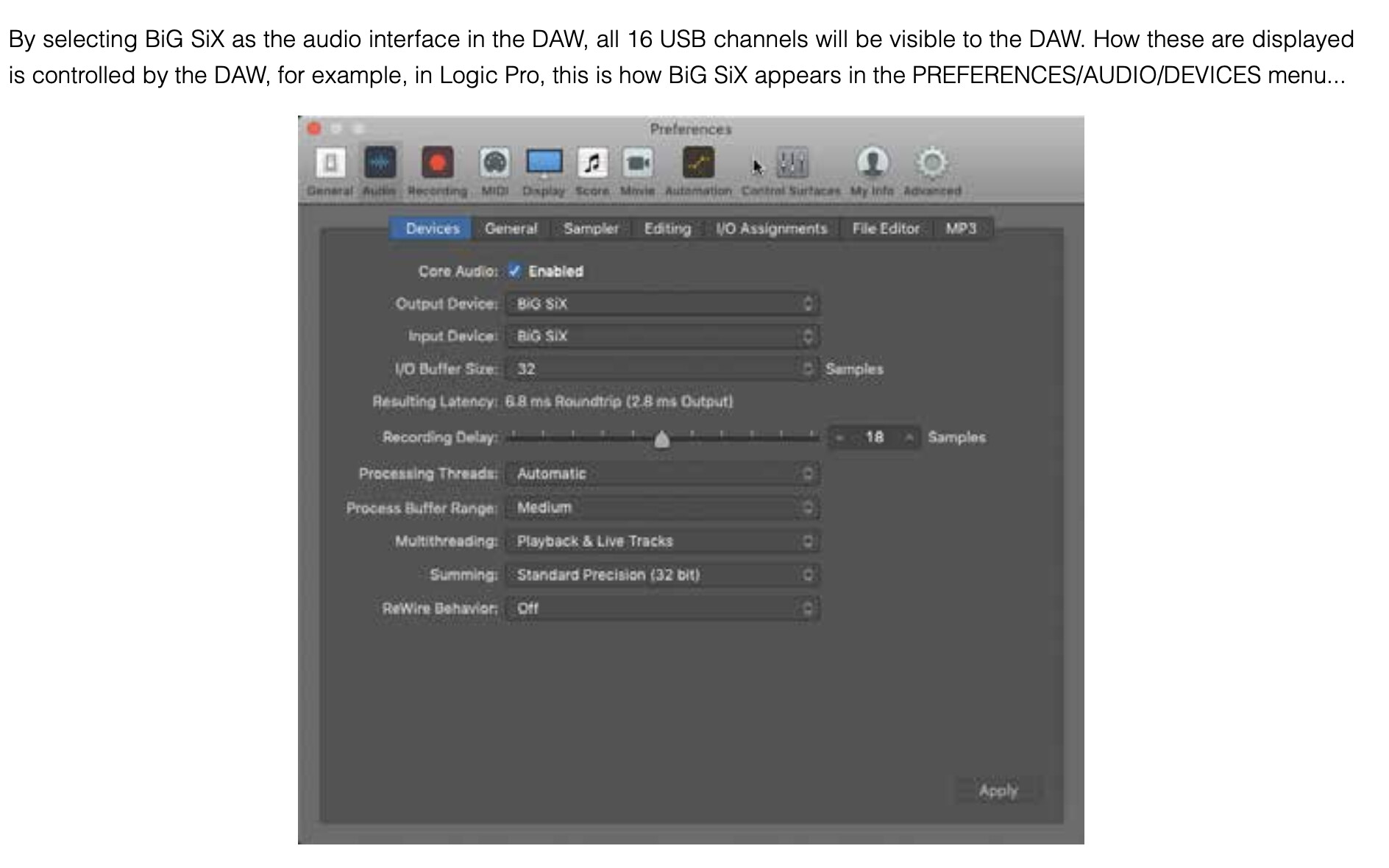
Big Six users - I’m interested in one of these to use with my AR mk2. How well does it work if I wanted to use my laptop for the FX sends? (sends go in to the laptop, through the FX and then back in to 2 stereo channel inputs). Is latency going to drive me nuts here?
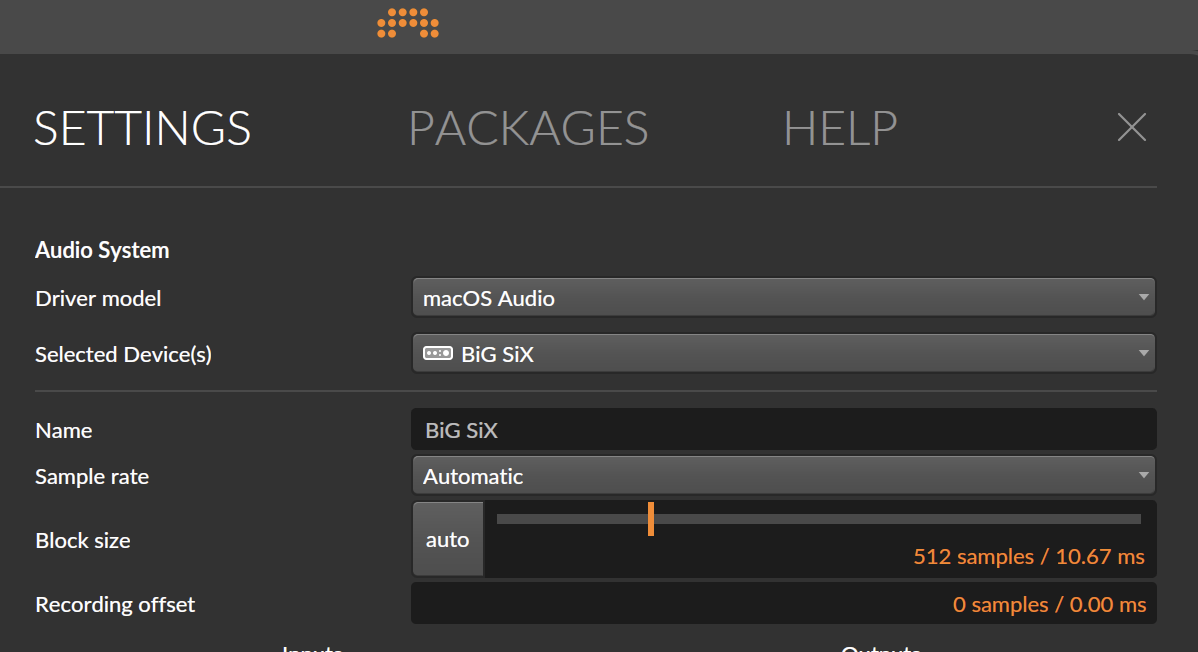
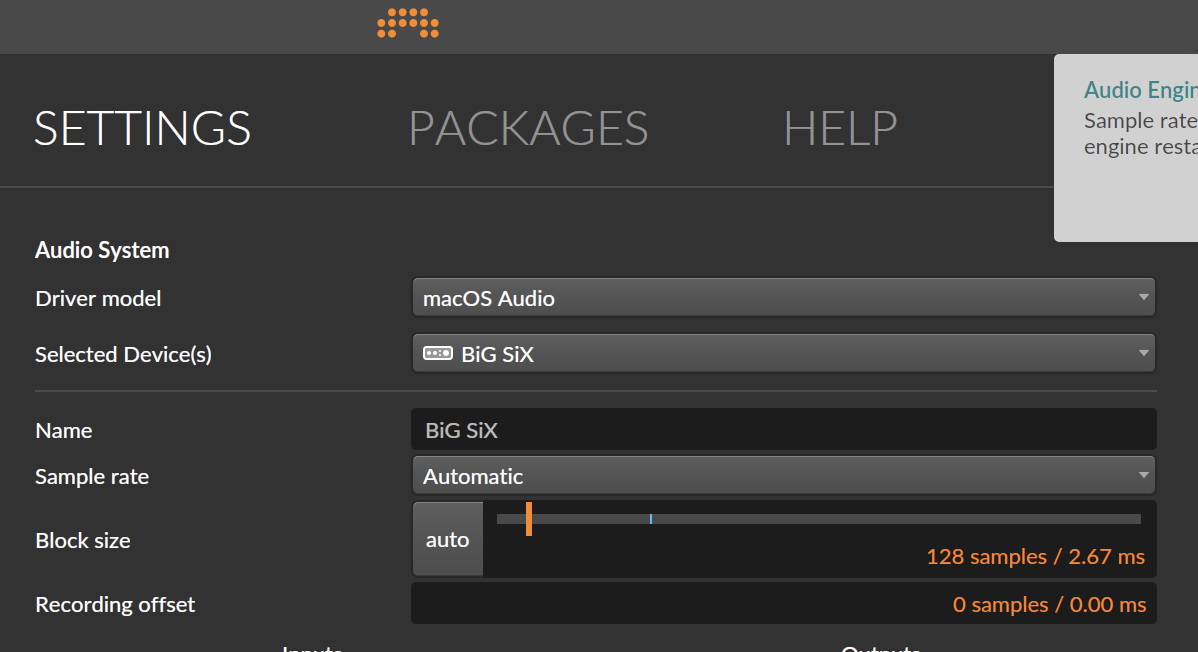
The round-trip latency should be about 3–6ms at low buffers so that should be fine for reverbs and delays (though I haven’t tested myself) and should act like a pre-delay of sorts. You can however experience some phasing if parallel processing so maybe best to handle the wet and dry signal in the DAW.