Can anyone help here?? Wasted so much time on this and there is very limited trouble shooting available anywhere. All guides online don’t mention what to do if calibration doesn’t complete. Expert sleepers don’t know.
Trying to simply calibrate then play a eurorack oscillator using a cv instrument from live via expert sleepers Es-9 which is also acting as audio interface.
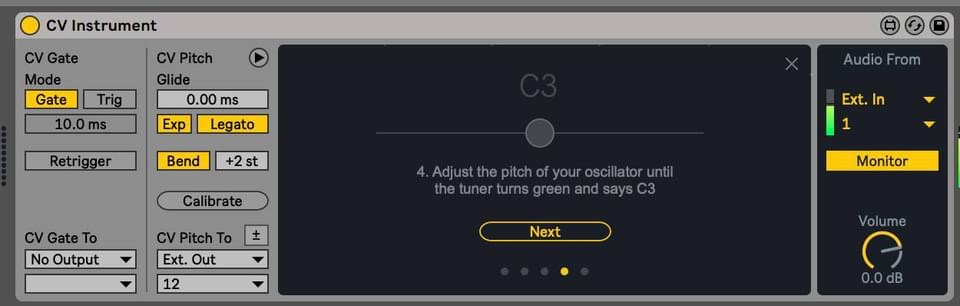
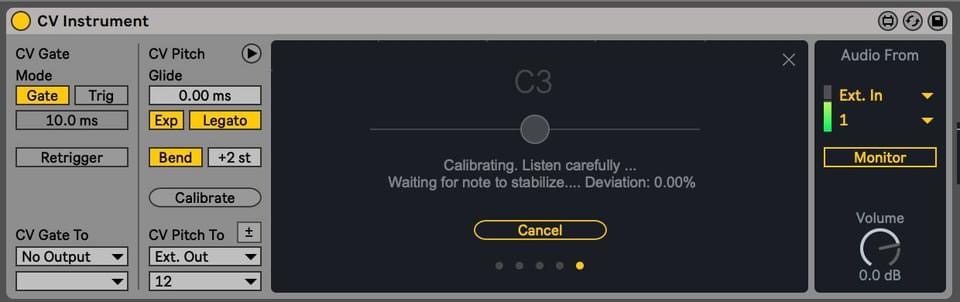
Can hear the pitch changing but the tuner doesn’t ever go green as it suggests in picture. If I run calibration it fails on the screen as pictured in other image.
That’s strange. Maybe Live’s Audio Input and Output Device preferences need changing?
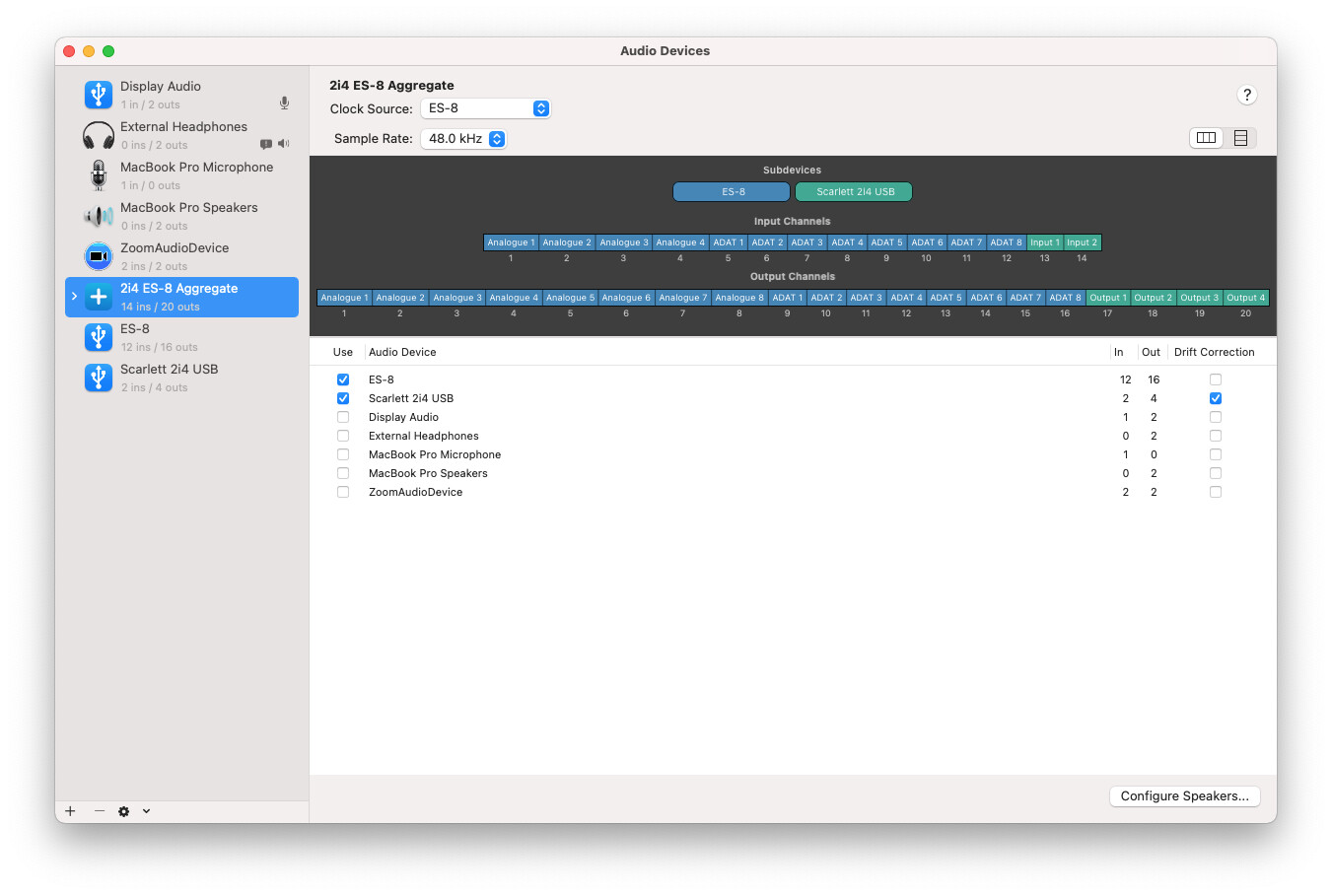
My setup is slightly different as I’m using an ES-8 and Focusrite 2i4 as an aggregate device. Sometimes I need to reconfigure the ins and outs or restart Live to get things working. I’m not familiar with the ES-9 audio routing/config tool but that would be the next thing I would check.
I reselect the Audio Input/Output Devices in Ableton Live Preferences as it tends to forget them (in my use case). If the ES-9 channels are showing up and active in preferences, you can rule out that issue.
For Daw use config tool can stay unchanged, it’s only needed for setting up es9 as a standalone mixer. It works well but I prefer the es9 attached to a DAW to record live jams or just for sampling a sound.
I use it with Bitwig and it works very well. Also have Live10 but never used it with the es9 [yet],…I need to reinstall it on a future computing device.
I have, thanks for suggestion. Gate is sending correctly can see it lighting up and have also patched it to an envelope to check and works.
It seems to not be reading the audio correctly for some reason.
Can hear pitch change during calibration (so signal flow is correct) and can see the audio coming back in but it just will not pass the calibration.
I have to say I’ve never been so unimpressed with Ableton. Shocking that there is NO info online re: what to do if calibration fails and NO info re: what to do if the tuner doesn’t ever turn green before beginning calibration.
If I’m still here tomorrow, bitwig it is and I’ll never look back as this has royally annoyed me. Extremely poor from Ableton.
Thanks have posted there. Bitwig has been calling for quite a while (no LFOs on return tracks alongside a whole host of odd restrictions in Live) but this may push me over the edge.
You shouldn’t really need the gate out for calibration, as long as the oscillator output goes direct into an ES-9 input.
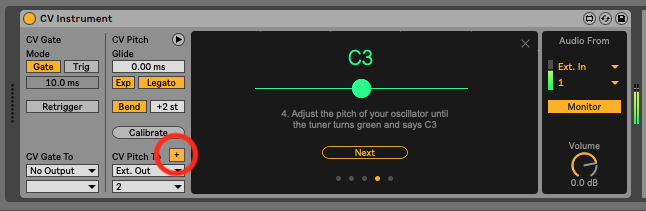
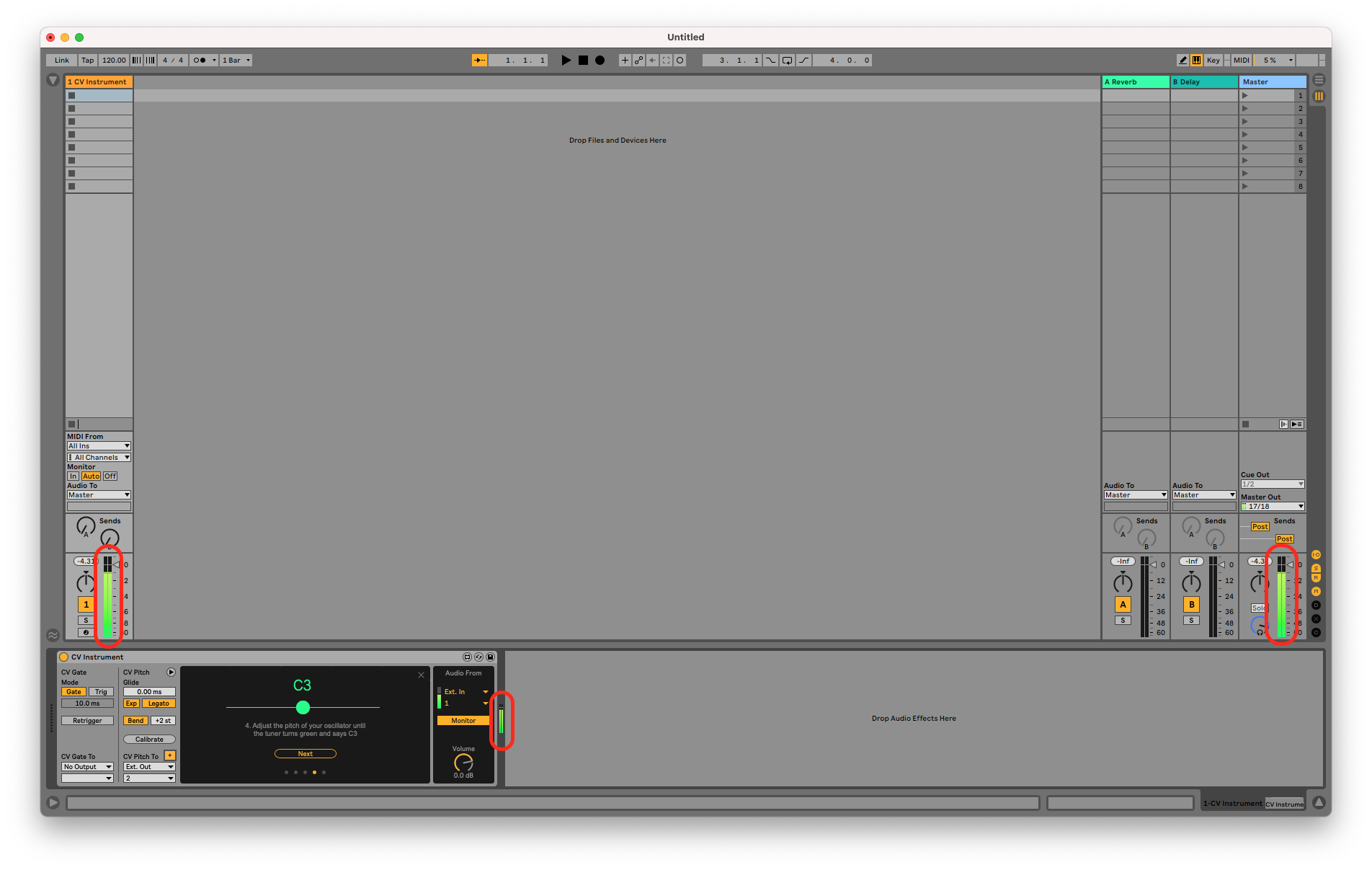
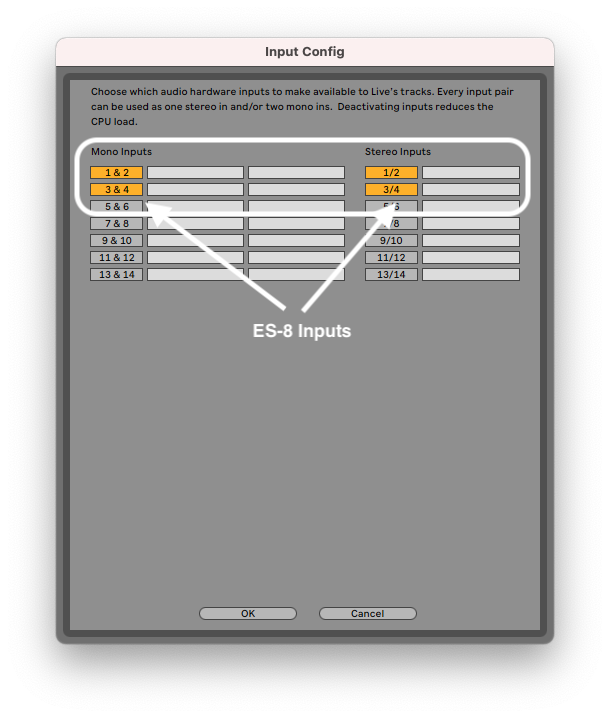
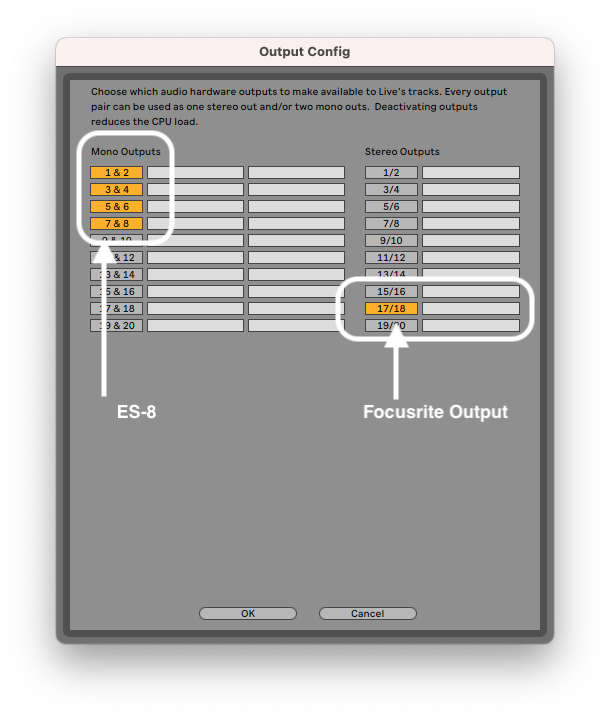
You mentioned that you can hear the pitch change but if you’re monitoring via the ES-9 headphone or L/R outputs, this could be misleading. Forgive the stupid question, but are all your meters showing green in Ableton, like this?
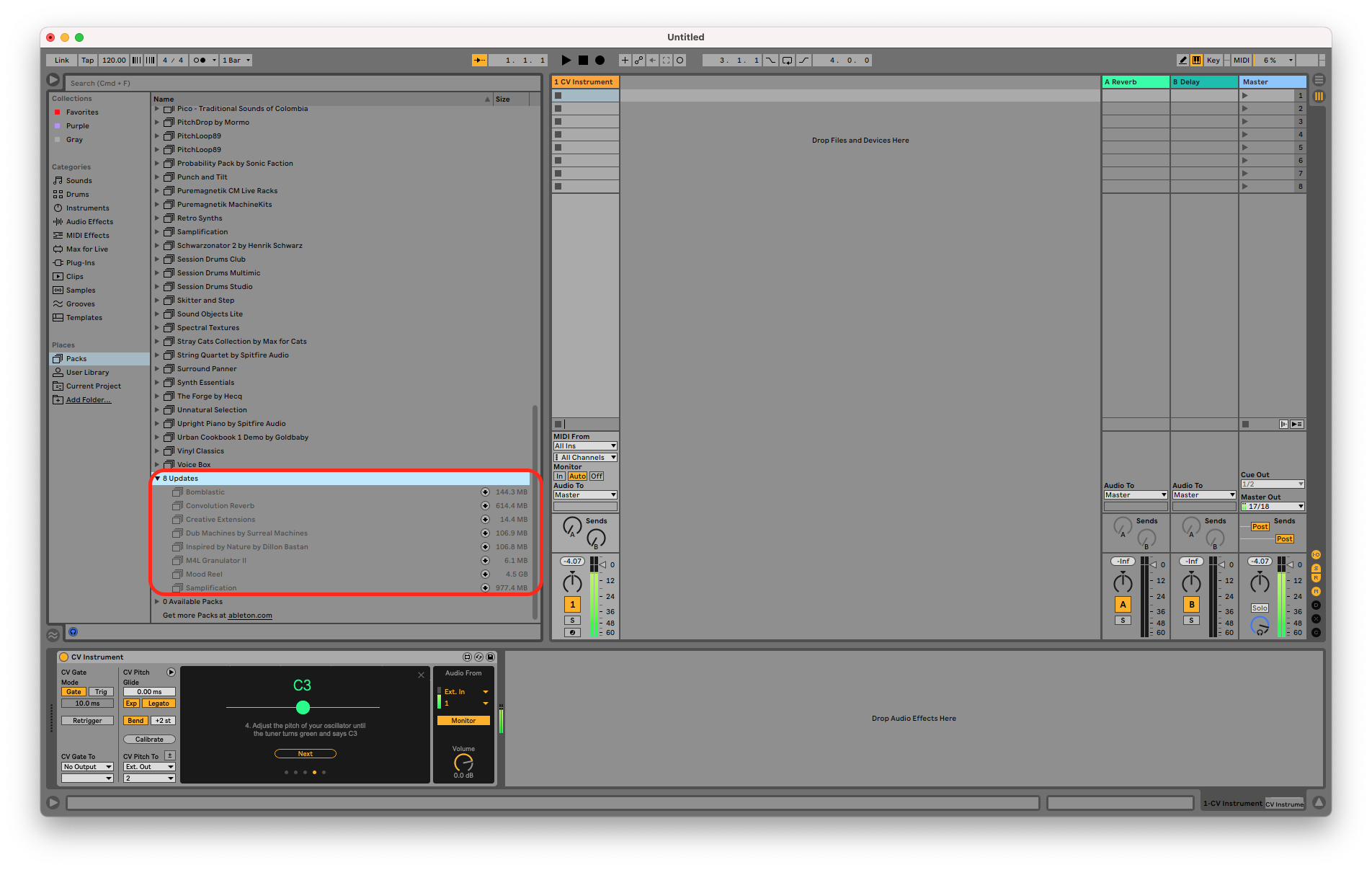
That’s very odd. I must admit, when I was trying to reproduce the issue. I did get a greyed out calibration panel like yours initially but that appeared to resolve itself after some changes to my audio device preferences and replacing the CV Instrument in the track with a fresh instance. The last thing I can think to suggest is checking to see if there’s a pack update available in your browser.
Thanks for this - is exactly as I have it - all mono IO is on and ES-9 is set for both IO.
I’ve actually managed to open my Live project in Bitwig and it works almost perfectly, some odd timing thing that I’m working out with their support, but as it stands it can play Live’s own sets better than it can itself as actually plays my Eurorack in tune