That’s a real bummer about the dropouts, especially kit reload which is a performance technique I’d want to use all the time.
2 Likes
Would snapshots be a viable alternative?
Saving a project (backup) is extremely slow, but saving kits/patterns/songs is very quick.
EDIT: The speed for exporting is OK, it’s doing a backup which is slow, if you have a big project, like the default one which comes with the unit.
1 Like
Ok but can you easily save/load a pattern+kit from one project to another?
You can’t copy-paste between projects, but you can export a project, which is reasonably quick, depending on how much data you have. You need to use EXPORT and not BACKUP. You cannot export specific patterns, kits, etc. It’s all or nothing.
Then you load your other project and using the IMPORT functionality, you can select what you want to import and where to save it.
1 Like
Ok thanks!!
And can you use the editor to rearrange patterns+kits from one project to another?
Any experience with the dedicated trigger out track, can it sequence eg an external bass synth with gate/cv or even MIDI (no ext HW pitch solution mentioned in manual - EDIT: download site says parameter details will be added to manual end of Oct)?
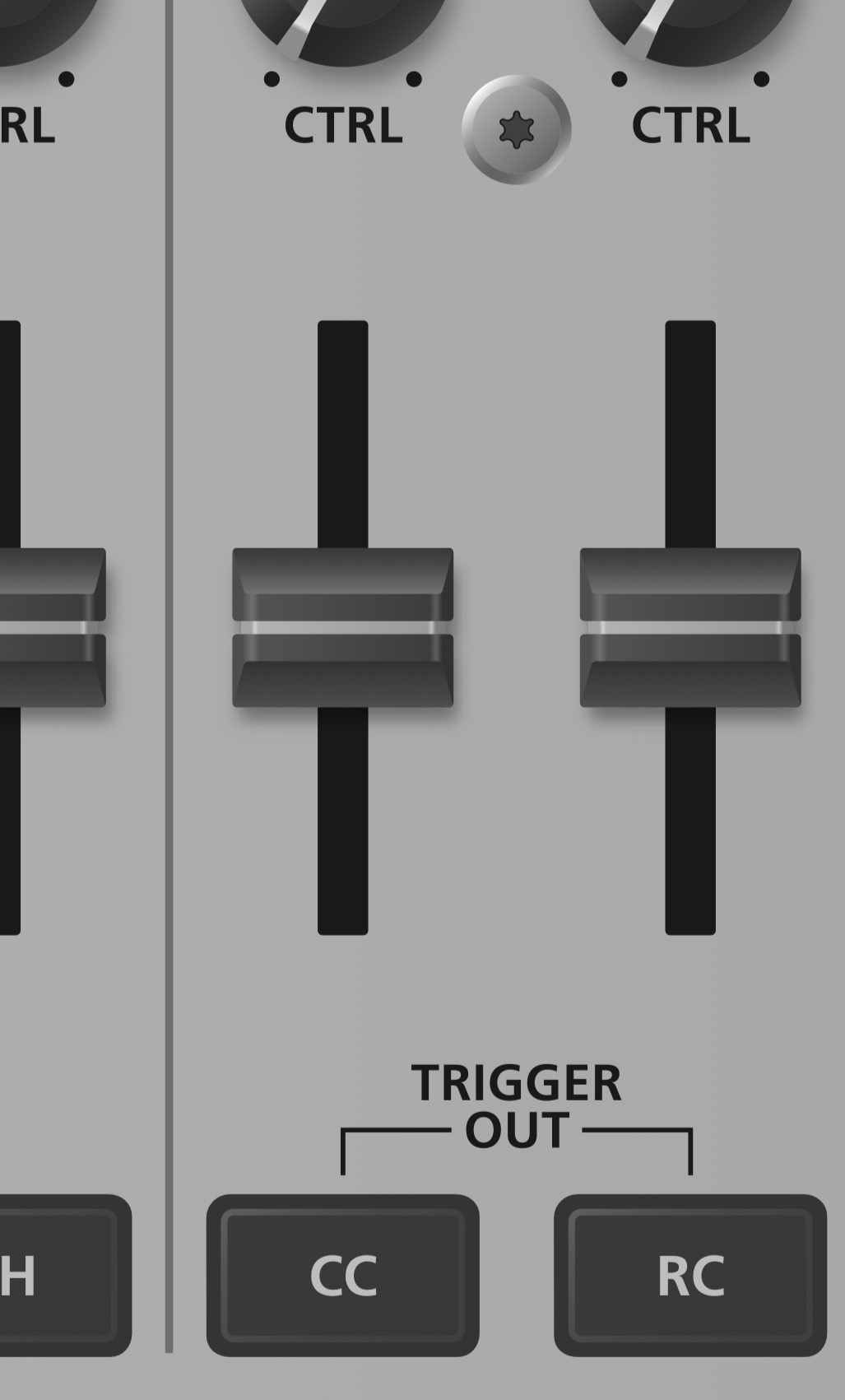
I don’t think so, because there is no project management in the app (sample management is there).
If you can download it from the RCM, then you can see what’s available. The app loads even if the device is not connected.
1 Like
PJ is killing it
31 Likes
How do I create a new blank project?
I can save my current project into a new slot but can’t seem to see how to create a new one.
I have over 200 sample slots in use but there’s no user samples loaded.
1 Like
Menu - Project (it will likely be set to factory Project 1) - choose the next number down (2) and then you should have a blank project.
1 Like
The scatter effect leads to surprising results. I gradually removed the effects.
6 Likes
I still haven’t figured out what to save before I power down. I know that selecting “write project “ results in a very long save time, even for something simple. I don’t really see much detail on saving in the manual. Anyone know the details there?
I usually choose “Overwrite” if i want to quickly save both pattern and kit. It definitely doesn’t take long to save so far for me. Maybe 5-10 seconds.
Maybe it takes long because you’re saving the whole Project instead of just kit and pattern.
2 Likes
Thanks. So just overwrite. I’ll try that. I think I’m selecting write project and it takes a while.
1 Like
Given that it sounds great out the box, how are you all incorporating this with external processing and/or do you anticipate any shifts with how you process externally?
1 Like
I use the effects on this, plus I also will send stuff to sends in ableton as well. I will probably do a bunch of combos, whatever is best for the track.
1 Like
Thank you! It was staring me in the face. I’d been on that page many times but couldn’t see how to change the project. I was twisting the wrong encoder.
To restate what was mentioned earlier about moving items between projects. I exported my project then imported the relevant kits / patterns: / instruments back into my new project with no problem.
1 Like
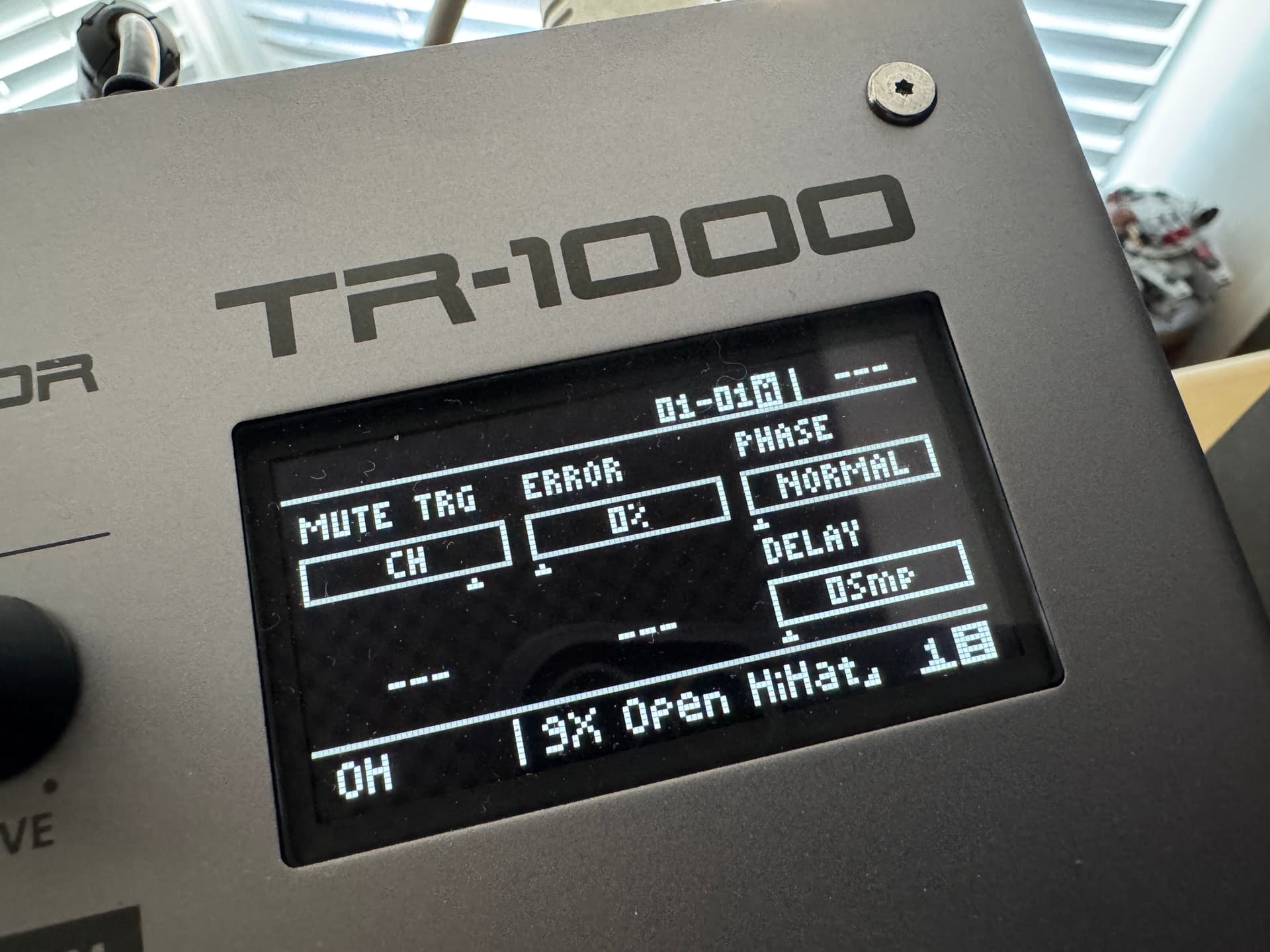
I must be going mad… where is the Choke Group at???