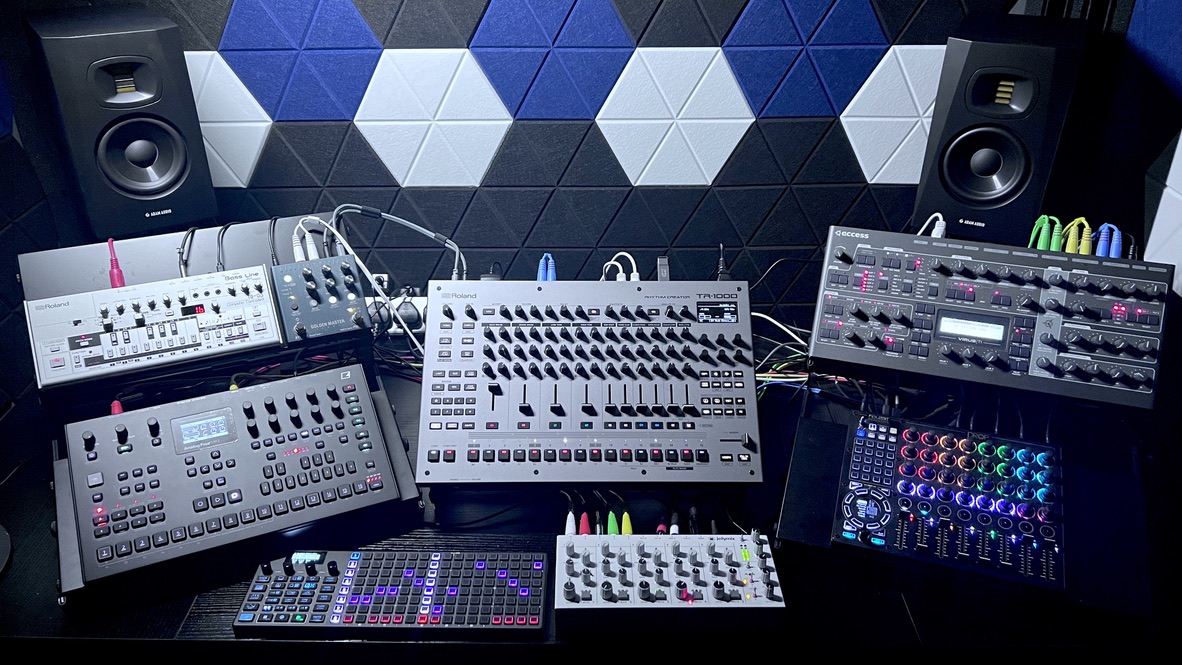
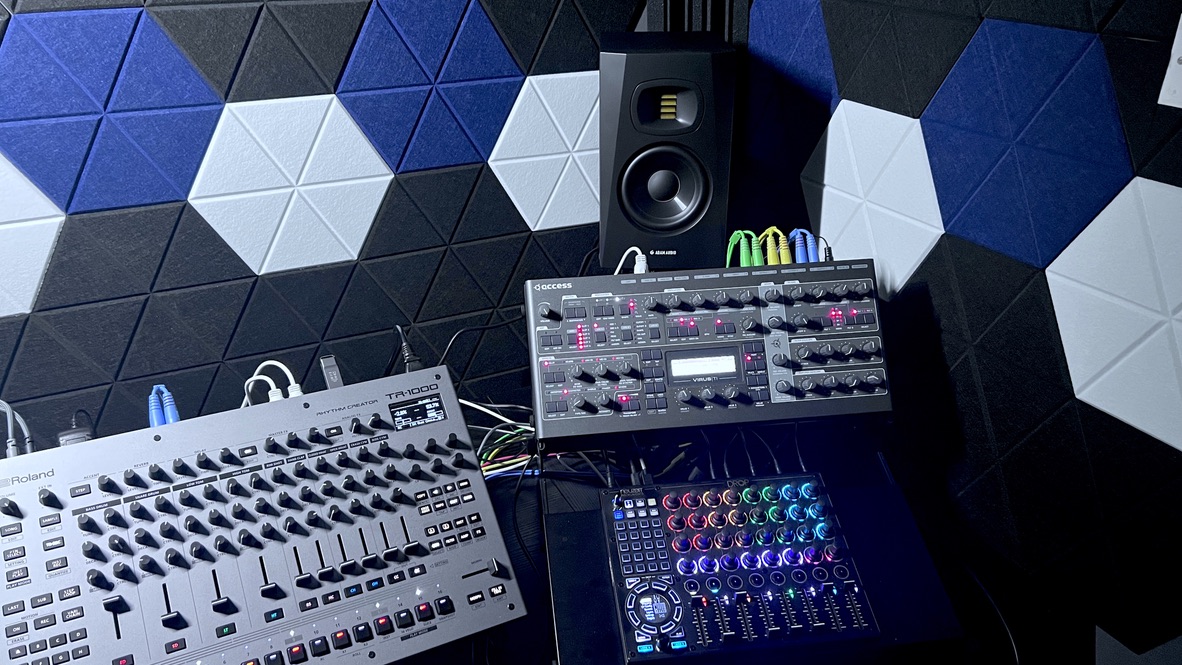
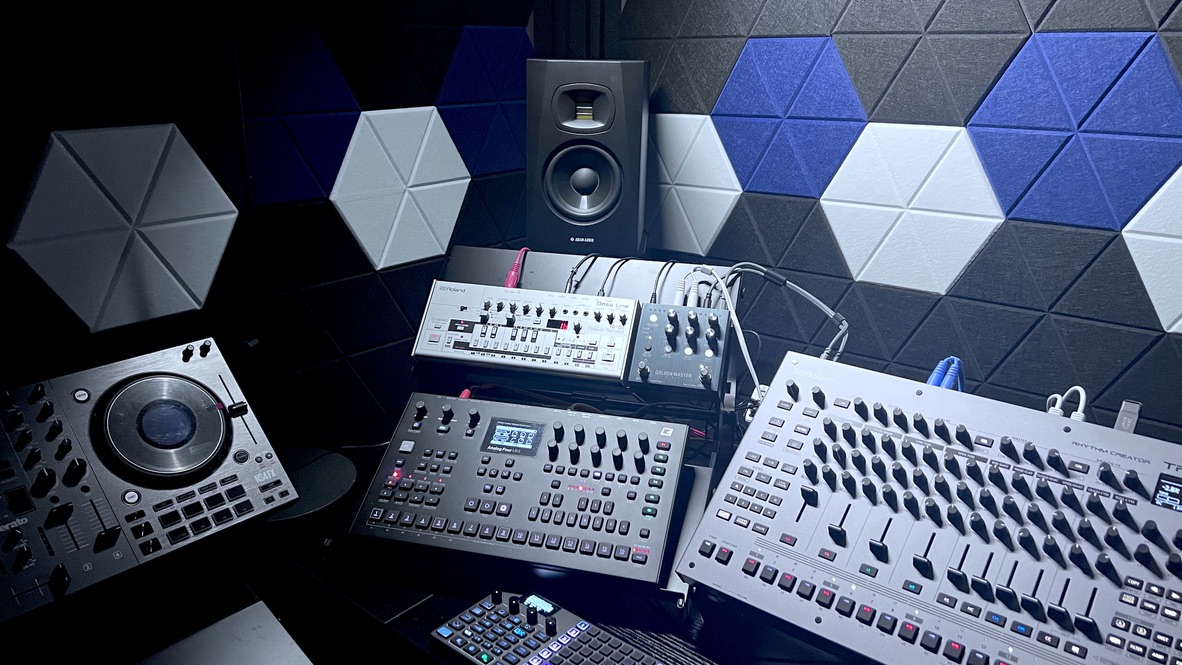
Is anyone pairing a TR-1000 with a 303 clone or related hardware box? I’m looking at picking up my first acid piece of kit and want to confirm that I’m not missing something about these units playing nice together.
I’m leaning towards a TB-03 (one is available used near me). I’d love something like a cyclone tt-303 or a x0xb0x or one of the niche 303 clones like an avalon or an OG 303 but I’m way too price sensitive. I could be convinced to try a Behringer but I try not support that company.
I’m making acid lines for techno and prefer simpler acid lines to more complicated melodies
I use a Dreadbox Typhon which can also do acid and a whole lot more. It can sound really nasty in a good way, with excellent fx included. Pairs really well with the TR-1000
I bought an Oxi One MKII last week and have been using it to sequence the TR-1000 alongside everything else in my setup. They work really well together. There’s an instrument definition available for the TR1K so all the midi CC’s are available and labelled correctly and I’ve been using the free TR-909 groove file from Samples From Mars to add shuffle.
Anyone able to run tr1000 audio over usb + elektron box in overbridge mode through the same thunderbolt hub?
There should be plenty of bandwidth, but the elektron box audio and transport controls don’t function when the tr1000 is enabled as an audio interface. It’s like the tr1000 hijacks it somehow. If I don’t enable the tr1000 as an audio interface the elektron box overbridge mode works fine.
I understand that the recommendation is not to use a usb hub, but this is thunderbolt that then breaks out to multiple usb ports.
It works when I plug the tr1000 into the hub, and the hub into a thunderbolt port, then plug digitone into the second thunderbolt port on the laptop, but I’d rather they both go to the thunderbolt hub.
MacBook Air m4, Mac OS golden gate
Digitone 2
Caldigit Thunderbolt 4 Pro Dock
Bitwig 6.1.4
I have a strange thing happening I hope someone can help me with. I’m trying to dial in a kick generator on Track 1, but when I trigger the sound via INST PLAY it sounds different from when it’s playing on a track via step triggers. When I trigger the sound manually via INST PLAY it sounds noticeably louder, deeper, and fuller than the same exact generator when it’s played via a sequenced track. All settings are the same, with no master, analog, or any global effects. Just a dry sound. It only happens on this track. Note: All the other tracks behave as normal. This is only happening on track 1.
An 8X Bass Drum generator sounds deep and full (like an 808) when triggered via INST PLAY, but when sequenced it sounds like someone making a P sound.
I’ve tried putting the same GEN on another track and comparing every single parameter, but everything is set the same, i.e,. the default settings of the GEN. But sequenced the tracks still sound different.
I was going to say it might be the electronics not having time to fully charge during the sequence between hits. I’m sure someone here knows what that does to the sound better than me, but I also think that’s a relatively subtle thing.
First question in my mind is is the sound being played in isolation or are there other things playing at the same time? Does it sound the same solo’d versus with other things playing?
Is there a lower velocity set on track one’s triggers? Maybe you set up a ghost note somewhere and accidentally set that as the value for all the triggers.
If it’s neither of those, might need an audio sample. I’m about to head to bed, but I’ll look at it in the morning.
Thanks @mprinsen and @White_Noise, velocity was a good idea, I hadn’t yet checked it, but the steps are all at the default of 80 on both tracks.
Does anyone know if there’s anything fundamentally different about the layered tracks? Like, are the default volumes lower? It sounds to my ears like it’s more than just a volume thing, but not totally sure. It’s driving me crazy.
I tried to upload an example but wasn’t successful. I only have my iphone with external record so it didn’t sound clear enough.
Okay, we all knew it was going to be something dumb. The ONE thing I hadn’t compared between tracks was sidechain. For some reason I had side chain jacked up on track 1 (probably from a previous instrument).
Got some new monitors delivered this morning from G4M so just been having a listen hooked up with the TR-1000 and TB-03 for a bit. I really like the sound and they’re perfect for the room size I treated.
Thanks mate. What helps me is the Drop I been mapping all the controls of the synths I have which is 4 so it’s perfect because the Drop has 8 layers total. Saves having Octopus hands as well as I could just press play and control everything from the Drop if I wanted to do that.
I have 2 layers assigned to the TR-1000 the great thing is that the Scatter for example, I have that assigned to 1 button turns it on and off then I have 2 sliders controlling amount etc. I can’t randomly hit the slider on Drop without even touching the TR-1000 so anyways it’s great because if I have a slider at midway on the TR-1000 and I move the slider on Drop it only adjusts the sound once it hits the level that the slider is on the TR-1000 this works vice versa it’s a godsend same goes for other synths I have x2 layers each for the Virus and Analog 4 and just 1 layer for the TB-03 as it only has 10 midi cc’s I think. Happy days tho this TR-1000 is the beast.
I had an issue similar to this. There is a “Play Velocity” setting. Press [SHIFT]+[INST PLAY] and you can set the velocity of trigs in INST PLAY mode there. This is different than the “Normal” and “Weak” velocities used by the TR-REC mode, which are editable in the Project Settings menu