No, I don’t think so. I have to try with external midi tomorrow to be 100% sure, as far as I understood you can play all pads on one channel, with fixed pitch, or(/and?) play selected pad chromatically on another channel, plus 4 granular voices.
2 Likes
@handed I made tests with P6 and DT2 as external midi source.
Here is what I observed. Please correct me if I am wrong.
Granular polyphony is 4 voices, independant from pads (sequenced or played live)
P6 sequencer is limited to 8 voices per step for samples (8 pads max, 8 notes of a pad max, 8 slices max and all combinations possible). Up to 16 voices polyphony with overlap.
Without notes on the sequencer, you can play 16 voices internally or with external midi.
There are 4 distinct midi channels for different purposes (you can change their value)
- Granular channel (#4) : plays granular engine, recognize Control Changes
- Samples channel (#11) : plays pads
- Auto channel (#15) : plays selected pad chromatically, recognize CC64 (sustain pedal) and CC39 (Level)
- Program Change channel (#16)
From external midi you can play granular, pads, selected pad (chromatically) all together, on their respective channels.
P6 sequencer have priority over internal or external notes. Sequencer sends midi notes, and Control Changes with granular track, which seems the most appropriate to sequence external gear.
You can input notes on steps with external midi.
When you record, FULL is written when you reach max polyphony.
9 Likes
Excellent, thank you, good to know
1 Like
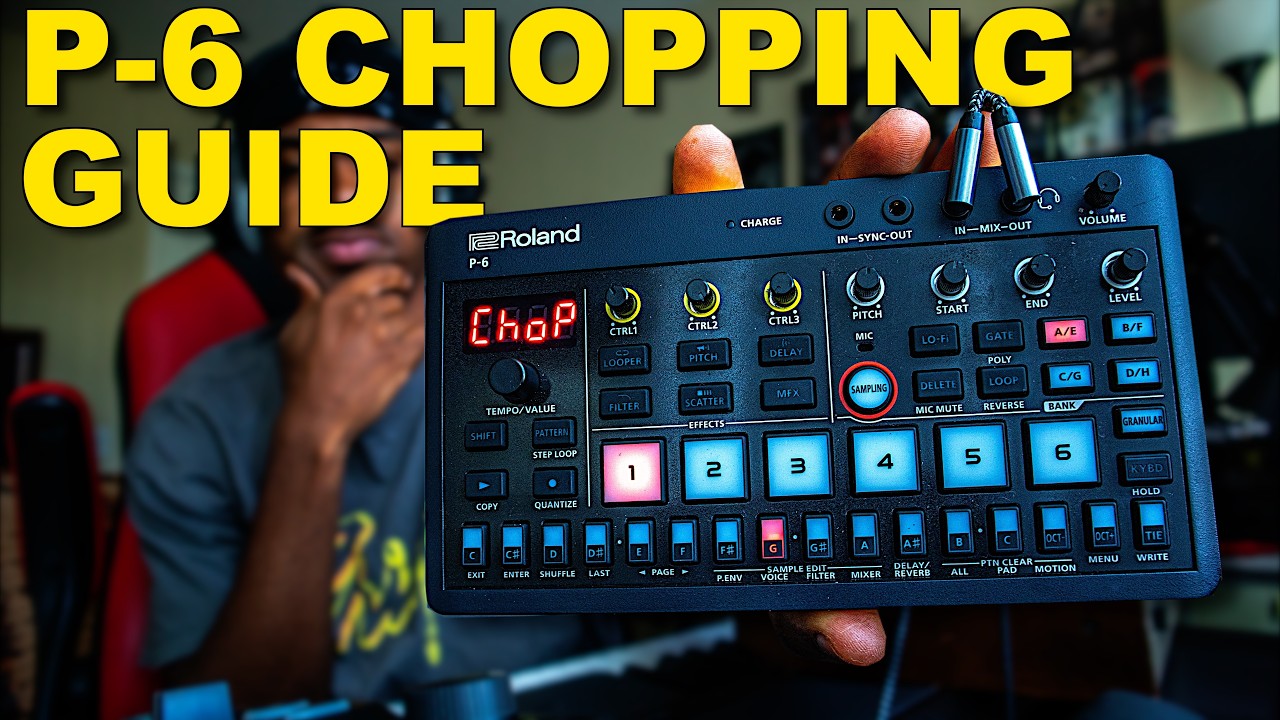
Nice chop tutorial. As he shows at the end, I love that you can seamlessly switch between playing the whole sample on the pad and the individual chops for that pad to mix it up. Also a nice tip about switching to the menu for fine tuning the end of the sample.
5 Likes
i dunno how i would use this but i stumbled across some unexpected sounds last night.
made this short little pingpong loop
then i started playing with the LoFi value and got some wild noises out of fast changes. its almost like it makes specific frequencies resonate more, not sure. sounds nuts tho! i was laughing when i discovered it because i just never expected these sounds out of this box.
10 Likes
I’m going to use this audio and dub it over video of me tweaking knobs on my semi modular/modular, see if I can fool someone. Sounds cool!
7 Likes
Haha. Love it. 
I bet that first one would sound amazing with delay and the random autopan on.
1 Like
Oh yes indeed!!!
1 Like
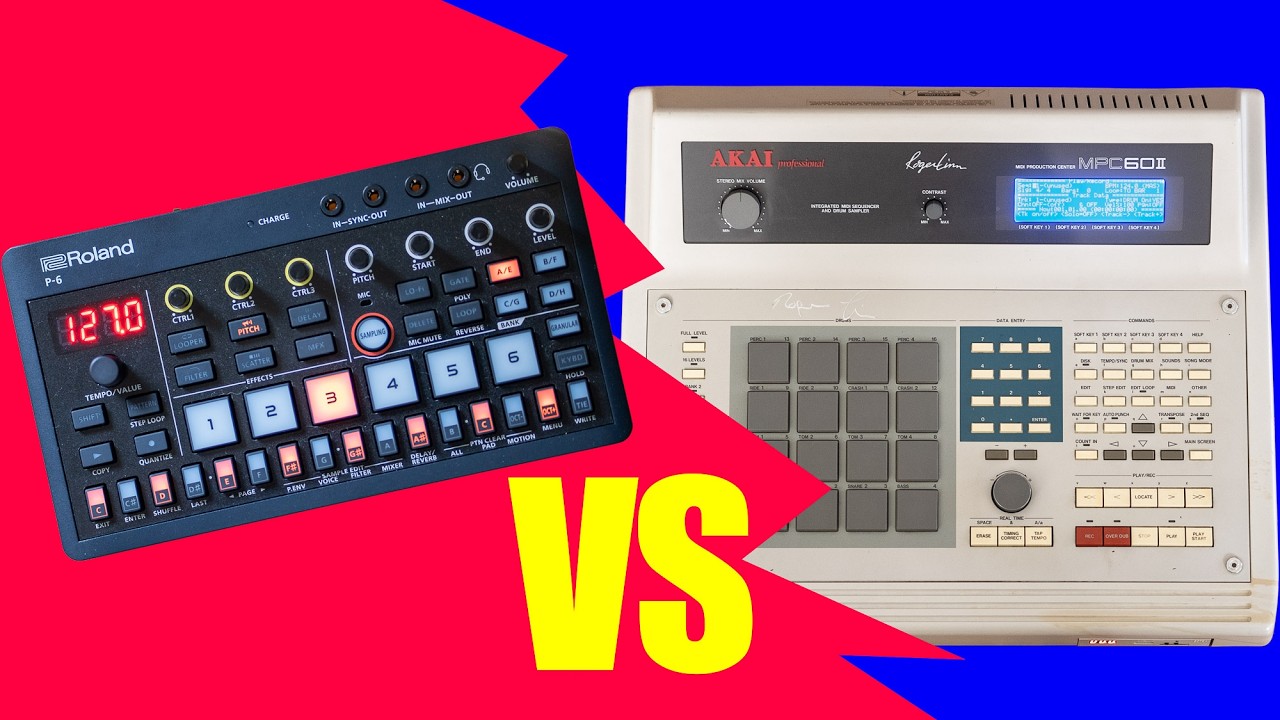
I have finally been able to work with the Roland P-6.
Here is my current impression.
I’m very pleased so far. As this is my first time working on an Aira device, I was shocked by the size. I’ve seen them from a distance but I’ve never worked on one before. It’s definitely tiny. That being said, it feels robust. The pots are small but not flimsy in the slightest.
If you have ever used an MC-101, you’re already familiar with the squishy buttons used for playback and other functions. Everything feels solid except the power switch. I have the same complaint about the 101… it feels like a power switch for a toy. So far, that is my single complaint about the build quality.
Something I just learned is that when you copy a sample between pads, it’s a true copy… not a file that references another file. If you make a change to a copied sample, the original remains the same.
This is a departure from how the MC-101 handles copies. It’s an extremely pleasant and welcomed surprise.
I think there might be a learning curve for some but this is a very capable device and for the price, it’s simply unbelievable. Being able to select the sample rates is a novel idea and very easy to execute on the fly. The results are immediately noticeable.
There are also pages of shortcuts and key combinations in the manual you might want to build muscle memory for.
If possible, I also recommend L-shaped connectors for the ins and outs on top of the device. I’ve tried both and the L-shaped ones leave more breathing room for parameter tweaking.
So far (for me), this is what I was hoping it would be… the best of the SP-404 MKII and the MC-101 rolled up into one device with some compelling extras (e.g., granular synthesis, rechargeable battery, plug & play USB audio interface, etc.).
13 Likes
5 Likes


Update:
Another cool thing that you can do (same as on the MC-101) is scroll through parameter amounts faster by holding down the Shift button. This allows you to scroll by amounts of 10 and also through 10 menu items at a time.
Very handy when menu diving.
3 Likes
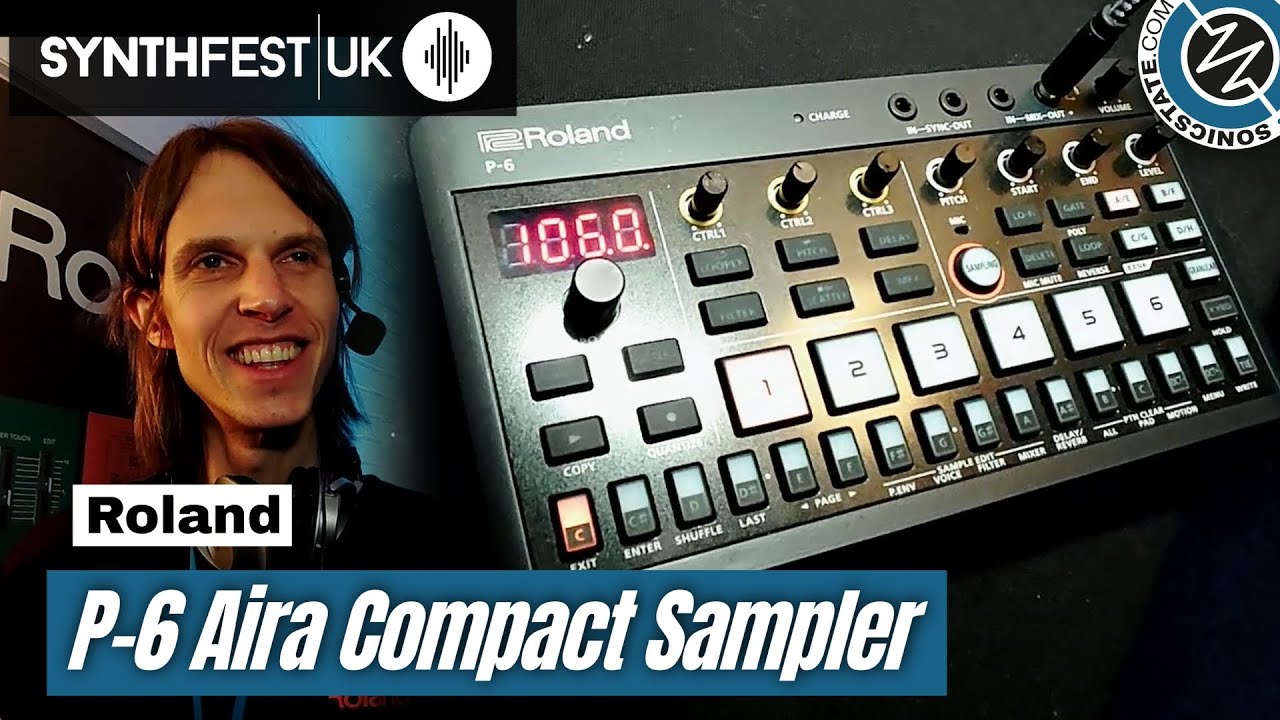
From Synthfest UK via SonicState :
2 Likes
Watching this video I realised that sequencer polyphony was not limited to 8 because of 8 voices max per step : up to 16 with overlapping.
So sorry, I misunderstood again!
Quite complex little box…
2 Likes
Same with the TR8s.
1 Like
Just a heads up. That the step sequencing is pretty rough with editing long gated samples. Or held notes.
Hard to explain. But you have to delete every step manually. Any undeleted steps will become the new start of a held note.
Say you have a held C note for 16 steps. And you change the C to a C#. Only the first step will change to a C#. The remaining 15 steps will be held C note.
It gets even messier if you have held chords or overlapping melodies.
But I still think it’s fine for drums or one shots imho.
4 Likes
my p6 kickstarted a nice conversation today.
i was taking the ferry to the islands again and i was making a beat at a table by the windows. a nice guy came by and asked what i was using. hes a guitarist, used to be in bands but is finding it difficult to connect with bandmates as he has a family and less time to figure out practice times, so hes interested in more solo music making gear.
it was pretty funny hearing a bunch of the kind of stuff i typically hear on gear forums but in real life, like how he finds it hard to be inspired by DAWs and he finds himself having more fun and bouts of creativity without an end goal when he uses hardware. behringer was even mentioned, it was like an Elektronaut sat down with me and checked all the “gear discussion” boxes.
he sounded pretty interested in the p6, i hope he picks one up and has a fun time with it!
13 Likes
Can you drag the back of your nail across the step buttons to turn on/off multiple steps quickly (like on a digitakt)? Or does it not work with the rubber buttons?
yup you can
1 Like
Yeah, that’s part of the Ricky T video I agree with. I guess one thing they could do to clean it up a bit would be stop showing note length info on the steps, and just show that value in the granular menu.
I don’t think that would fully solve the problem though. I can’t think of a way to have polyphonic note info shown without a screen. I guess they could have that in the app, but people don’t want to be chained to an app, so I’m willing to just do polyphonic stuff by ear and be thankful it’s possible to even have pretty complex polyphonic sequencing.
Are there any devices out there that do polyphonic sequencing clearly without a screen? If so, maybe there are good ways I’m not thinking of.