Hey Elektronauts-- I’m trying to toggle Live Record Quantize while recording MIDI on an Octatrack MKII (OS 1.40C).
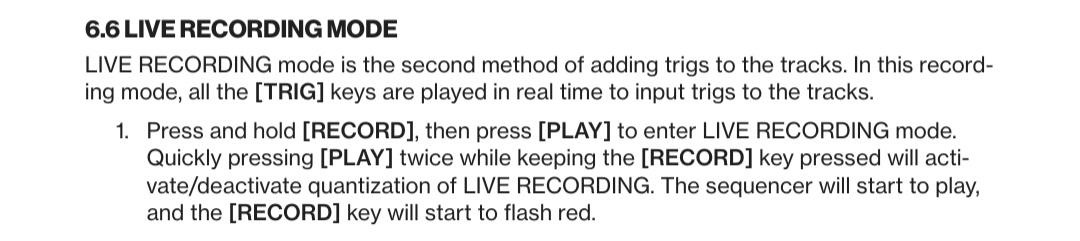
The Quick Guide (p. 26, Live Recording Mode ) says:
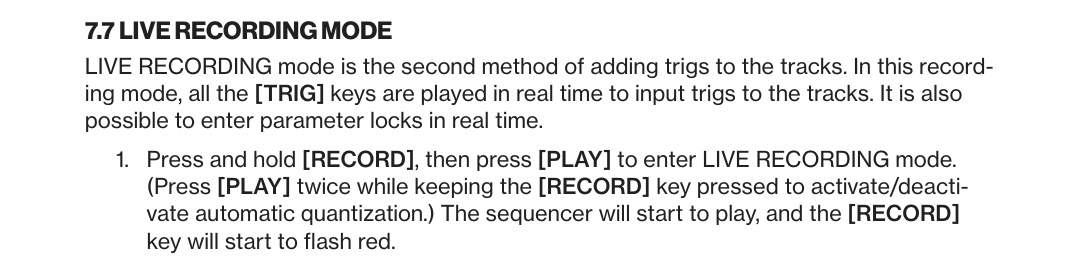
“Press and hold [RECORD], then press [PLAY] to enter LIVE RECORDING mode. Quickly pressing [PLAY] twice while keeping the [RECORD] key pressed will activate/deactivate quantization of LIVE RECORDING.”
On my machine, holding RECORD and pressing PLAY enters Live Recording as expected, but pressing PLAY a second time doesn’t appear to do anything. I never see a “REC QUANTIZED” or “REC UNQUANTIZED” message, and testing with MIDI recording/microtiming suggests the quantize state doesn’t change.
The only reliable way I’ve found to toggle it is:
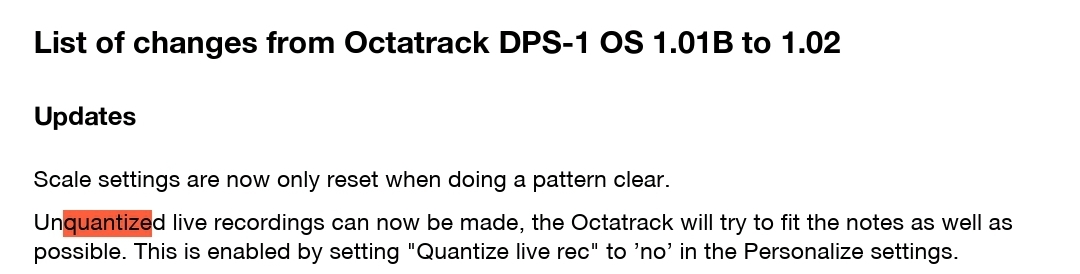
PROJECT → SYSTEM → PERSONALIZE → QUANTIZE LIVE REC
Am I misunderstanding how the shortcut is supposed to work, or is it no longer functional in OS 1.40C?
Thanks! I appreciate your input. It’s frustrating to see it documented in the Octatrack MKII Quick Guide when it doesn’t appear to actually work. Hopefully Elektron can correct it if it’s just a copy/paste error. And if it’s technically feasible, it would be a great feature to add in a future update. I have a Digitakt and have been using this feature on it for years—it’s a really nice feature, and I’d love to have it on the Octatrack MKII as well.
It is also the chance that it was supported at some point and then this feature disappeared without updating Quick Guide which is dated … Oct 6, 2017 so long before mk2.