DT is my first piece of Elektron gear, and the learning curve is blowing me away tbh…
Luckily, I got passed the initial ‘I don’t understand any of this and quite frankly don’t think I have the patience’ phase I had been experiencing, and have begun to enjoy hearing my sounds on the DT, but am still very confused.
Mainly with the +Drive and Sound Pool/Sample Pool/ where the fuck everything goes and why it goes there bit of things.
For instance, I apparently just filled the Sound Pool, and therefore cannot add anything else to it.
I can’t even FIND it, let alone figure out how to make space/delete things, and/or what is okay to delete without messing up projects etc…
I know this is VERY first day kind of shit, but I’m really lost, and I WANT to understand this workflow… but I can’t… so go easy on me.
I mean… if I’m being honest, I think it’s entirely overcomplicated, the way things are worded, and the dichotomy of what goes where and why this is called that etc…
If you are struggling with the concepts of Sound Pool, Sample Pool and the +Drive I’d recommend reading the manual, it explains pretty well on pages 23-26.
Also, DT is a pretty straightforward machine to learn, the manual is short and I definitely recommend reading the manual for any Elektron machine.
It’s maddening because you don’t know the terminology, as it’d be with any machine that is more complex than just knobs, put the effort and you will learn in a week or two, tops.
You’re not alone, if it’s your first time using an Elektron device it might seem all very daunting but trust me the DT is quite quick to get to grips with.
Obviously read the manual, lot’s of YouTube tutorials showing all the different features of the DT. But most importantly don’t rush it, enjoy the learning, you’ll most likely own it for many years so just be patient with yourself, no need to get frustrated.
welcome! you’re not alone feeling that way at first
to access the sound manager, press [FUNC] + […] button.
from here you can add/remove sounds from your crowded pool.
in this view, press the left-arrow to open the side pane where you can switch between sounds in your pool and sounds on the +drive.
Argh, yeah, with ADHD it can be daunting to learn Elektron’s workflow as it needs some basic concepts to be drilled into your head before they click.
Go easy on you, read the manual for the things you don’t understand and get frustrated with. That’s how I did with my A4, OT, DT (sold) and DN, they have a lot of features, for me the easiest way was to figure things out when they impeded me.
Agreed, and that is definitely more of a ‘me’ problem, less the DT, I get a little frustrated a little too easily, and I’ve been trying to change that for so long.
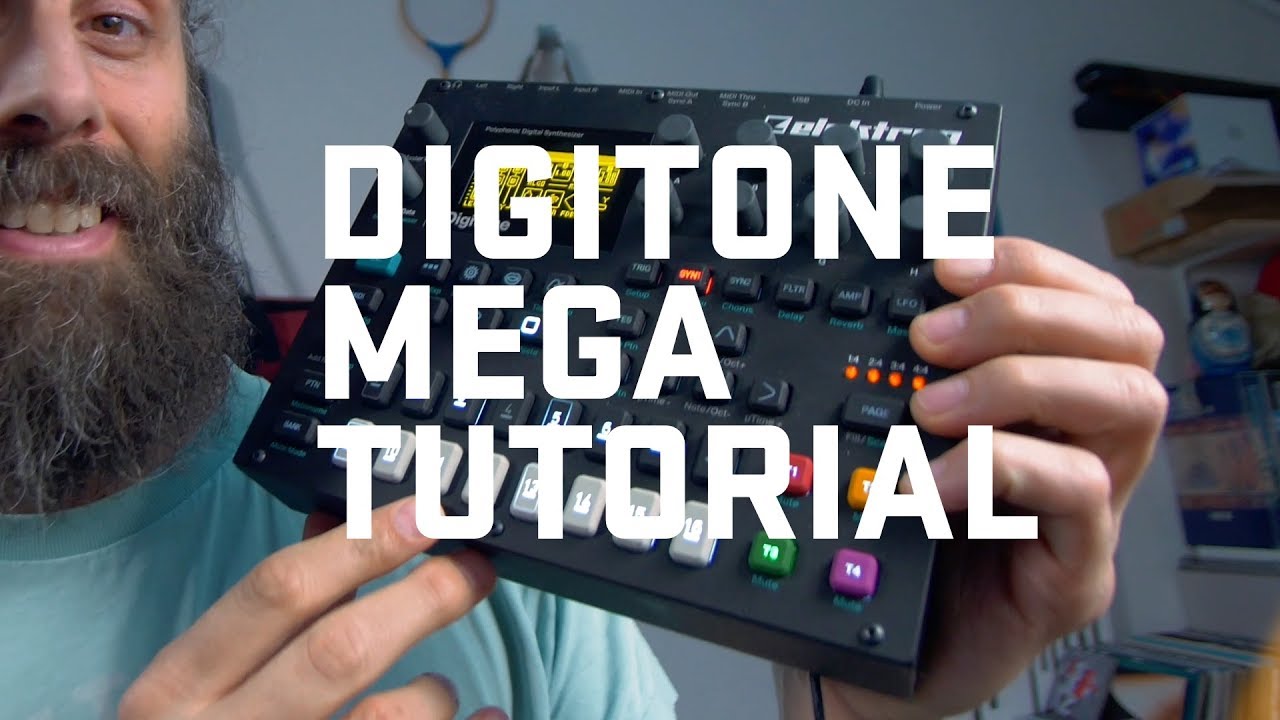
You might find this helpful. CAVEAT: this is the Digitone, but he does say the digitakt is very similar. If anyone thinks this video is misleading for that reason, let me know. I own neither, but I love this visual mode of explaining things.
EDIT: I meant to highlight the visual explanation of the memory structure, not the whole video.
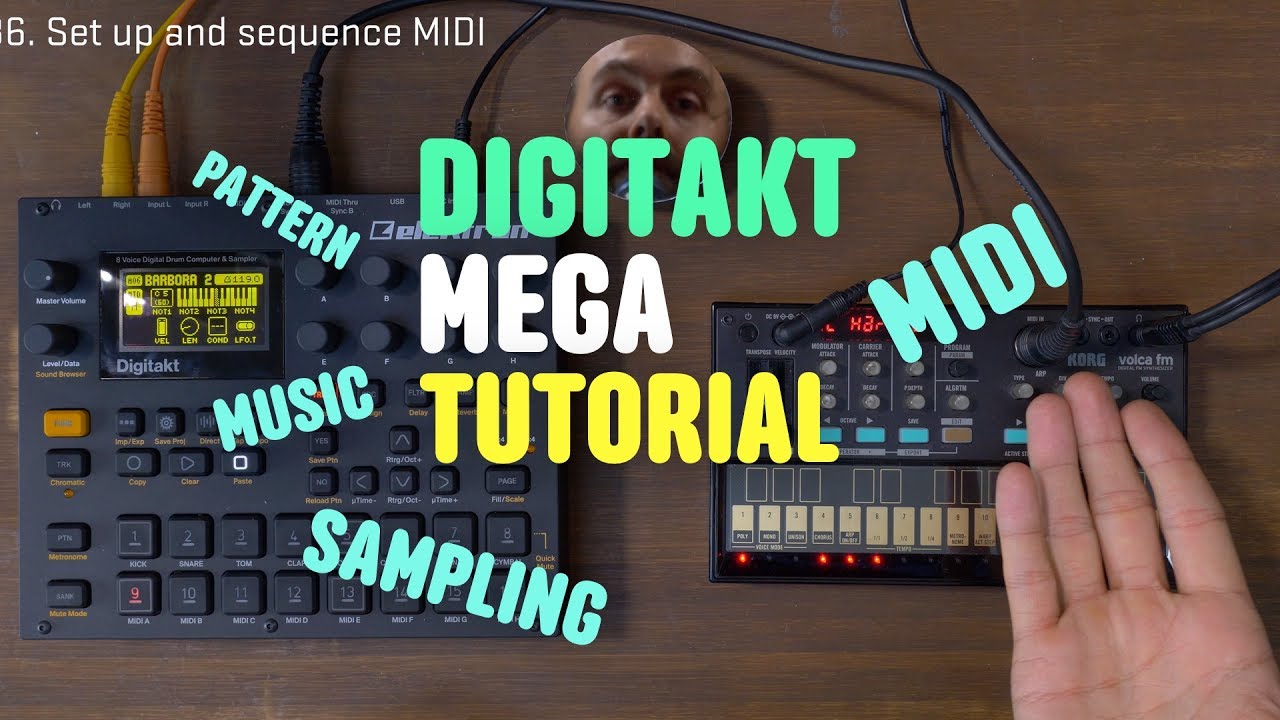
just go for the Digitakt MT instead ( Digitakt Mega Tutorial - YouTube ) - on the other hand you’re not wrong, having owned the Digitakt first for one year has made encountering the Digitone substantially easy for me. Differences here and there of course, but especially data strucure and where things are or could be located is similar.
Of topic, but do AR and A4 also work with +Drive and sound pool and so on? I mean is it a general (newer gen) elektron scheme?
I’m dubious watching a Digitone video to learn about the Digitakt is your best course of action, yes many things are similar but I think your’e better off watching a tutorial on the Digitakt:
I agree, especially when you’re just trying to make music to “cool down” or “chill out.”
What frustrated me the most was trying to do something I didn’t know was possible or not. Learn the limitations.
Also, the DT is pretty nice in that basically every button is used. Some gear has buttons and functions that are redundant or unnecessary. Not here. Get to know them, and it’ll be super smooth to use.
My biggest advice would be first just stress test it casually. Don’t go into it trying to drop a track tomorrow. Make a list of stuff you want to know, try to do it yourself, and if you fail, consult Google or the manual.
You can ignore the sound pool if you want. You don’t need it to get going. Mines got nothing in it because I don’t use it - that keeps it really simple
Of course. I didn’t highlight it well enough, perhaps, but what I really meant was the visual explanation of the memory structure, not the whole video.
Everything starts with a sample, add some parameters and it becomes a sound, save that sound to a sound bank for use in any track (one per track), then if you want add that sound to the sound pool where it can be inserted on any trig on any track (without replacing the track sample) by holding the trig and turning the sound browser encoder. Each project has its own project ram(sample list) and sound pool but sound banks are universal.
I’m kinda with this guy. I only save sounds to the pool if I REALLY like it. I load up samples to a project and assign them to a track from the SRC page. If I make a dope ass drum that I’d like to use again, I save it to the sound pool so I can always have that particular drum and all of the parameters saved with it.
EDIT: @digimatt explained it much better. didn’t read his post until after I posted, smh