Hey! I’m in the process of buying monitors (t5v). I mainly use a DT. Don’t really have a buget for a mixer/audio interface atm so I thought abount connecting the DT directly to the speakers, 2 main out jacks to xlr. Is this a decent solution until I get a mixer? Any downsides I should look out for?
1 Like
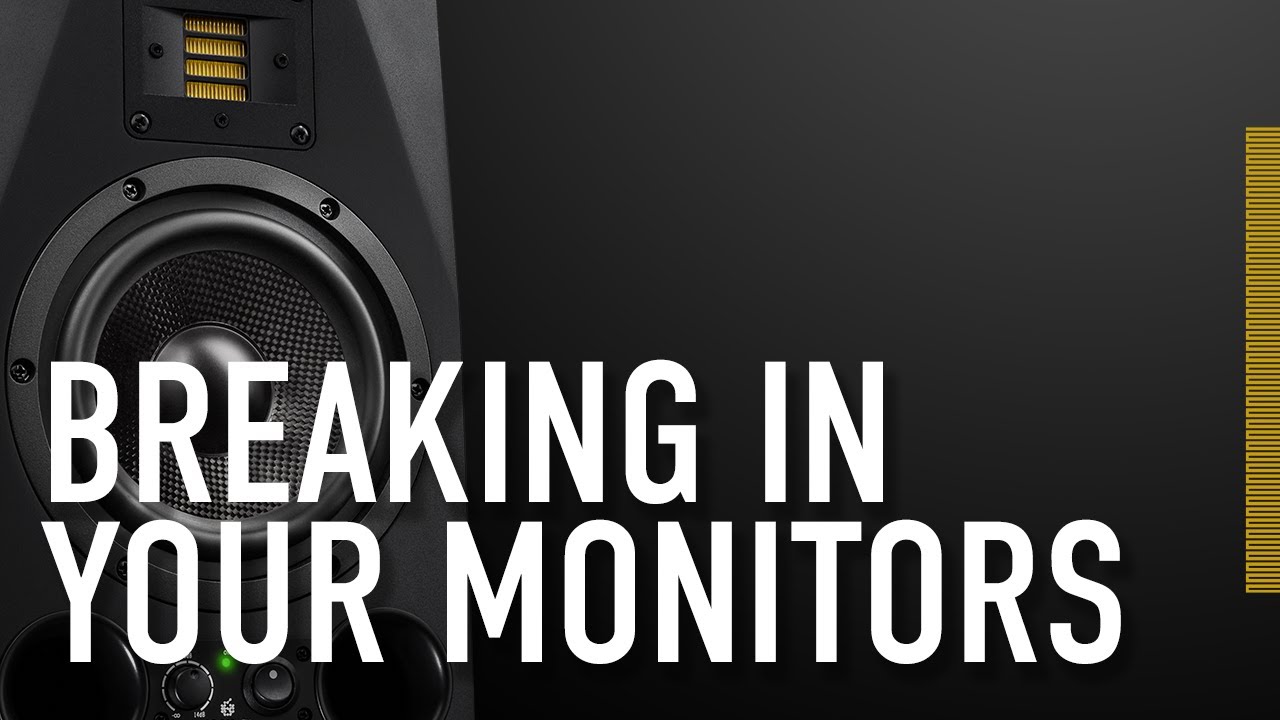
You want to go straight from digitakt into the XLR inputs? Do you intend to do their recommended burn in process first?
1 Like
…it’s no decent solution by any means…
but for an inbetween solution, it’s goin’ to be “fine” if u keep a close eye to dt’s outputlevels…
so connect everything powered off, look if the monitors offer any input gain regulations and turn dt’s volume to zero…turn it all on and increase dt vloume slowly…
7 Likes
I always hated the pop monitors make when you turn on anything that’s connected to them, so I always turn on the monitors last cause I think otherwise you’re damaging them.
3 Likes
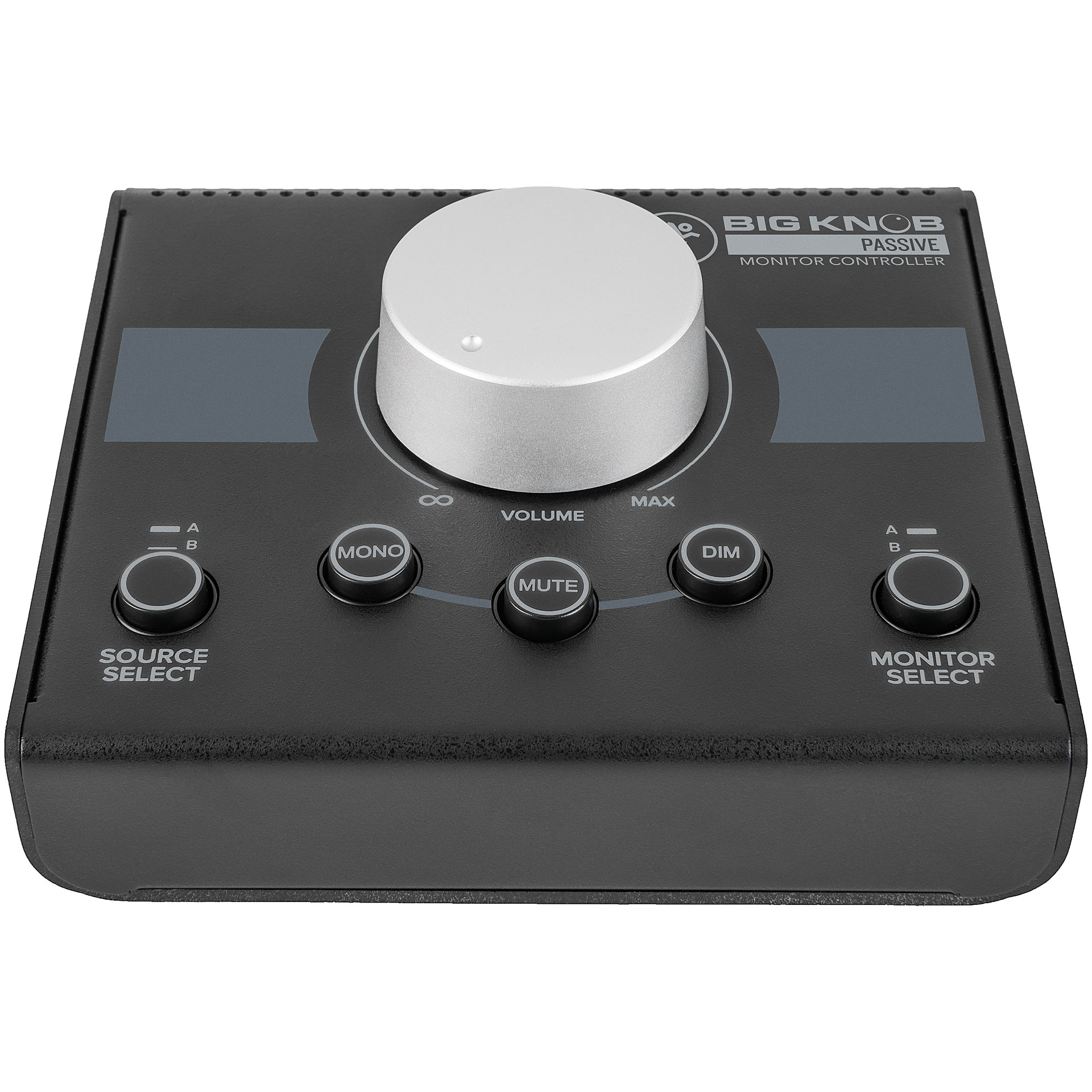
A monitor controller is a nice thing to have. One with mute and mono buttons.
2 Likes
It will work, but you’ll really have to watch the levels.
If you can find the budget, even the cheapest mixers like the Mackie Mix5 will be helpful.
https://www.sweetwater.com/store/detail/Mix5--mackie-mix5-5-channel-compact-mixer
Or if you want something that you’ll use after you eventually get a bigger mixer, a monitor controller is handy forever and at least has a volume knob.
But if you flat out don’t have the budget, then going straight to the monitors is unwieldy but fine.
2 Likes
Cool, cool. Thank for all the tips. I think I’ll go for cheap mixer cause that’s what I found on stock where I’m oredering from. Maybe I’ll find some use for an additional channel.
I’ll also do the burn in, didn’t know that was a thing.
Cheers!
1 Like
The mixer’s also handy if you want to put something through an effects pedal and listen on headphones.
Less important with the Digitakt, but handy for other synths
Acutally I did some further browsing and found a monitor controller, so I’ll postpone the mixer until I can get a decent one.
3 Likes
…just do it carefully and it will work this way for a while…
but don’t rush and buy something cheap to clear the situation…
work the way it is for now and buy something decent once u got the budget for it…
buying cheap always ends up more expensive in the end…
if u buy a mixer, buy at least something like a tascam model 8, that covers not only mixing but also a little bit of additional on board fx, monitor controling and interfacing…
but ok…a cheap monitor controler will do…that’s not too much wasted money and will do all the trick for now…
and a warm welcome to the nauts…
1 Like
Thanks!
Ye, this is why I was thinking about running the DT directly into the monitors, didn’t want to buy something cheap that I wont find much use for in long term. The controller sounds like a pretty nice middle ground solution.
Glad I decided to post!
They are not the same ones the OP mentioned but I am interested in purchasing new D3V desktop monitors. I asked Adam Audio tech support if it’s possible to connect an Elektron synth directly to them and they said yes. I mentioned to them that I don’t have a mixer or audio interface.
1 Like
There’s no problem with going straight into powered monitors as long as you are sensible about levels. What you’re really doing is plugging into an amplifier stage designed for a line level signal, and many have self-protection built in to protect the drivers. The ones you’ve got have a level control on them, so turn that down, plug the DT in at full volume, then tweak the monitor level until you’re comfortable that’s the loudest you’ll ever need to listen. After that you can control volume from the DT. Cheap monitor controllers are rubbish and can seriously mess up your stereo field. Same goes for cheap mixers like the Mackies mentioned above. You’ve already got two ways to control the level, no point adding another in the path.
3 Likes
That’s exactly what I found in D3V manual.
3 Likes
FWIW I used my DT as a mixer/audio interface for a while, and my outs went directly to my monitors, and I never had a problem with it at all. I had two external synths going in, and soft synths via USB. Worked great!
1 Like
Aight, that sounds good, DT directly into the monitor it is.
Just out of curiosity what synths were they and how were they hooked up?
A Behringer Model D and a Volca FM. Just 1/4" cables from the out of each of them (with an 1/8"-1/4" adapter for the Volca), one to the L the other to the R.
1 Like
Ah, nice. It never occured to me that you could use the 2 ins on the DT for 2 separate devices.
1 Like
Yes, you can set the ins to be a dual (stereo) input, or two separate mono inputs. When you do the two separate inputs, you also can individually assign each of them different delay and reverb send values. It’s pretty excellent.
1 Like