what I don’t get is nobody talking about tempo changes, time signatures, manipulating warp markers… is anyone in the beta asking for these things because they are pretty basic and the reason I haven’t bought it straight out…
does ableton even care about bpm variations anymore or what?
1 Like
I’m in the same crowd as you and thought about doing a review of the Push 3 from the point of view of a groovebox - even asked Ableton but they never got back to me because I’m obviously too small of a content creator for them to be interested. If I understand it correctly from DaveMech, with a bit of initial template setup on the computer using the version of Live that comes with the Push, you could create a project template that turns this into a very competent groovebox. The fact that it’s modular like that is actually very compelling to me, but it means it won’t be the perfect experience out of the box, unlike say the Syntakt. But honestly, spending a couple of hours to set up some effect racks and track templates and then have a groovebox that can do sampling, synthesis, mixing etc similar to the MPC but with way better sounding effects and soft synths - that’s a well worth investment of time if you ask me.
I just need that Black Friday deal to pull the trigger, honestly.
4 Likes
That was literally my proposition to Ableton to provide that perspective as someone who is into grooveboxes but with no previous experience with Ableton (but a few years of experience with Reason 10 though).
Yes, it’s a pity that they offer almost no possibility to test the push, apart from isolated events.
I think you would be the ideal target group. in the end Ableton would be interested in this user experience data. Missed opportunities.
Speaking of opportunities, I hope you get the chance to test the Push. I’m a little jealous that you can do this unbiased since you don’t use the DAW. I would love to have that experience again.
1 Like
I really like the Push 3.
All my opinion…
- Is the standalone better than Maschine Plus? Yes.
- Is the standalone better than Akai Force? Maybe; they essentially do the same thing.
- Do I use the standalone side of things? Yes.
- Do I use the controller side? Yes.
- Is the standalone better than the controller version? No.
- Would I recommend the standalone version? Yes if you have the money.
- Downside of the standalone version? Not all the Max plugs work. A couple of quality of life things missing from the standalone version (selecting a clip selects the track, no template projects, no preserve transient option for loops in Simpler)
If you’re anti-DAW, the Standalone version is a good option. If you’ve never used Ableton, it’s a good entry to that world. If you’re an Ableton vet, the Push 3 may disappoint a little.
5 Likes
Has there been any chatter of a usb over audio upgrate? Still dreaming of a push 3 connected to my ssl big six….
1 Like
If anyone is interested, I finally finished hacking together my first M4L device that allows Elektron style trig conditions AND probability per step (probability on a:b trigs!!) and also neighbour that links probability of prev step.
https://maxforlive.com/library/device.php?id=9664
This is a device based on the excellent Trig Condition by borisdivjak
Trig Condition version 1.0 by borisdivjak on maxforlive.com and fabulous tutorial by Daniel Dehann https://www.youtube.com/watch?v=N5dVUxra-no
I took Boris’s device and added probability (from Daniel Dehann’s video) as well as a neighbour condition (I hacked together) that will link the previous step probability to the current step (if the neighbour condition is set to “on” for that step). Its basically the Deluge’s dot probability.
For ex. This will allow you to set a step to play 1:4 (once every 4 bars) 35% of the time. The neighbour condition is useful for fills and ghost notes, for ex. in a bar you have 3 steps with 2:4 (play every 2nd bar of 4) where the first step has 75% and the last 2 steps are “neigh” “on” steps. this way all the notes in the fill will play in sequence every 2:4, 75% of the time.
Works perfectly with Push 2. Not sure about Push 3 SA but I assume it should since its all stock Max objects.
I am a beginner at m4l so I am sure there are bugs 
I dont have a lot of free time these days but feel free to report the bugs over at the device page and I will try to get to them at some point.
16 Likes
Really cool! Exactly the thing I was hoping someone would make. Will give it a go. Thanks for sharing.
1 Like
Wow, great work! I’ll try to install it this week, it’s just the kind of thing I’m after.
1 Like
One question, I will download it to check. Can you make conditions with chords? Or is like on live when the % takes random from the chord notes…I hate that
I think that it might be a disadvantage to have your brain already wired to work with Ableton live. You know the instruments, what they can do and can’t, and also how to do it efficiently. You know that some stuff can be done in standalone, other has to be in the computer so then this might be some frustration and/or back and forth with projects that might disrupt a workflow.
Not having that efficient workflow with Ableton live makes it more difficult to do stuff on Ableton to optimize the push experience, but at the same time it allows to have a more focused approach to push. Your working within push’s limitations due to pure Ableton ignorance or not bother to lose time to do stuff on the computer.
I bought my P3S with the idea of doing the almost complete project in it and then some fine tuning and post production stuff on the computer, but I’m becoming more and more happy to just do stuff start to finish on push. I was never able to do anything productive when I record the session to arranjement, and then finish it on the computer. The only thing that I setup on Ableton was mappings to a external controller and create a master template. Whenever I try to create racks, macros etc I get a bit lost and ended up not using it on P3S. This would for sure bring the push experience to another level but it’s 100 % not needed, not even the midi mappings. I believe the more you use the P3, the more comfortable you will be using it standalone, up to the point of forgetting what can actually be done on a computer.
You can create a groovebox in a groovebox by tagging - with a certain color - the instruments, FX and midi devices that you prefer, are latency free and work 100% with push , for example. And then you have a nice and focused variety of Push efficient instruments. And then you create a template project. And all of this is possible in push :).
Hope it helps others sharing my experience. I can also share some projects done only in push, if anybody is curious
5 Likes
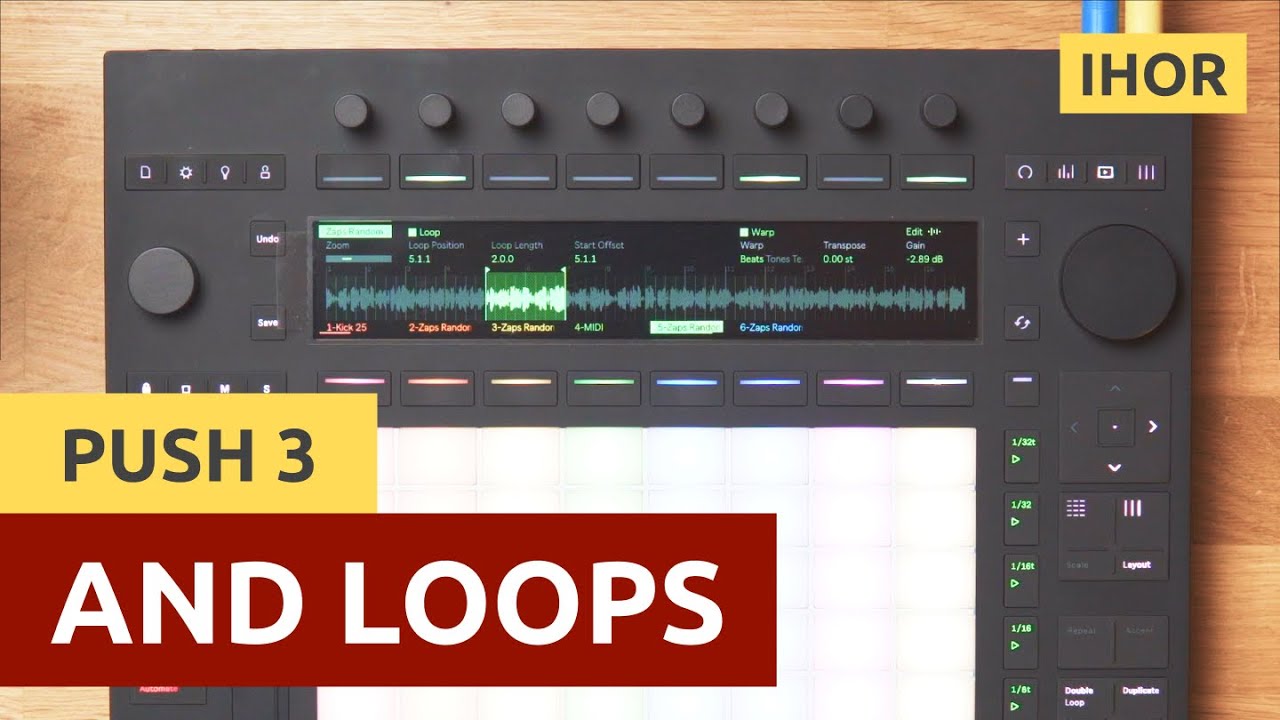
2 Likes
Yeah, the manual is atrocious.
What do you mean? Granted I haven’t plugged it in, I updated and transfer things over wifi, but what needs 2 usb cables?
Thank you for sharing 
Yeah, I’m good with what I got, I feel.
My aim was for programming drums so didnt check how it works with chords but it does write automation per step, so I guess if all the chord notes all start on the same step, it should work…
Since I am a M4L noob, I am not sure how to work with per step polyphony.
My next goal is to have some knobs for “humanizing” the midi notes that ramdomize the timing and velocity. I’ve always wanted a simple way to do that on Push without having to manually adjust each note. I know there are the random and velocity devices but nothing for timing besides swing on Push. Not sure when I will have time for that though.
1 Like
Seems like usb c is required for controller mode, while usb a is for midi sync to other devices.
Both plugged into one hub, then plugging the hub into a single port to laptop gives the same result as both into individual ports. Pretty sure this is a bus issue considering other usb devices into that same hub also operates as expected.
It’s a really cool device that just needs time to get fleshed out.
not working for me with push 3 in standalone mode. Wrote a mail to ableton support
1 Like
I need some advice. I currently have the Push 2 with Ableton standard edition. I’m thinking of getting either the controller or the standalone version and upgrading to Suite at the same time. It feels like I would need Suite in order to take advantage of all the things Push 3 can do. Now to my question: How good are the internal synths that comes included with Suite? Since I’m 100% a preset-guy I need a lot of good presets to choose from. When I make music on my P2 I usually get my sounds from either Pigments or Arturia V collection. Both have very good presets. So if I should get the P3 Standalone with suite it needs to at least get close to what I got today. Otherwise I might as well just get the controller version and stay on standard edition.
stock synths are ok. Not on par with pigments and Arturia imho.
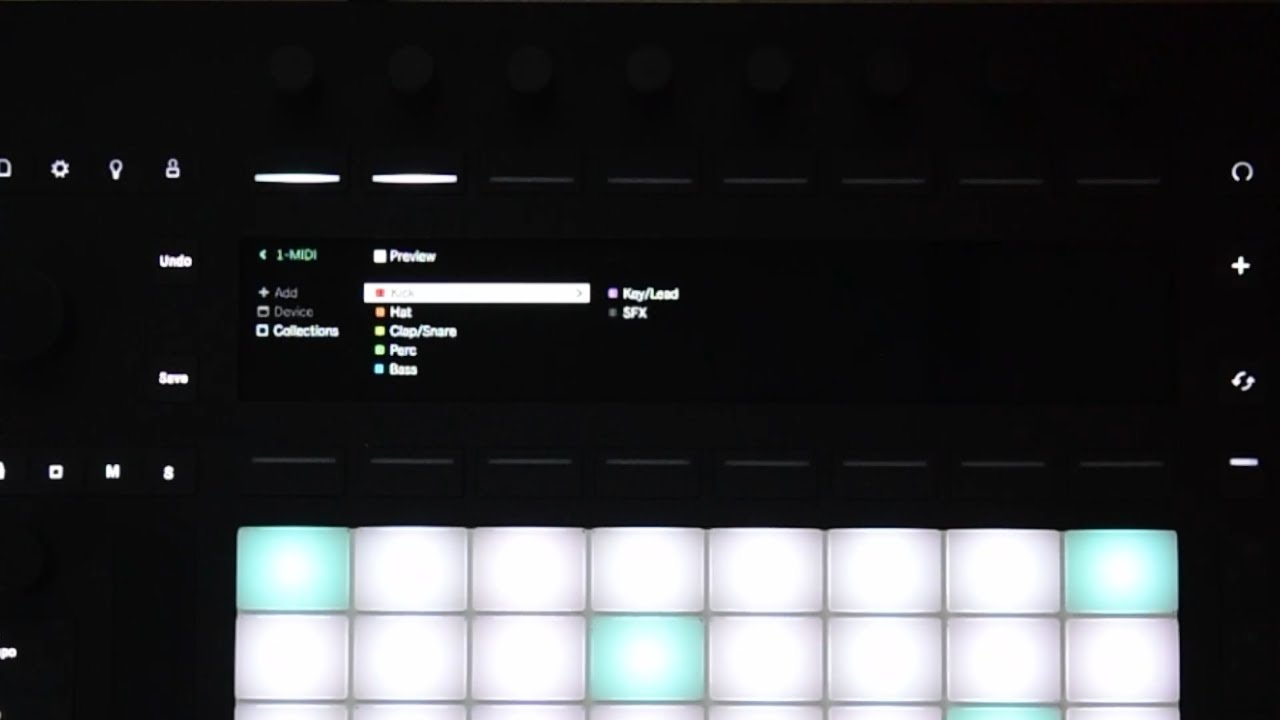
Wonderful hack and a lot of possibilities just opened up:
4 Likes