does ANYONE know the answer to this? it’s been driving me insane too. SUREEELY i don’t need a fking midi controller to be able to play with device settings while launching clips.
2 Likes
I am seriously thinking about getting an Akai APC40 Mk ll as a midi controller to have that plugged into my Push 3 SA for more hands on access and to distribute scene/clip launching and playing notes/step sequencer/tweaking parameters etc. Having real faders would be so nice too.
This video gave me the idea to it.
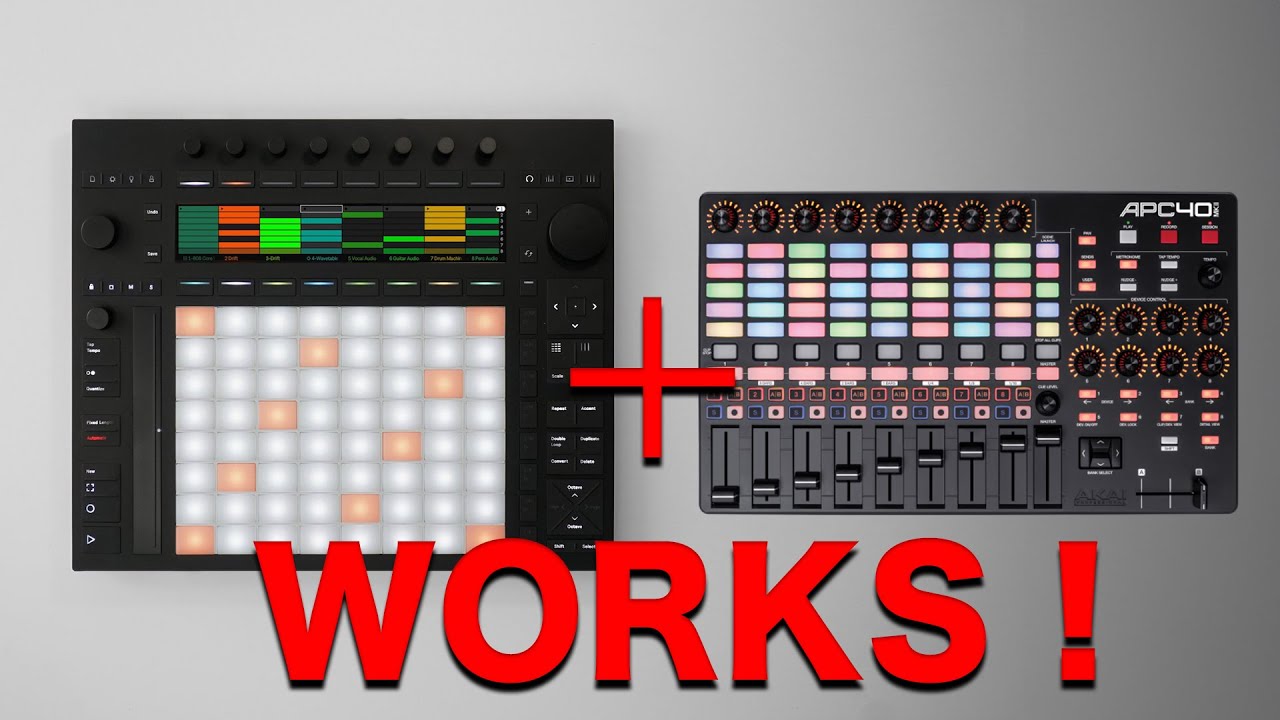
6 Likes
Thanks for sharing!
1 Like
Oh man, someone gave me one of these ages ago and I’ve never actually used it. Now I’m gonna have to look into it!
1 Like
Not my video but thank you for finding and sharing it 
1 Like
A midi controller for a midi controller

5 Likes
God I wish Ableton would make something with the standalone push3 functionality but 4x8 pads instead of 8x8 to be a bit less gigantic.
7 Likes

You got me, I also open beer bottles with beer bottles!
4 Likes
i will post a feature request at ableton forum. the lock  button would be a nice way to lock focus of parameter device controls of a specific device, as long as you want. That would be killer at a live session
5 Likes
update: turns out mine’s a MkI. I’ll play with it and Push tonight and see how it works!
2 Likes
thank you. it seems like such an obvious feature it’s beggars belief that i currently need an external midi controller to achieve such a simple function 
All midi controller that has a native ableton live script Works with push 3 stand alone.
2 Likes
Launch Control XL looks like a great companion then!
It is actually amazing but not because of the Ableton script imo. You can quickly set up user defined presets in live on the computer. And you have 8 of them. That way you can control anything you want on your SA template. Really good
3 Likes
New Fors M4L synth! Standalone compatible! And it’s free!
Interesting to see them exploring what’s possible with Push 3. It looks like the UI was designed with one of the most important (in my view, at least) wishlist features in mind: custom M4L graphics on Push. I have to imagine Ess is just waiting to be able to drop those eight parameter visualizations into whatever API Ableton might provide.
8 Likes
Off-topic for Push, but those 8 parameters also map nicely to the 8 knobs on any “blue-hand” compatible controller, which makes it very nice to use.
EDIT: the 8 parameters don’t correspond to the knobs on my MIDI Fighter Twister, so I’ll have to make a rack and map to macros 
Not planning on buying Push 3 and going in the box, but interested to hear what the consensus is among users after a few months. Is this thing the revolution it promised to be or rather meh?
1 Like
I don’t think there’s any consensus, seems divisive, but I really think this is the best.
2 Likes
Loving mine and what it allows me to do.
3 Likes
It’s not perfect (yet) but it allows me to take my live setup to a sound and way of improvising I’ve been wanting for a long time. The power lies in setting certain things up in Ableton before committing to standalone. Currently working on a improvised live setup template. Next I think I’ll create a groove box template with a set of samplers and synths, lfos etc that I can use to create tracks with.
It’s similar to the octatrack workflow in that way but with a daw behind it to set things up.
Having said that, some things do feel clunky or odd sometimes. Like the fact that transferring projects and updating only works over WiFi. Or that option lists are scrolling horizontal with big lettered abbreviations rather than showing a drop down list when scrolling similar to the Elektron way of selecting modulation destinations for example.
No deal breakers so far.
11 Likes