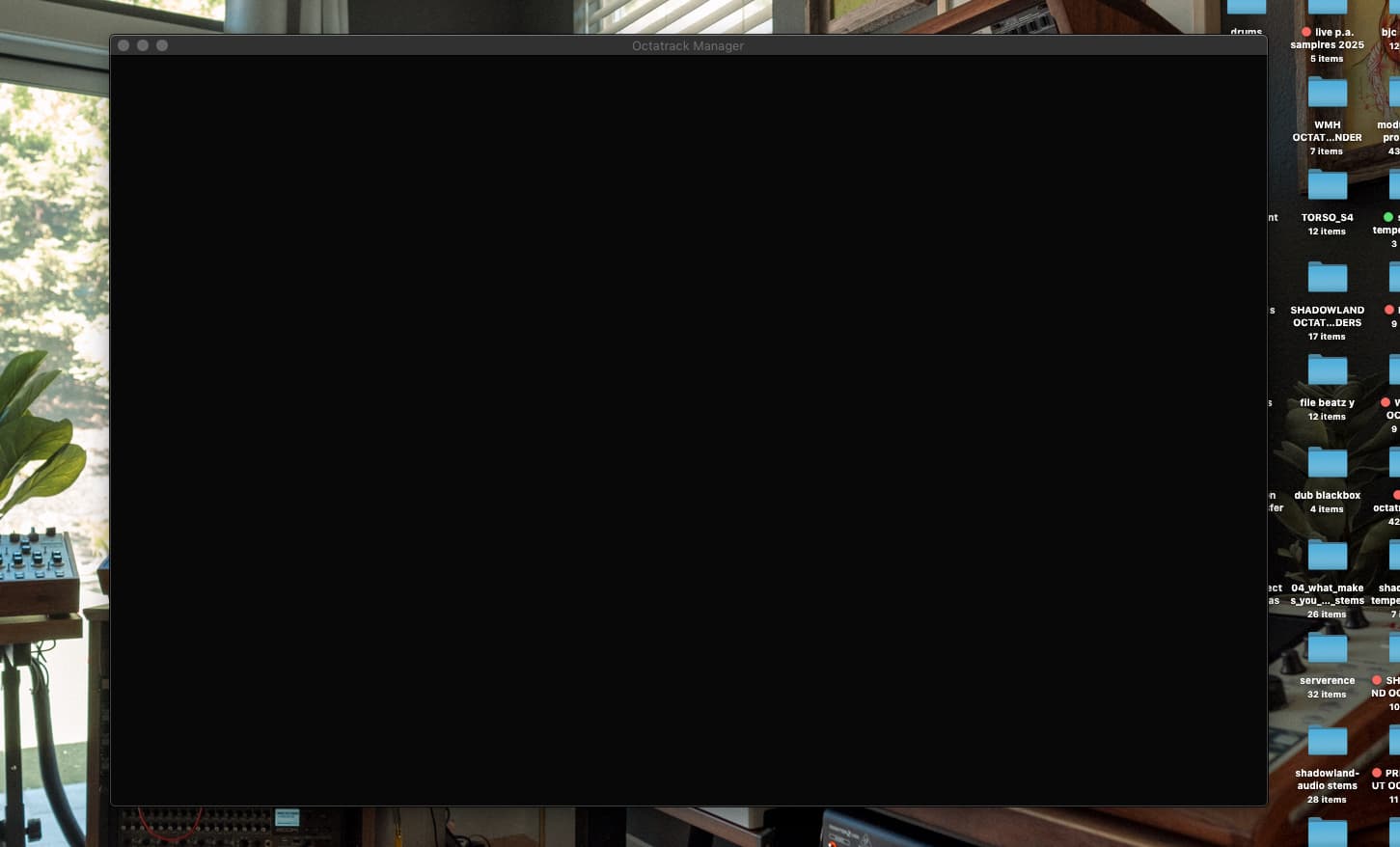
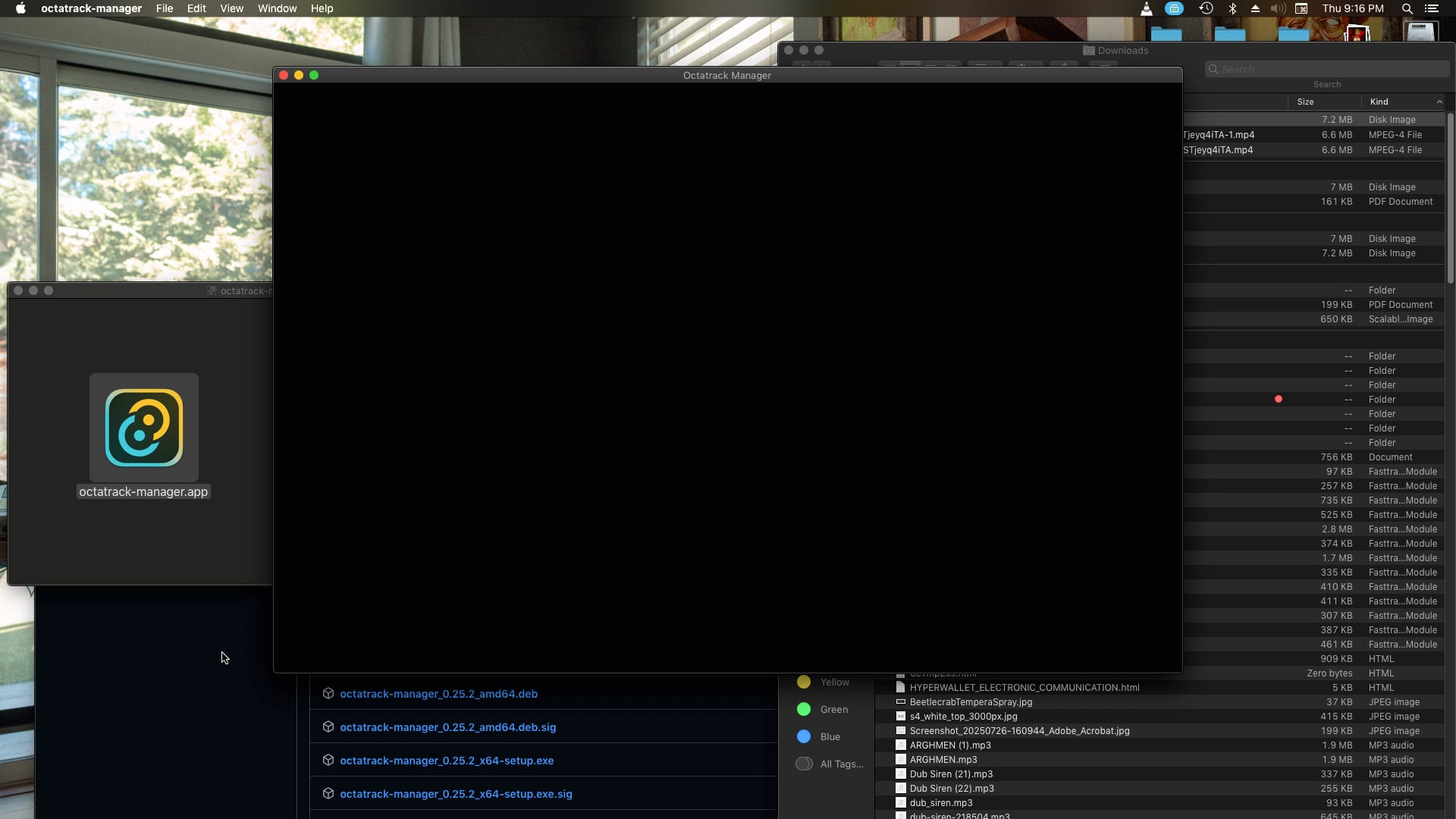
I managed to put my hands on an older OSX Macbook and was able to reproduce this issue. A quick search led me to this PR mentioning a recent fix in one of Tauri dependencies.
I’ll let you know when I have updated the package and we can check whether it resolved the issue or not
That’s awesome ! Your experience will be very much useful if you are feeling like giving a hand !
Reading your message made me realize how useful it would be to have a user guide So I’ll create one as soon as possible and let you know, probably tomorrow !
Releases with 0.0.0 version are “dev releases” which I create for testing un-finished features ^^ So I would advise you to test the latest release instead - unless you are feelling adventurous and are open to testing un-finished features
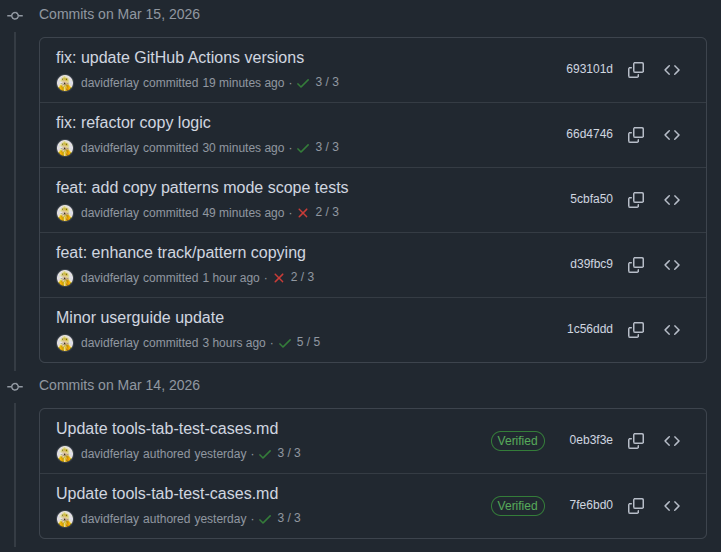
Hi @Wick I have updated projects dependencies - it should include wry fix
Could you please try the v.25.2 OSX version on your Mojave and let me know if the app opens successfully ? I don’t have an older OSX at hand anymore atm so I can’t test myself
Didn’t forget you @Zky - It was just another crazy week at work but building a live user guide remains the next item on my todo ! I’m hoping to get a first version this weekend
Wow crazy stuff ! Congratulations !
I dropped the idea a long time ago that a tool like that would ever exist for our beloved aging OT. The UI is very clear and it’s very cool to have an overview of all the different layers. As i’m rebuilding my template it will be a super usefull tool.
For now, I opened 0.25.2 on a MB pro M1 from 2021 on Sequoia and appart from the securtity message It seems to work pretty good. I can’t wait for the copy features !
Thanks a lot for your words ! I’m glad you find the UI clear
Main goal I have in mind is precisely to surface the hidden complexity of Octatrack projects, in a clear and intuitive way. Not sure it’s a success on all fronts yet but we will have time to redesign and improve as needed later on
Excellent ! Can’t wait to ship new features ! I just wish days were longer, hopefully soon i’d have both the time and energy for it ^^
Awesome, honestly it is a bit confusing for those of us unfamiliar with these files, seems I managed to install the right one, but I’m a bit lost, now I’m back at home for the next weeks and I can give it a try, please upload an user guide when you have the time, it will make way easier to know what are we doing and what to test more effectively. btw what are the system requirements for mac? will it work in both Intel an Apple processors?
Got a bit lost, last time I downloaded a version that opened fine at my home laptop (M1), but now at I tried with my studio lapton (Intel / Ventura) , had to try a few before get it right, maybe a mail list with the specific links for those of us not familar with code would be useful? also that way we could get notified everytime a new version gets uploaded, also a user manual in pdf would be great that way would be possible to read if offline? lot of work I know

 So I’ll create one as soon as possible and let you know, probably tomorrow !