I’ll test it as soon as I can, thank you for the quick reply.
I use to backup project just saving Projects folders individually inside an “OT Projects” folder. Indeed it makes sense that it also look for an Audio folder.
I’ll test it as soon as I can, thank you for the quick reply.
I use to backup project just saving Projects folders individually inside an “OT Projects” folder. Indeed it makes sense that it also look for an Audio folder.
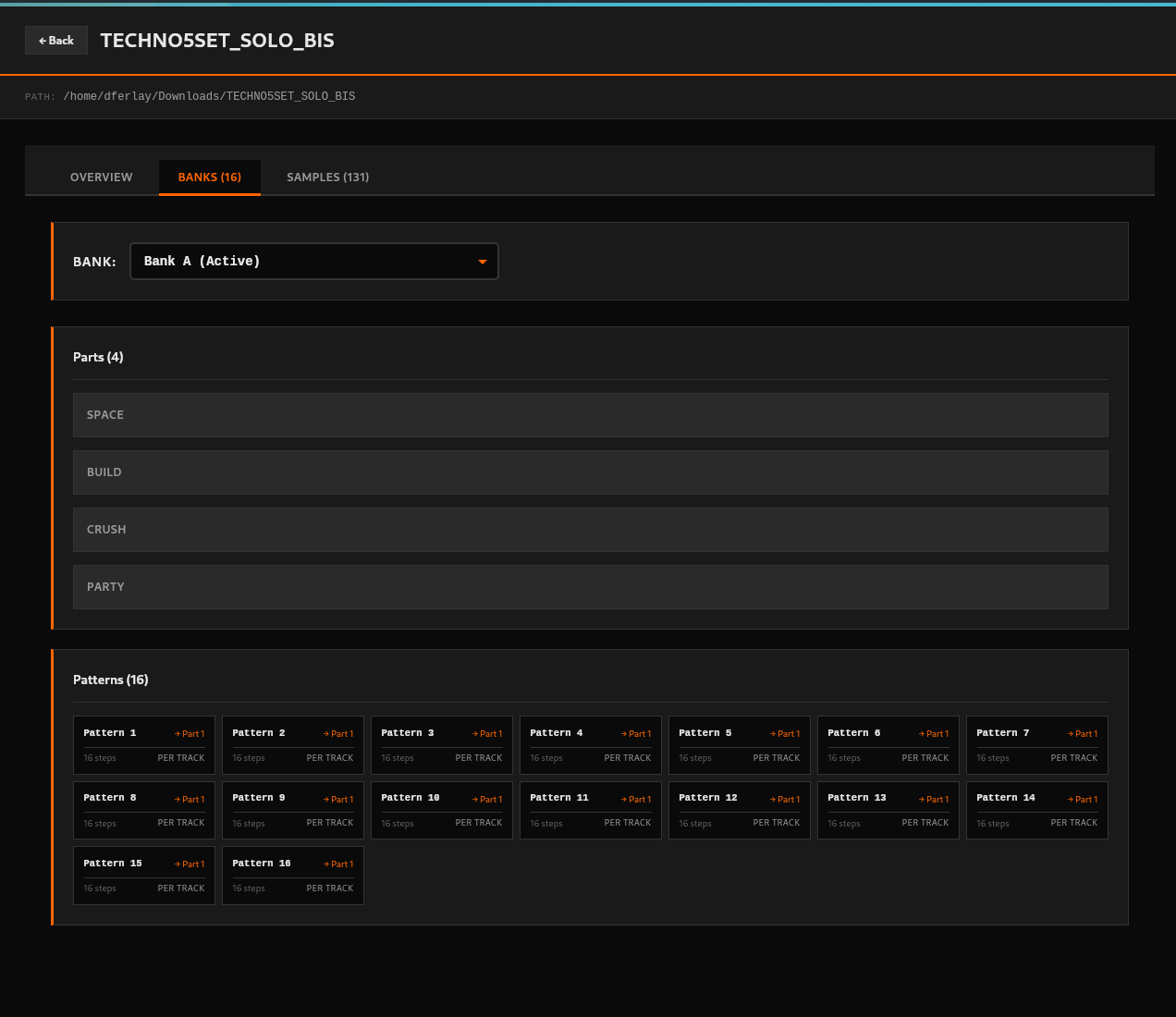
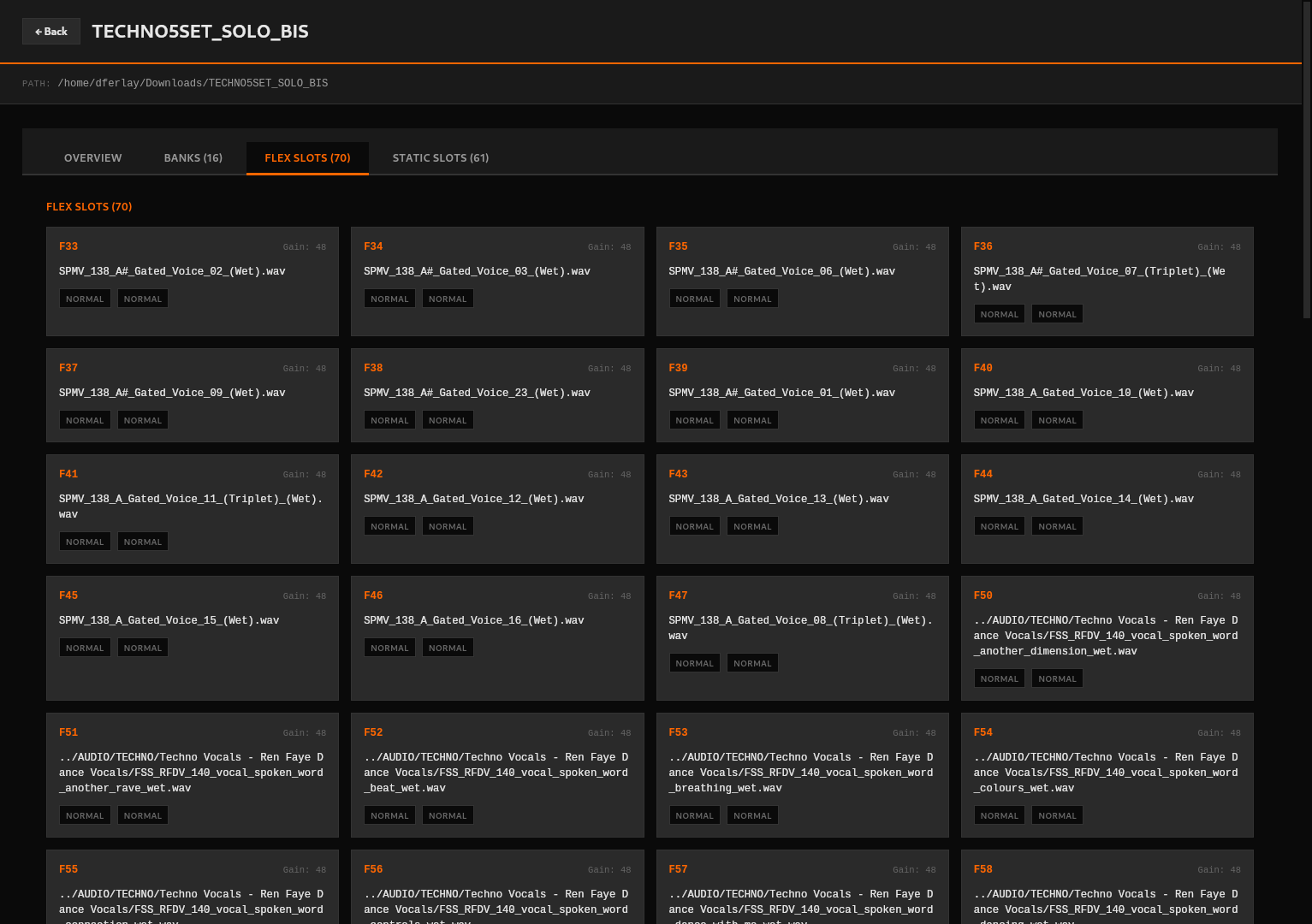
I’m in the process of re-organizing how data is displayed for banks, as most interesting info are there
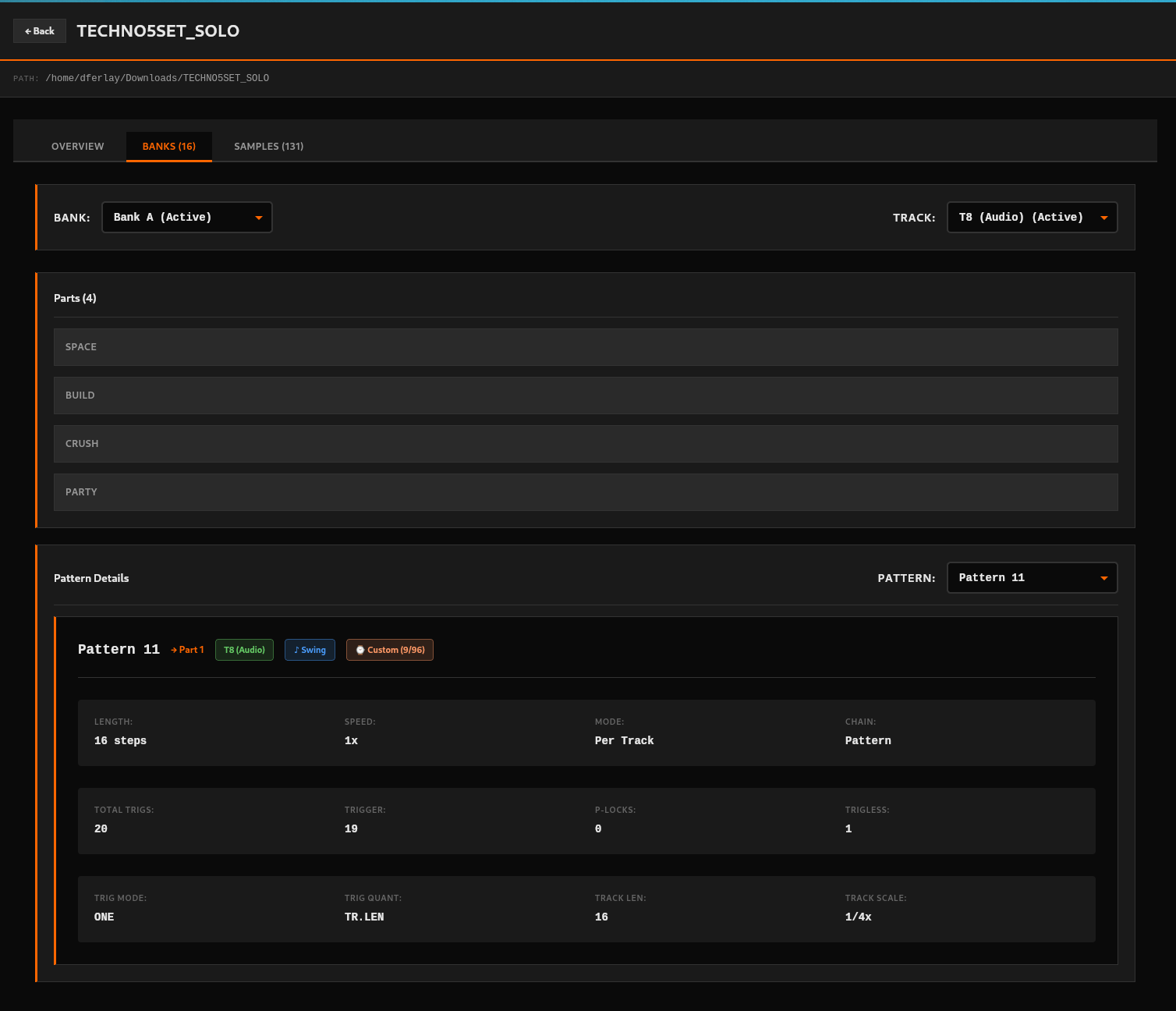
Current state (which will likely change significantly) :
Okai so just released v0.1.7
Would be great for several people to test it:
I just installed the 0.1.7 version.
First project I tried to browse failed to load:
Error loading project: Failed to read project file: ProjectRead(Utf8Error { valid_up_to: 9452, error_len: Some(1) })
I have french keyboard so i use UTF8, no accent in the project name but maybe in a part name or samples…
I tried with another one and it opened.
Yes!
Yes! Apart from the UTF8 error.
I’d have to check with a very recent project that I’d know by heart, i’ll need more time with the OT for that. One thing though is that one project i loaded displayed 4/8 as a time signature and i don’t think I set any project with that time signature. Can it be the result of the Master length or any other length being in x2 or /2?
The +:
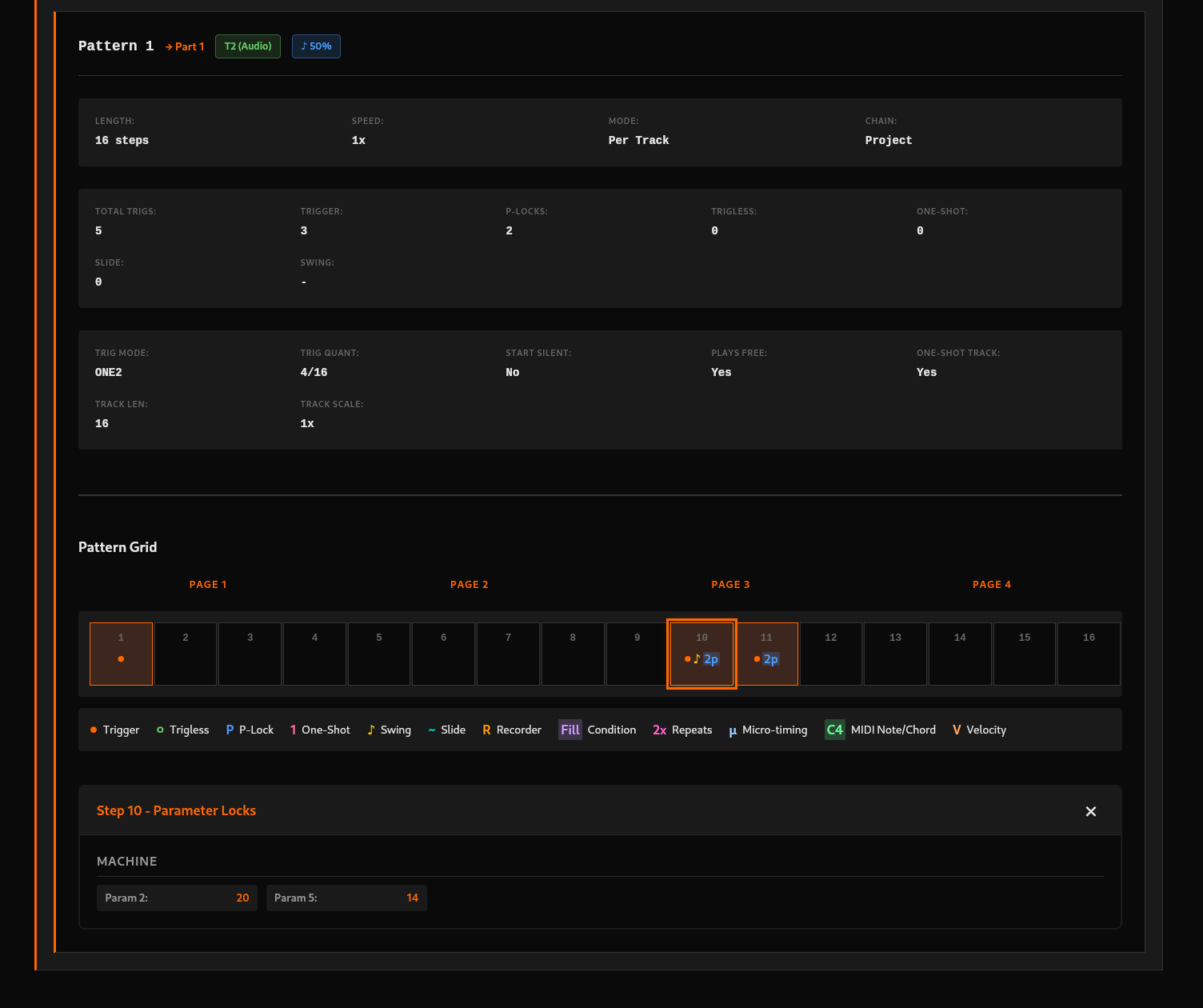
-The fact the app can display all kind of info is amazing, you nailed it! All the parameter locks for instance and micro timing, that’s very promising.
The -:
-The UTF8 error I mentioned above prevented me to open most of my projects so I could not open any project with Parameter Locks for instance to check if they are shown. I could see some other info on some steps though.
In a MIDI track, I can see the trigger displayed but not the name of the note.
The UI could be more efficient I think. As of now, we need to scroll up and down to select a track then check the steps. Would it be possible to have more info displayed at once? like to display all audio tracks steps at once? and just change to display MIDI tracks? I think there’s lot of space that could be more cramped so we don’t have to scroll at least. Parts names for instance take a lot of space.
I use a 13’ laptop so maybe that’s why I need to scroll a lot, I dunno.
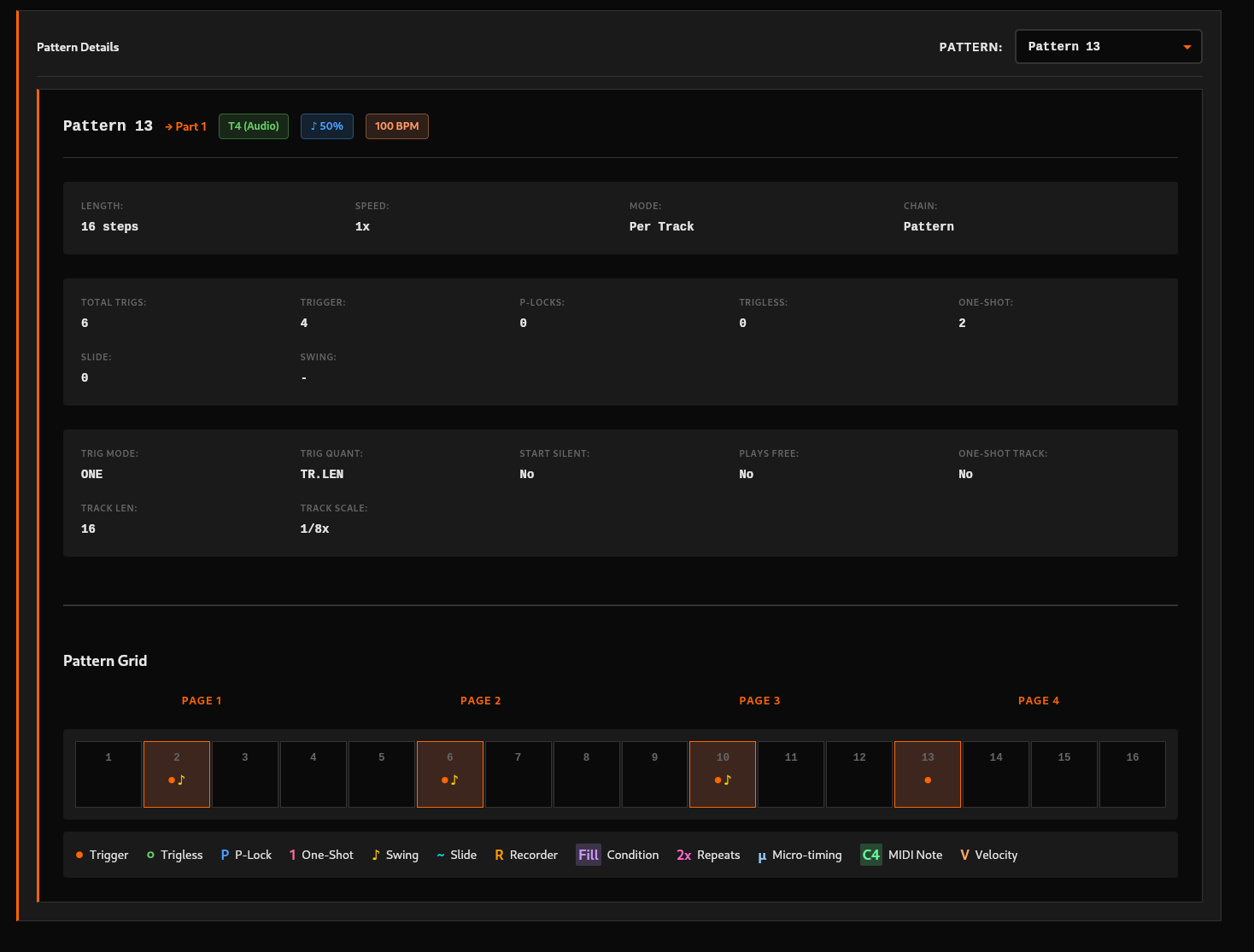
Pattern Grid symbols are a bit confusing but I guess I can get used to after using the app for a while.
Maybe it would be nice to not have to reload projects at least within the same session with the app. Once we exit a project by clicking “Back”, the menu is blank and we have to reload/rescan projects which is not practical in case we wanna transfer from a project to others.
That’s all for tonight, I’ll let you know if more things come to mind. Impressive effort, that gives a lot of hope. Some people talk but you act, congratulations!!
PS:
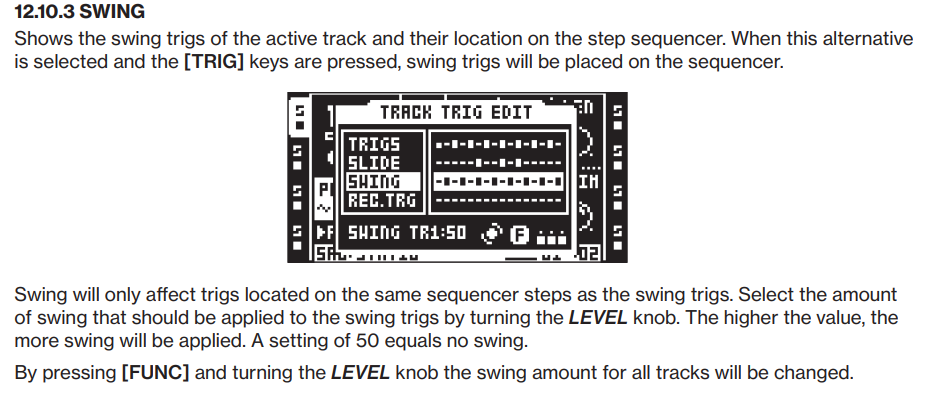
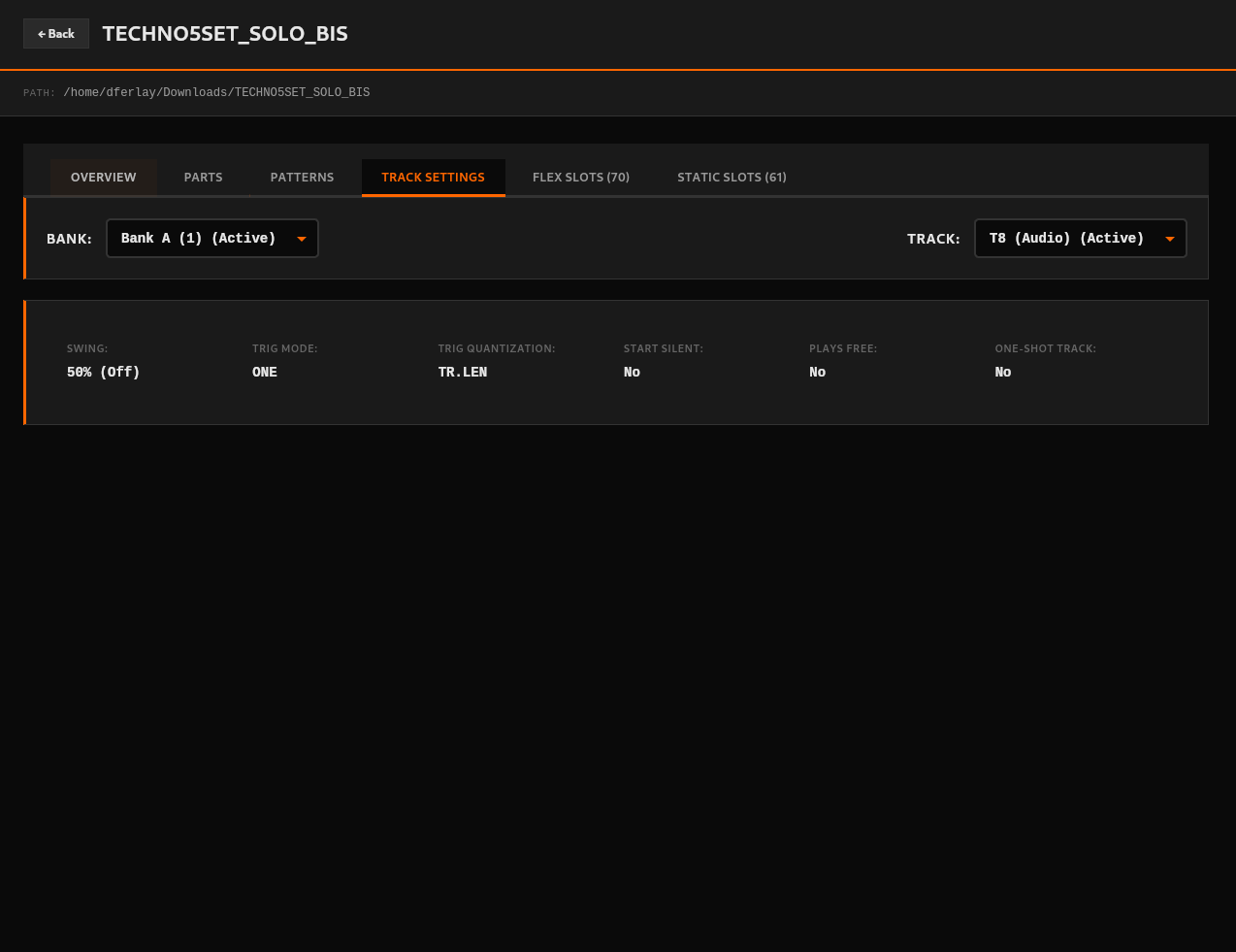
What does the 50% stand for?
thanks for doing this!
which file do i download as a mac OSX user?
octatrack-manager_0.1.7_aarch64_darwin.dmg if you have an ARM processor (most likely) like M1, M2, etc.
Don’t forget to open terminal and enter the xattr -cr /Applications/octatrack-manager.app command so you can run the app after you install it.
ProjectRead(Utf8Error { valid_up_to: 9452, error_len: Some(1) })
this is an ot-tools-io error. please DM me the project.work/project.strd files for the affected project so i can take a look at your sample paths.
(i never tested the OT’s ability to load pathnames beyond UTF-8  )
)
First of all thanks to you for taking some time to test @Blasted_pingin 
Having multiple pair of eyes and user feedback is absolutely primordial to make such a project to move forward, so thanks a lot !
Perfect 
Hmm good question, I’ll have a look into that !
Correction: @dijksterhuis nailed it, all of this wouldn’t work without his library 
Thanks anyways! And that’s only the start: Once all useful info is displayed appropriately in the UI, then we can make it editable  (that’s where the real challenge -and value- is I guess)
Gotcha, gonna have a look too !
Yes we can add these filter options in Track select list 
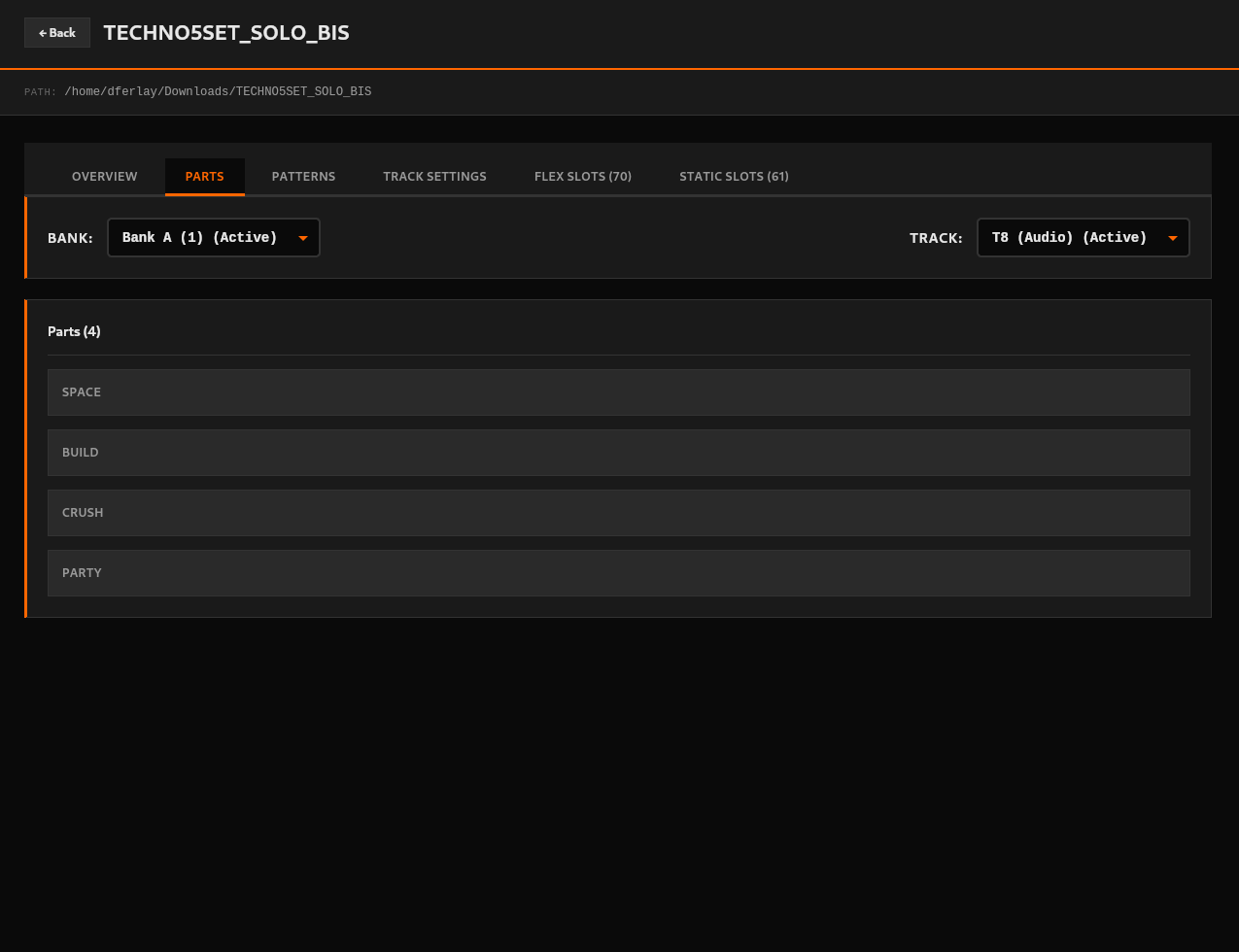
I see what you mean > That place where Parts names are displayed is where I plan to display all Tracks info and their parameters (basically all Param Pages settings) - Currently Parts names are kind of acting as placeholders
Soo it’s gonna be a lot of things to display there (Parts related) in addition of Patterns things
It’s gonna be a challenge to display all useful info in an optimized manner ^^
Le’s go for it nonetheless 
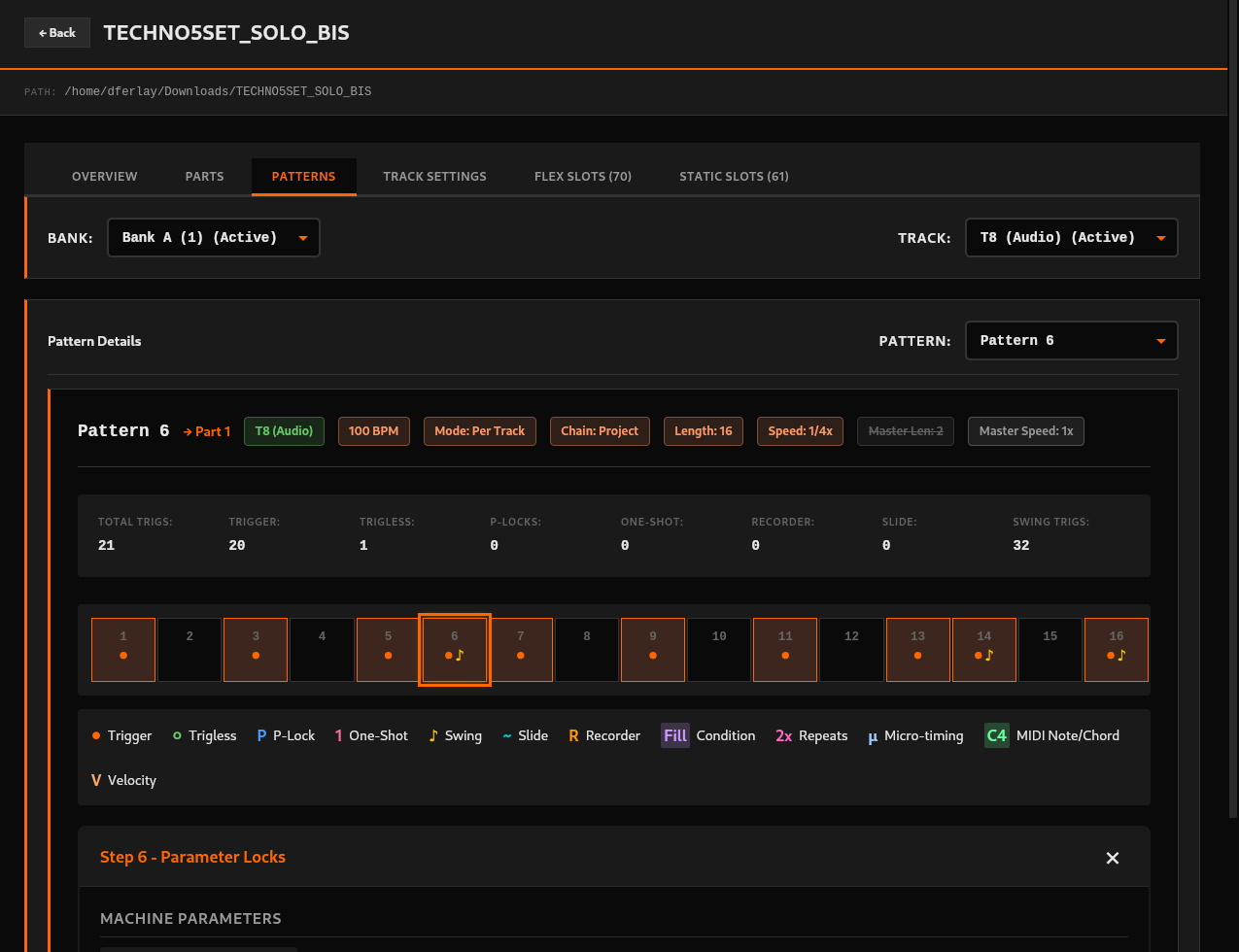
One thing i’m gonna do now is try to reduce space taken by all Pattern details so that Pattern grid appears higher in UI:
I couldn’t agree more :d I just fixed it in 0.1.8  (it was next item on my todo lol)
I will also add a similar caching to project loading, while going back and forth across projects
I believe it’s the swing value that applies to Swing Trigs added to the pattern: 50% meaning no swing. Reading the manual again (see TR1:50) and comparing with my OT, the value seems to be tied both to Track (TR1 here) and Pattern’s Swing Trigs:
Maybe @dijksterhuis can confirm :d If it’s only track related, maybe we can move that info somewhere else
Done in v0.1.9: Broswing across projects is now a breeze
it’s part of the AudioTrackTrigs struct in a Pattern, so it’s per-track in a pattern.
https://gitlab.com/ot-tools/ot-tools-io/-/blob/main/ot-tools-io/src/patterns.rs?ref_type=heads#L808
Excellent Thanks for double checking @dijksterhuis , I’ll move that badge somewhere else then! I’m thinking of adding a Track page with that and other track-related data
Really cool project!!! Forked and got a local version running! I do some some React projects for work… so I can chip in 
Thanks a lot @rosiusyves ! For now we could definitely use help on testing releases:
Frontend skills will be needed later on for refactoring/polishing if you are interested:)
@imacactus I refactored a bit, creating smaller tsx components.
Also worked on compacting the lay-out. Maybe some of it can be useful
Thanks a lot @rosiusyves ! I have significantly modified these areas during last hours though 
I think it’s way too early for optimisation/refactor for now, as I’m iterating very quickly for experimentation purposes and finding out what is the best layout overall
That said I’m thrilled that you were able to dive in the project so quickly and bring useful updates  Your coding skills will be required later on without a doubt
Can’t see it ^^ Can you please share a link ?
Ok so I made a lot of changes UI wise and released v0.1.10:
Please test and feedback
Later today I plan to add “See all tracks” value in select list