12 Likes
Just discovered too.
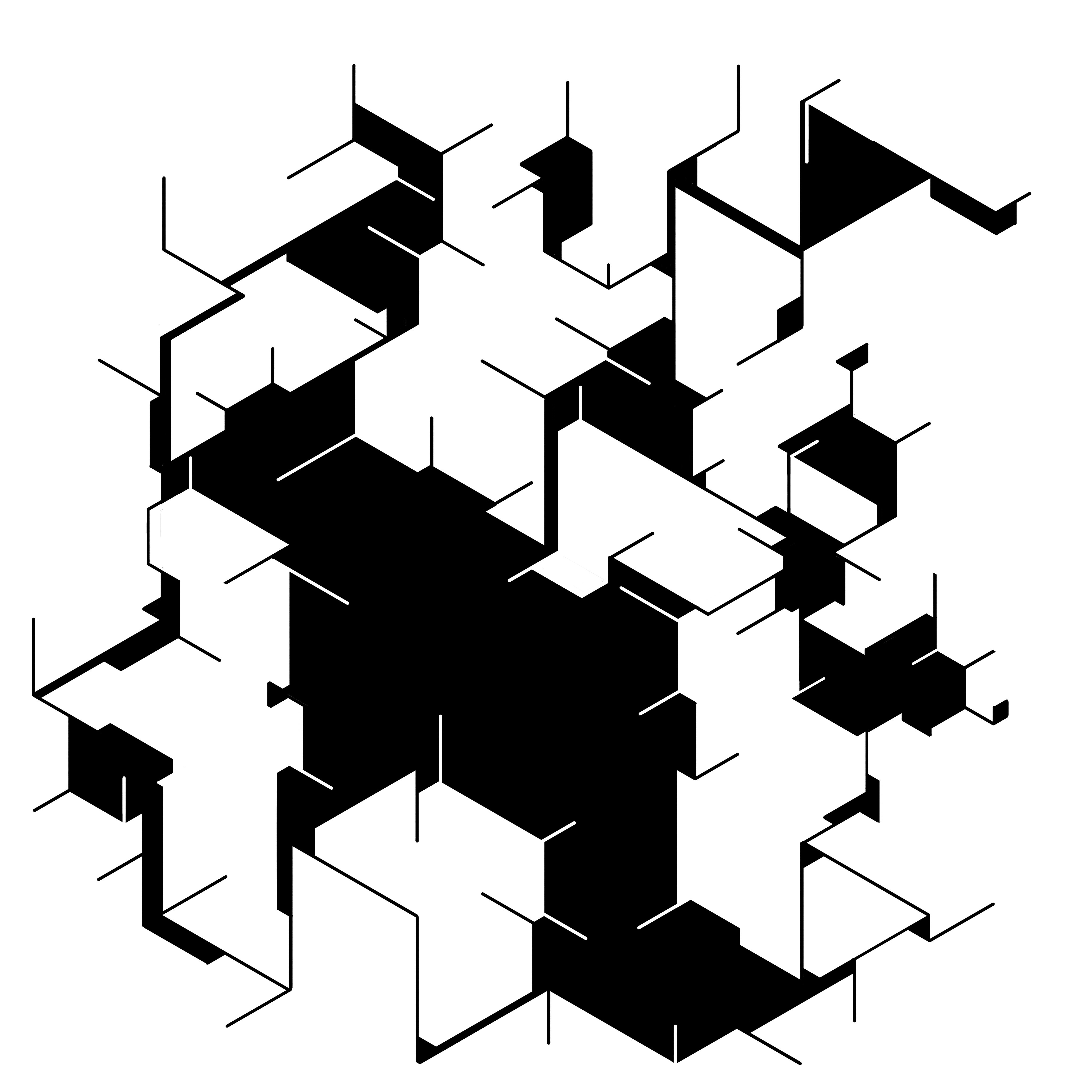
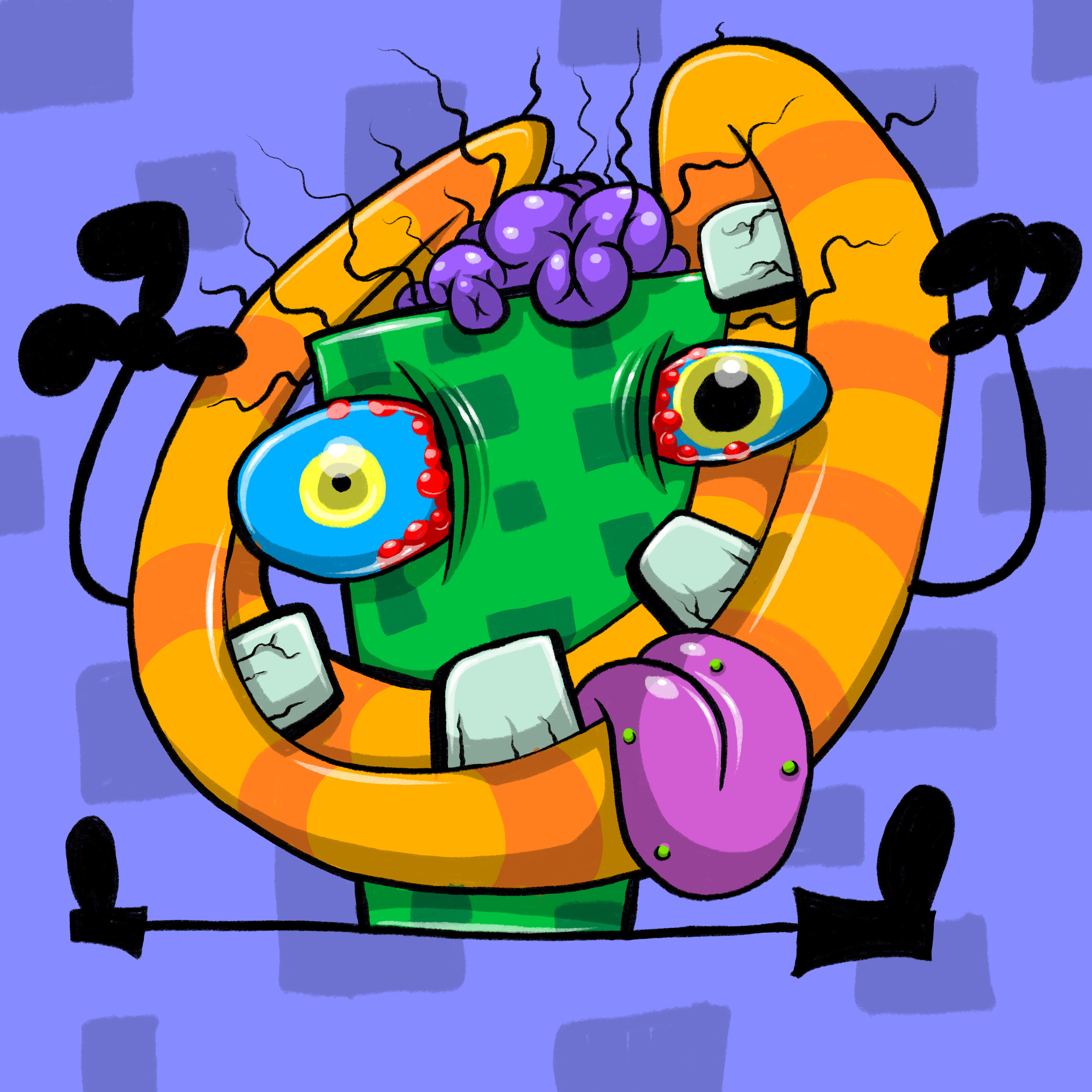
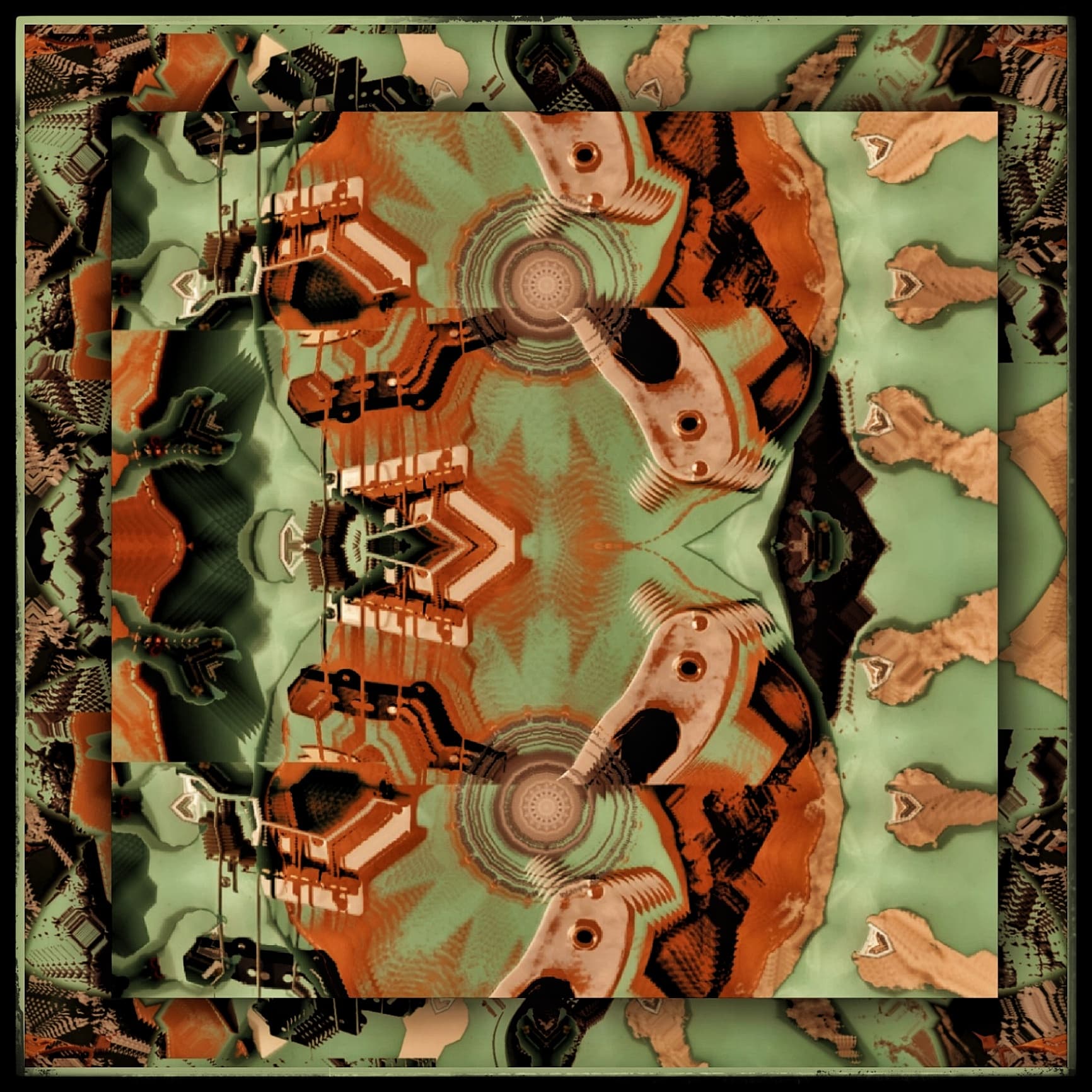
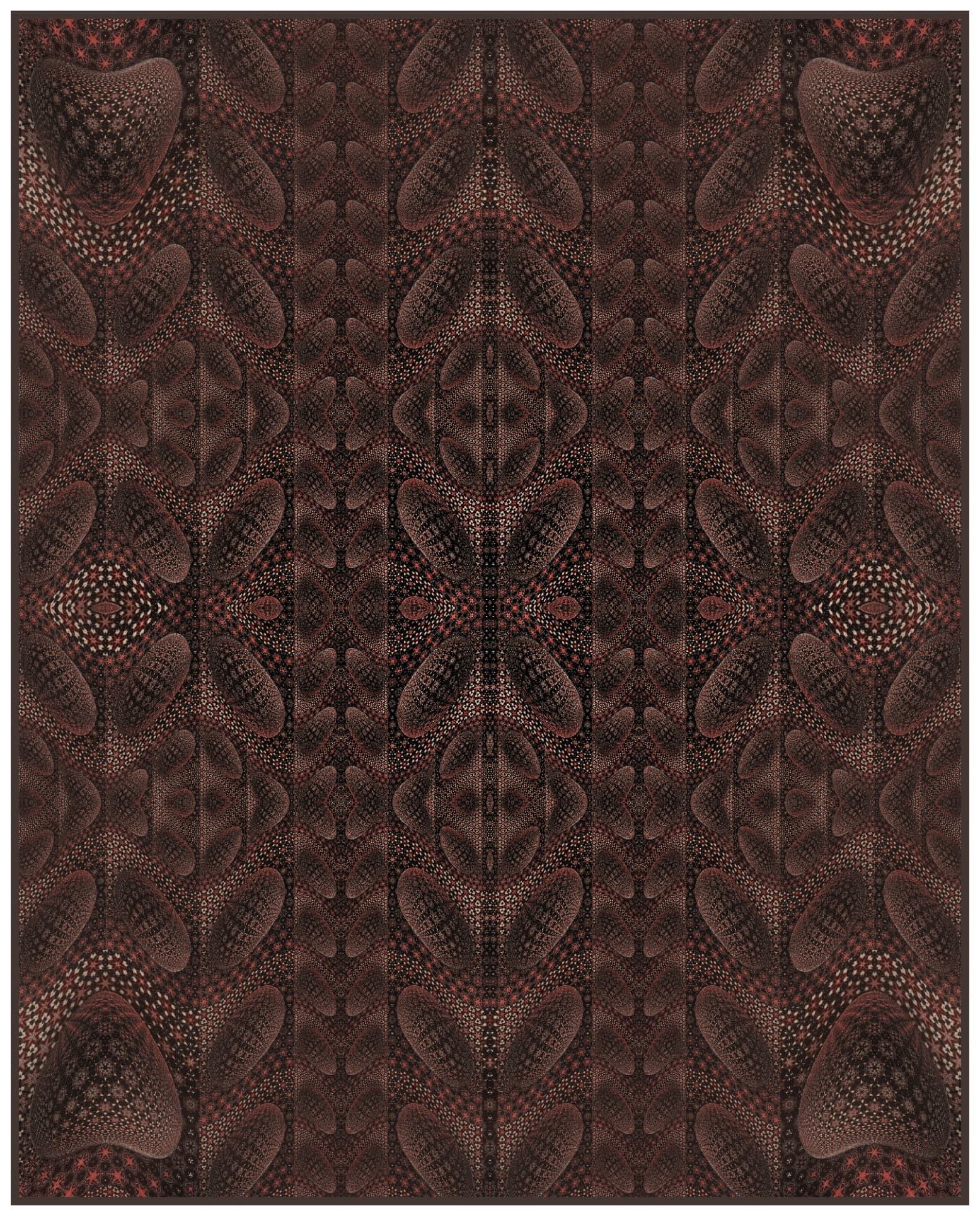
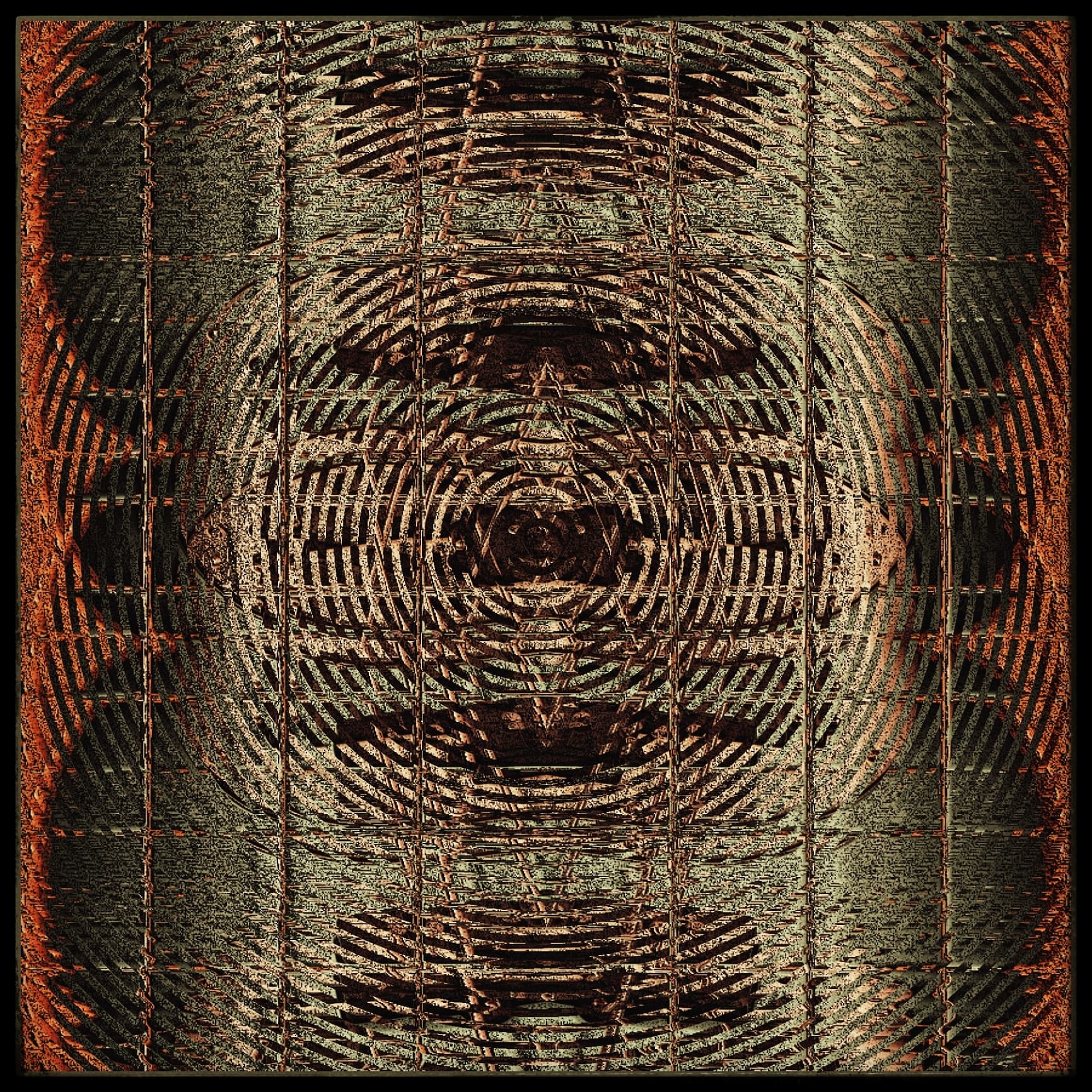
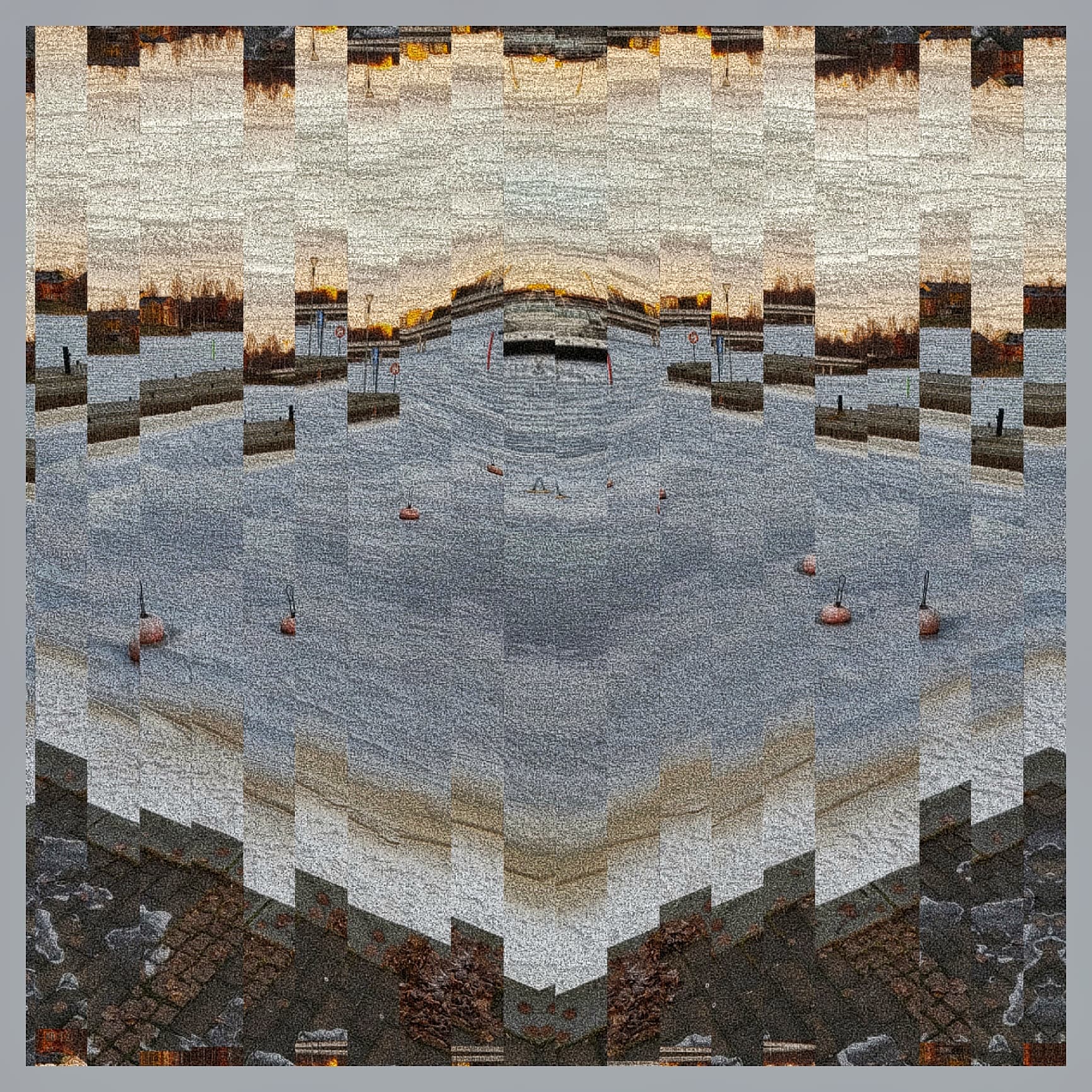
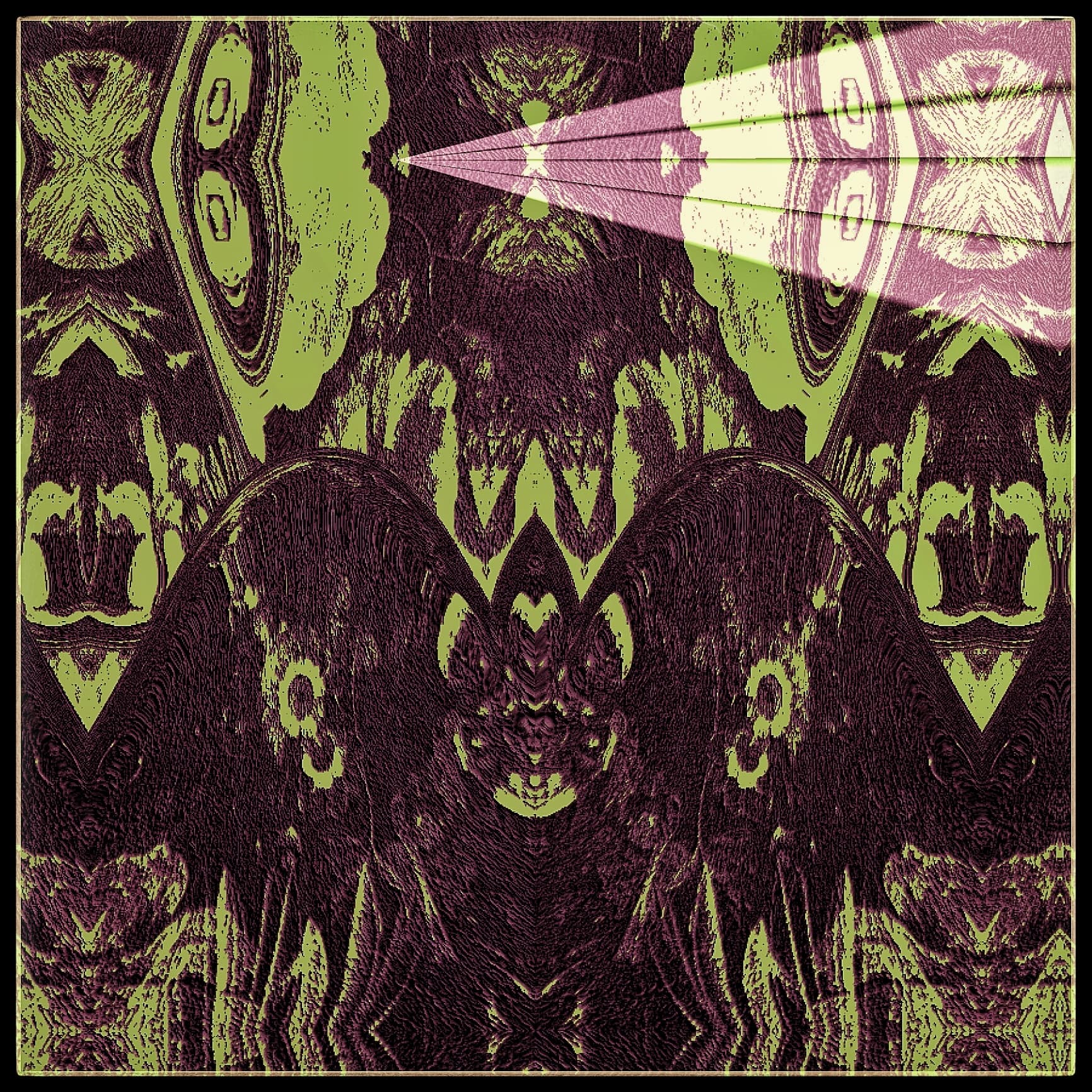
This image is made 100% with Illustrator.
Don’t know what it really represent, inspiration just came like this.

13 Likes
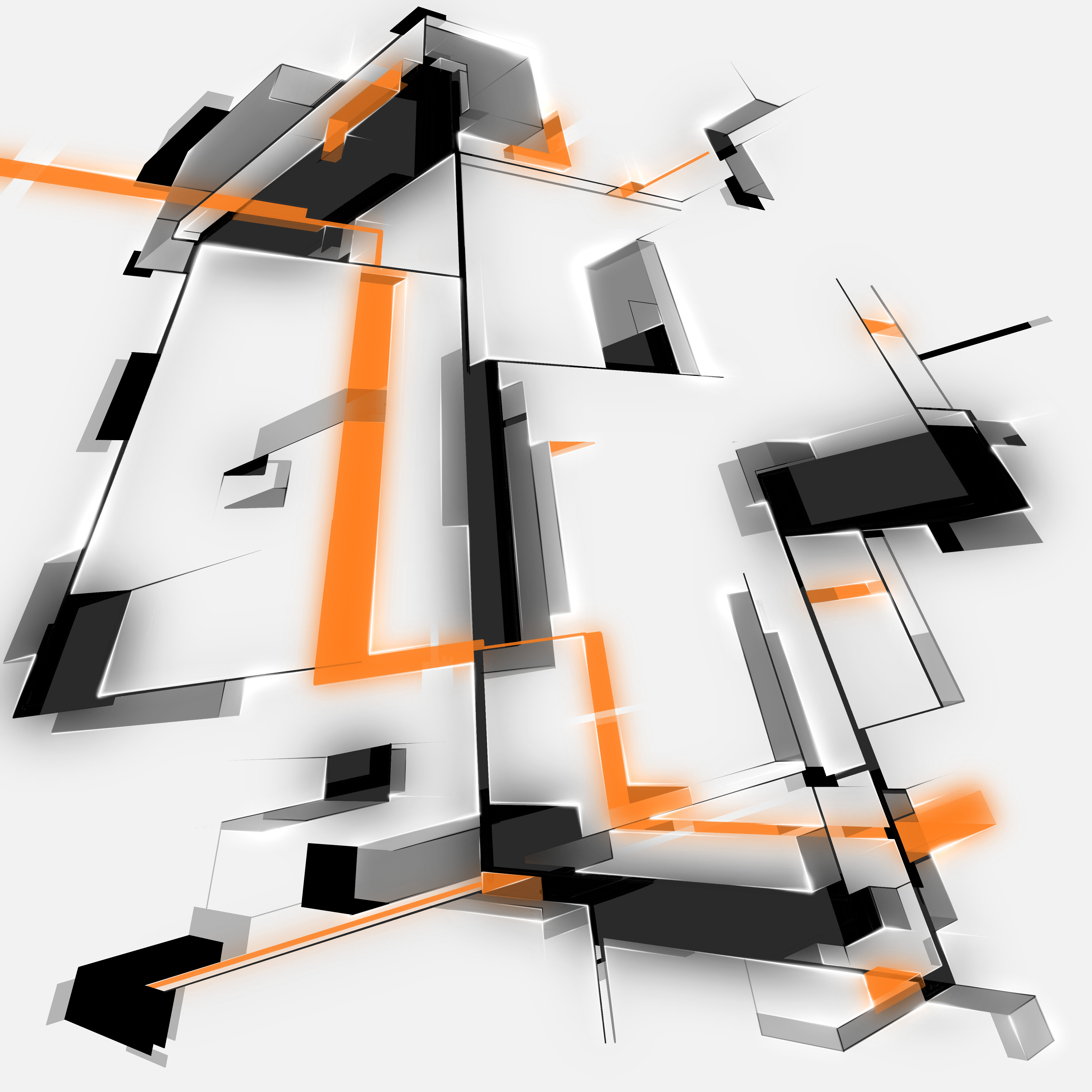
Wacom Cintiq 16  @ 1080p
  …
…
3 Likes
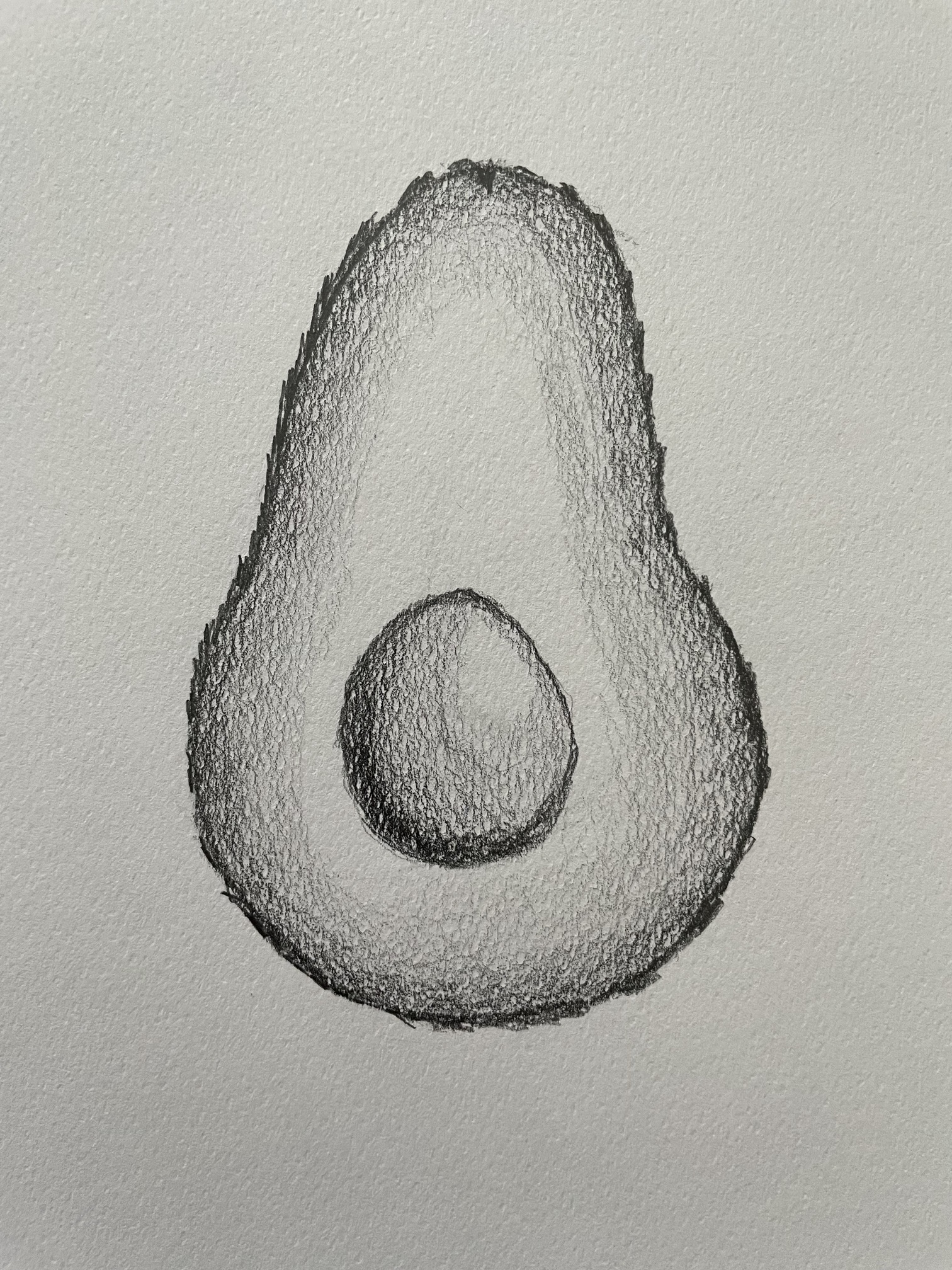
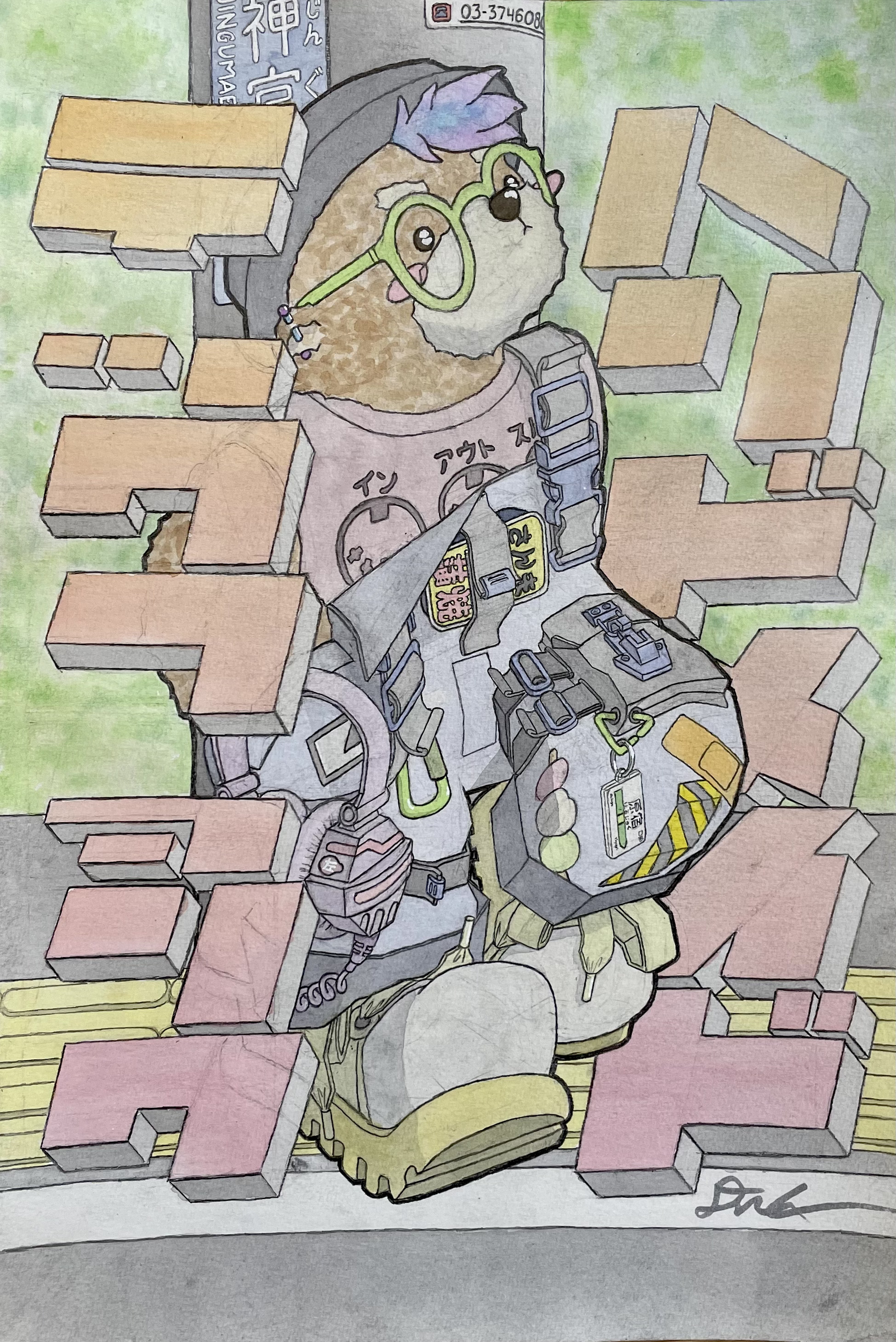
How do you transfer from paper to ipad? Photo or scan?
I also use wacom, but tablet. Good choice though 1080p might be limiting. But i see you have big screen behind, you can use it for more detailed stuff
1 Like
You can skip pencil on paper and use some cool brushes in procreate with pencil texture to get same result.
Also it’s easier to edit stuff in procreate since it’s digital
I’m still adjusting to a stylus on an ipad compared to the “grip” you feel between a pencil/pen and physical paper. I guess it is just practice though.
I started with Adobe Fresco, I’m now trying Photoshop for iPad, and probably eventually ProCreate.
Digital editability and having layers you can switch on/off is really great. But I’m also finding drawing on Fresco/Photoshop leans towards bitmap based, rather than vector, so manipulating drawn lines is tougher. I’m just trying to embrace it though and use more layers and redraw elements rather than push bezier handles around like I would on desktop.
1 Like
Exactly, you’ll be there in no time.
I do digital stuff since ages, and ipad and ipad pencil is closest to real thing in my opinion
1 Like
I can’t draw very well on iPad , it’s a cheap 9,7 inch old one
1 Like
Nice! Honestly I think I’m finding that I can actually just press the stylus (Apple Pencil) harder against the glass. Like I’m afraid to break the screen 
It’s only since using the stylus that I’m appreciating just how much feedback the paper and table beneath were giving me when I draw. Hence the word “grip”.
Like on a micro level the graphite pencil or ink pen is embedded in the paper but the stylus is only on top of the glass. But pushing harder probably mimics that feeling well and changes how my hand behaves based on pressure which will bring it closer to a paper experience.
Sorry for rambling!
2 Likes
The textured coating on Wacom tablets is replaceable;
it might be compatible, or perhaps a similar version exists for iPads.
Personally, I find it very convincing.
It’s not exactly paper, since there’s absolutely no flexibility,
but the grip is very good.
2 Likes
Woah I’d never heard of that before. Very cool. Might invest in one. Thanks for sharing!
1 Like
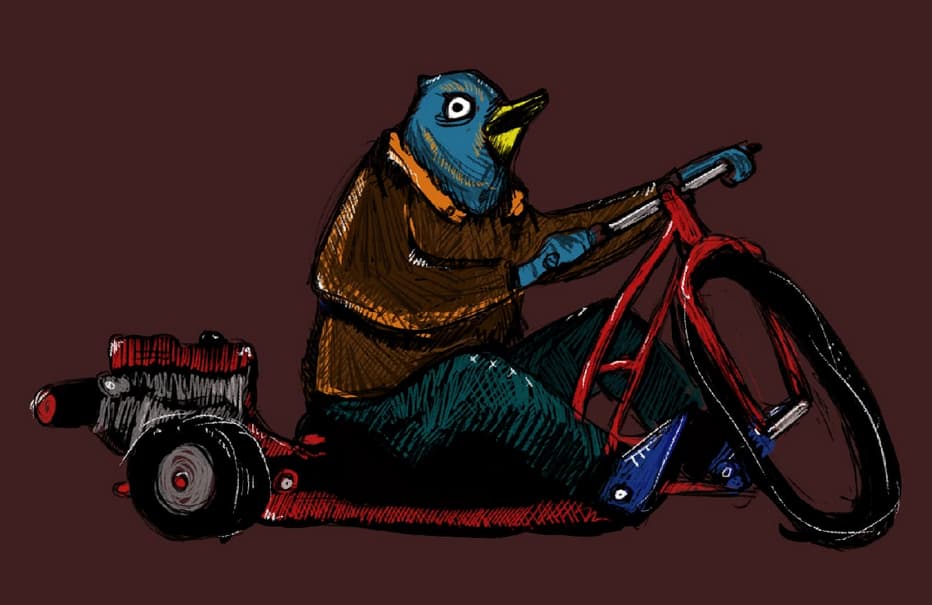
i take a photo with my iphone ( not pro ! ) 
1 Like
You can install Paperlike screen protector, it gives a nice well paper like texture. It’s that good.
Removes that feeling drawing on a glass, and also sounds like paper.

Here is one sketch/drawing i did some time ago. Pencil drawing and a bit of watercolor
https://www.instagram.com/p/CHGJmaAJkaq/?igsh=YWJrZXI4cWR6emtu
Here is an actual video i did for Procreate back in 2020, a sped up process.
14 Likes