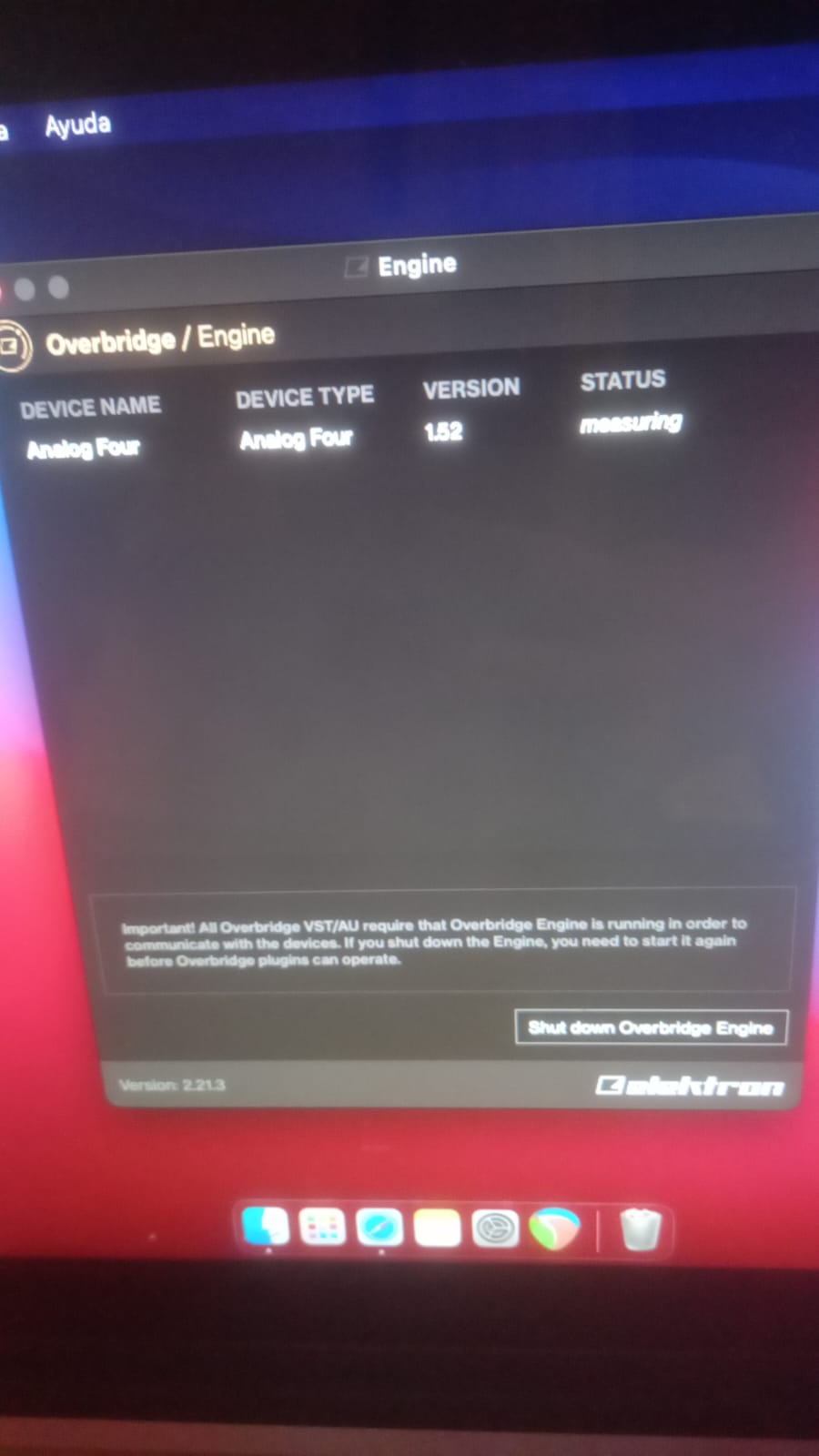
I’ve been trying for hours to install Overbridge and get it to recognize my A4, and nothing… I’m running macOS Big Sur and the latest version of Overbridge.
This is usually because your mac wants you to allow the program. I don’t know anything about mac computers, but I’ve read this same post quite a few times. For some people it’s under security settings, for others it’s somewhere else.
If you can’t find the information in the forum search, I’ll see if I can track it down for you, but you know more about your own computer than I do so see if you can find anywhere that lets you approve the programs allowed for install and run.
Also, if you have not yet restarted your computer that’s a common one as well. Tried a different cable? Checked your device settings and made sure USB+MIDI is selected? etc.
3 Likes
I just fixed it… what I did was open the Control Panel and activate the synth tracks and the main output. In the Control Panel, a message appeared in the bottom right corner that said “Apply” (I didn’t read what it said, hahaha). After clicking it, I started seeing the tracks emitting a signal… magically working.
Beginner’s luck never fails.
1 Like
beautiful 
1 Like