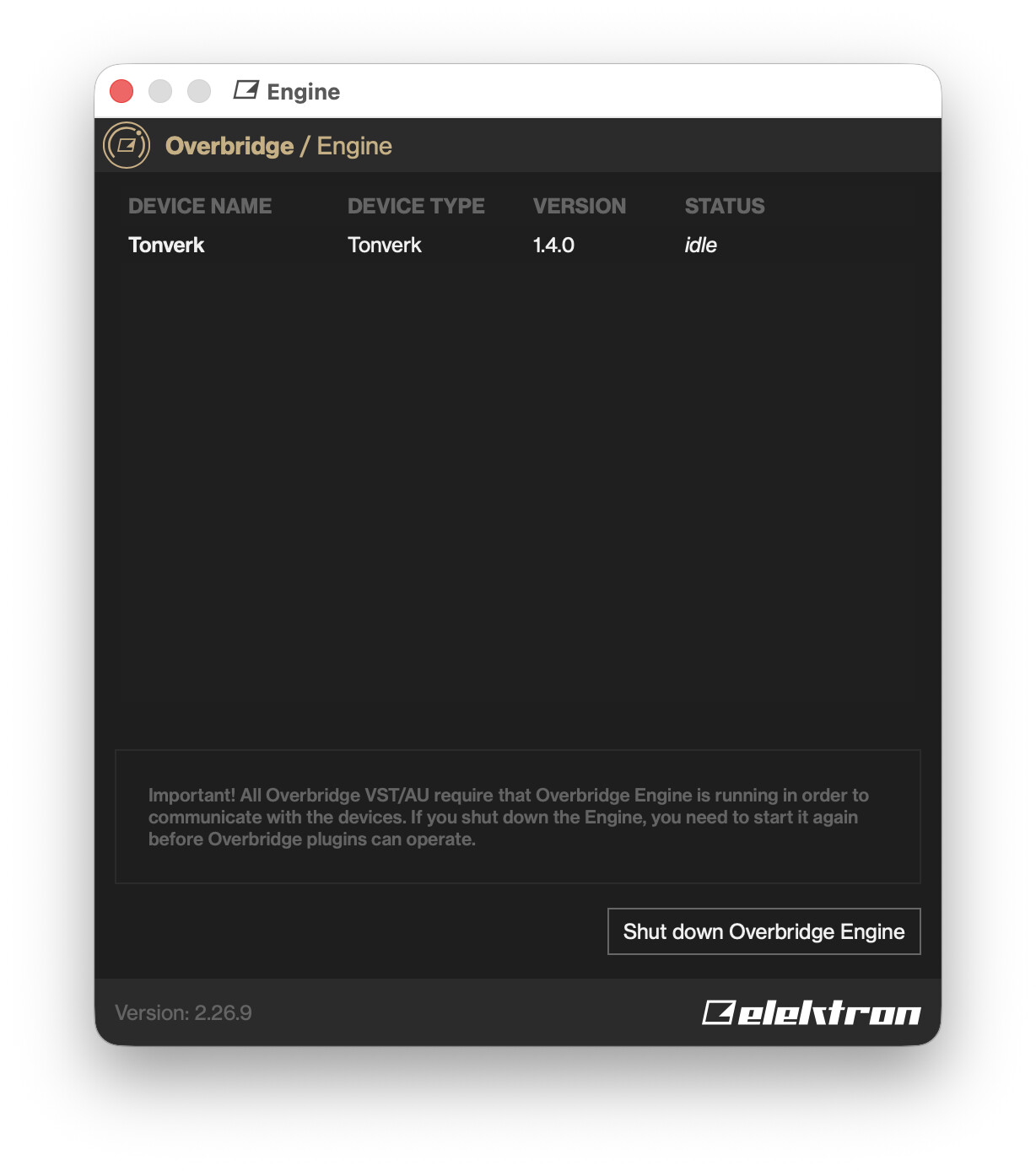
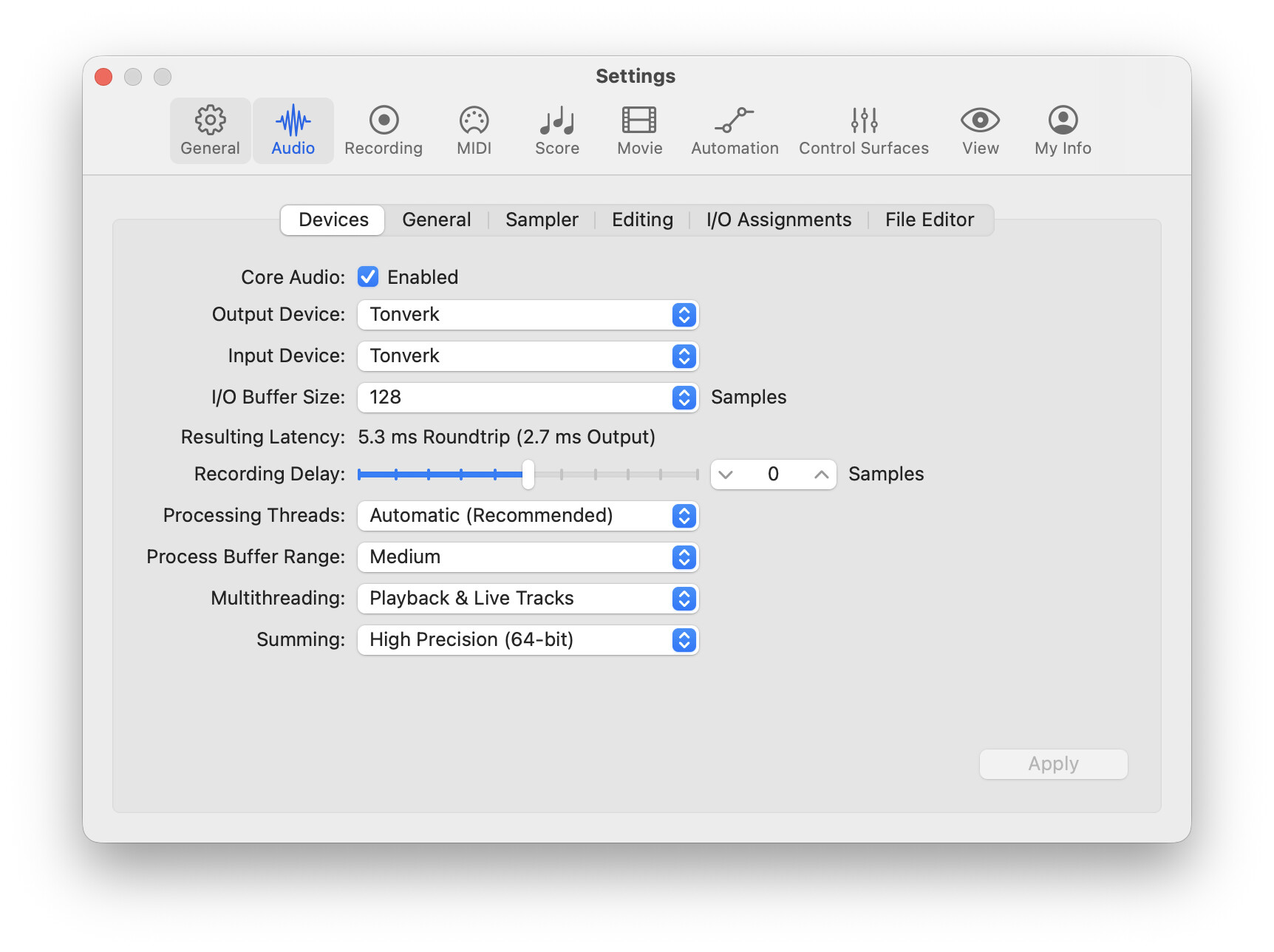
I can’t get this to work? I put the Tonverk into overbridge mode and it doesn’t give me options for audio inputs in logic X.
Anyone else having this issue? I downloaded overbridge, restarted my computer and tonverk. Tried bus powering from MacBook to USB 1. Using the stock USB c cable that came with Tonverk. Tried difrent USB c ports on the MacBook.
If so, what does “Audio MIDI Setup” app show? Should have “Tonverk” listed there with 36 ins (note these are in to the computer. That is, outputs from the Tonverk) like this:
I did the update as well to see if I encountered the same thing, but as @jemmons displayed, I was able to select from all TV channels.
The one thing that you may have missed, is the USB extension that needs to be enabled in your Privacy and Security on your Mac.
@Phallusxsolarus, try opening the OB app while your TV is connected and see if it has instructions in red. It should give an explanation of what needs to be checked/enabled to work with your Mac.