Hi !
I’ve just received my brand new digitakt 2 and I’m not able to run overbridge. Here is my environnement :
- Digitatk 2 (1.15A + overbridge selected on USB Config menu)
- Overbridge 2.21.3 with Digitatk 2 extension
- Mac OS Sonoma 14.7.6
- No overhub
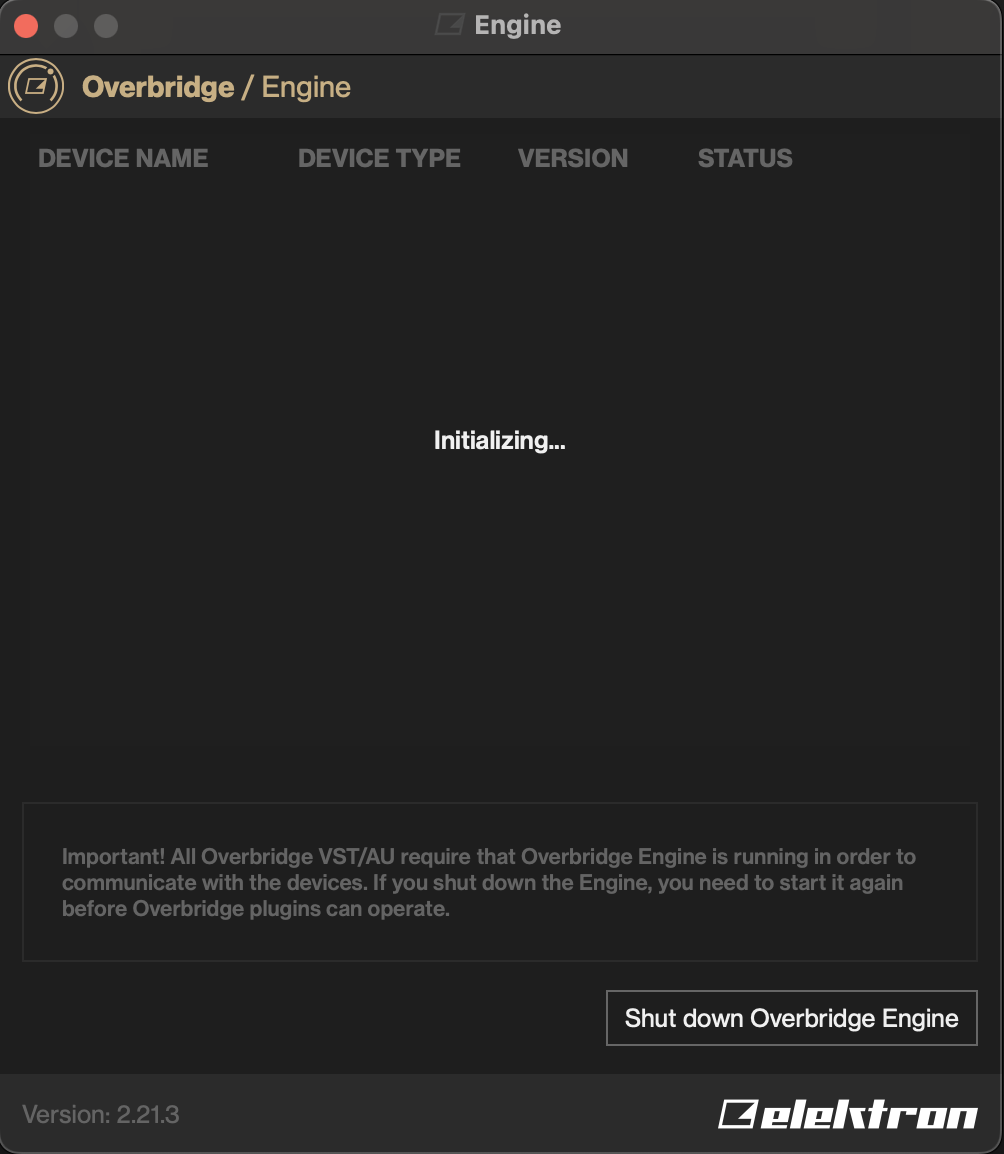
When I launch Overbridge, it seems stuck at the initializing step :
I think the communication between my Digitatk 2 and my computer works well as I updated the firmware before downloading Overbridge.
Did I miss something ?
I’m getting the exact same thing with Overbridge 2.21 and Big Sur. The installation instructions mention a dialog box in preferences/pop-up to allow the kernel extension, but it never appears after installation or reboot. No devices are ever recognised by Overbridge and it stays stuck saying ‘Initializing’. Devices work fine in USB MIDI mode and show up in the OS.
1 Like
I am in the same boat and it is a REAL bummer. I can’t find anything online.
M1 MacBook Pro, 2021.
OSX 15.6.1
I hate this lol.
Pls halp!
Is it this? Caught me twice now
1 Like
See, I am WISHING I had a ‘Drivers’ area in extensions… I can’t even go there and fix it. I’m just… locked out entirely.
OSX 15.6.1, MacBook Pro M1, 2021.
Overbridge says “Initializing” forever and can’t do anything. Doesn’t seem to be any way to fix it. No replies in the other thread either…
I am sad.
I am on 15.6.1 and an M1 and I have it: System Settings->General->Login Items &Extensions->Driver Extensions (at the bottom there)
Edit: if not there, maybe reinstall latest Overbridge?
I’m having the exact same problem