Hi everyone! I am getting “out of memory” messages and I am ready to get a new larger flashdrive but I need to figure out how to safely save everything before I eject it and then how to safely transfer to new drive.
I am terrified, and after reading some other forum posts I am still confused.
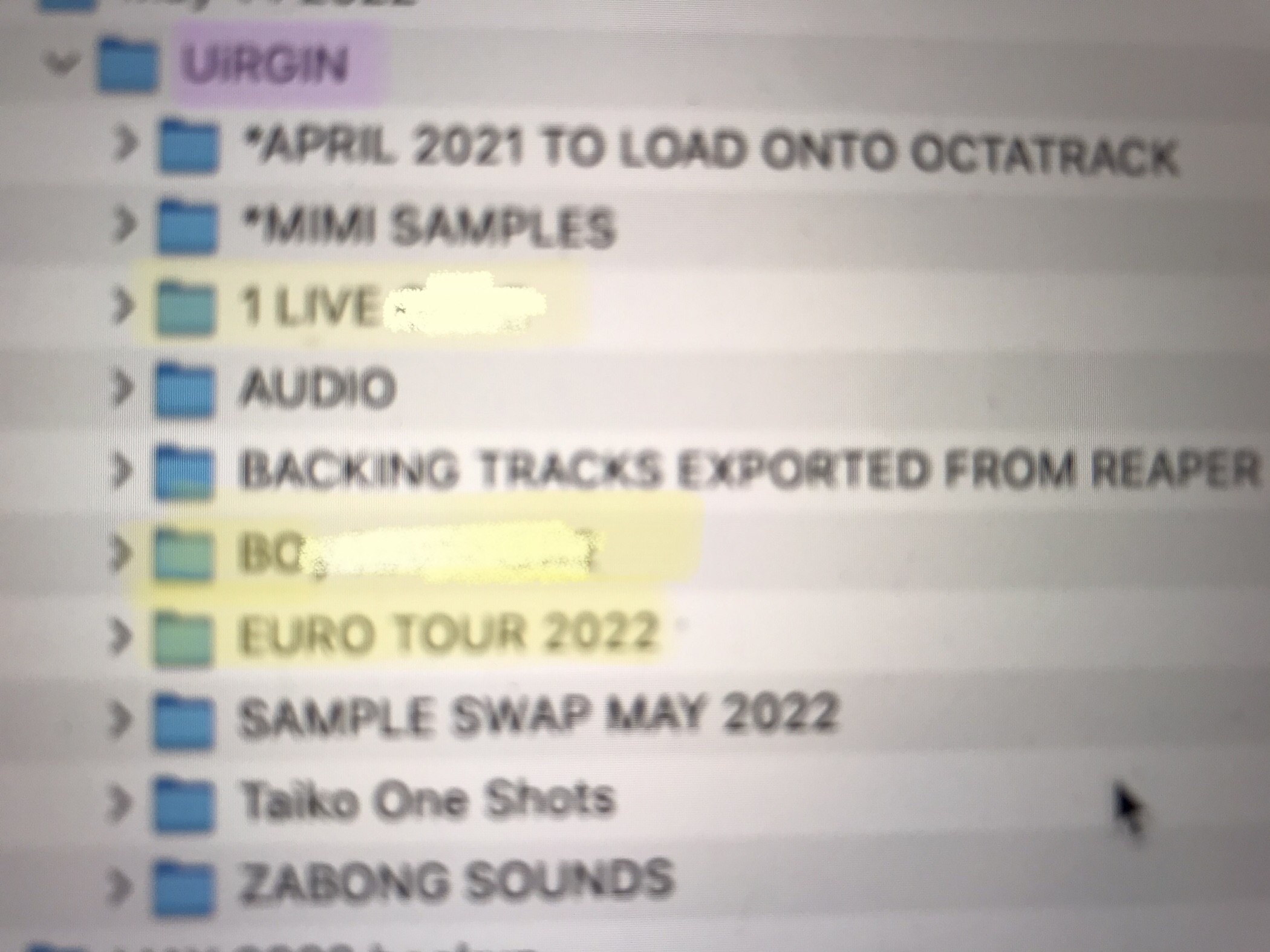
In the meantime I have saved my Octa flash contents to my computer hard-drive via usb. One potential issue that I noticed though was that I think the folders on my octa are super disorganized. This is what they look like(attached). “VIRGIN” is the set name and then Project names are in yellow. Samples are located in the other folders, including in a folder called AUDIO. Is it normal for sample folders and project folders to be on the same “level”?
Also finally is memory determined by sets, projects or just flash drive size?
I just get told “ERROR: OUT OF MEMORY” every time I try to load a new sample.
Yes, I have loaded way too many samples that could be static into flex slots, they take up less space on static slots.
Hi Rusty, thanks so much for replying. I am worried about moving the folders into a larger “audio pool” folder now, though, because I assume the filepath will change and that will mess stuff up. Also, are you saying “do not name your projects” as I did because the asterix is not a valid character for a project name?
Thanks also Microtribe. Got it re: RAM. I’m having ram issues because I’ve used too many flex samples, not memory card issues. That’s good to know.
Yes, renaming folders in AUDIO messes up the file paths, resulting in "ERROR ‘FILE NOT FOUND’. I’ve just tested this for myself. So, if you need to rename folders click Project, Collect Samples on the projects you want to keep intact beforehand.