The only way around this I’ve found is to create a temporary project with the name you want on your samples. Then use the multisampler or whatever and save the snapshot. Then rename it.
The samples will have the project name in them.
1 Like
Sorry
Yeah I know. But sometimes you sample in the middle of the project. I guess you could switch for OCD sake 
2 Likes
What I find funny about the sample browser is how bad a layout it has. Nearly 1/5th if the screen is taken up the the ‘shortcode’ KD1, CL, etc. Then this is a place they have larger font size too.
Maybe a click one encoder to go into a folder and another to back out would make sense. Then they could use all the real estate to display the file and folder names instead of this absolutely terrible situation we have right now.
This would also allow multiple levels of folders to help sort the samples.
3 Likes
I just peeled it off with my fingers.
Please note that the rubber part has a top and bottom.
I inserted tweezers into the center hole to adjust the adhesive strength.
But now that it’s fixed, there is no incentive to request a new replacement. I recommend that you consult your retailer first.
Ui, ok.
iam thinking about shrinking everything to A4+op1f and AR+op-xy because it sounds amazing to route audio digitally into 2 different tracks per machine 
1 Like
I’ve been looking at this again and the XY basically has the same width screen as the Mk1 M8 but it’s half the height.
The M8 implements a full file browser while navigating samples. It follows the general conventions of “folders/” and files with the “…” to go back up to the higher level folder.
IMHO there’s no reason the XY couldnt change the sample browser interface to something similar. This would make the user experience so much better as it would allow more room to read the sample and folder names instead of this truncation with something like “My super 909 kits” being shortened to “My su…09 kits” - it’s nearly impossible sometimes to browse a larger list of stuff.
I know it was also suggested previously to lazy load the samples too as a user scrolled through to speed things up. Don’t try to load each one into memory to play, maybe have the user click the key first and only then load the sample or something.
I would like to think the samples browser currently is an artifact of the rushed released and that it will be polished more and made more user friendly in future updates. But I’m also scared that TE will double down and leave it as is because it’s similar to the instrument browser with the multiple columns.
I do like the XY and my OP-1 Field, but the more I think about everything, the more I feel that the main reason I feel uneasy is the lack of communication from TE. I know @MichaalHell here being involved in the testing has been doing a bang up job of helping us all out, but in reality it’s @te-david or Will we need too in forums talking to users, reading the feedback and speaking with us.
I know TE’s employees are busy, but community outreach and dialogue with users would go a long way to making people feel happy after they’ve spent the price of a small car on a music device. I’ve seen a lot of people returning devices too as they’re not happy with the current state it’s in and rightly so; but more communication might help here too.
After the EP-133 release when @te-david appeared in the forum and was conversing about the device and it’s issues, it really helped me at the time feel us users were being heard as there was a two way line of communication.
One other potential issue with the lack of comms now too is that lots of users are raising issues with TE for the same bugs, this takes up the Support Team’s time in triaging new requests, etc. If we knew certain issues were acknowledged and being worked on, forum users wouldn’t keep raising tickets about them.
Sorry for the long post, just thinking about it is all.
8 Likes

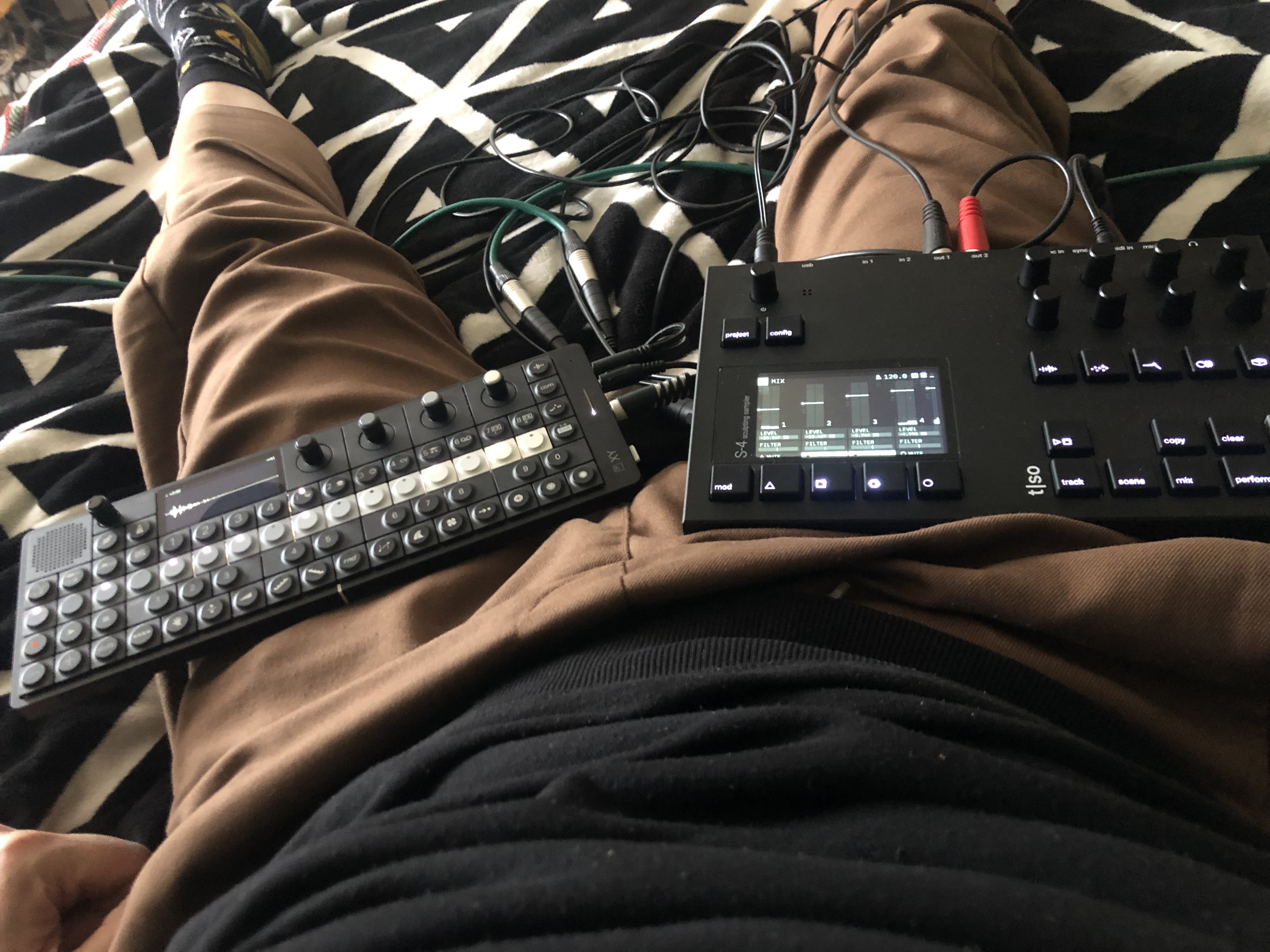
Tell us more! How do you have them working together and how is the s4 now?
2 Likes
Just had a thought, could there be any way to use the midi aux track to modulate parameters in the xy? Basically feed its output back into the XY? Would be so good and open up an additional LFO let alone parameter locking/automating any given midi cc value.
You could probably do it by looping the MIDI back with a cable
Am I misunderstanding this? Can you not specify the exact volume or velocity for each individual step? Is the only way to change the velocity in multiples of four?
1 Like
I had some fun with the Roland s-1. It’s a perfect little companion and battery-powered, too. I also have used the torso t-1 (op-xy powers it just fine) as an alternate sequencer. I quickly created many simultaneous midi sequences and recorded (froze) them into the op-xy tracks.
More recently, I figured out how the midi cue thing works on the Tp-7, which nicely integrates with the op-xy sequencer. You can jump around arbitrarily long recordings in the Tp-7.
1 Like
Should work if there is a way to invert the ring/tip on midi trs out? Would be better if xy could do it internally with a future update mind 
Might try cutting a cable open and patching the ends together
1 Like
Why would you need to reverse the polarity?
Looks like it. Not even by four. The higher up you go a higher value is placed.
4,8,16,32,64,100,112,127,0,Random
Maybe an external keyboard would work better.
1 Like
You’re right, I forgot op xy has separate midi in out. I just tested with a simple trs cable looping back midi and it works! You can send midi out of aux 3 and point it back at the xy. I played notes via aux 3 but haven’t experimented with lfo etc yet will try tomorrow.
You have to turn off clock though otherwise it goes mad
1 Like
If I understand it correctly, XY doesn’t have a filter or amp env settings for each drum hit in a kit. Is that right, and if so, is there any workaround without sacrificing tracks? It does seem like a really sweet groovebox other than that.
It’s possible to p-lock these settings per step. However, if two or more samples are triggered on the same step on a single track (e.g. kick & hi-hat), they share the p-locked settings.
1 Like