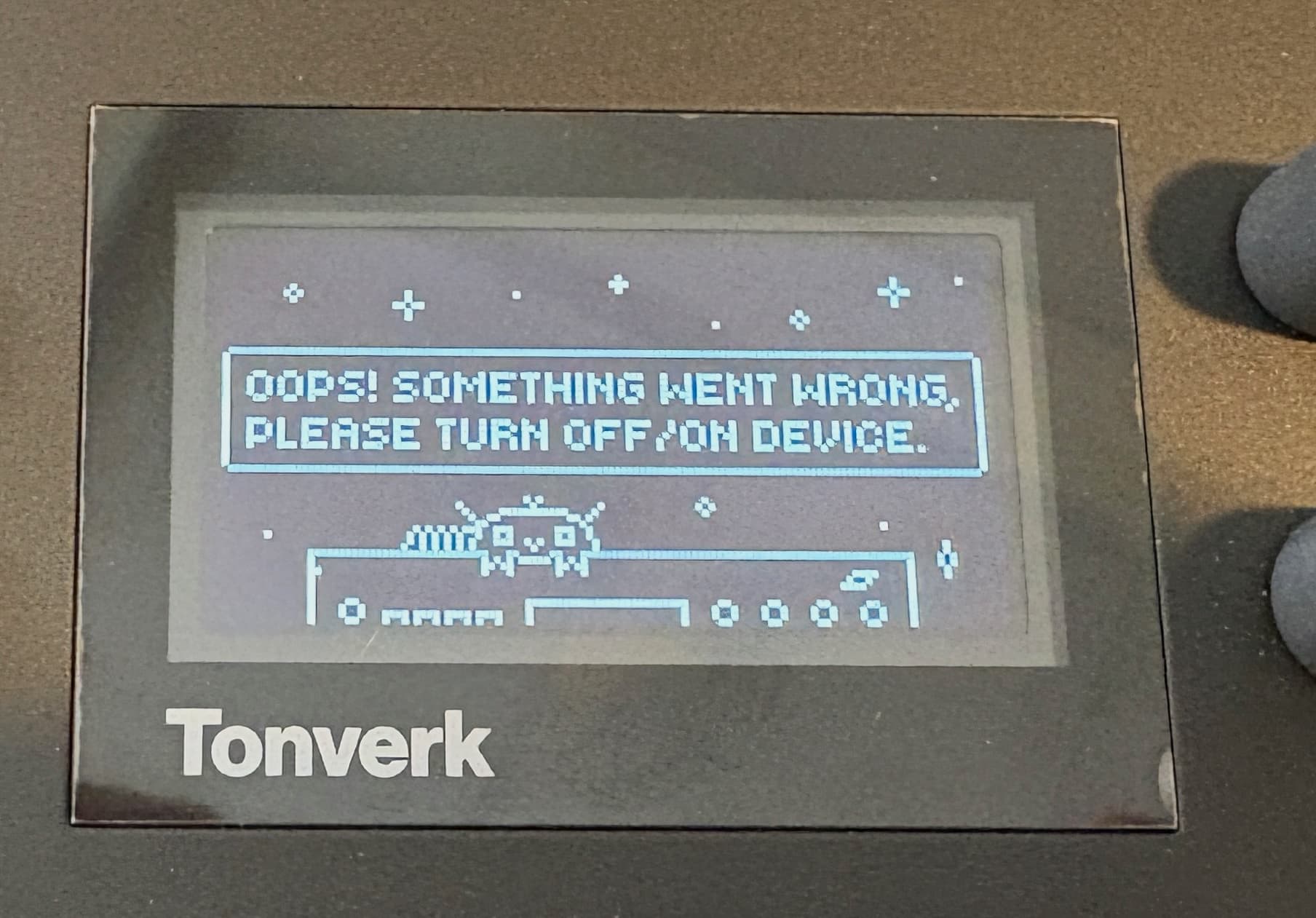
I think there might be strict conventions for the naming of the sample files, the naming of the instrument in the .sfz / .elmulti code, the naming of the .sfz / .elmulti file and the naming of the folder. I think if any of these names aren’t coherent, it throws an error when you try to load it.
I converted a .sfz to the .elmulti format with chatgpt, keeping the original sfz file names, and the TV can play it in the intrument fine in the selection menu, but throws a “sample error” when I press [yes] to load it.
Yeah I can imagine it’s quite picky about what it needs to work. I have enough to worry about learning my way around the machine but at some point I’ll have a try with any other suggestions. And probably multi sampling directly too.
I was wrong about it being strict on file/folder names. It was just my loop points messing everything up (which explains why I could preview the sound but not load it in, as the notes don’t loop in preview). The .elmulti format actually seems really robust and tolerates all different types of names between the folders and files, so long as the sample file names referenced in the .elmulti file are correct. It even allows for samples to be placed in different directories. And it seems to tolerate all kinds of sample and bit rates too, so long as the loop points are correct.
I just noticed that Preset Maker exports SFZ files, and I got a license of that a while ago to convert my NI instruments. So maybe that one is worth a try with a folder of samples perhaps.
I must admit the idea of doing it cleanly as a simple upload and skipping the multisampling part entirely is quite appealing. Will have a play and see what I can come up with.
I managed to make a single one work I have a few now that work
When you get a loading error, you can save a logfile to the SD drive (SETTINGS → SYSTEM → SAVE DIAGNOSTICS) which give you hints why the SFZ is not working (overlapping velocity values, unsupported values, cannot find samples etc).
Most stuff must be removed from the SFZ to keep only the group and region tags, and not all keywords / values are supported. For example, this will load:
You would think that a Sampler being pushed as a Versatile Polyphonic Multisampler would be able to actually play premade multi samples or am i just being stupid
Well, so far we are tinkering here with stuff that is not officially supported, and either we find cool workarounds or there’ll be some info from Elektron or both
No luck for me either.
will convert now to 24bit / 48khz.
A buggy machine is one thing.
“unfunctionality” another.
But the lack of communication and information as happens here is unexcusable, is my working hour worth nothing ? multiply for several hundred people
Ive had some success but that was transfering Sf2 to SFZ using Sforzando they show up as Multis in the Tonverk but i haven’t had any success transferring Waves to SFZ and getting Tonverk to recognise them ConvertWithMoss doesnt work for me either