We often remark that the DAW is amazing, and yet we get distracted by the endless options.
It strikes me that much of the problem is to do with FX. On the Digitakt, for example, there’s only so much you can do with a sample, so you soon learn the options, how to push those options, and then once you know all the options, you can start screwing with them to get really creative.
With the DAW, you’re always trying endless stuff to see what sticks.
With the Move, I’ve really enjoyed the limited options, combined with the fact that if I have a concrete idea/need, I know I can easily do that later in Ableton.
This all got me thinking. What about multiFX in DAWs? Either dedicated multi-fx plugins like Koala FX or that Baby Audio tranasition thing, or—in Ableton—home-made effects racks.
My thinking is that if you have a default track with a default set of FX on there, it’s easier to focus on the music and not on all the bells and whistles available to you.
Which finally brings me to the topic for this thread. Let’s discuss software multi fx, share ideas for FX racks, or share the actual racks, and so on. And not just Ableton, but any DAW.
I do it like this currently: Print Sequence dry , duplicate sequence to another track, then use infiltrator and click a couple of presets, take the one that sounds good. Print the 2nd track.
Then i cut /blend between dry and the FX track. Micro editing, its picking the best parts , and mixing them in. I do this also for reverb, instead of automating it, i use the copy of the track, and blend the note which should have the fx. (Well it can be automated on the wet track, but i still pick the moment where i want the fx.)
(Avoids option paralysis etc - you have to commit to something and find the sweet spot.) If there is none, i trash the wet track, and do it again. (Send FX is more for overall Room sound, feedbacks.)
IMO it’s about knowing what you want to achieve with FX at all.
Mixing
Mastering
Sound Design
Multi-FX for mixing and mastering often offer a similar group of FX like compression, EQ, limiter etc. and follow typical signal chains for those tasks. In many cases we would setup single plug-ins the same way. If the quality of the multi-FX is okay, why not use it …
For sound design there are so many options to apply FX that for me multi-FX plug-ins are less interesting. For sound design I tend to look for specialists providing complex delays, otherworldly reverbs, real good sounding distortion, or something totally experimental.
I like - as an example - “soundtoys”. This is a collection of many single plug-ins with a couple of extra functionality compared to standard FX
As an example, the Digitakt has delay and reverb sends, SRR/bitcrusher (iirc), plus LFOs. From those limited options, you can do a whole lot of sound design and composition.
My thinking was that a limited preset fx setup in the daw could give the same immediacy and forced inspiration.
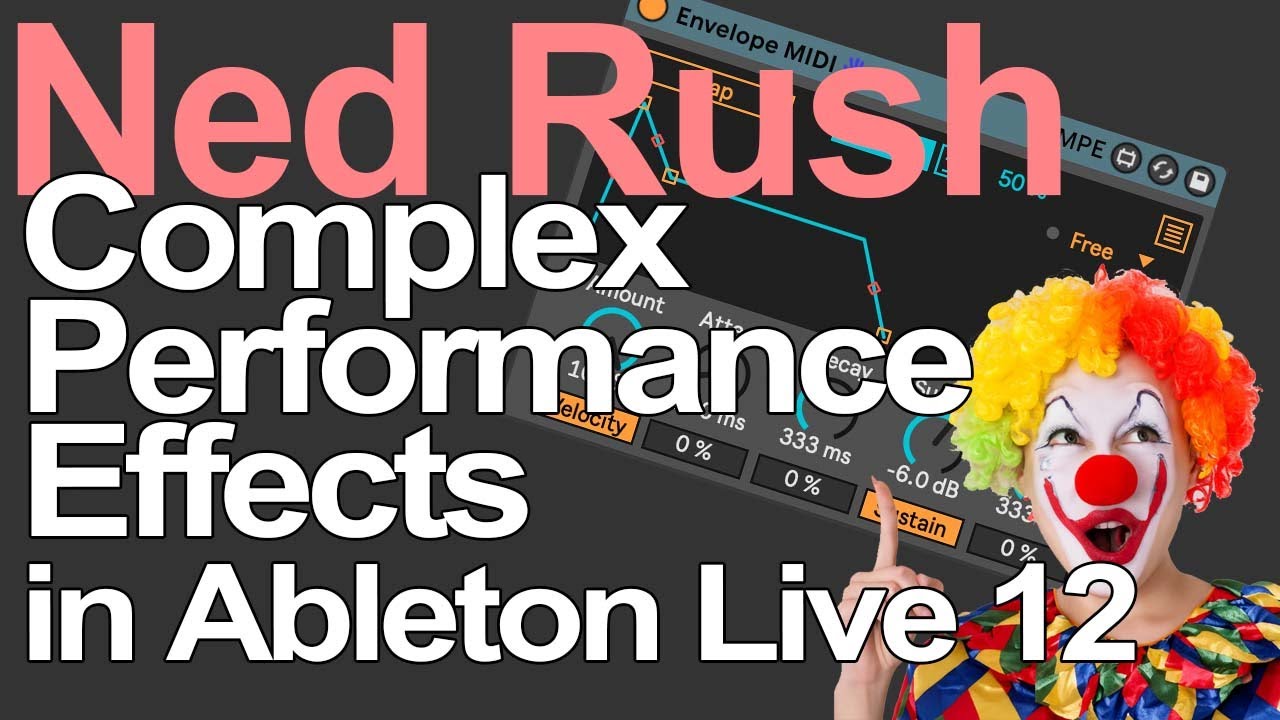
My new favorite trick, punch-in effects. Ever since I heard it on the TE device, I’ve been thinking about how to imitate it in my DAW/Elektrons.
DAW is easy and there are so many solutions.
You might know the idea behind it from other VSTs (Infiltrator, Efx Motions, Synestia, there are so many). Some DAWs even have their own MultiFx (Cubase/Logic) suites. But they all use a buffer or something like that and only process the audio stream. Sometimes I don’t think that’s tight enough.
But in Live and Bitwig you can also do that on the MIDI/sample/voice level. The cool thing is that you can stay completely native in Live (suite), which also makes the whole thing interesting for the Push3 SA, including MPE.
The whole thing is explained quite well in the video and offers a solid basis for your own ideas.
I have extended the whole thing with the SQ sequencer (Sequencer Live Pack) and tuned my effects a little more to filters, roar and fades. you can go completely crazy with your selection.
On some Elektrons, with the A4 for example, you can abuse parameter locks in a similar way to punch-in effects, but I’m not so up to date on that at the moment. can’t find the video either.
And of course there is the mighty Octatrack
I built my own multi effects plugin a few years ago, it now gets added to every track I use by default and it’s my most used plugin. In a way it’s similar to the transit plugin and I will forever kick myself for not having the business brain to release it.
I think paralysis by options is a very real thing and the more I can do to limit my options on a computer the better!
Keep it simple either in the DAW or on hardware. There might be endless options but you don’t need to use them. Focus on levels/dynamics/EQ/panning for the final mix then add FX sparingly and only where required. That’s my philosophy
Option paralysis becomes much less of an issue if you have a specific musical goal. By the time my music gets into the DAW, I’m usually done experimenting and know what I want to achieve with the track. I use whatever tools get me to that goal. If I were producing primarily in the DAW, I don’t think it would be that different because I almost always want to pursue a specific musical aesthetic at any point in time, and don’t bother with tools or techniques that won’t help me achieve that purpose.
Personally I find multifx a bit pointless/ too restrictive in the DAW - there usually isn’t quite as much control as I want to fine-tune things.
Restricting yourself to 1-2 sound generators and 2-3 FXs an saving it as a Ableton template has the same effect as using an Elektron box. Doesn’t need to be more complicated than that. As @m0ld mentions, it helps having a general musical goal.
I actually went through this recently, after using my Novation Rhythm for its punch in effects, routed into my Ableton set. But because I’m using Push more, I ended up buying this: Low Heat's 404 XL Ableton Live Effect Rack which I now use all the time.
But I love the way Ned Rush’s brain works, so I’ll probably watch the video above and build some stuff myself too.
I sort of like those multi-fx plugins because they’re fun but I think they tend to just mangle everything into a digital mush, or at least the presets have that effect because they’re trying to show off. In practise I think they need to be used sparingly because all that hyper-mangled stuttering stuff gets tiring on the ears quickly, although of course it’s a matter of taste.
I think they work best used for little fills and build-up before a drop etc, if that’s not stating the obvious.
I definitely agree that having templates and basic mixing tools on a track in a DAW saves time. Even a simple high or low cut filter and can help you mix on the go and make space for other sounds or easily bring a bass or whatever to to the foreground and drop something else back a bit.
Lately I’m back trying (that’s the key word) to make drum and bass and I’m trying hard to think about the placement/arrangement of sounds, the placement of ghost notes, one-shot bass sounds etc and not get obsessed with over-designing every sound or making everything move all the time. When I listen to my favourite tracks, there’s often not too many layers and not too many things fighting at once.
I think my ears appreciate something relatively simple but with just enough little fills and small variations, rather than lots of over-modulated sounds all fighting for space. I get fatigued by that so I try to be aware of it.
I’ve landed around the same spot, even though I still love modulated sounds I’ve realised I like them much when it’s slow, evolving for a musical reason, and surprising me on how it’s morphed over time and not only when used to provide ear candy.
IMO it’s only about what we want to achieve for a certain track or project and how well we know our FX tools. Even a limited quantity of FX can open a huge door to sound design.
We often tend to try to use every feature a DAW is providing … and get lost … true enough. Only way out for me was to learn what I really want to do and what I need to use for this or that purpose. TBH … it took some time
I use the stock plug-ins off my daw. I almost never buy third party plug-ins, because in the end basic stock ones can do almost everything.
I don’t even have those fab filters eq plug-in that everyone is considering a must. It might help my mixes to have them, but in the end there a lot of filtering tools already available.
Delays, chorus etc I add them by tracks. Reverbs on the other hand are always on send tracks.
Less options is always more efficient.
I basically made my own multi fx rack in Ableton, using mostly Arturia plugins. Over time I have duplicated and evolved this approach into around a dozen variations.
It’s interesting as I’ve been using a Hapax and Logic for composing recently and really wish that there was a simple cross-platform way of replicating my beloved Ableton fx racks.