There are many ways to debone a chicken (I think that’s how the saying goes?).
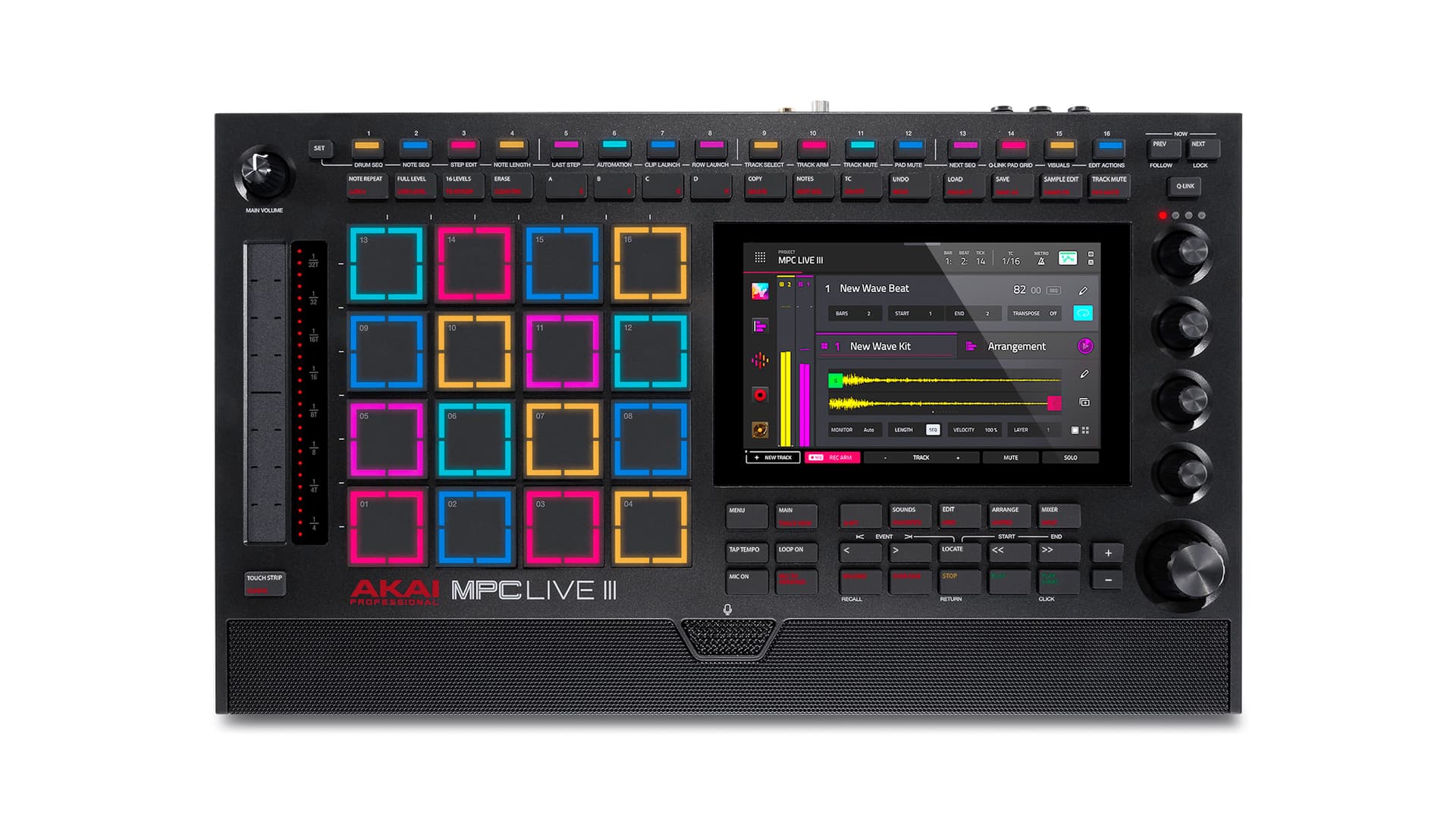
You do not need to use the piano roll editor to edit MIDI if you don’t want to. You could learn how to use i the piano roll and know that zooming in helps a lot in that scenario, and you’d understand that trying to do edits like he showed on cam is either a bit ignorant, or, most likely, intentionally done to make a point for the majority of people who won’t bother to learn and see for themselves how things can be done. You got the list editor where you can edit MIDI, or the step sequencer. You can replay the part… the point is you aren’t forced to do only one way on the mpc. The mpc flexible enough that you can adapt it to your own preferred way of doing things.
Can the piano roll be improved? You bet. I hope they do. Is it unusable to the point of rendering the mpc a bad or unusable music making platform? No.
Do I think they should enable mouse support while they figure out a better way to edit using the MIDI piano roll? Hell yes.
I agree, editing notes can be cumbersome. Like lots of grooveboxes misses this point. Especially with complex midi arrangements. Although, Bad Gear didnt show that you can also now select midi notes with the step sequencer and edit it instead of using the touchscreen. This is only for live 3 atm.
In general, sometimes i see videos of people reviewing the live 3 and not really knowing the features of the device. Many shortcuts or better workflow things are absent.
I’ve mentioned it before, but I urge anyone new to the MPC to put work into using the selection encoder under the q-links. It’s easy to dismiss it if you are used to knobby gear, but it really is essential for editing. The touch screen is good for selecting notes, but terrible for moving them around, changing length etc. The encoder, by contrast, makes this accurate and painless. Get used to using it with the small on-screen buttons at the bottom of the screen in grid mode (nudge, start, length, transpose etc., plus the cut-copy-paste-delete ones under the shift key) and grid editing goes from frustrating to flow state.
I had a go at arranging a track and found it bit weird how the clip section underneath doesn’t line up with the arrangement sometimes when zooming in, think must be a bug? Also the copying and pasting midi drops it unexpected spots I found
I would consider raising a ticket about the design/alignment issue, although the fact that clips and the arrangement can be at a different zoom level means that’s always a potential problem.
Paste is always at the thick white line, but I found it took effort to develop the habit of adjusting the transport before pasting. Fortunately snapping is well implemented on the MPC imho. One thing I’ve struggled with is the lack (on older models, not sure about the Live III) of a button press that returns the transport to 0:0:000. I believe the locators are meant to address this but I really wish double tapping the Stop button would just take you back to the beginning of the clip or arrangement.
Whe you pull the clip up to see the midi I don’t see why shouldn’t align, they both zoom together it seems to be at the beginning of arrangement when you zoom it goes weird, it aligns most of time the goes out
I thought I would use the hell out of those but in practice I found them fiddly to set up and didn’t bother. But I have an OG Live right now which has the fewest buttons.