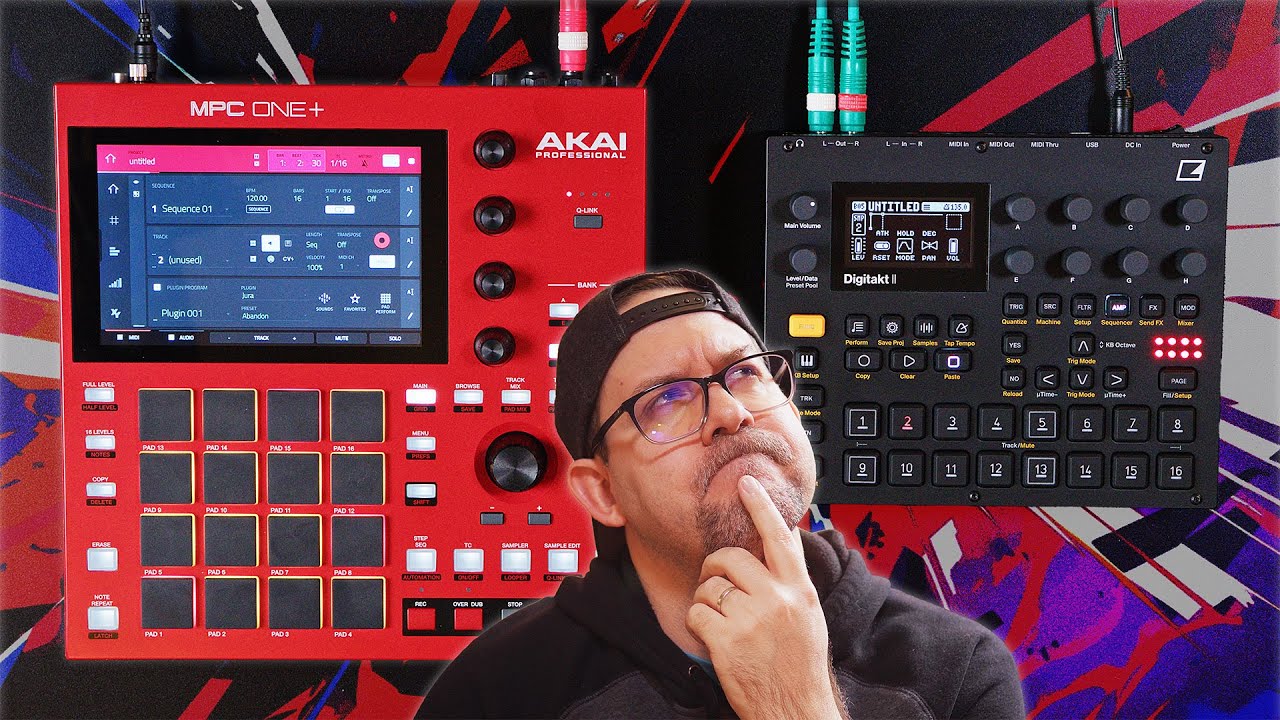
I just want to say that I am currently pretty happy with my MPC One and the MPC 3 beta software. Honestly I can’t beliebe that I tried to sell it a year ago. For the moment absolutely no GAS for Digitone II or other new shiny hardware synths. I just took the chance and got JURA, OPx4, Flavor Pro, Delay Pro, and Mini D plugins heavily discounted. So a lot of new synths and effects for me to play with for relatively little money, and all in a compact little box. The tutorials on youtube for mastering the OPx4 alone is overwhelming, so plenty of stuff to dive into.
It took me quite a while to figure out why I like the MPC hardware more than using Logic on the mac or ipad. And for me my mac/ipad offers too many distraction possibilities. So even if the MPC is often said to be more a DAW in a box than “real” hardware, for me the MPC feels right and leaves no room for distractions. Also compared to other hardware, as a hobiest connecting different synths together and setting up and debuging midi sometimes ruins the experience. So having everything I currently need in one box ready to go helps me to get in the flow quickly.
I used beta1, beta 2, downgraded to v2, tried beta 3, and finally again in v2, I’ll not try beta anymore, I’ll wait to stable version or I’ll stay on v2 forever… beta right now is totally broken if you want to use external midi gear…
I relate to all of this. I’ve only recently got back into using a newer MPC and I’m mostly happy with 3.0 beta. I also recently purchased a lot of the same plugins as you, minus Jura and Mini D, and with the addition of Flex Beat, and I’m surprised by their quality and usefulness. There’s so much power found in the OPX-4. The ui is not great but it’s starting to click with me, and unlike the Digitone’s zoomed in trig-based form of automation, I have the ability to record into the MPC’s arranger and automate parameters gradually, over time. Sure, one can use a daw for this functionality, but your right, it’s all about the MPC being a focused self contained instrument with limitations. I think in its current state, it’s finally finding that balance between power and simplicity.
So I’ve been spending more time with OS 3.0 and I dig a lot of things about it. Arranger is helpful, streaming makes new things possible like a live set made out of stems. 80% of the time the design language is bigger and clearer.
Things that still stand out to me:
There’s nowhere to go to get that high level view of what is assigned to what pad anymore. The pad mixer was a place I spent a lot of time on my MPC as a result and with the new one showing only eight pads horizontally it just is not the same. I would love the option to toggle between a 4x4 grid and a 8 wide mixer if they can’t come up with something mpre elegant. Plus: put the sample names in the pad mixer screen.
The 1:1 track to program relationship just plays havoc with the way I write tracks. I tend to do things like have A and B variations on individual tracks and then mute and unmute them. I don’t love the midi track solution - I’m experimenting with just duplicating programs. With things like FX racks it’s pretty easy to keep two different ones in sync. This isn’t a dealbreaker but it changes my flow enough that I may go back to 2.15 during the beta.
The 1:1 relationship also messes something else up for me, which is I’m used to just tucking old ideas, midi tracks for things converted to audio, etc, into a different sequence where I don’t have to look at it. Now it’s always visible which is annoying! I might have to start saving spare programs and patterns as files to keep my projects clean.
I still do not love the way grid edit always defaults to these teeny tiny pad rows with minuscule sample names. My take is drop the names, put them in pad mixer, so it’s just A1, A2 etc. right now I can barely make that part out. And why default to dark blue on black?
Sometimes 8 submixes is too much, and thanks to the new program to track architecture it’s often not enough. It would be cool if this was dynamic.
You can rock and roll without the desktop version if you don’t need it. Later on if he wants it just register online. You can use the one or the live as a midi controller for the desktop version.
Jumping back in with the MPC after seeing a to good to resist deal on a Retro live 2.
Keen to try 3.0 as I think I’ll enjoy the workflow more, quick question for people who are already using it-I know it has smoothed out the handling of audio tracks-but can it handle a live looping style workflow (ideally not using the looper). Can I just select an audio track, click record and play something in and it capture and loop it?
I’m currently using the RC505mk2 and wondering if I can consolidate down to just the MPC live 2 with an external synth and my guitars. I appreciate it won’t be as versatile as the 505 but if it can grab loops and play them back seamlessly that would do. I also have the SP404mk2 which gets me 90% of the way there but to build up separate loops I need to jump out of the looper, copy to a pad, stop the loop, trigger the pad, delete the loop and start again. It works, but is a little convoluted for live use. Just wondering if 3.0 will help me out and act as a halfway house between the 505 and 404.