“Platform” is used everywhere now to describe gear that, in the traditional sense, would not have been considered a “platform.” I’ve heard users say “OP-1 platform,” “Chompi platform,” “MPC platform,” etc., even Roland calls themselves a platform now because of Roland Cloud, which is essentially an app to buy their merch lol
Used to have an MPC2000XL and I’ve always been interested in these newer MPCs but never tried one. I see a lot of comments how different they are for good and bad reasons, and some complaints about workflow.
My question is:
is it possible to just turn an MPC One create a sequence and load up a drum group and start recording a beat? Or have they somehow made that a complex workflow?
That is actually very quick to setup, workaround is only needed if you want longer stems to be played.
3 Likes
That’s still as easy as loading a drum group, press record, bang the pads.
There is more on top, extra effects, plugins, step sequencer etc but the core workflow for is still there. The rest is available if you want to.
6 Likes
Awesome! Thanks.
read the manual some today. it’s weird they have combined PDFs for all the different models. I was looking for info about the kinds of real-time things that can be done at the sample level. For example, like on the OT you can modulate various parameters of a looped file and do pseudo granular type things. it’s one of the things i liked a lot about the OT. LFOs that go pretty fast and can move through a sample to come up with all kinds of textures and shapes. this works especially well on samples with rich timbral information.
i see a lot of modulation destinations for things at the sample level in the MPC line… pitch, sample start… it’s hard to find examples of these kinds of things on youtube.
are any of you using the MPC one+ etc to do that kind of thing?
3 Likes
In the drum program, you can assign velocity to the sample start point. Afterward, try setting the Velocity > AMP value to 0 and using the 16-Level and note repeat functions simultaneously. Additionally, adjust the Offset value in the randomize settings.
2 Likes
If you come at the MPC with an OT mindset you’ll be disappointed. (Where’s the p-locks, scenes, live looping,etc?)
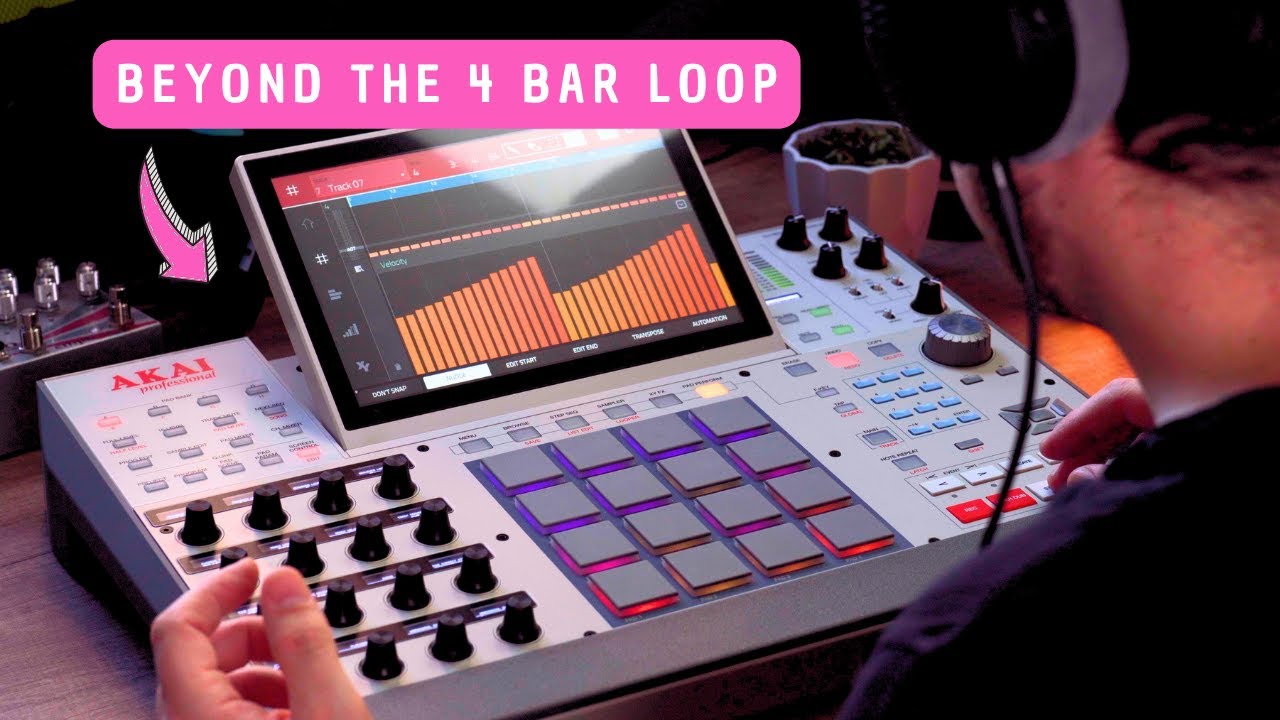
If you come at the OT with an MPC you’ll be disappointed. (Where’s the polyphony? Only 8 tracks!? Only 4 bar patterns!??)
They’re completely different beasts.
I would recommend forgetting the OT, learn the MPC workflow and what it DOES (not what it doesn’t do).
There are a bunch of resources out there that way surpass the manual… MPC Bible is worth considering, Tubedigga’s YouTube channel is excellent.
Have fun! 
9 Likes
Has anyone ever hooked up a breath controller/wind controller to an MPC?
I can’t seem to find anyone mentioning this in spite of Akai also making EWIs.
Also my understanding is the chord functions and playing on scales only affect the pads on the MPC and not external controllers, is that correct? Thanks.
you can set up a separate MIDI track that will output pad performance (chords) to external gear
I meant having the external controller take advantage of pad performance features.
yeah i get it. that’s how approach all gear/software… what does it do… not what it doesn’t do. anyway… i was only curious about processes/modulations that can happen at the sample level… not mimicking the OT which i know is its own thing.
I’ve watched a bunch of videos on the MPC one and it looks interesting and useful/fun. is it only 8 tracks? i thought it was 8 audio tracks plus a bunch of midi tracks/sequences… and of course Drum programs which are like nested tracks.
i like the idea of jamming and then connecting to the computer and loading the project to continue in more detail or just bouncing things out as audio/midi and putting then in another DAW.
currently doing this kind of thing w/a digitakt which of course is a way different thing than any MPC
thanks for the info. i know there’s modulation of sample start etc via velocity and that’s something that can be done real time on a pad. i think that’s how Prefuse 73 made his living for a while and is a classic MPC thing. i like the idea of putting a bunch of modulation/fx to a pad so it’s performance oriented and jammable. seems like there’s a lot of that kind of thing available if one plans carefully.
if i get divorced from the Digitakt i’ll probably grab an MPC One+ somewhere. 
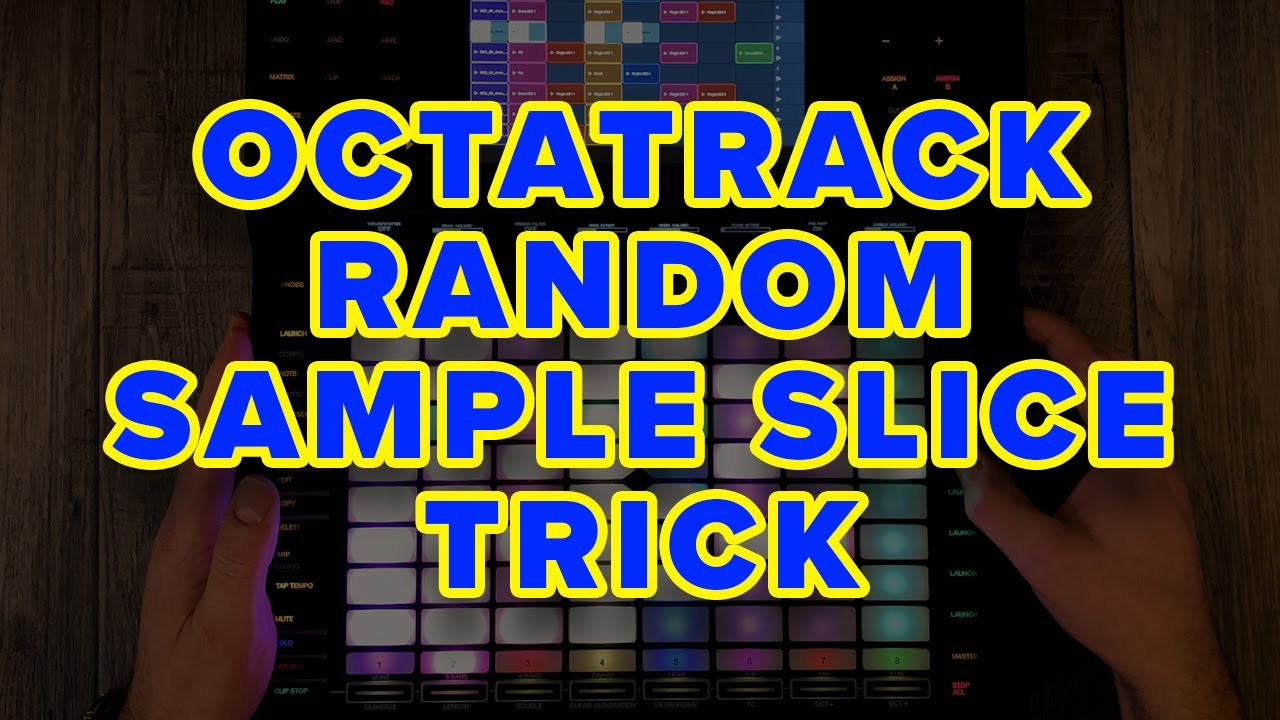
Here’s an interesting video showing what can be done with samples, but it’s still no OT, at least when sample mangling.
Sorry for the probably RTFM/noob post but I’m about 4 days into an MPC live 2 and it’s my first Akai since I bought an S2000 when it was new and my god I still hate that thing to this day despite getting rid of it maybe 20 years ago.
Anyway, after a few years in Elektron land, I’m starting to tie together structural concepts and the like and am generally having an OK time of it, a few weird things here or there but nothing out of the ordinary. One thing that I am struggling to get my head around and I’ve done a load of searching but it seems a bit too vague to come up with any useful results -
TLDR: So is there any way of recording the audio out of the MPC over USB like there is with overbridge. I’ve managed to connect it to the MPC Beat software as a controller but that doesn’t seem to be able to read the projects that are on the MPC, just the ones on the computer?
It feels slightly weird when there is so much connectivity (wifi/bluetooth/usb hosting etc) that you can’t seem to pipe audio into the computer while it’s in standalone mode.
How are people recording live performances (is it just a case of connecting the outputs to an audio interface - which in this case would probably be one of my Elektron boxes)?
AFAIK, no, you can’t use audio over USB to track out from the MPC to your DAW.
PS Just got my second hand MPC One a couple days ago and loving it so far.
Try saving the project to an SD/SSD drive to share it between the MPC and the software.
If the MPC hosts a mixer/recorder like the Tascam Model 16, you can record each track individually via USB.
Alternatively, you can export each program as individual WAV files using the audio mixdown feature.
1 Like
There are different ways to do it, but the one that most resembles Overbridge is use MPC Software and put your MPC into controller mode and access the project you’ve been working on in standalone (the MPC disk will show up as an external drive on your desktop).
Depending on what DAW you are using, there’s an ‘export to Ableton’ option that’s handy.
The most in depth route would be to use the MPC Plugin within your DAW and route the MPC audio out to individual tracks in your DAW and record them that way.
Takes some work to set up, but save it as a template and it’s easy to recall next time.
7 Likes
2 Likes
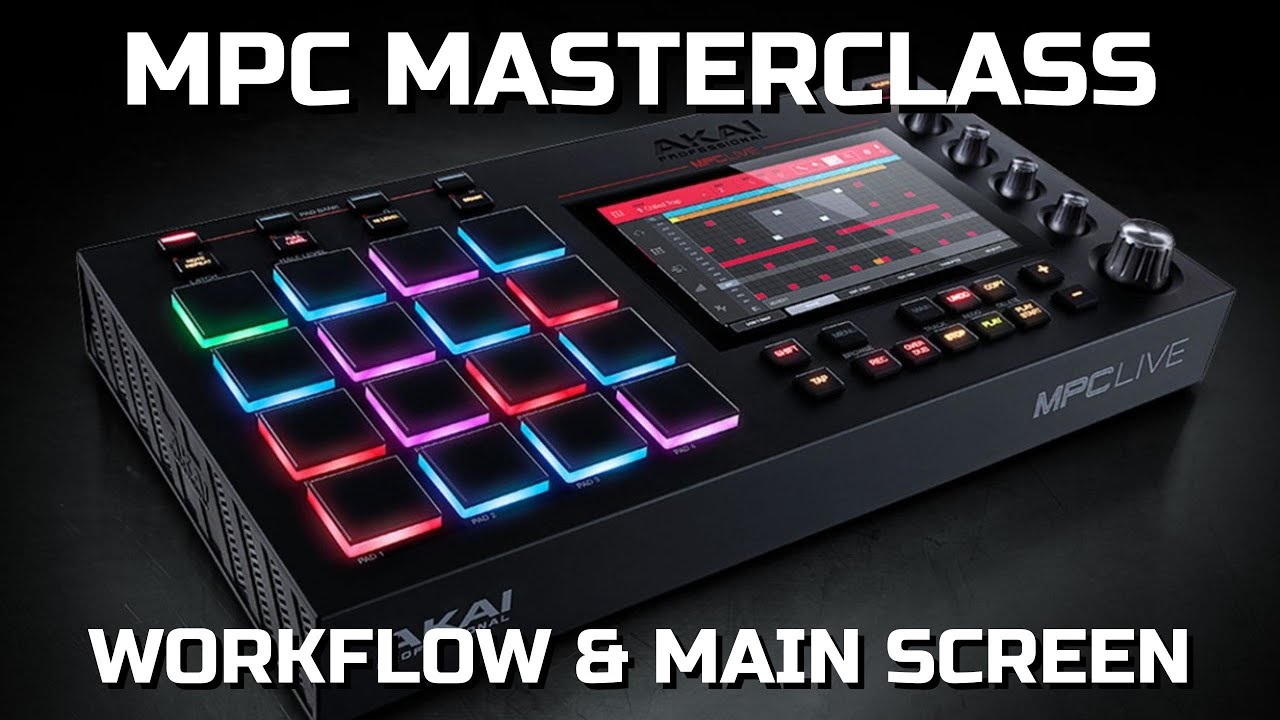
IMO, the best MPC tutorial series out there:
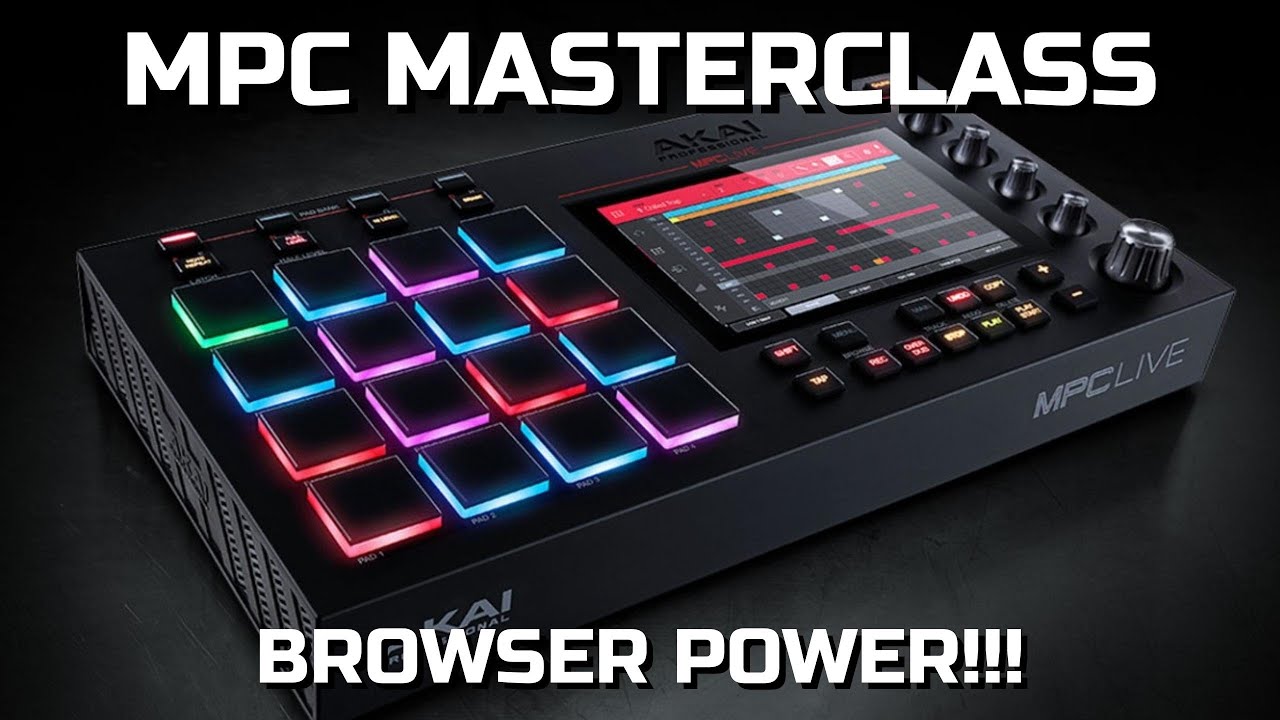
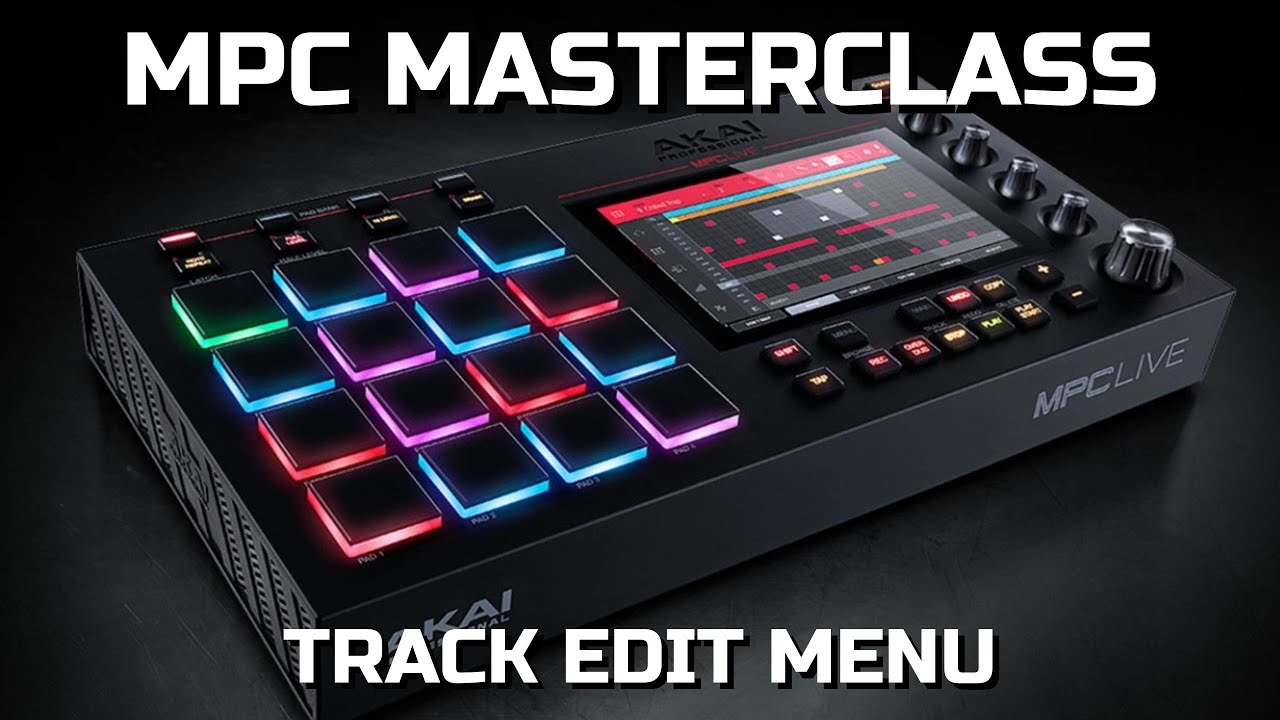
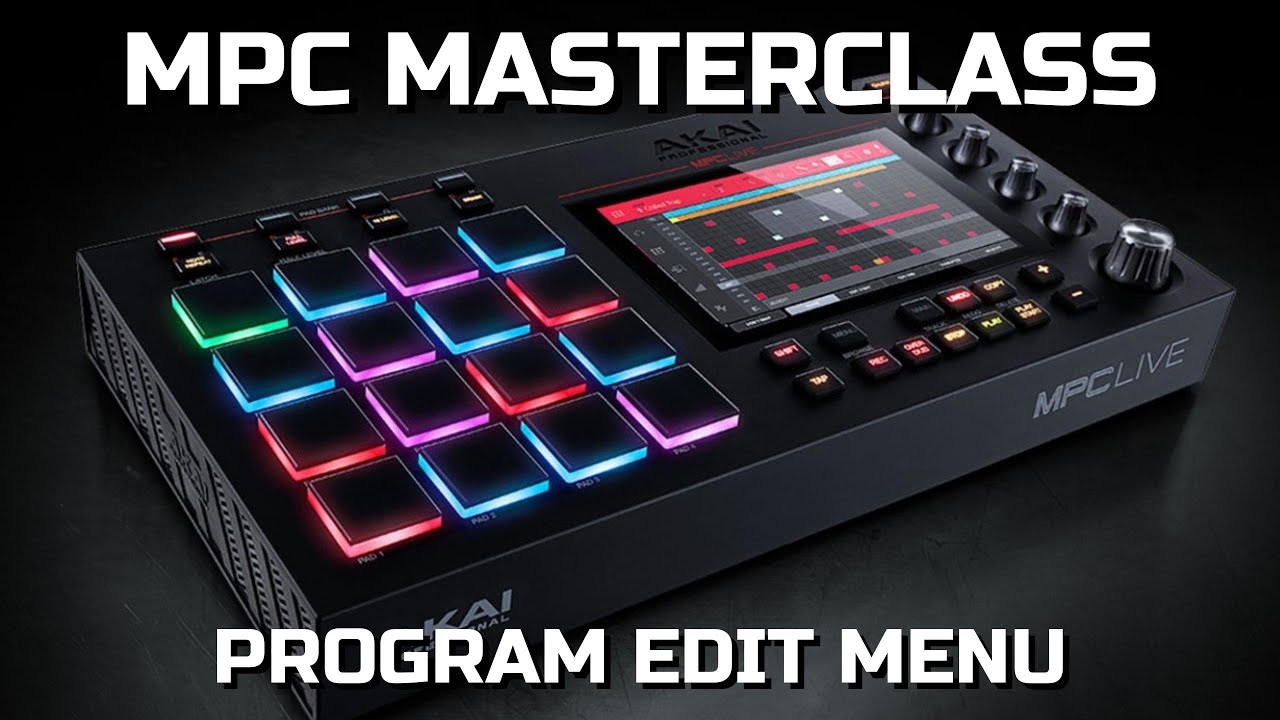
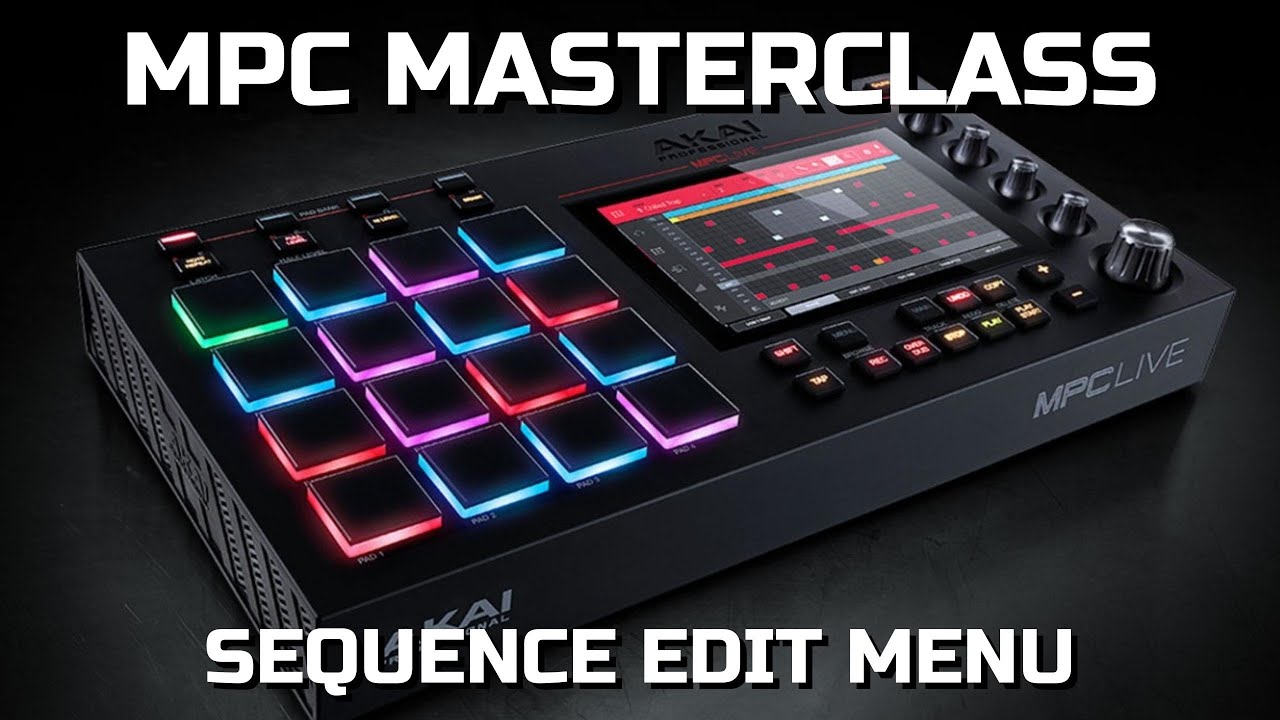
4 Likes