Hey there. I already know I am not as experienced as you guys which is why I am reaching out. I also apologize for my ignorance in this area. That said… I have been having major issues trying to connect my Digitakt 2 to an external midi device, mainly my Novation Launchkey Mini MK3. I have also tried this with the SP-404 MK2 but no luck!!!
When I connect to my midi controller (midi out of the controller into Digitakt 2) to play the Elektron notes chromatically on a traditional keyboard, I get no audio. The problem persists with both devices set to the same midi channel. I have been at this for weeks with no solution. I even reached out to Novation, they said it should be working. If at all possible can a midi expert out there please help me get over this hump. I understand the basic concept of midi but I am certainly not an expert.
Also, what would you guys recommend as the best midi controller to use with Elektron devices, mainly the Digitakt 2? My desired workflow is to sequence and program on the Digitakt 2 while playing melodic parts on a synth or midi controller.
Again, I am using the Novation Launchkey Mini MK3. There is only a 3.5 midi out jack and one usb port for power. A diagram and or step by step midi setup breakdown would be awesome just to get me going. “Let There Be Sound” Thank you in advance.
Hey, it shouldn’t be too complicated to get you back on track here. Where did you get your 3.5 midi jack to full size adapter? Did it come with the Novation or did you buy it separately? Can you post a picture or short video of your midi setup and port setting pages on your digitakt so that you don’t have to type out every setting?
I can take a look at the novation manual but right off the top, the Launchkey mini mk3 requires a type A trs midi adapter, if your adapter is a type B (arturia etc) it won’t work, so it’s important to know whether the adapter was included or purchased separately.
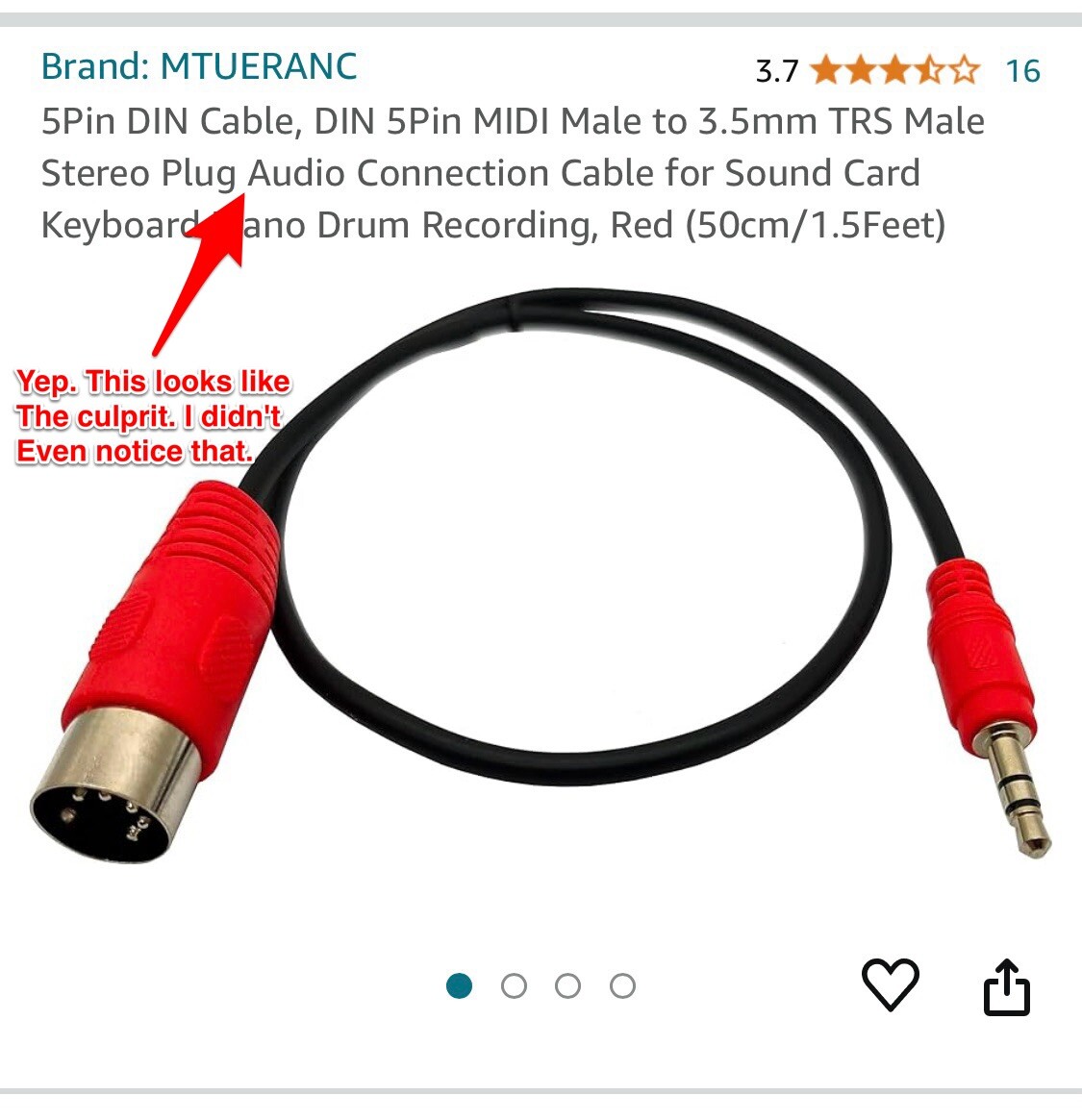
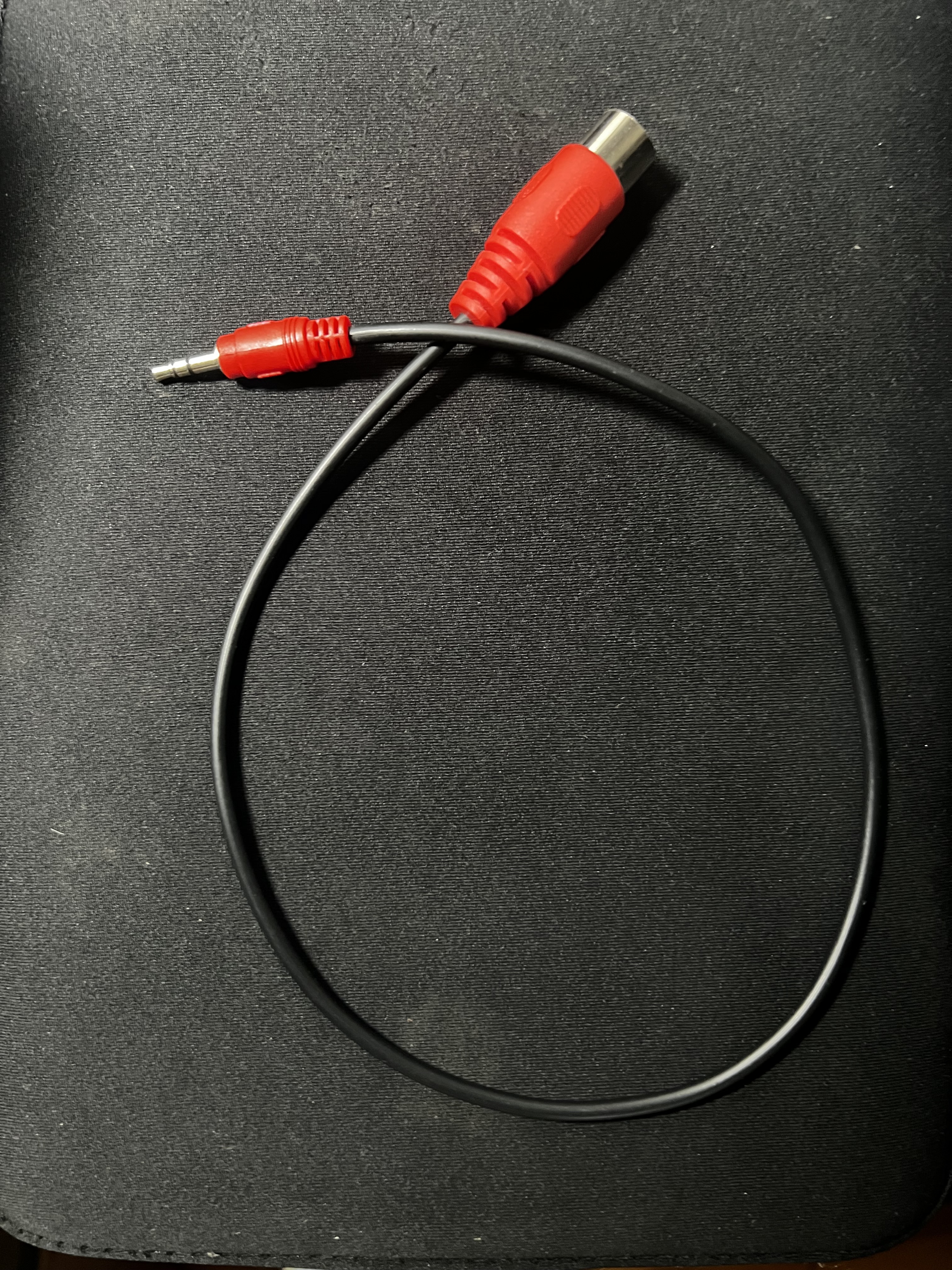
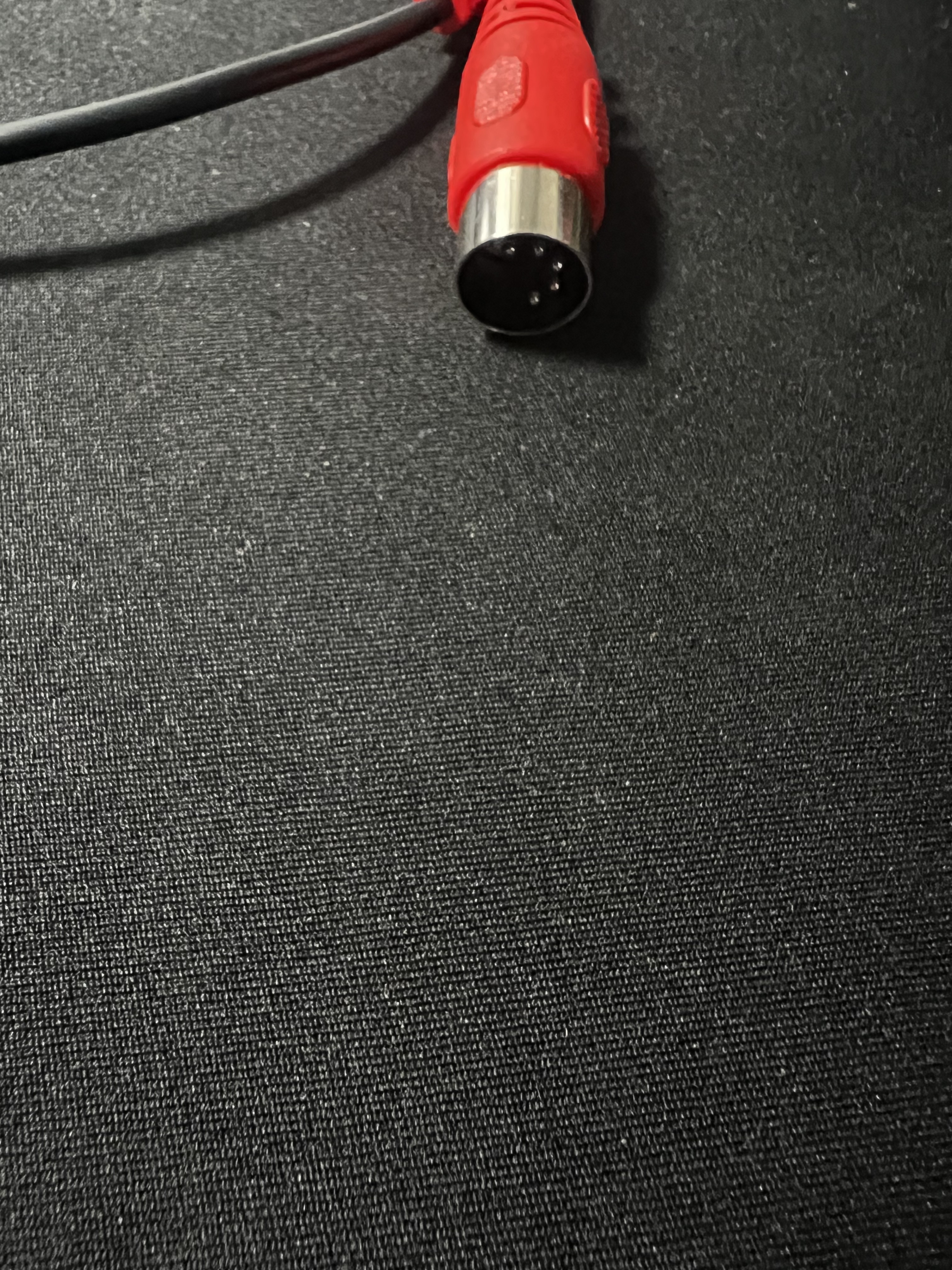
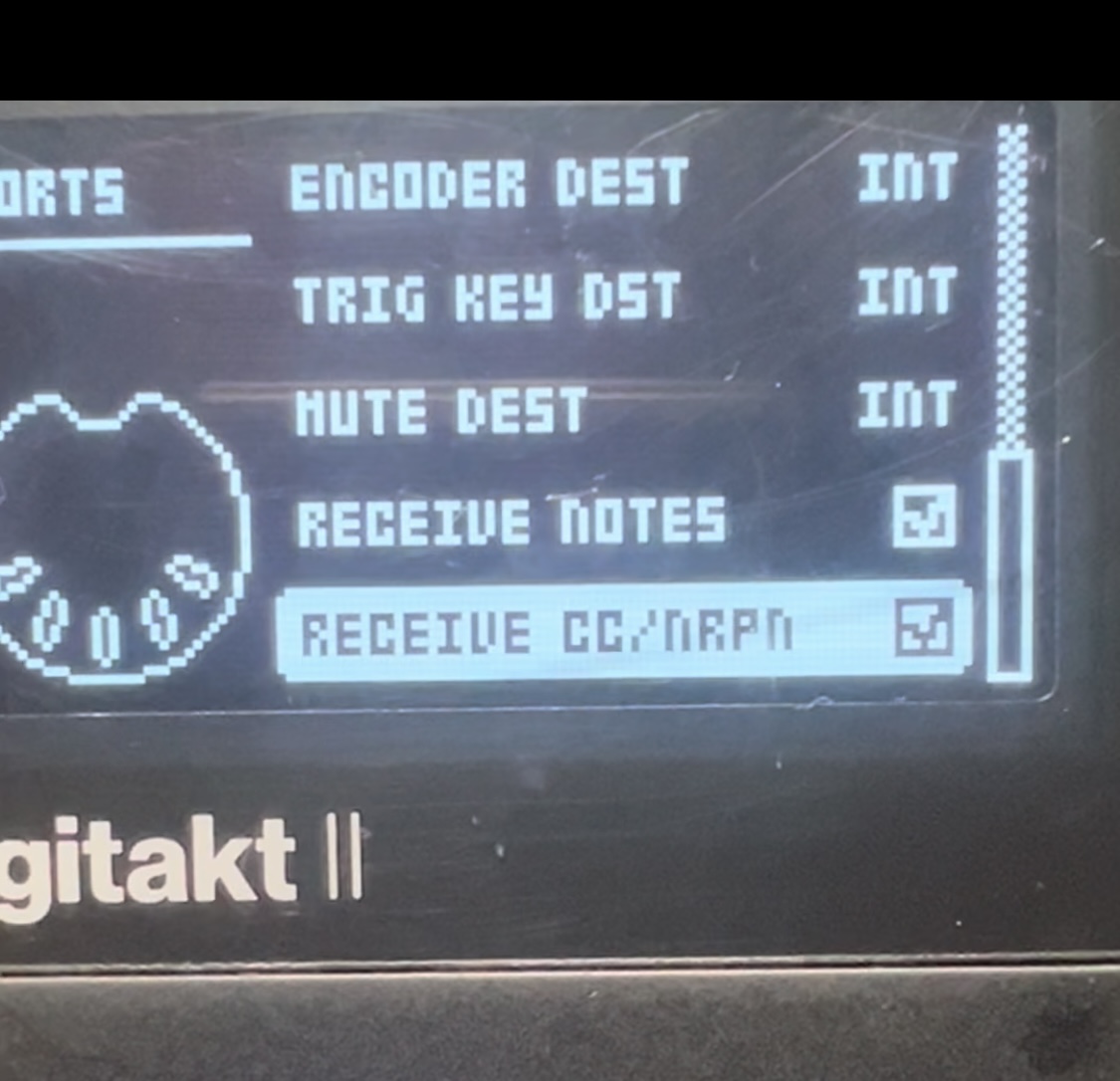
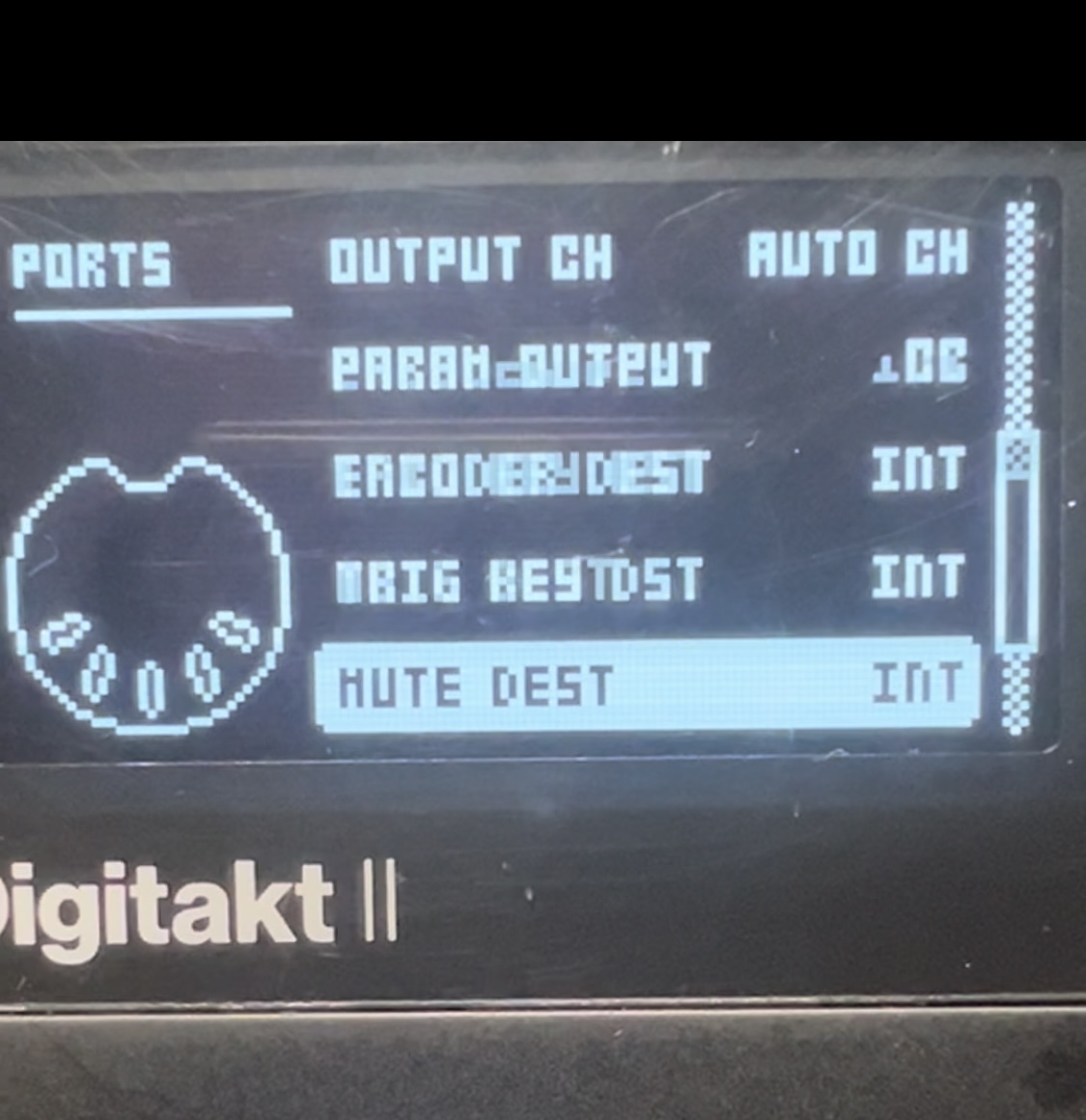
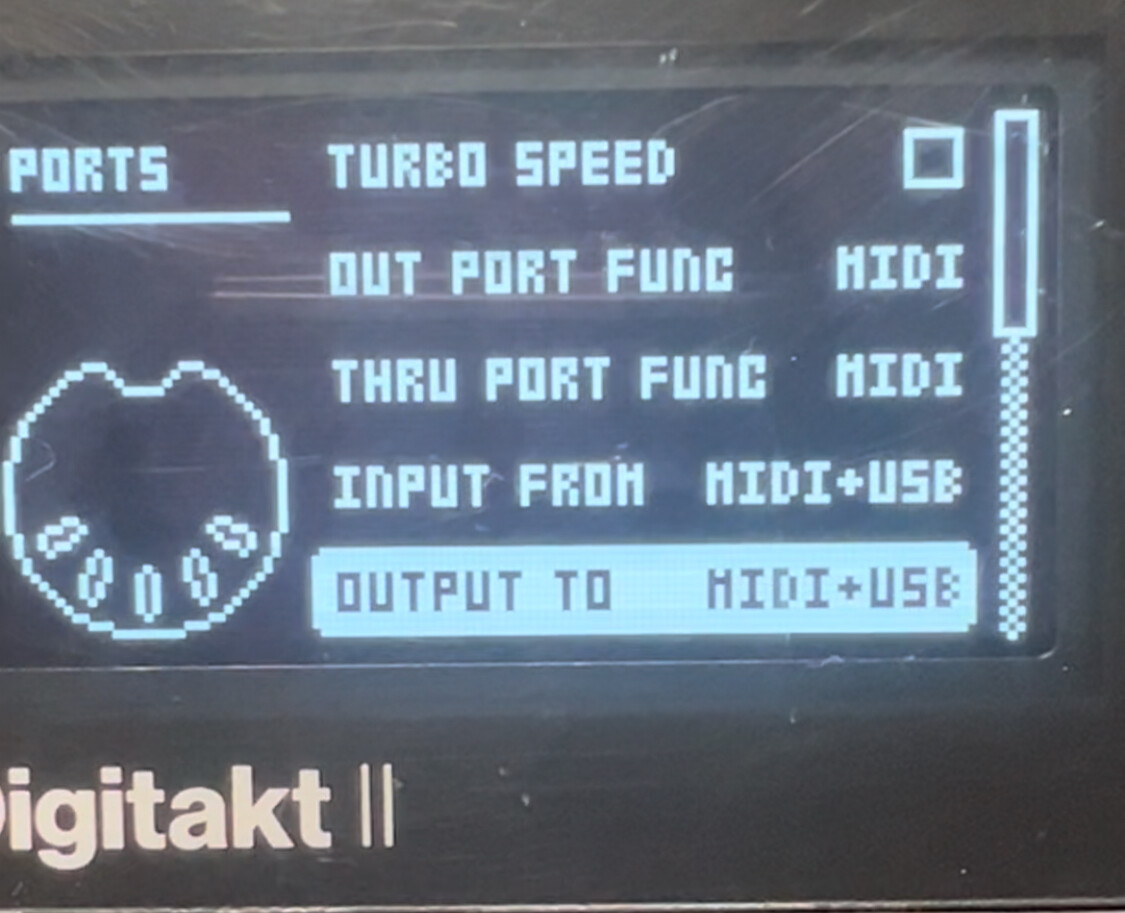
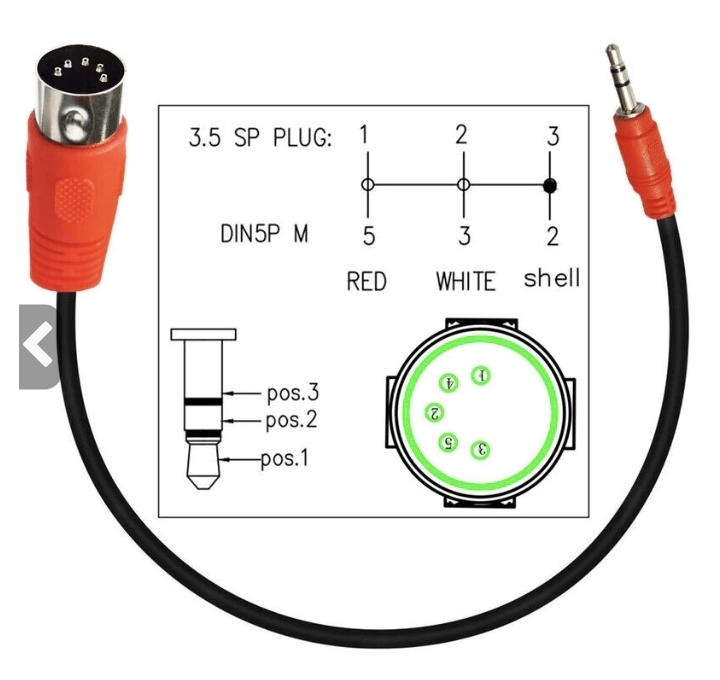
Thanks so much for a speedy response. I believe it is a type A not 100 percent sure. No, it did not come with the Novation. Definitely was purchased after market, possibly Amazon. See attached for settings and cord type.
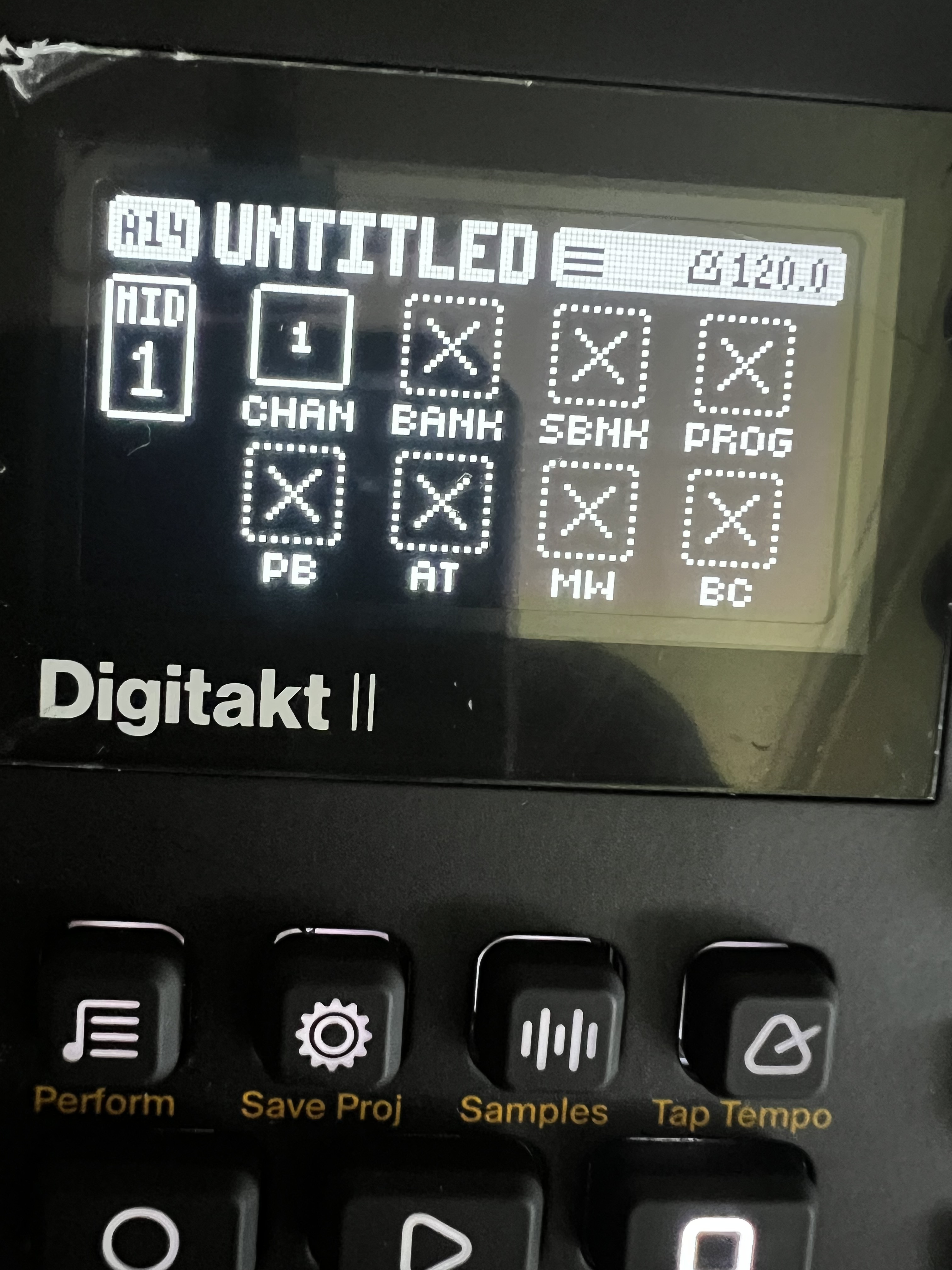
How about on the source page in your project? Pull up the midi source page and make sure that you enabled the midi channel. On DT1 you have to press the encoder and turn it to select the channel, I assume it’s the same on DT2.
See if you can find the history of where you purchased the DIN adapter cable. It’s the right format but there’s a couple wires which swap positions internally between type A and B so you have to know which one it is, there’s no way to tell by just looking. Roland uses type A but most other gear uses type B so if it came from something roland then it’s probably fine, otherwise I’d verify for sure which you have.
But first check that midi source page and make sure that your midi is enabled there, from within your project.
I also remember when someone had a different novation controller and they had to change a hardware profile in the controller. Not sure if it was in the controller menu, or the companion software, but they had to go from the first to the second hardware profile stored for the novation so if this stuff doesn’t work, you can look into that too. Can’t confirm yours is the same, theirs was a different model but of similar vintage.
Was it actually sold as a midi cable ? There is such a thing as an audio cable with those same connectors, and if that’s what you’ve got, that’s definitely the problem, it’s wired differently.
EDIT: E.g. this one from ebay. Title says ‘Audio’ and ‘Midi’ but description definitely says it’s for audio.
No worries. That page is fine. If you bought that cable on amazon, look at your past orders and maybe either link the listing (even if already it expired) or confirm what it says so we know what it’s for.
There’s definitely a finger pointing at the midi adapter cable right now, but I’d also recommend checking to see if the novation has some preloaded hardware profiles, either in the device menu itself or in the companion software and if it does, you should try them. If you’re having trouble finding it then I’ll download your manual later when I have some time.
Those cables are super cheap so if you need another one it won’t be any big issue. Let us know what happens.
The LK mini mk3 is not sophisticated enough to have hardware profiles The only configuration that’s relevant here is (I think) the midi channel, which is selectable at any time with Shift+Transpose (the pad lit up in red shows you the channel).
EDIT:not sophisticated enough to have hardware profiles actually that needs some qualification, but I think for this particular problem, the hardware configurations are not relevant,.
There’s a bunch of these on Amazon!
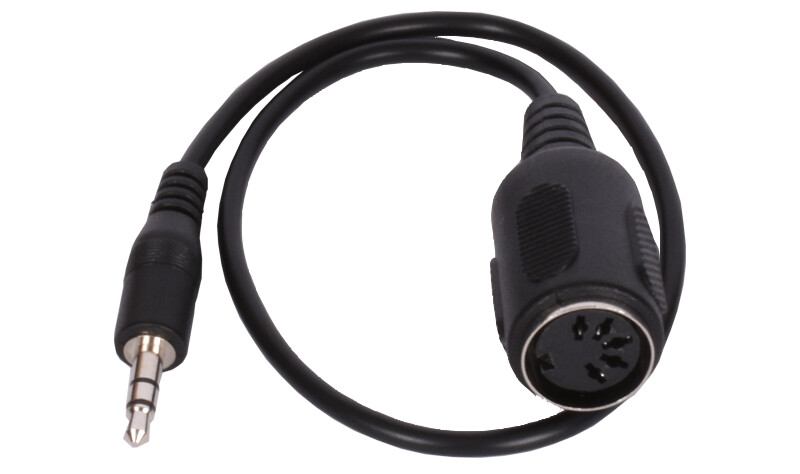
I was in the market for a couple of generic type-A adaptors, found several on Amazon listed as “MIDI to TRS” but when I looked in the reviews & comments it was clear something was wrong. Despite much searching I couldn’t see any legit adaptors on Amazon at all
Ok no big deal, if you’re in the US I got mine from sweetwater for like 5 bucks each with free shipping. But yeah, that’s your issue right there. Type A trs midi should clear all this up for you.
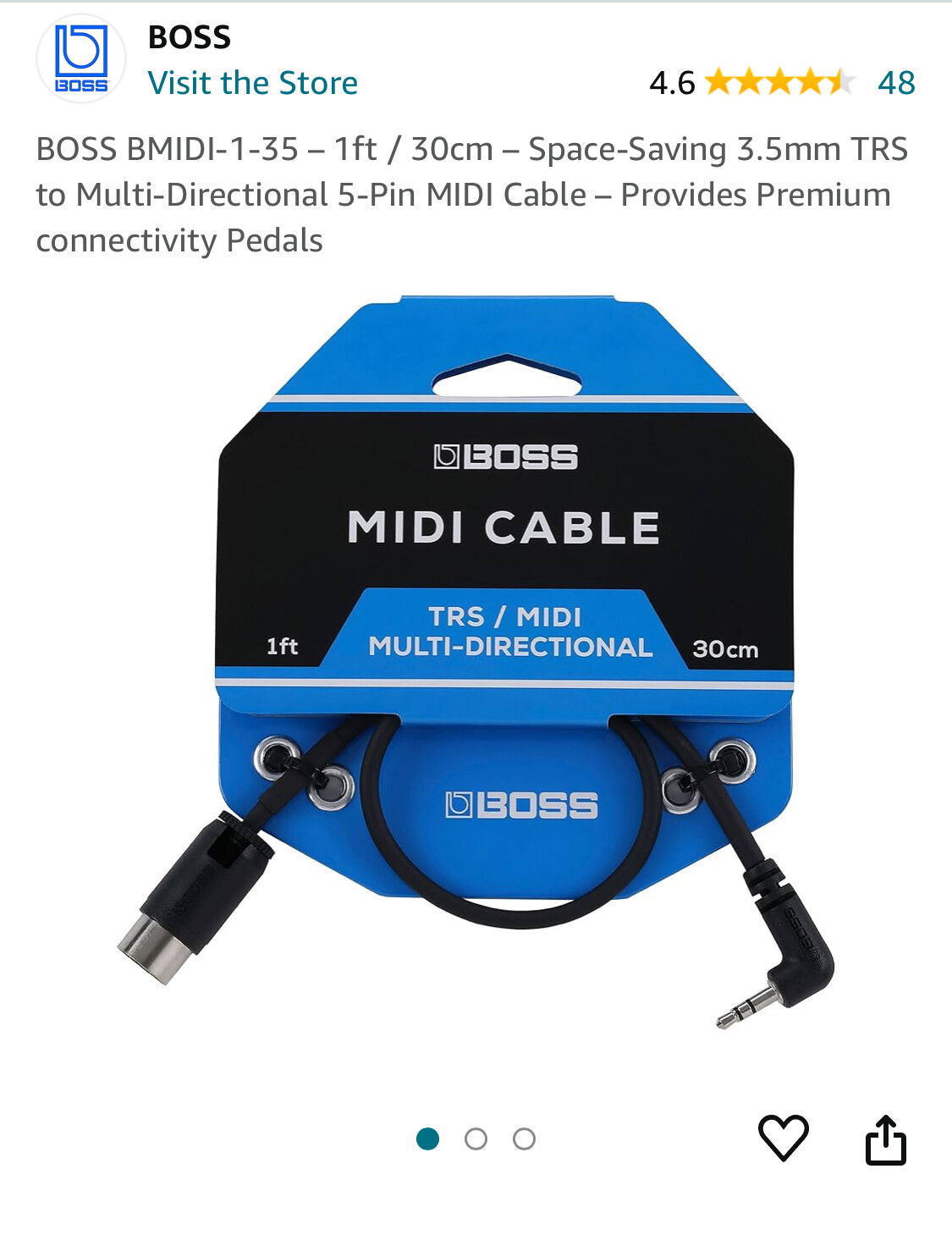
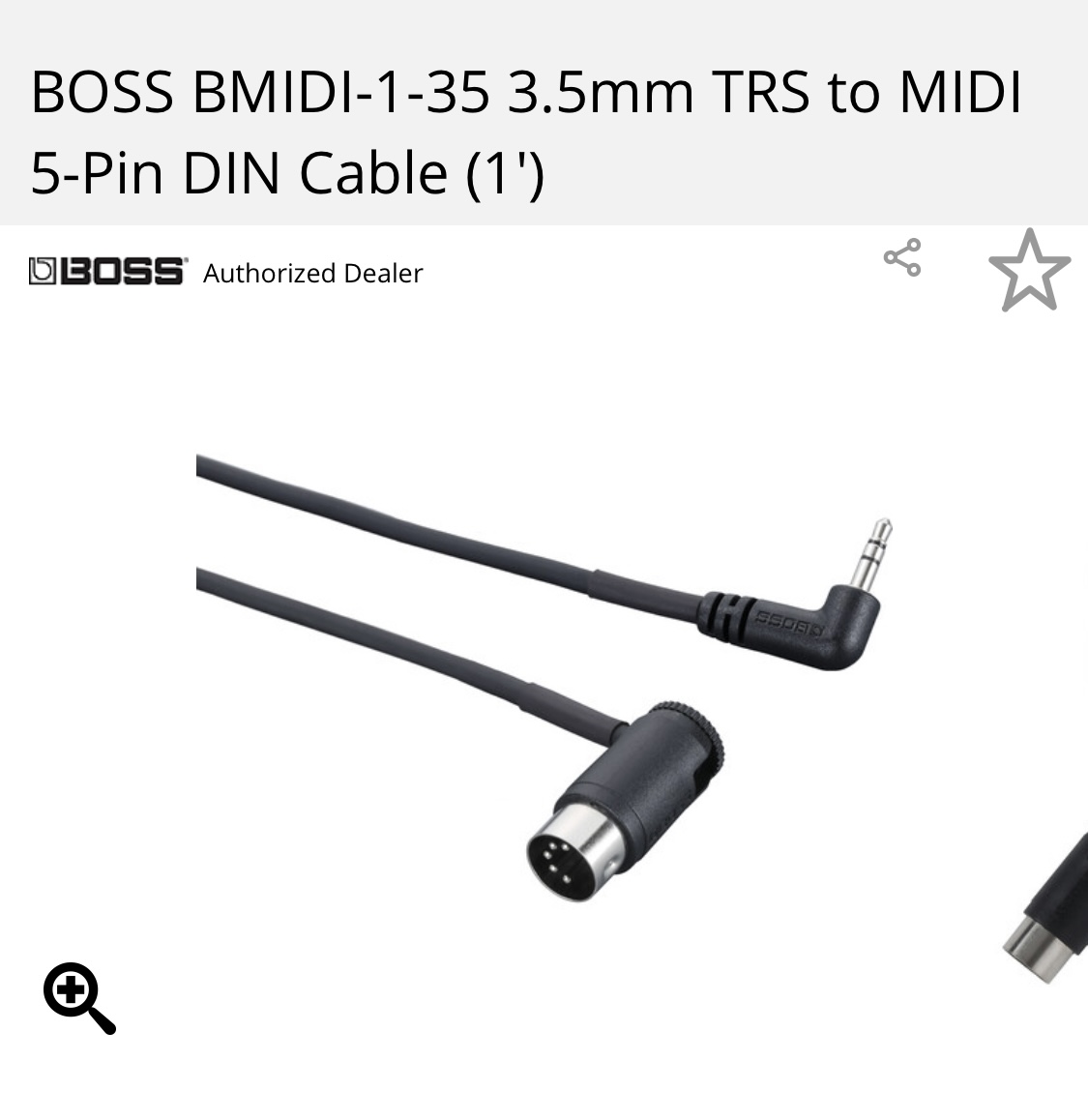
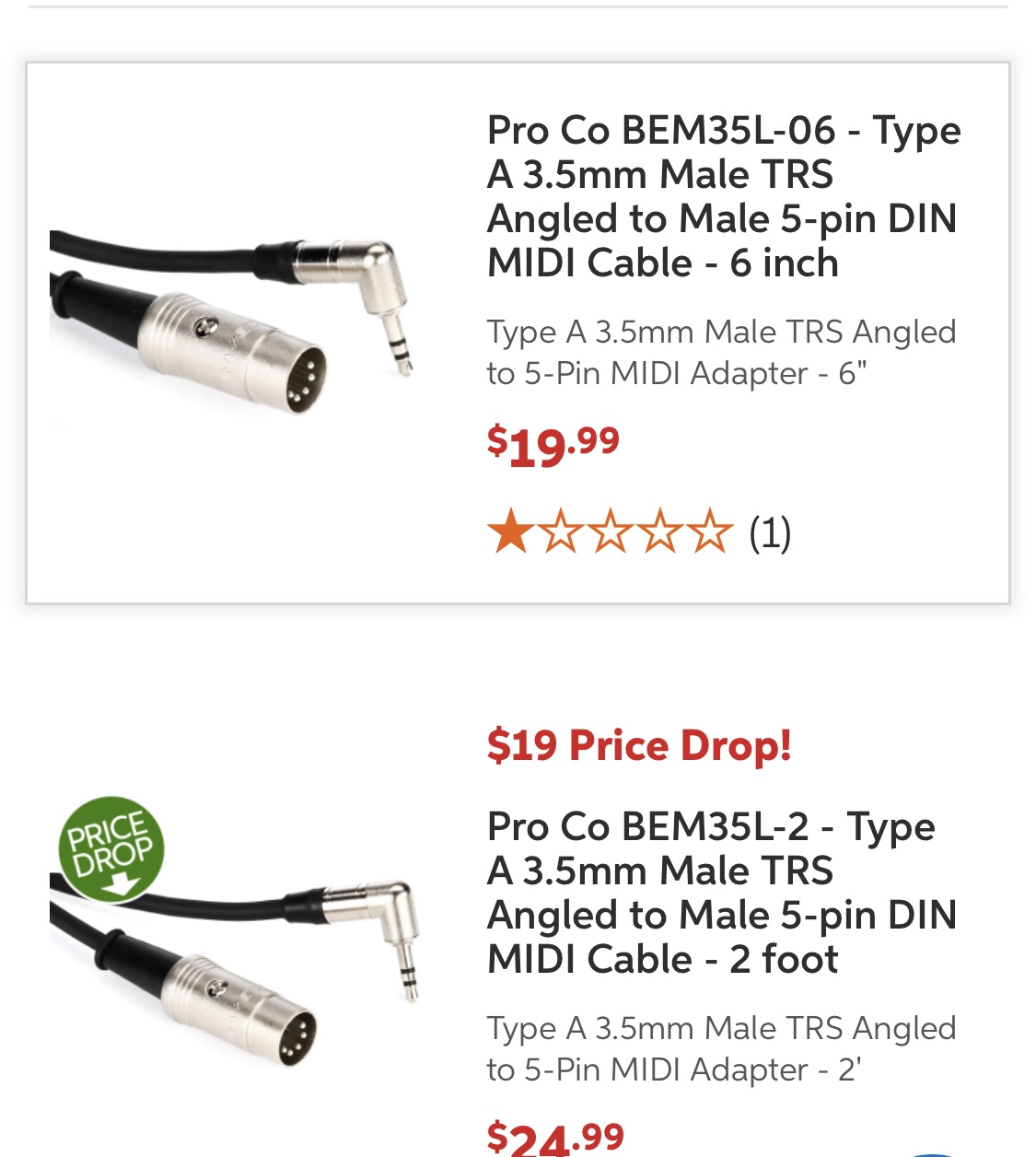
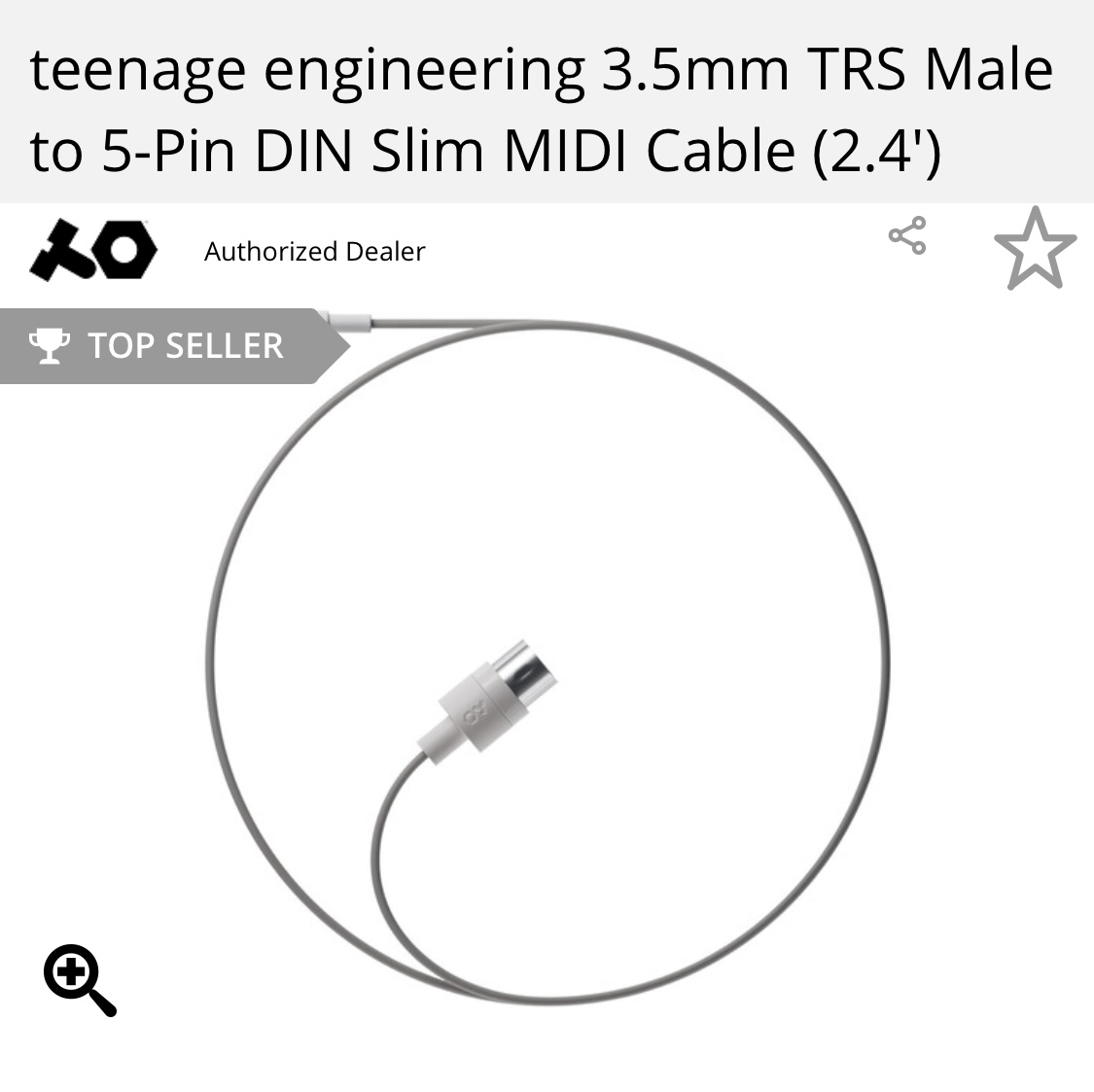
How about any of the attached. Think any of these will work? I have the Boss cable somewhere around here, I have to look for it. I am going to buy 2 more though. Would live to hear your thoughts……
Roland and Boss are basically the same company, so yes, the Boss adapter should also be type A.
Teenage engineering is type A so yes on that one as well.
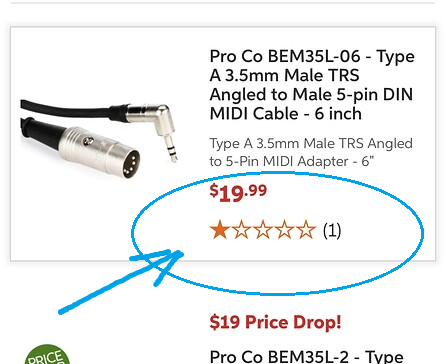
The others should work as long as the DIN is a 5 pin and not another number of pins and it’s wired for type A, however I’d watch out for things rated 1 star or at least see if there’s a review which says why it’s rated 1 star.
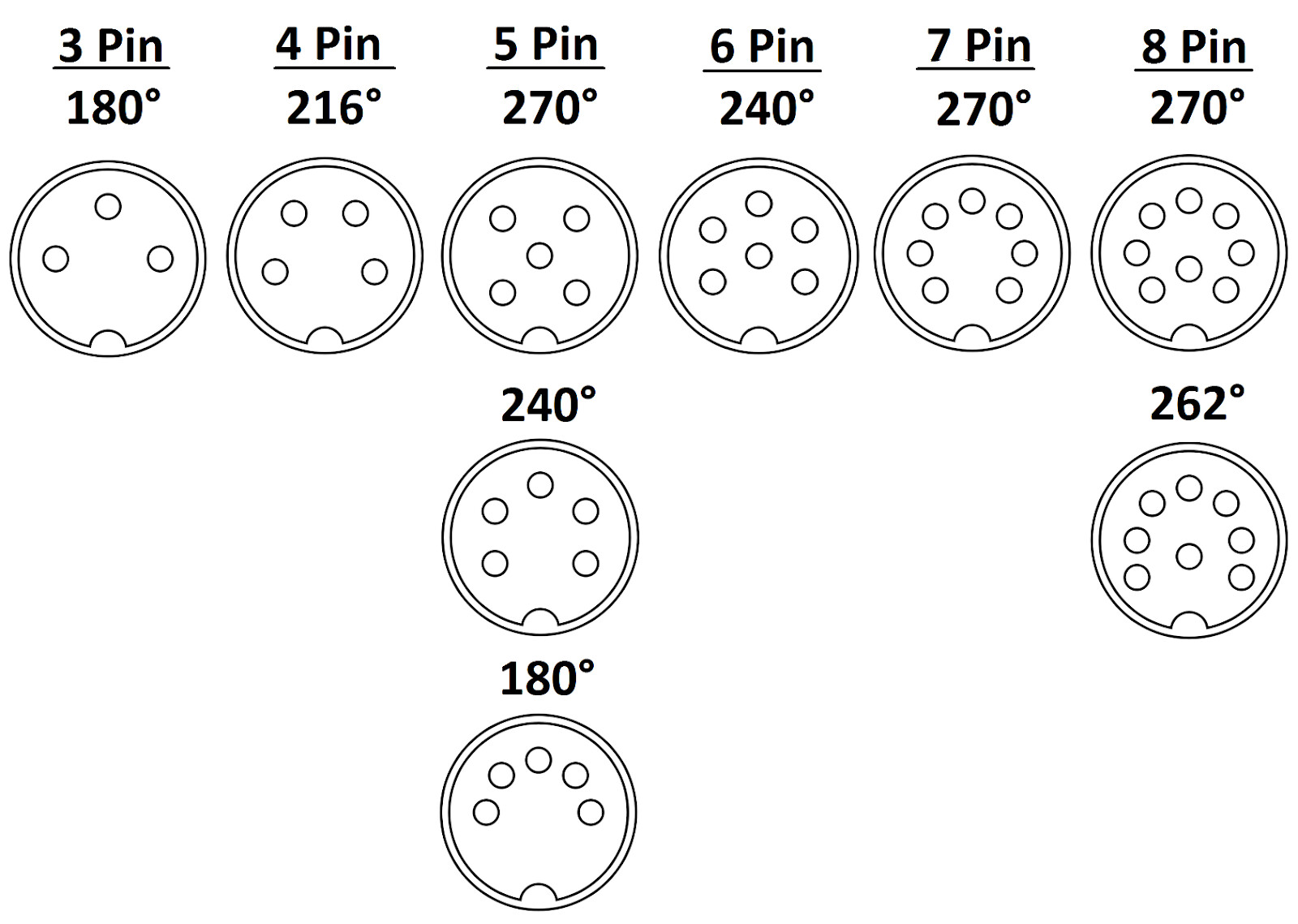
As you can see, there’s more than one din config but most labeled midi should be 5 pin, however like that audio one that you bought which was mislabeled, sometimes that might happen, so you just have to be aware if you buy budget brands (I do too sometimes).
 The only configuration that’s relevant here is (I think) the midi channel, which is selectable at any time with Shift+Transpose (the pad lit up in red shows you the channel).