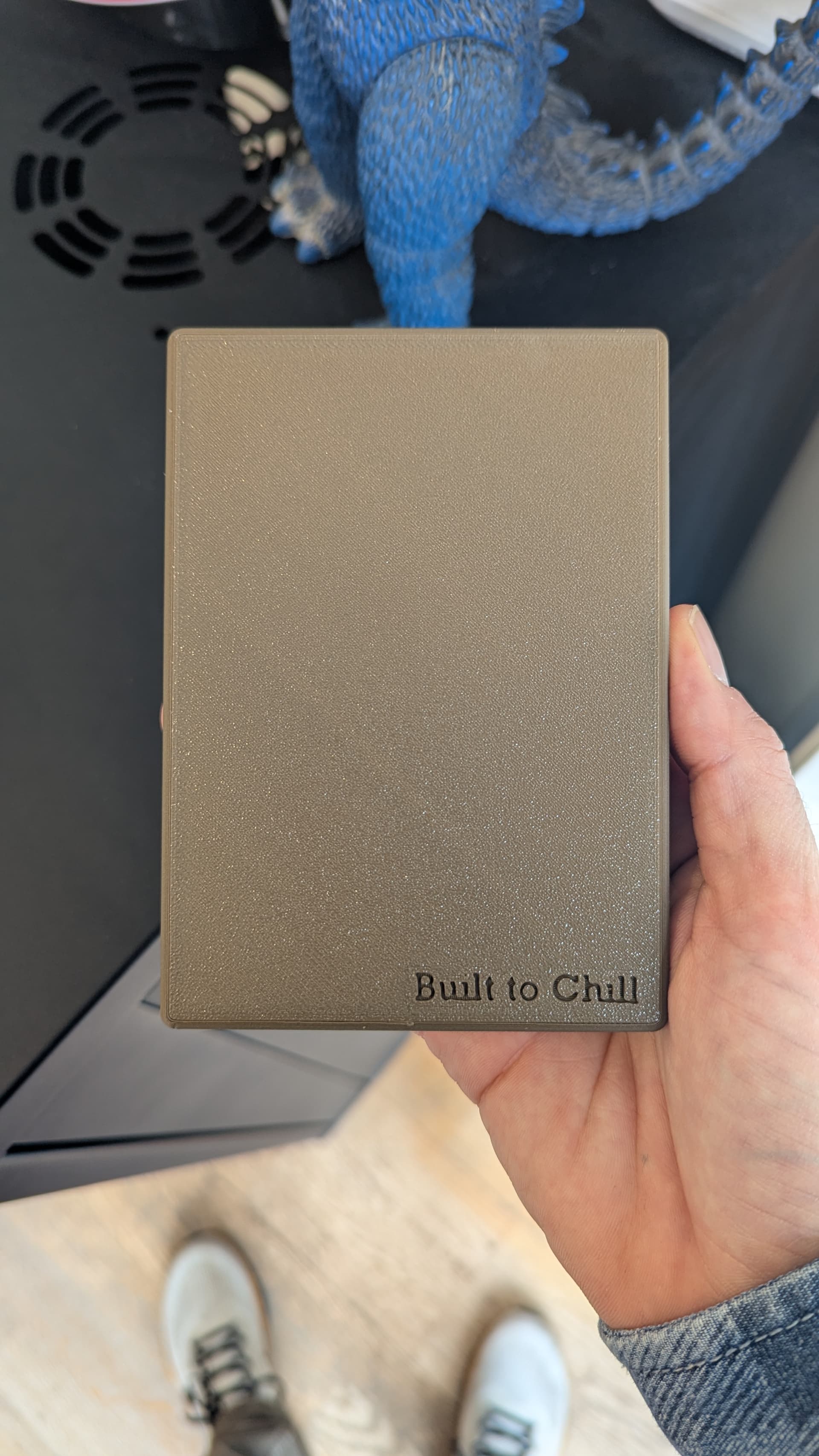
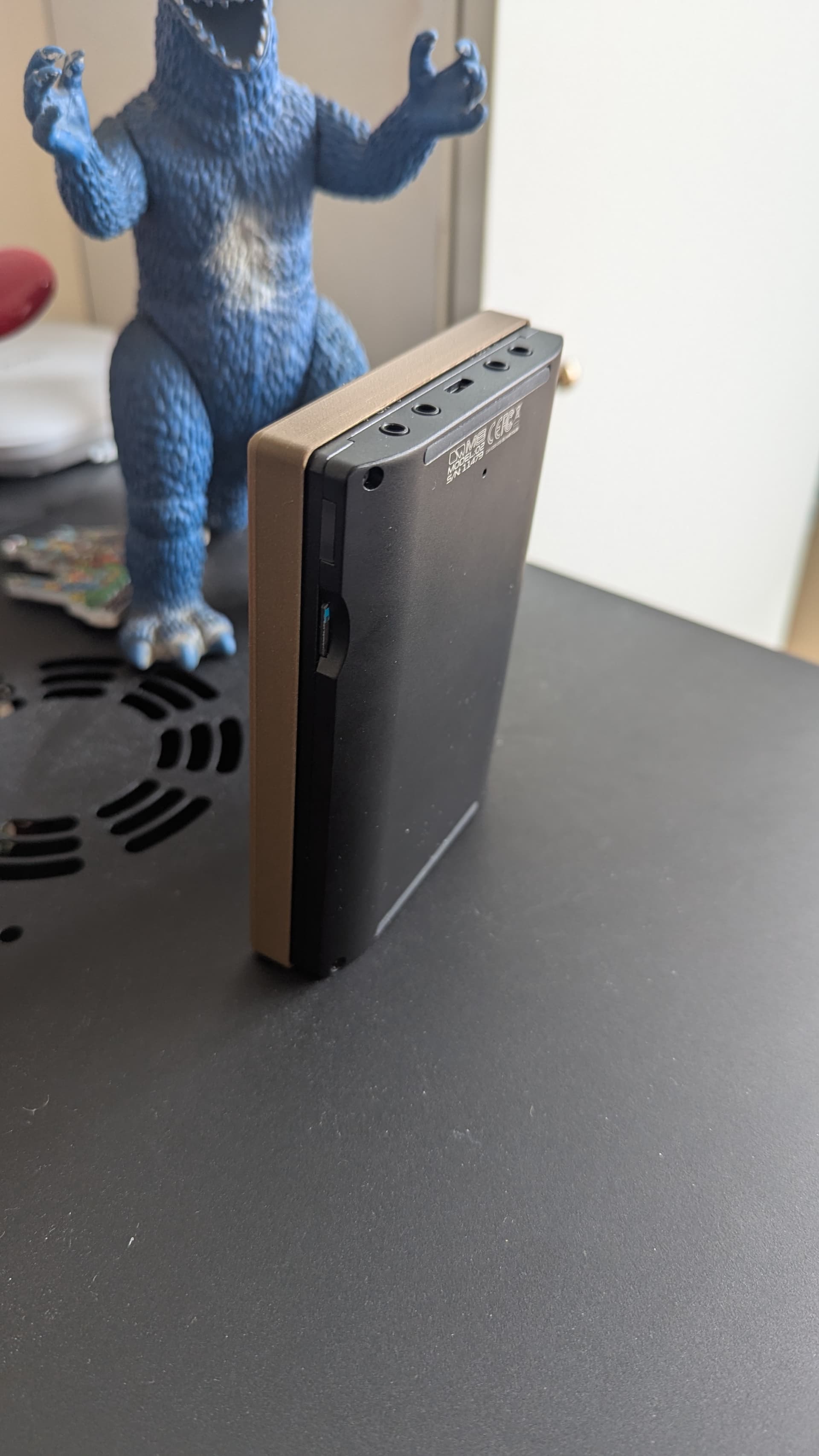
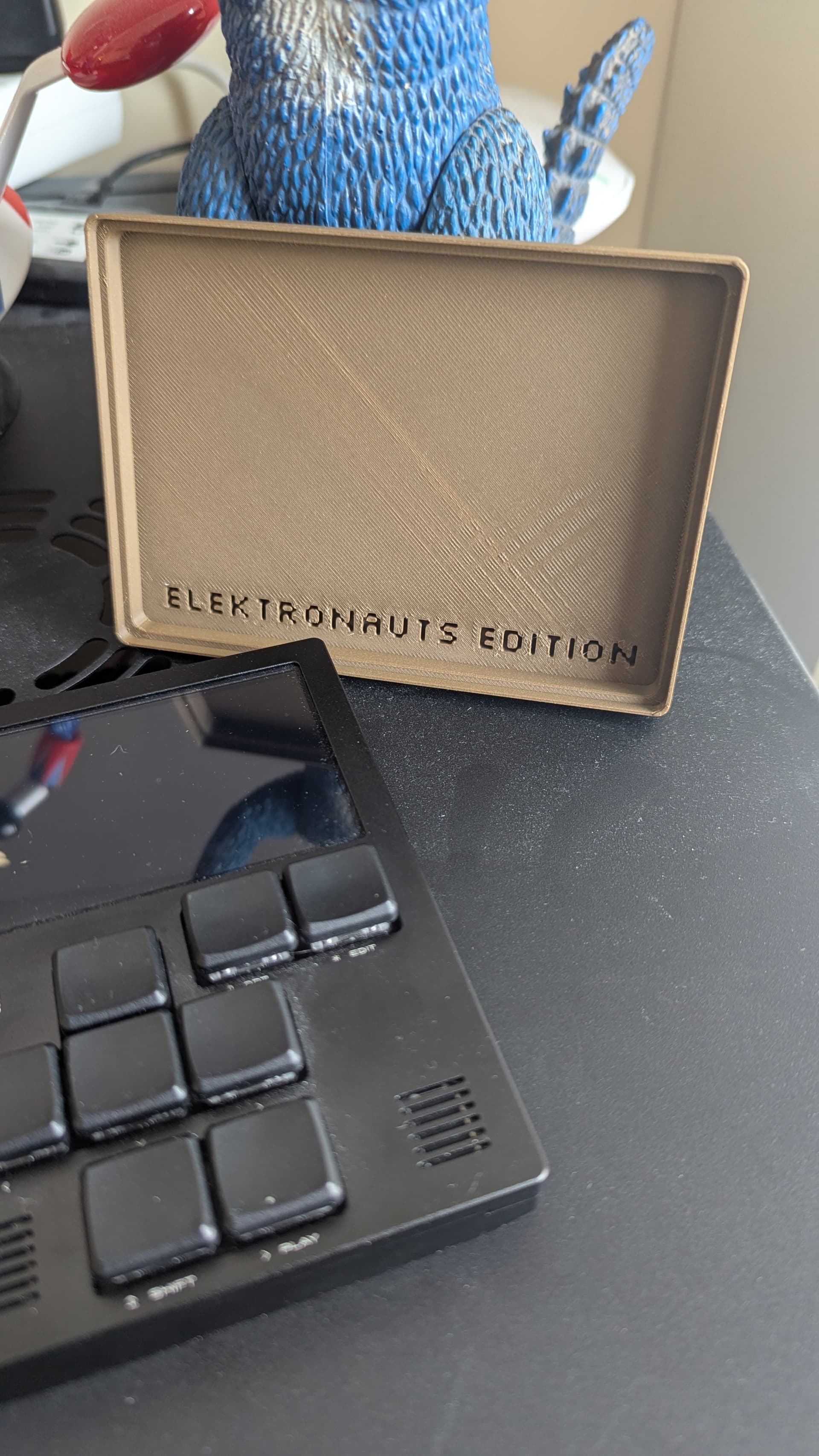
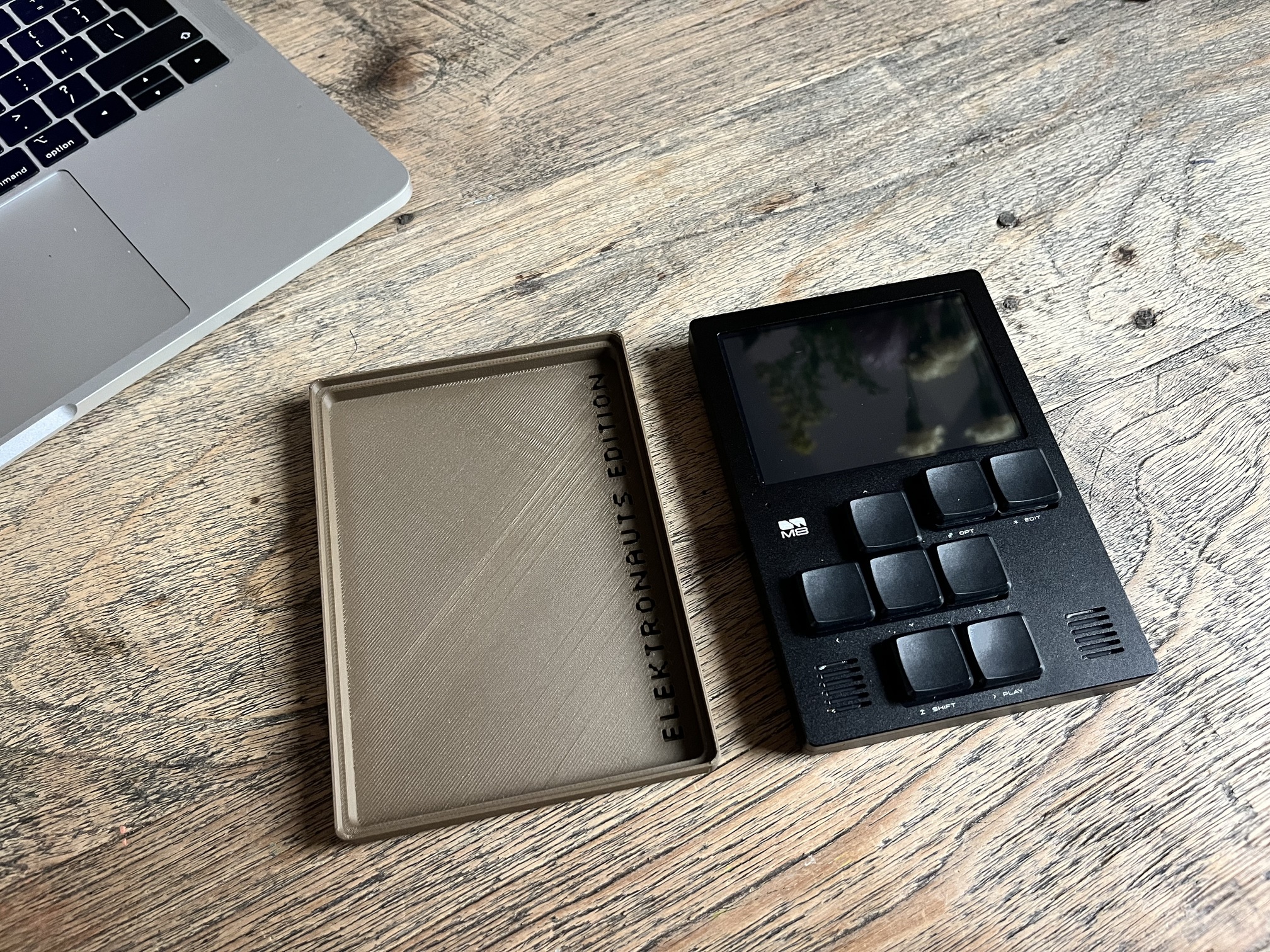
Thanks! After decades of playing, I treated myself to a Custom Shop model.
I’ve only had the M8 for a week, so I’m still learning it . After figuring out how the metronome worked, I ended up recording about a dozen little licks into the sampler, then spent the rest of the evening glitching them up alongside some beats and bass lines. Absolutely addictive.
Is there any way to access the sampler editor without setting an instrument ?
i didn’t find … perhaps i should just save a template with a 00 instrument dedicated to sampling slot …
It’s also possible to record a loop of an external instrument synced to MIDI directly by selecting a chain, pressing edit twice, and selecting external instead of quick render. This creates a new sampler instrument with the recorded loop.
Does anyone have the link to the file for this? I’ve tried going back up the thread but Safari does not want to play ball this afternoon and it refreshes periodically
I have two: Launchkey 37 (NOT Mini) and a Launchkey 25 Mini.
The 37 is awesome to use with the m8. I was literally just experimenting with using the knobs to make some presets for Wavsynth, for example. I think using knobs and keys opens up the synths for me, makes me appreciate them a bit more, and helps me understand the parameters.
The Mini would also be great but on some of the Minis the 3.5 mm MIDI Out does not work with the m8. Mine, for example, does not. Apparently Novation knows about the issue, but I only read about the issue on the Dirtywave Discord. Keys on the Mini are really terrible, though.
Here is the text of the post:
psa: for anyone using the new novation launchkey mk4’s with midi trs (the 25 and mini 37 keys), i got confirmation directly from novation that early units had a hardware issue that didnt work with some midi devices (m8 being one of those). they replaced my mini 37 and the new unit does work with the m8 now through midi trs.
Thanks. Thats interesting. I have the same problem using my LK 25 Mini MK4 with the OP-XY. There are a few more posts from people who have this issue in the OP-XY thread.
But I never heard from an official Novation statement before. Time to contact the Novation support again.
I only heard about it because @impbox kindly pointed me in the direction of the Discord post. I called Novation and spoke to an ACTUAL HUMAN BEING and am in the process of getting a repair or replacement. I am hopeful and excited because the Mini is very convenient!