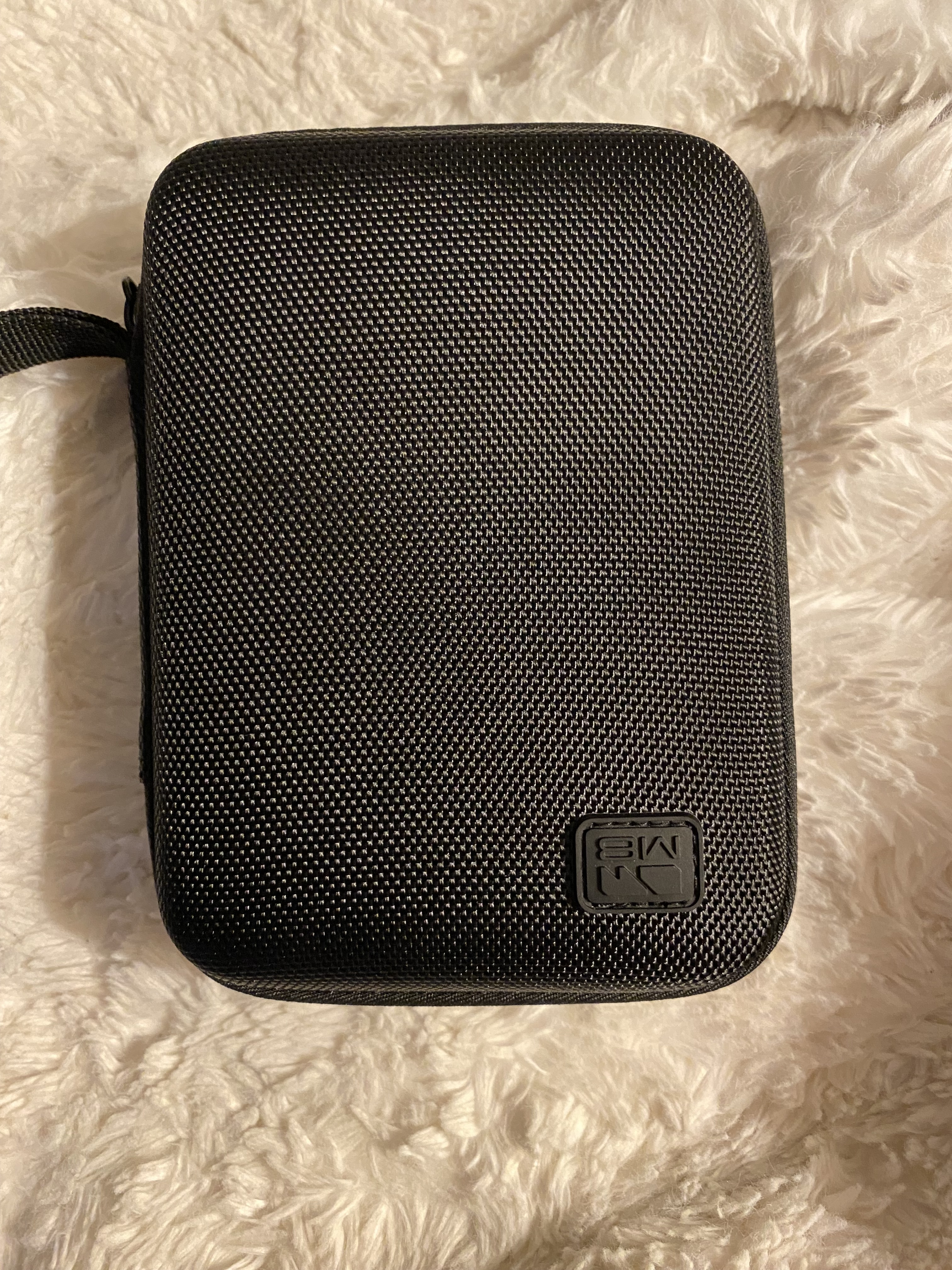
The M8 really is a magical little instrument.
The only issue I noticed with mine is an inverted emblem on the case. The unit itself is flawless as far as I can tell.
The M8 really is a magical little instrument.
The only issue I noticed with mine is an inverted emblem on the case. The unit itself is flawless as far as I can tell.
Grab a 3.5mm stereo ground isolator, on US Amazon they are less than $10. That’s what I used on the Micromonsta 2 as its only USB powered. It’s worth a shot for that price!
Example: Ground Loop Noise Isolator for Car Audio/Home Stereo System with 3.5mm Audio Cable
As I wrote before a ground loop isolator does not fix the issue that the M8 will cause humming as soon as it is switched off.
Ah must have missed that post. Well, disregard then
There are scenarios where a ground loop isolator actually helps (especially when the USB port of the M8 is connected to a computer).
I’m going to assume that @homealone refers to this issue. Then the ground loop isolator will not help.
Yeah. It doens’t bother me as I hardly ever make music and also prefer headphones when M8ing.
I had the hum loop problem when M8 powered off (inserted into my TX-6 mixer) and it was damn annoying but after rebuilding my setup it went away and im not sure how or why
will there be more brk’s or was it a one off run?
I totally should have grabbed a BRK, but found it hard to justify, already owning another M8 (and a room full of other gear). They look very cool with that etching! And minor blemishes just add character. I’m not surprised they sold out. I thought it was a really nice way to get rid of “B stock”, because people who bought it actually got something special, not just a discount.
You def should return that.
I think it was a one off related to a “bad batch”.
I just buyed the regular one. I wanted to wait till December/January but I’m also afraid the price would go up soon so I just pulled the trigger.
new tune: early 2000s goodvibes house track, composed on M8, deliciously “warmed up” by Analog Heat+FX.
Was it plugged into the track closest to the usb? Sometimes there’s ground noise in my tx6 when I’m charging at the same time. There’s a setting to turn charging while plugged in and that works really well.
Ok! 1st noob question. I have been fiddling around a bit and it is clear that I have much to learn.
I just started a project with a bass and a lead on 174 BPM tempo.
I figured I would look for some drums in the sample folder and found a nice break at 174 BPM.
However, once wanted to play it it seems to slow down the sample according to the chain length (4 bars).
I have played around with the quantize settings in the project menu, but no results so far. My guess is that the answer is in tables? Manual is not really helpful here. Can someone point me in the right direction?
This machine is so brilliant it spoils me over size and convenience.
I wish there was something in the same form factor with a battery that did audio looping.
I guess loopy pro on iOS is the answer. But the muscle memory and the delight of being able to sit on the sofa with m8 is just amazing.
I’m reaching unrealistically for something this good, and the m8 size, but that does the push3/octatrack job rather than the tracker job.
Shame the 1010 boxes aren’t quite there and require loads of hassle with velcro and cables to get portable with battery.
Norns is small, battery powered and good at live looping. A bit menu divey without grid though.
Hard to say based on your description. If you play a sample at C-4 it should play at exactly the same speed as it was recorded. Nothing could change the speed based on the chain length. Maybe share some photos of your instrument settings
Thanks, will upload some pics when I am reunited with my device 
I think it was plugged in the last one. Def 5 or 6 anyhow. I did play with that Tx-6 setting at the time but dont think it sorted anything.
I think I rewired all my setup and updated the TX-6 firmware and all was good much to my surprise.
I am away from home for a good month so cant play with it again until im back etc
Is there a way to use the Webdisplay via Mac’s Safari?
I get the browser does not support Serial or WebUSB message but was not sure if there was a workaround eg change settings, browser plugins etc rather then use Chrome. Not a biggie but wondered if poss