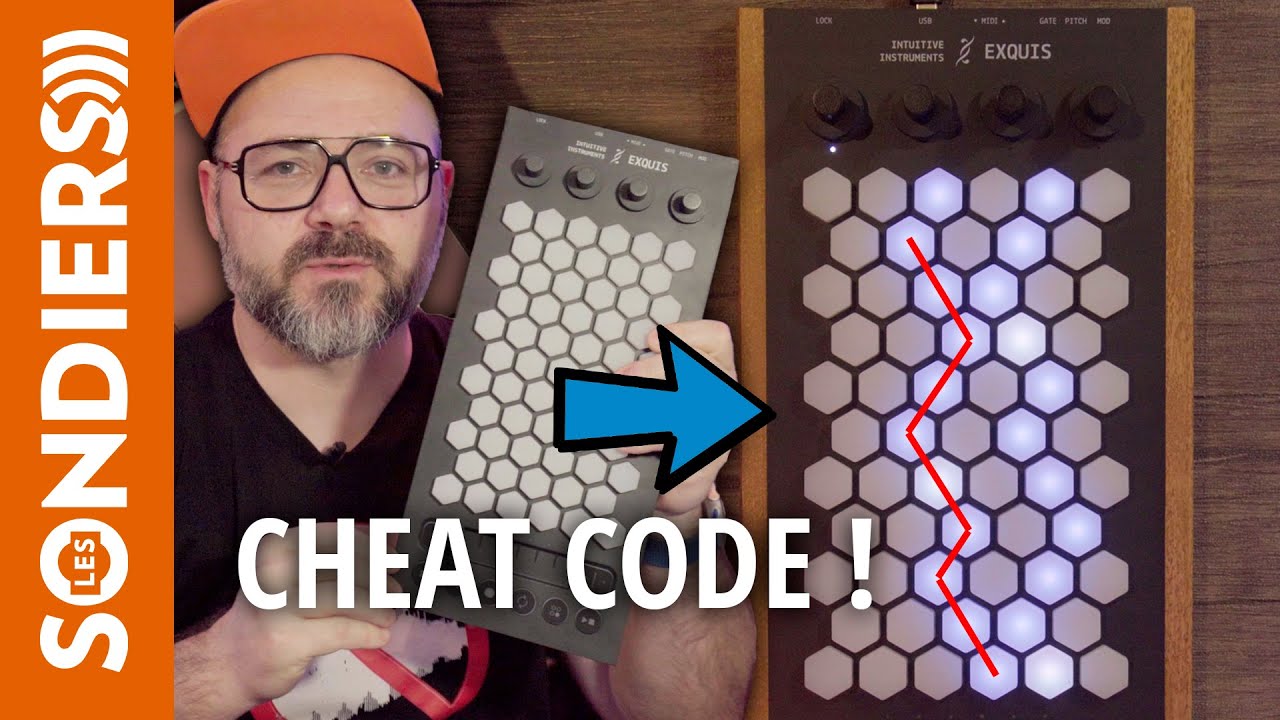
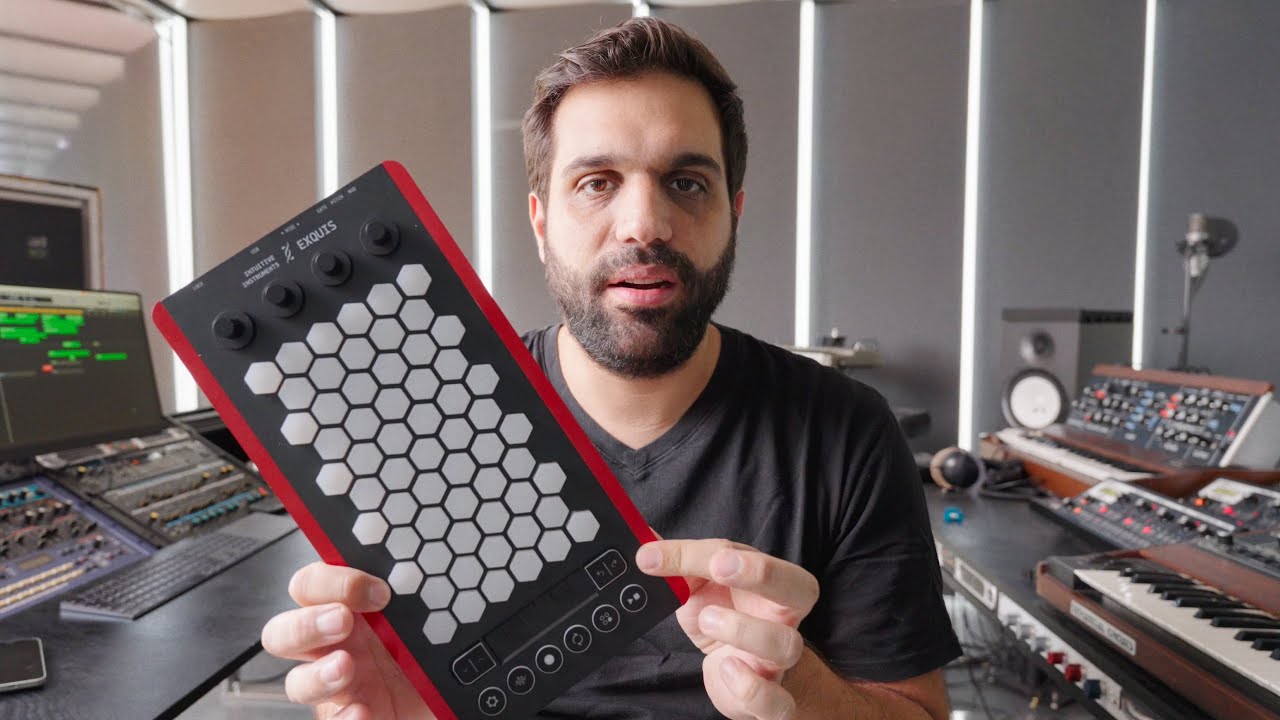
Thank you for this update! Can’t have enough resources for microtonal music.
Two ideas for your MAX patch/app:
Make it possible to have unisons. Think of how expressively an electric guitarist can play a unison on two strings, bending one to create beating… Being able to assign the same notes to multiple pads will really allow the X, Y, and Z dimensions of expression to shine.
A layout randomiser for fun and unlearning habits
EDIT: I just realised that the Exquis has unisons available to play already! Mine is still in the mail
The pads feel nice and squishy (personal experience), but when trying to make use of the controller, it seems there are issues according to this review:
It was a constant up and down when testing the Intuitive Instruments Exquis controller. The joy of the innovative pad layout and the associated ease of playing chords gave way to frustration with the unstable and immature app. The creative flow with MPE sounds in the DAW was interrupted by wobbly pads with rather coarse sensors.
Yes we are aware that our app is not very stable at the moment. We will release the update of it in September.
On the other side, using the Exquis as a MPE controller with the software you already have is just plug&play with the latest Exquis’ firmware.
We have still no answer from Bonedo, explaining us what they mean by “wobbly pads with rather coarse sensors”. The only explanation we bet, is that the sensibility of the keys was modified by Bonedo’s reviewer, and that he set the sensibility of the key too high, which can produce false positive when you hit a key too strong.
In 5 months of Exquis life, we only had two people who used their right to send us their Exquis back. @beisi Another place to ask your questions is in the Discord of Intuitive Instruments community.
Here is another review from Amazona.de, and this time the journalist didn’t seem to have a bad experience like the one from Bonedo, even if Amazona’s article is far more deep than Bonedo’s… .
It’s in german, but easy to translate using your browser’s integrated translation feature.
“Trying to please everybody is impossible – if you did that, you’d end up in the middle with nobody liking you. You’ve got to make the decision about what you think is your best, and do it.” – John Lennon
Look cool but just trying to find some user experience. Not many reviews and had a look over their forum. Saw few videos in French which looked cool but be good to hear some personal experiences
Nicely built, feels solid and reliable. At that time there was no user configuration, and evertything was thought to work along the app, so the standalone operation was a bit rough around the edge.
Playing surface felt nice and soft, pads travel are short in all direction so you can’t expect osmose sensitivity. I can relate to the somewhat jittery nature of the aftertouch but absolutely not to the point of being a dealbreaker. After sometimes, you get a grip on the playing surface and it becomes less noticiable.
I didn’t use the app at all because I found it really clunky.
For the price, and the updates since release, probably hard to beat imho.
I sold it because I had to much control surface at that time and wanted to shrink, I kept my touché for its sensitivity…
So I grabbed one a few weeks ago, as I have been lusting for an hexagonal keyboard since decades…
The case is a bit wonky, light and toyish. It bends easily. This gives a bit of concern on its durability, as it can get exposed to quite strong mechanical stress while playing it.
CV is basic but works good out of the box. Just plug some cables and you’re fine.
MIDI works fine too. I had only a problem to synch it to incoming MIDI clock, but it was a complex setup, and did not trouble shoot it, so I cannot be shure that it was Exquis’ fault.
As already stated, it is class compliant and works great on iPad.
I did not bother to try it with the companion app, which seems to me a complete waste of resources for such a product. Everyone will hook it to more powerful software anyway. Why not invest in firmware development instead?
Talking about which, it has seen some improvements, like the ability to change keyboard layout by setting the number of semitones between hexagons, but there’s still much missing, especially on the LED behaviour configurability side. Also, I have not been able to switch the keyboard orientation.
The keys are quite small, which could be a good thing for notes articulation, but maybe a problem on the MPE expressivity side. Adding the ability to edit parameters’ response curves could alleviate this.
It is very lightweight, and perfect for a practice session in the wild with just an iPad/deluge/portable solution of your choice.
All in all, for 300 bucks you get a quite powerful 64 keys (!) MPE controller, so not much to complain.
My main use case is I’m working on material with a group I’m in, ambient, chill out, Balearic type stuff and I would like more expression in my playing, especially with brass and wind instruments though with pads and synths also. I looked at roli options but this seems better value.
I’d also potentially use it live for some improv playing. Not being musically trained or confident enough to play live keys it seems a good option.
You can use the semitones-between-keys configuration to change orientation. The harmonic table layout example given in the manual works better in landscape mode imo.
Yes, thank you. I can change the number of semitones of the diagonals by rotating the encoders, but according to the manual pressing the encoder should flip the keyboard orientation. When I do it, the corresponding led change status, but nothing happens on the keyboard…
(…and as a side note, from some silicon keys protruded a sort of skirt that should be under the casing but somehow came out during playing… to fix it I guess I should open the case: would this void warranty?)