that happened to both my digitone & syntakt when upgrading yesterday. i ended up turning it off, waiting a few seconds & turning it on. it then finished a process n said to reboot.
worked fine for me.
that happened to both my digitone & syntakt when upgrading yesterday. i ended up turning it off, waiting a few seconds & turning it on. it then finished a process n said to reboot.
worked fine for me.
Smart decision.
looks great!!! haven’t gotten to install yet but saw someone mention “bong” mode – can you randomize elements within the song / arranger screen? that would be getting pretty close to bong mode. . .
And so was my comment about OT users are not happy @Unifono.
Amazing!!! Keep up the great work!!! 

I can’t wait for that crossfader extension and really rub it in their faces
Well, you can always use pitch to tune it to C, and therefore using the note input with the new keyboard. That should work no?
maybe I’m missing something but it would really nice if the fold was available when editing a trig (on DN at least), now when holding a Trig+[♫] it shows the non-folded keyboard, which is limited to one octave, could be cool if the keyboard was in fold…
I tried the fold mode on DN for the first time.
Hadn’t figured how nice it is on a poly synth, chords are pretty natural.
I had trouble finding my ancient chords, but I got a whole lot of happy accidents !!!
Wait for slice mode, THEN you can sell it 
About song mode saving: Saving the song (Save to Proj) doesn’t work here (DT). The song is only saved when you save the Project itself.
This is unlike the other Save to Proj options (Whole pattern/Kit data/Sequence data), where the project is updated without saving the whole thing. Is this a bug?
Pattern offset included too?
I assume you’re using the LP4 filter?
Alas not, it would be a very powerful addition
Cool! So you can have say the same pattern 2-3 times but with various mutes and you conditionals will still add variation? Stuff like this is why I knew song mode would rock. First thing I plan to do is some complex IDM drum-centric stuff.
I’ve got it installed and it’s great. Love the Chains input paradigm. Now I have to figure out what Keyboard Fold is.
I’ve just watched this video about it:
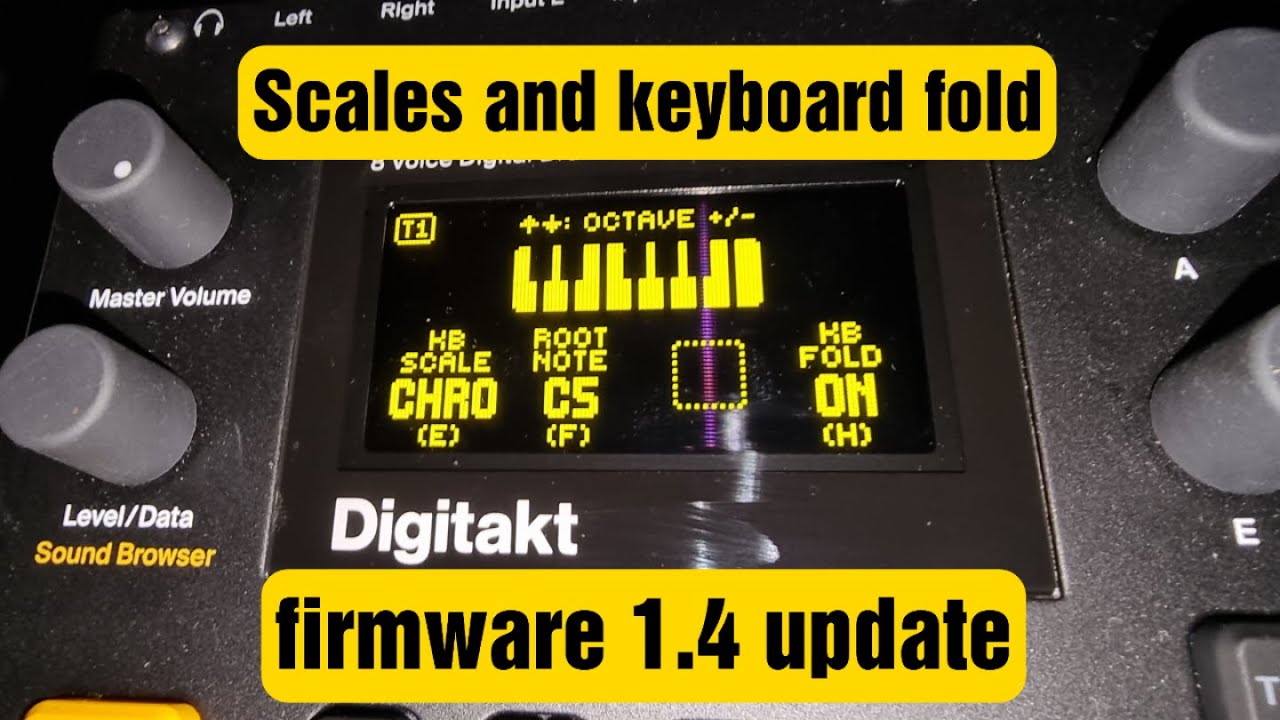
Yes! For instance, if Rows 1-4 all have the same pattern but different mutes (and each row runs the pattern once), then 4:4 conditional trigs (or X:Y) will run on Row 4.
Because of this and the on-the-fly row repeater, I can’t see any scenarios where I won’t be using song mode…
Song mode was never high on my priority list because every live set is different, and I don’t like feeling like i’m on rails…
… until about 10 minutes ago when i realized Elektron really nailed the implementation here, allowing both for scripting AND going off script
Three things really sold it for me:
I plan on extensively using the loop function and the progress bar to recreat ableton ‘scenes’: very simple rows of mutes always repeating 4 times, then using the editor to manually launch the rows, entering loop mode if i want to extend a section…
And because DT can mute DN tracks, I could do this all from one box, and not need to touch the OT arranger or DN’s song mode:)
In the past I’ve been pattern changing after 64 just to keep things standardized, but with the progress bar and adjustable duration of each row, I could cue this way earlier and free up my hands for plenty of other things - without ever feeling like i’m playing a scripted song.
Nice work Elektron!