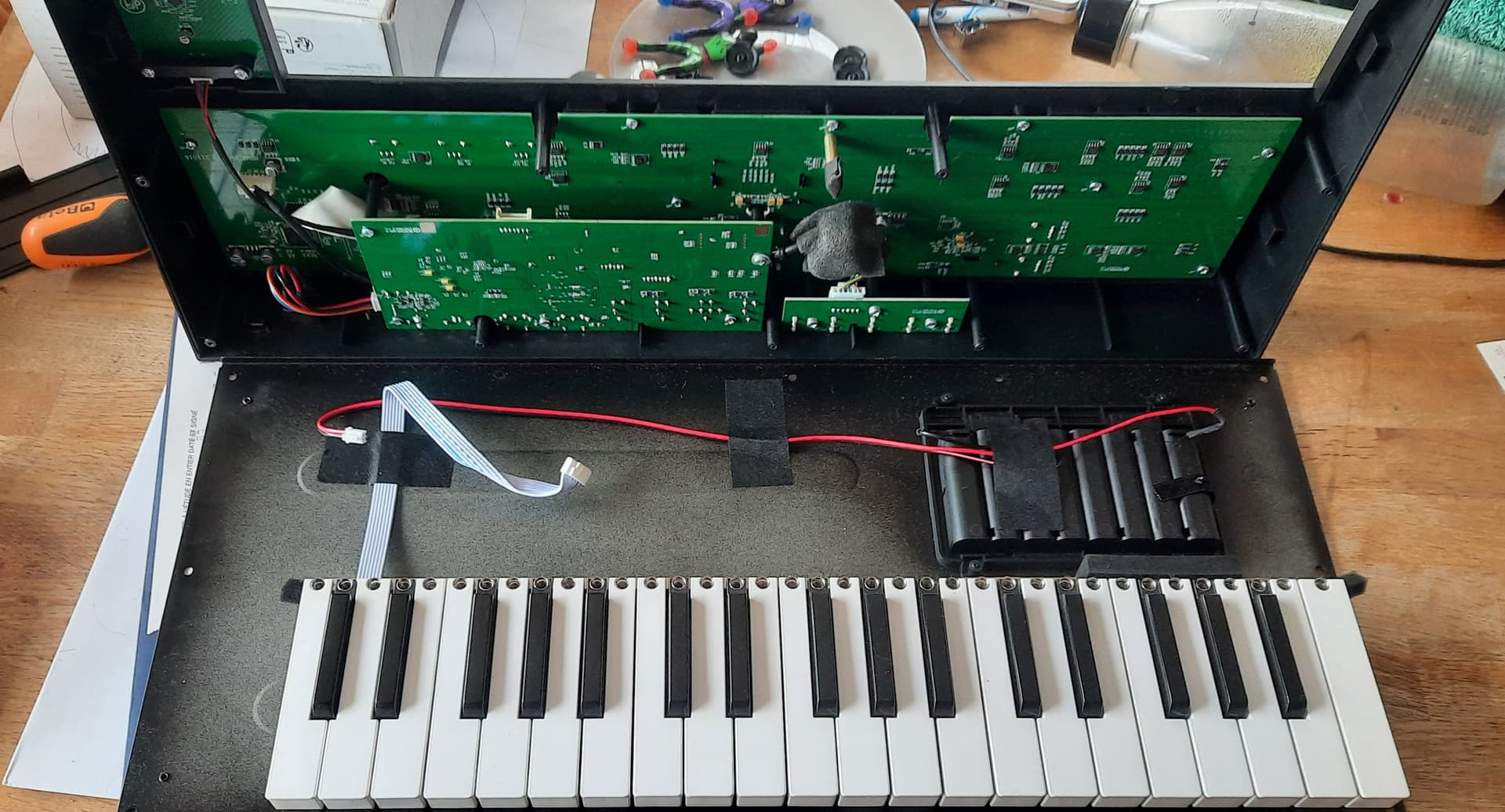
Fun is subjective, and for me, depends on the day. I can say that it is deep.
The modulation assignment implementation is excellent. It’s a complex synth, but ASM struck a great balance between flexibility and ease of use.
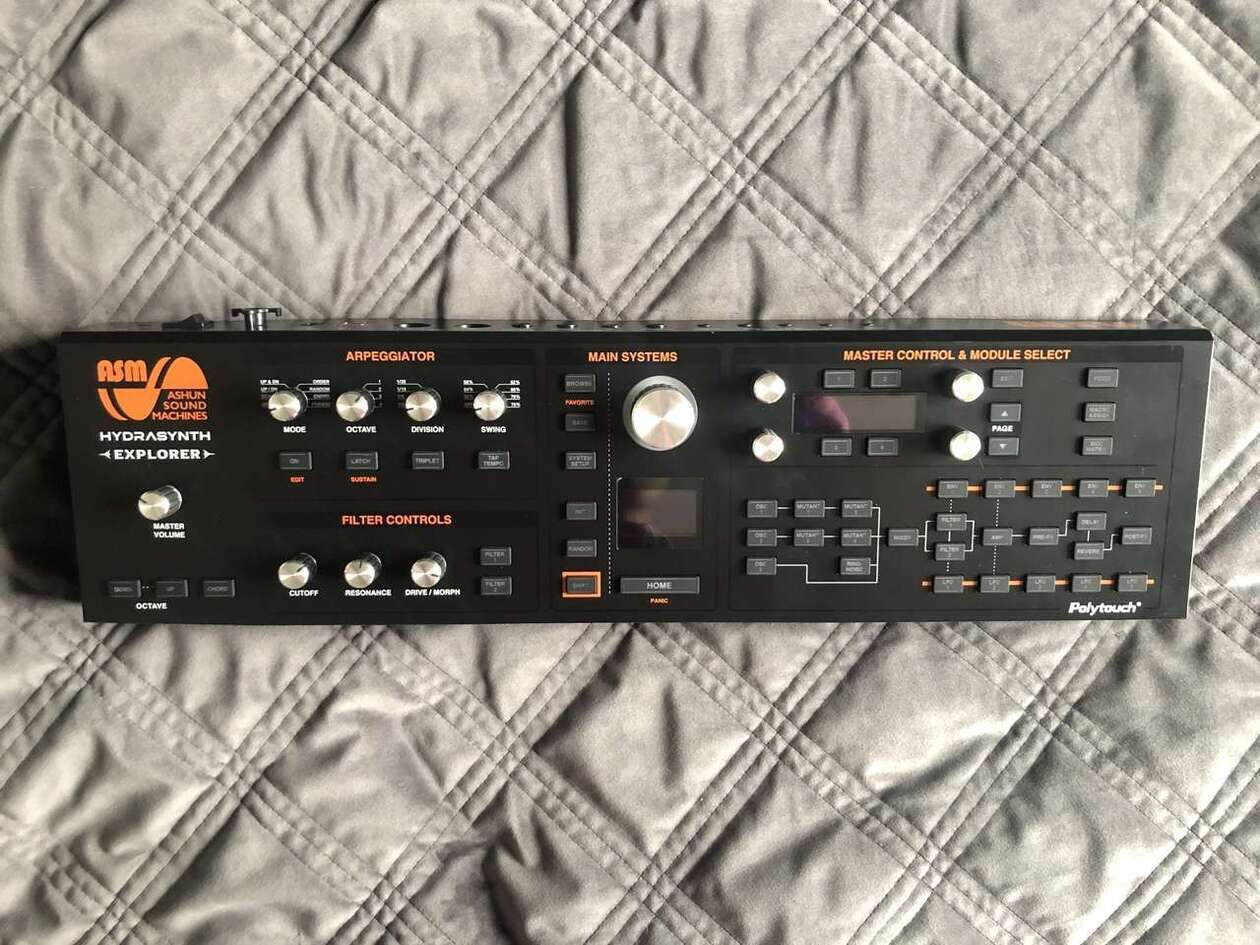
Generally, this is the 80s Ensoniq school of synth UI. Instead of knob-per-function, you have button-per-component. Like, press the LFO 1 button to go to its menu page, and now the knobs control its parameters. If you want to assign that LFO to a parameter of Filter 1, you instead press and hold the LFO 1 button, then press Filter 1. It looks kind of nerdy, but it’s mostly fast and smooth, though it can be a little finicky for fine tuning.
You’ll see where it gets its name as you get deeper into modulation. For example, a macro can control depth of modulation assignment, and you can have an LFO in turn control that macro’s value.
@muied_lumens thank you both. I think I’m just gonna get it. I love Elektrons too and it does not sound bad. For more easy operation I have Neutron (and Cobalt8m but it’s kinda fiddly and the encoders feel horrible)
Does MPE need to be disabled if I want to sequence and play it from the Digitone using a keyboard? So I can’t use the pads (desktop) with MPE at the same time? (Surely it can get clock atleast?) Are there other negative aspects when sequenced externally with non polyAT capable machine?
Wondering if I should just get the keys version. Not huge fan of aftertouch on keys though, as it requires a lot of pressure from my experience. Pads might be even better. Maybe just get the desktop version now and hope that manufacturers will whip out cheap polyAT midi keyboards in the future.
A lot of pressure ? – not my experience on the HSK. You can also change the sensitivity on the aftertouch. The HSD pads have poly-aftertouch as well. Nice on the Hydrasynth to be able to assign the poly-aftertouch to whatever you’d like, and MPE is good for external synths too.
Two of my standout reasons for picking the HSK or Deluxe, over the HSD :
The ribbon controller. With extra value on the Hydrasynth, for the way it mirrors the keyboard, making playing a ribbon in tune easier.
Chord mode ! ( Also on the **Explorer. ) Used together with a scale and key on a voice, it gives you one finger chord sounds in key.
The pad modes, that you get instead of the chord mode on the desktop, are interesting too, in particular if you have no experience with standard keyboards, and perhaps prefer a guitar layout.
( There is a ribbon controller from UDO that plugs into the expression pedal, that while not as versatile, and costing extra, does give a ribbon option for the HSD. )
I had the desktop and found the pads to require very firm pressure to begin registering, among the hardest out there. I now have the regular keys version, the keys are light as you’d expect and the after touch picks up at a good place in the key range, requiring a slight increase in actual pressure to activate. The AT part of the key’s range takes increasingly more pressure to reach max and it’s close enough to bottom out the key for me. It’s a keeper since I like a good key bed and there is little competition in the price range.
Jeez… Im only mediocre on keys so I try to tell myself I wouldnt get to utilize it properly anyways, but the truth probably is that it would change how to approach modulation and open up some really cool sound design. Even for simple pads and arps. I will have to test how it feels to apply pressure to certain notes in chord shapes with my current keys. I must admit that I havent ever used regular AT in 7 years ive played keys as it feels so hard to press, but it could be just my controller. Keyboard is my preferred medium so it does sound tempting (as does Expressive E)
Maybe I will have to ask around if anyone have Hydra keys locally to demo.
Part of the problem is that I use DN2 as brains and it cant handle poly AT so im afraid having polyAT controller would lure me back to DAW On the other hand, I could use it without that functionality while working with DN (like i would use the desktop too) and use it fully with DAW. The price difference seems to be around 400euros.
Using RK002 midi processor cable Poly AT is converted to channel pressure per channel, so you can play DN2 with Poly AT on several tracks. Tested. Anyway DN2 can’t record channel or key pressure. Example with Explorer and DT2 wavetables controlled by Poly At :
Have you considered HS Explorer ?
I sold it for Desktop mainly for audio in as fm/ring mod and 8 encoders. I didn’t like HSD pads velocity, playability. (I have a Linnstrument).
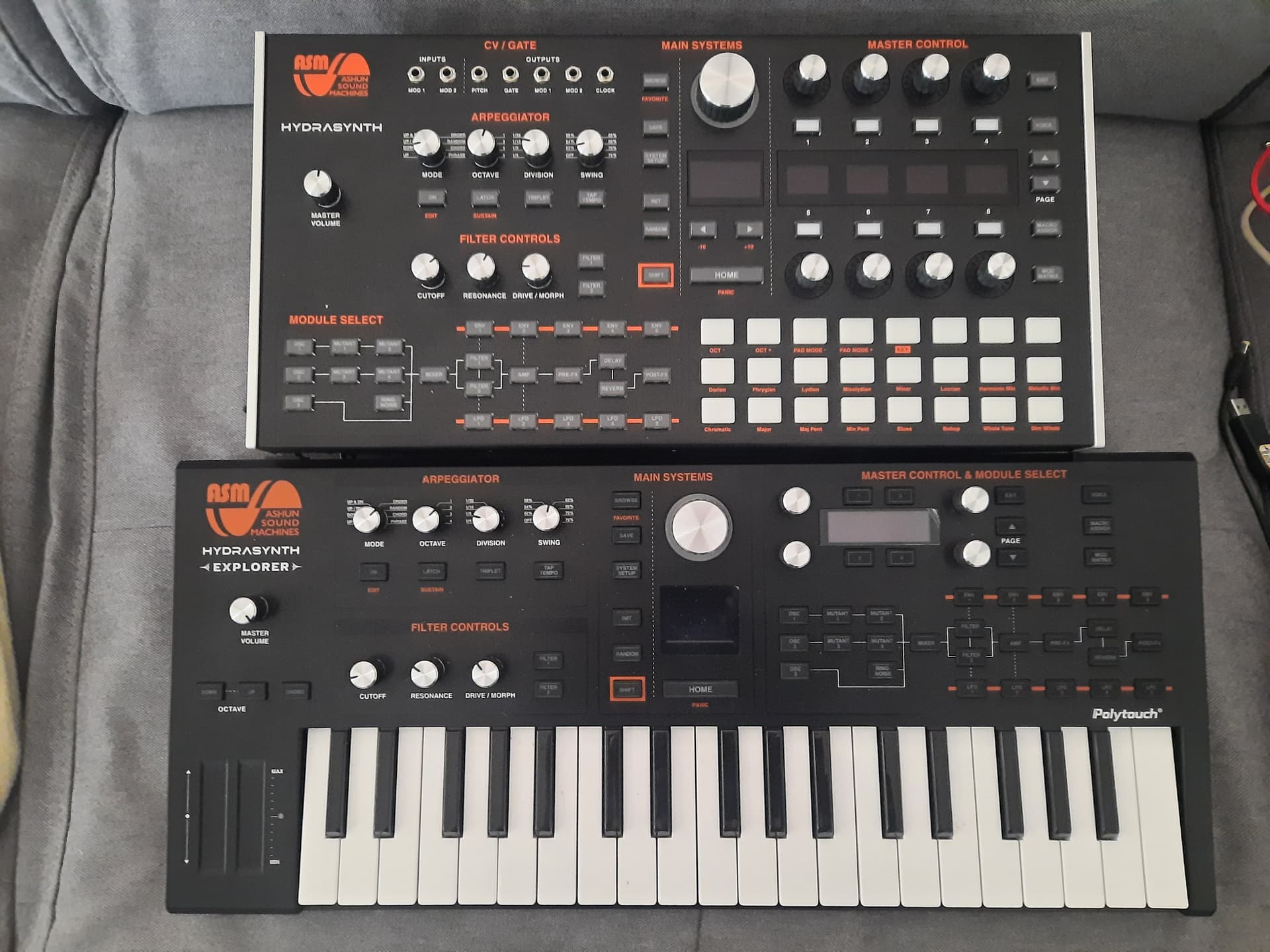
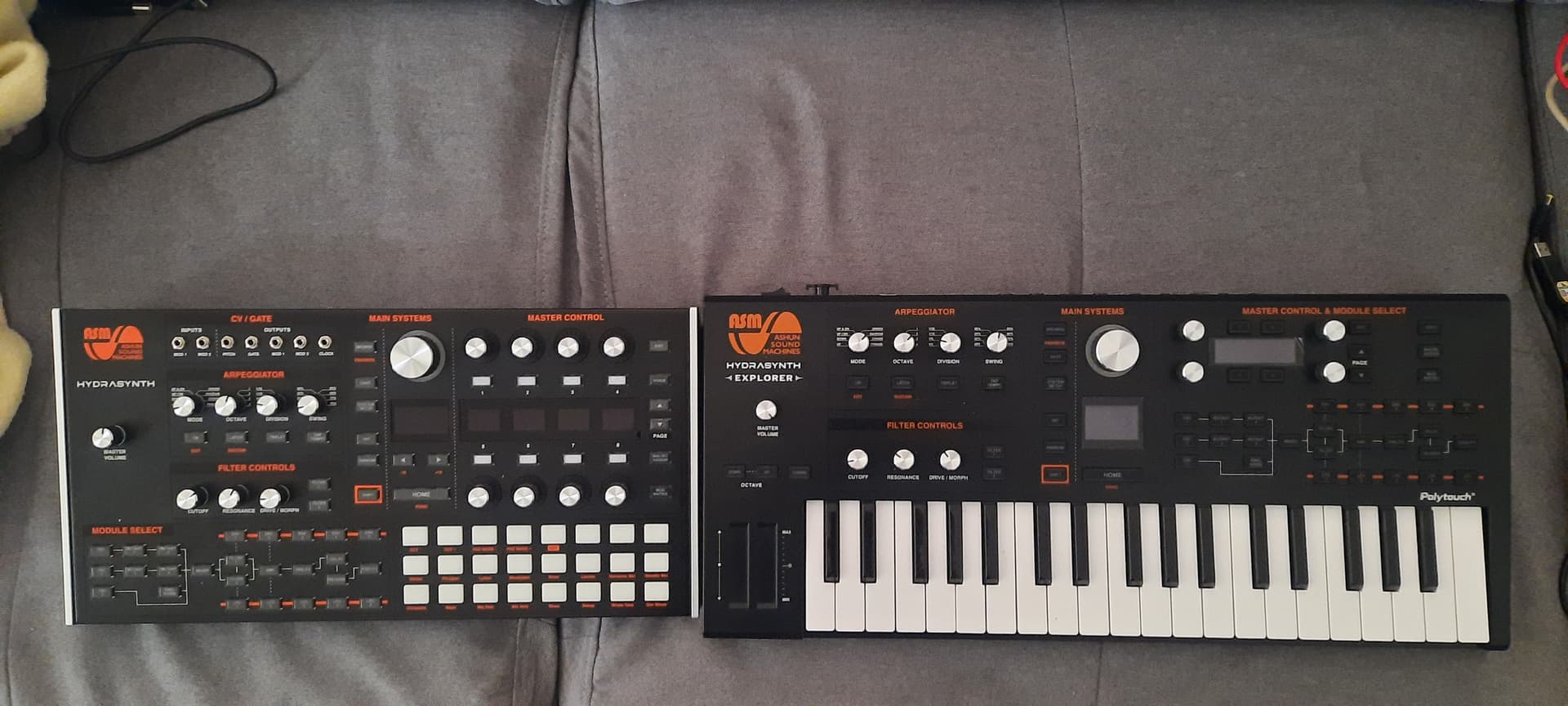
So I could compare them side by side, I sent back Desktop ! I really like HSE minikeys, much more playable than HSD pads. Size difference isn’t big, HSE is a bit lighter. It is cheaper.
Nah definitely not interested in mini keys and having less than 4 octaves.
I will have to dig around some more but it does seem like the keys version is a winner. Really wish there were some good PAT midi keyboards around as I love the desktop’s looks and form factor and would like to decouple controller and synth.
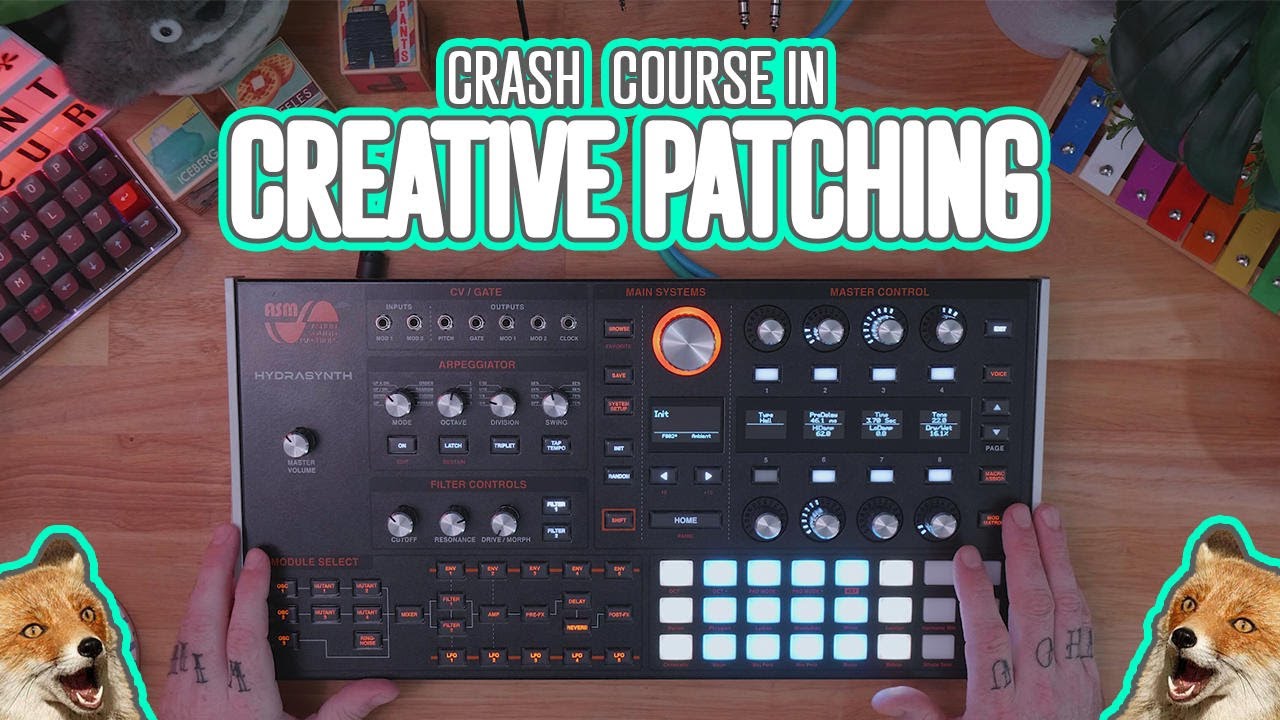
 …
… On the other hand, I could use it without that functionality while working with DN (like i would use the desktop too) and use it fully with DAW. The price difference seems to be around 400euros.