Less than two years ago my musical journey began, with Logic Pro and lots and lots of videos. I binged.
Today I have a clear idea of what a synth is and how it works (not saying I’m good at making art with it!); I own and enjoy a Digitone, a few other synths, and Logic Pro.
On the other hand, I barely know what a sampler does, but I am not familiar with the details, nor with the styles (loops, slicing, etc) of music that a sampler normally goes with.
Hence my probably silly question, which is:
What are the main differences between:
a Digitakt
the Digitone’s MIDI tracks connected to Logic Pro sampler instrument?
I mean, in theory, a Digitakt and Digitone’s MIDI tracks connected to the Logic Pro sampler instrument is kinda similar in terms of the basic sounds that you can get. However, the real difference lies in the user interface and how you will be able to interact with everything.
Going back and forth between the Digitone and the computer will be more of a hassle. Loading samples and changing parameters will be much more direct on the Digitakt. On the Digitakt, you will be able to do things such as parameter lock different sounds (for example, playing a voice sample on the first beat of a track and a drum sample on the second). You can also do things such as control all parameters of the different tracks and go back to saved states when you’ve messed up your parameters too much.
In essence, if you were to go back and program a recorded sequence in Logic Pro, you will be able to do much more than on the Digitakt. However, you will never get the same kind of immediacy there as you will get using a Digitakt. This really goes for pretty much all of Elektron’s boxes: Soundwise, you can do much, much more in a DAW, but that’s not really the point.
I mean, you will find tons of videos of people live jamming with their Digitakt. With DAW samplers, not so much. And there’s a reason for that.
yes, of course I would not be concerned by audio “quality”. I know that Digitone’s MIDI tracks can send lots of stuff (CC etc) of which I am not familiar with but I wondered if these tracks would be able to control a software sampler, like Logic’s, in a way not too dissimilar from parameter locks and so forth. Of course this would depend on Logic too.
Yes, that’s the beauty of MIDI. Many different instruments/devices can communicate with each other in incredibly flexible ways.
When controlling an instrument inside the computer from a device outside the computer, sometimes you can run into latency issues (where the sound takes a while to play after being triggered by the device, or control change messages take effect audibly later than expected). But with today’s fast computers and USB-MIDI that is less of a concern.
Yes, you will be able to steer parameters in Logic via CC messages. It might be a little bit clunky at times, but it’s absolutely possible. However, as I said, you will have to spend time on setting everything up, go back to tinker around when you want to change what parameter is being manipulated, et cetera. It’s possible to do, but it won’t be neither smooth nor direct.
For example, your sampler in Logic probably have a bunch of parameters that can be controlled; many more than what you can set up Digitone to control. So, you might want to experiment with different setups for different songs, depending on what you want to do. On the other hand, the Digitakt sampler software was designed with the hardware in mind, meaning that everything is really well thought out, with clear labels right on the screen telling you exactly what each knob does, and you don’t have to worry about the basic setup, because you can’t modify it.
Think of it as being a chef. You could either do all the cooking yourself, or you could tell someone else to do the cooking for you and instruct them along the way. Sure, with the latter system, you could set up an intricate system of chefs doing different tasks in tandem, meaning that you could do some pretty advanced stuff. However, it wouldn’t be as direct. What if you wanted to chop the onions in a different way? Instead of just doing it, you’d have to instruct all the chefs on how to do this new type of chopping, give them feedback when they did it wrong, et cetera
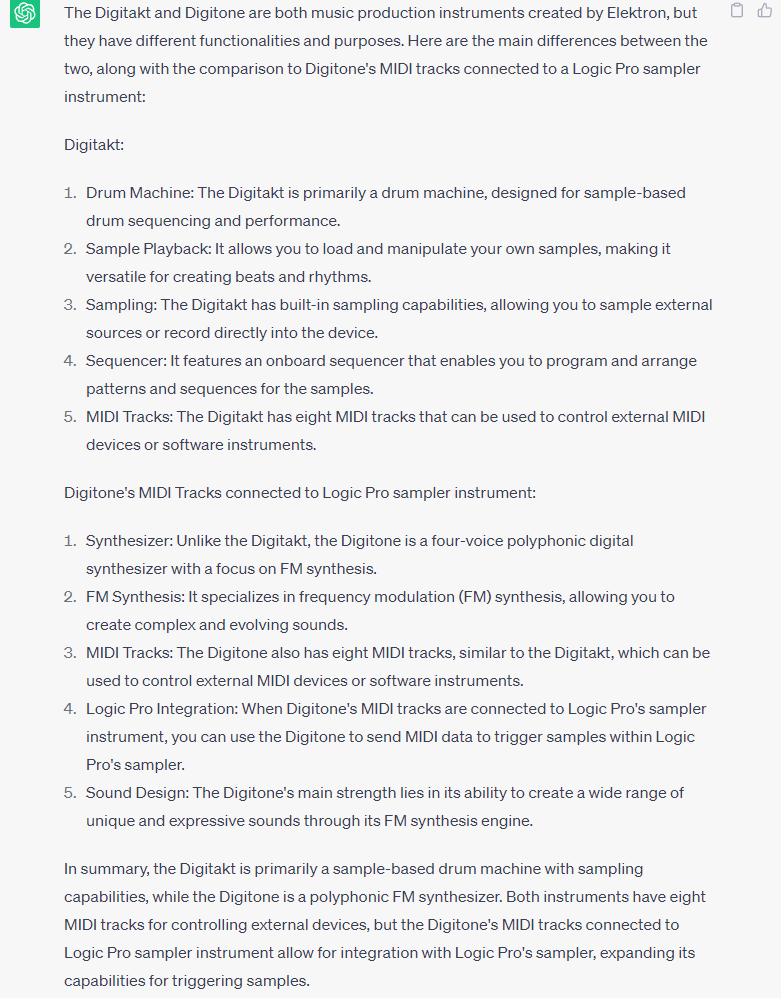
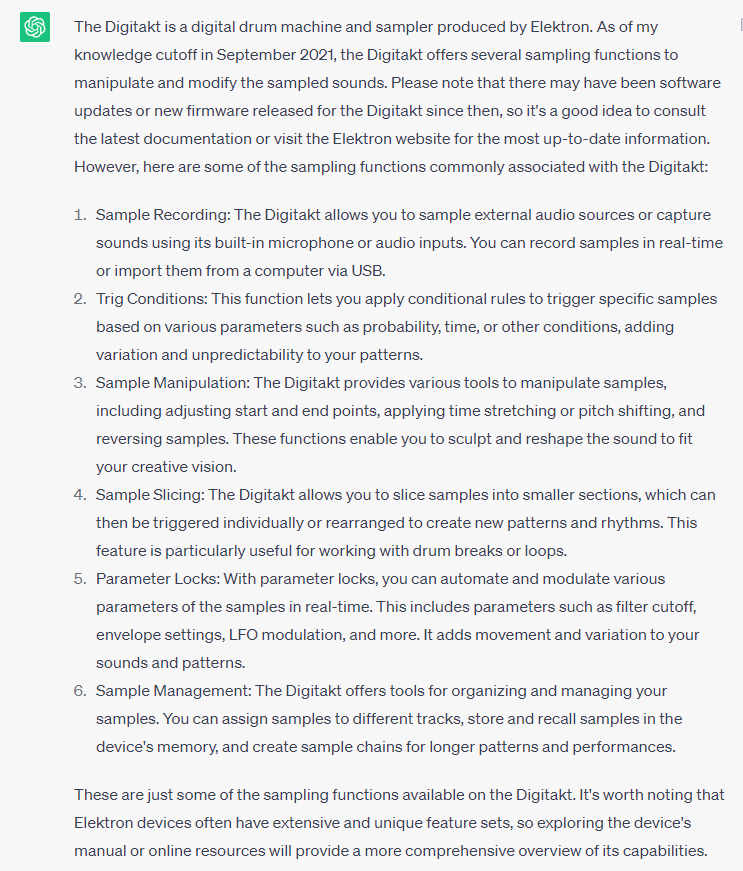
I think chatbots really could help in many instances, even on forums where people are asking questions (sometimes, it might just take someone with a little extra knowledge to form the correct chatbot prompt). In this specific case, the answer was an answer to a completely different question which OP did not pose.
I, for one, encourage your willingness to incorporate our future robotic overlords into the discussion. We just need to practice a bit regarding not taking everything the robot says as the truth without checking it ourselves.
Most important thing is if that setup works for you. Give it a try with the Digitone, see if you like it.
Dedicated sampler would just be faster, because you can skip the step of setting up midi tracks on the DN. It might be even better to just use a regular DAW sequencer for samples, and just sync DN and DAW together. You can use DN just as a midi controller too, for both drums and other synths, sky and patience is the limit.
MIDI settings on the DN have you covered pretty much everywhere, plus you get a bonus chord/scale mode and some encoders to boot.
If you are new to how midi works in general, just make sure to set in and out channels to the same numbers, and make sure to only have one master device (the one that sends out clock). DN manual has example of different midi setups, give it a look too if feeling stuck.
P.S. common mistake is not setting output channels on the midi tracks of DN (TRG menu, encoder push)