Check this thread for my bands approach with webcams. Other people have their suggestions too. More geared to a band but I think there is interesting info there.
Summing it, webcams connected to a laptop and OBS.
This is good reading thanks. So Iv’e wondered how people switch to different angles of their gear whilst doing live sets, so is this various webcams set up pointed at gear with a switch that the user changes viewing sort of? It would be indeed cool if you could switch cams at the touch of a button whilst maintaining the audio recoring.
OBS allows you to rotate cameras at random (via plugins), with a few params. With a bit of setup you can say stuff like, stay between 10 to 30 seconds and change to a random new cam and so on… this may look like it’s too unpredictable, but in practice, what we found is that if you setup the cams so that there is no chance of someone or something (like your arm) blocking the view, it works fine.
A popular plugin is: Advanced Scene Switcher | OBS Forums
you can setup keyboard hot keys in OBS to trigger cam switches (in conjunction with plugins as well, see above) so you could set up F1, F2 etc to trigger the changes, and keep the keyboard off frame and change that way, but keep in mind this is extra cognitive load. Someone wrangling, say, a sequencer a drum machine and two synths can probably handle it with some practice. You can also ask someone else to trigger the changes for you.
In our case, we started with the random method, but now we have a friend who likes to direct live stuff (besides being a professional videographer) and he sits off camera, enjoying the jams (his words, not mine) triggering the changes. He also helps with lighting and framing.
Edit: important, so that audio does not cut, you need to setup the audio source to be the USB interface/ mixer that you connect to the computer, and disable the webcams audio in OBS. You can do that in the audio sources panel, and disable everything that is not the stereo out you want to capture in the video.
Also, if you go the OBS + webcam route a cool option is to use a small macro keyboard with 3 to 5 keys and a long usb cable. You don’t need to hide these ones off cam, you can set them near a piece of gear, and they work just like any other keyboard.
Nice, I might want to consider that camera, because of USB-C at the very least for one.
But I don’t really plan to do any or much live stuff, and I just record footage using a Razer Kiyo X webcam in my bedroom. Will need a decent low-light camera as the Kiyo X is horrific for it (MX Brio could check the right boxes, but what if I wanted to film something outside?).
This can be basically ANY cam. I use everything ranging from old 90’s Hi8 Camcorders, cheap Amazon security cams (plus analogue to HDMI adapters) and Black Magic 4k Pocket Cameras (amazing in terms of sharpness and color grading options).
Ensure to have a look at the second hand market for video equipment.
(I did - and saved A LOT of money here).
I don’t stream videos - and do everything in post production in Da Vinci Resolve.
If you wanna do live transitions:
It’s a super deep rabbit hole
But I did not regret to go for two cams.
Also ensure to disable autofocus. It is super annoying, if suddenly your pinky is in focus - instead of your gear.
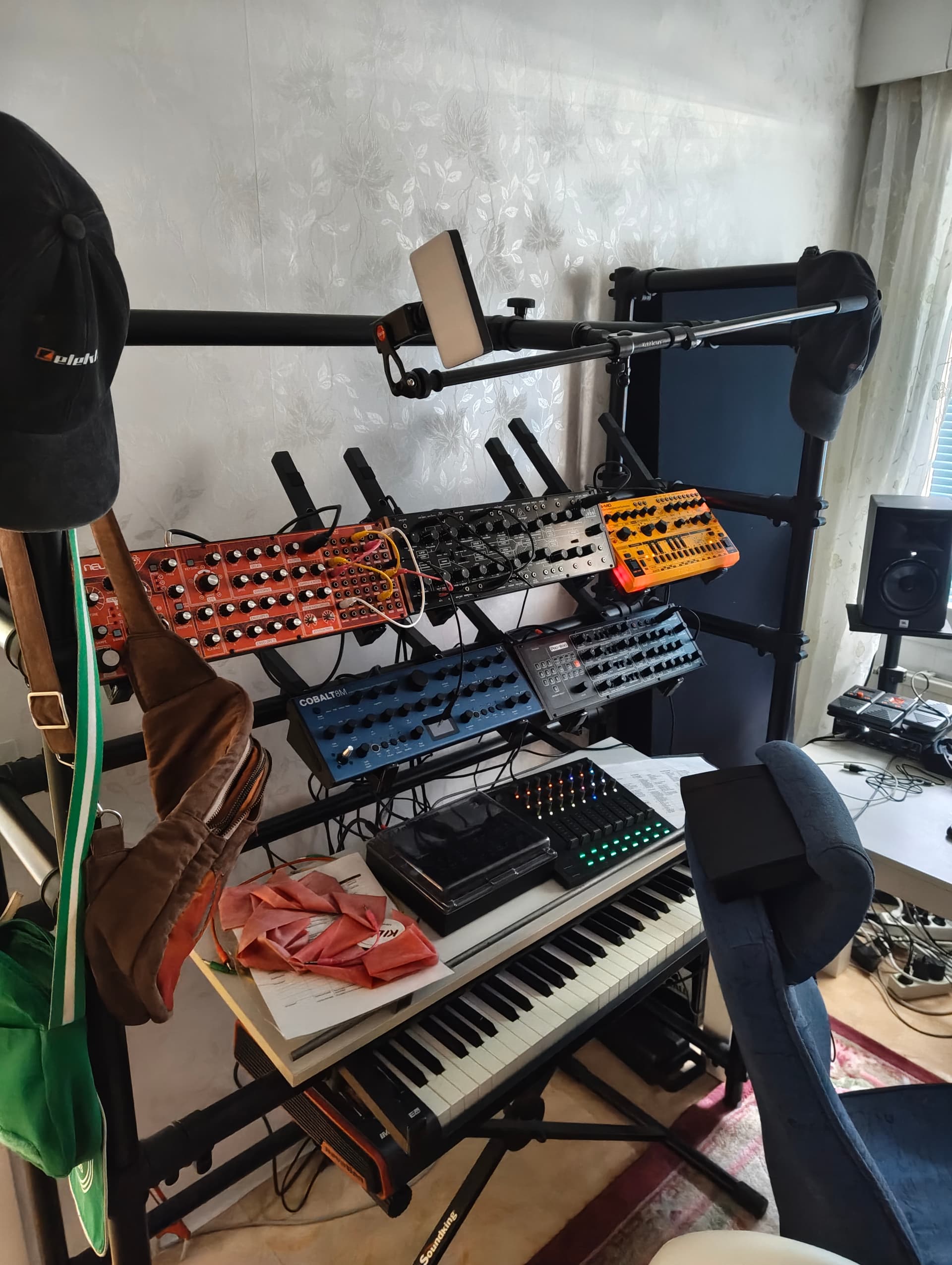
I’m a beginner video hobbyist. This is my humble video setup. Cold mount rechargable led light from Ulanzi on Ulanzi st-10 phone holder mounted to my Jaspers using their boom arm. Very flexible. I might be able to get a bigger view of the setup due to the boom arm but haven’t tested how it looks. I just use my phone to record video then merge with audio in Resolve.
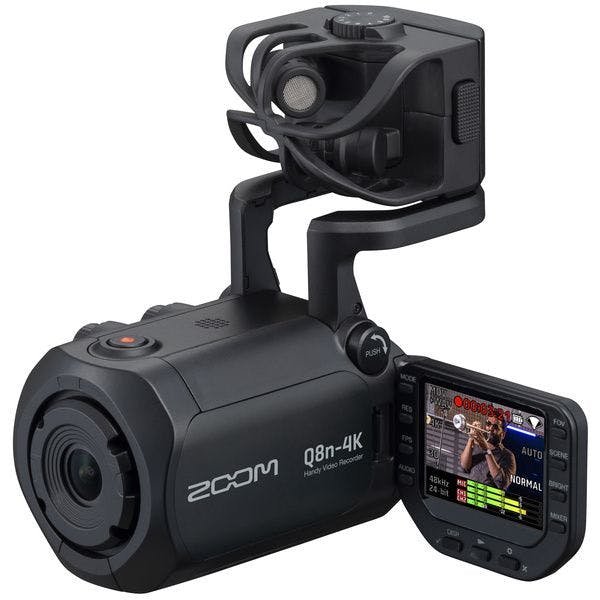


 record in 4k and use an old one for different angles and record yourself several times and then edit it.