Please help 🫠 I’m trying to send program change from Squarp Hapax to Syntakt and Digitone but can’t succeed. Read a few forums, spent over an hour but it still won’t work. If someone could explain in detail how to send program changes from Hapax to Elektron machines it I’d be very very grateful
You’ve turned pre-send on, on the Hapax track, too?
1 Like
You send PC messages with the Hapax by changing patterns. You choose a track with which you want to send PC messages … make sure that the midi output is correct and the MIDI channel matches the one you have set on the Elektrons for PC … in the midi settings (PROG CHG IN CH ) … by default it is set to AUTO… which doesn’t always work.
On the Hapax you go to the pattern page … select your set up “PC track” … now you press and hold the pattern with which you want to send PC … now you can set the PC message using the knob at the top left … by rotating it … or clicking and then selecting PC.
PC 1-8 are Pattern A01-A08 on the Elektrons
PC 9-16 are Pattern B01-B08…
and so forth
As @csleary says, make sure you have pre-send set so that the PC command is sent shortly before the pattern change and the elektrons switch on time.
Click and hold the pattern… press the knob at the top left and scroll down to PRE-SEND
Hope that helps
2 Likes
Thank you very much for your detailed answer. I did all this but unfortunately banks and patterns still don’t change on my elektron devices. Does anyone know what else could be the issue?
What numbers should be MSB and LSB on hapax and what do these mean?
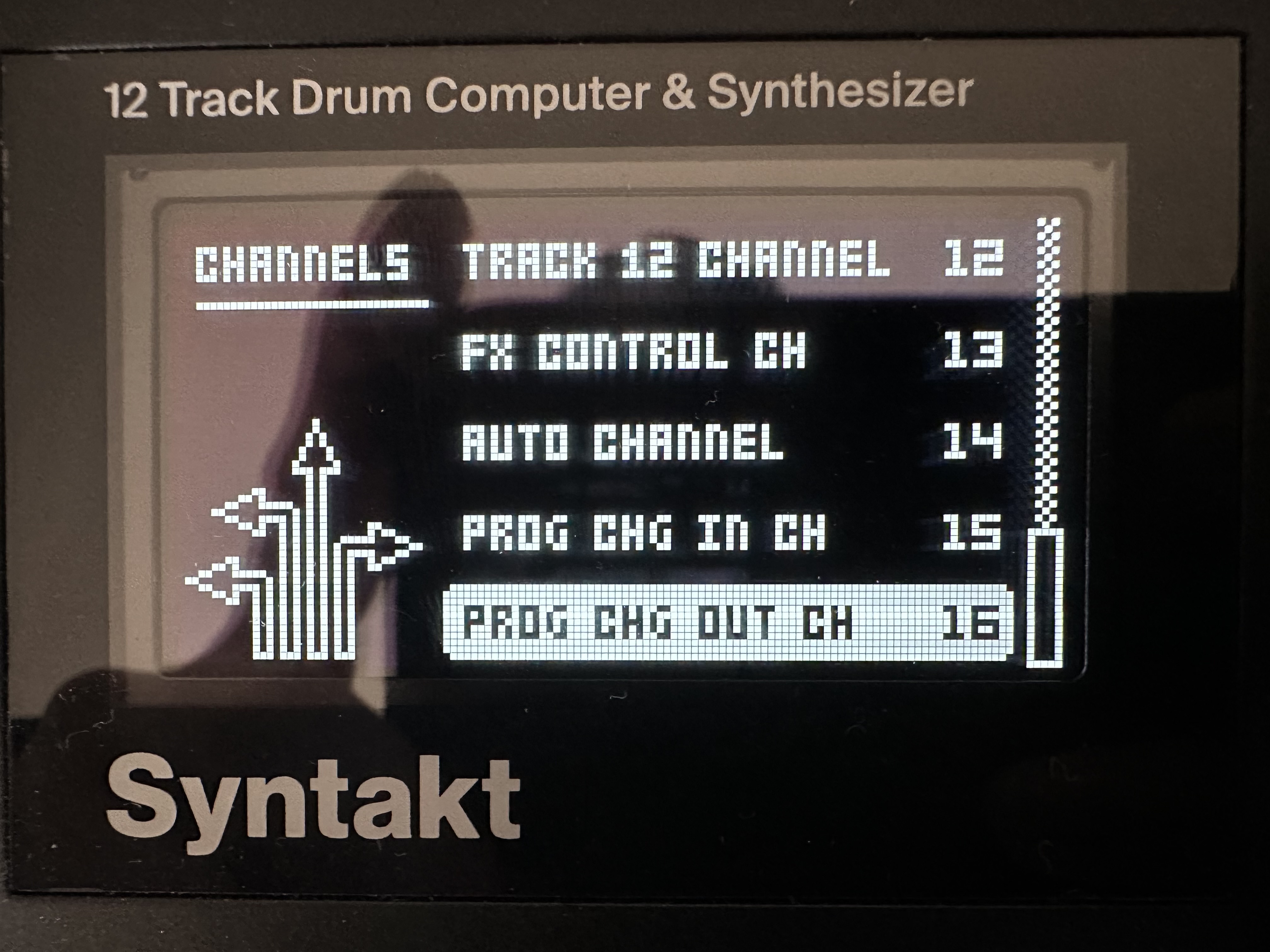
Also there’s a way to set program change channel on Elektrons. Should I do some matching settings in Hapax I assume? If yes then how? 
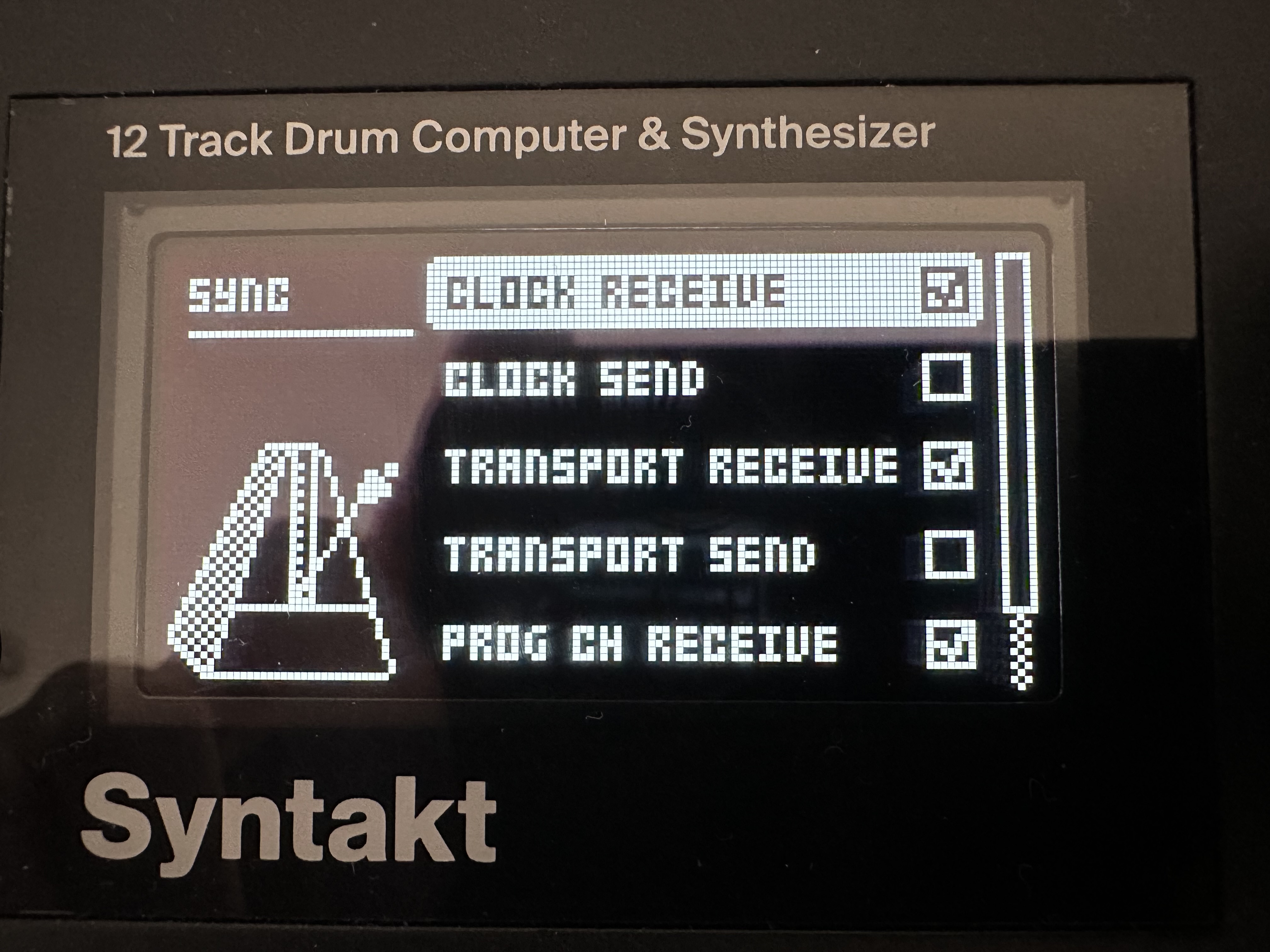
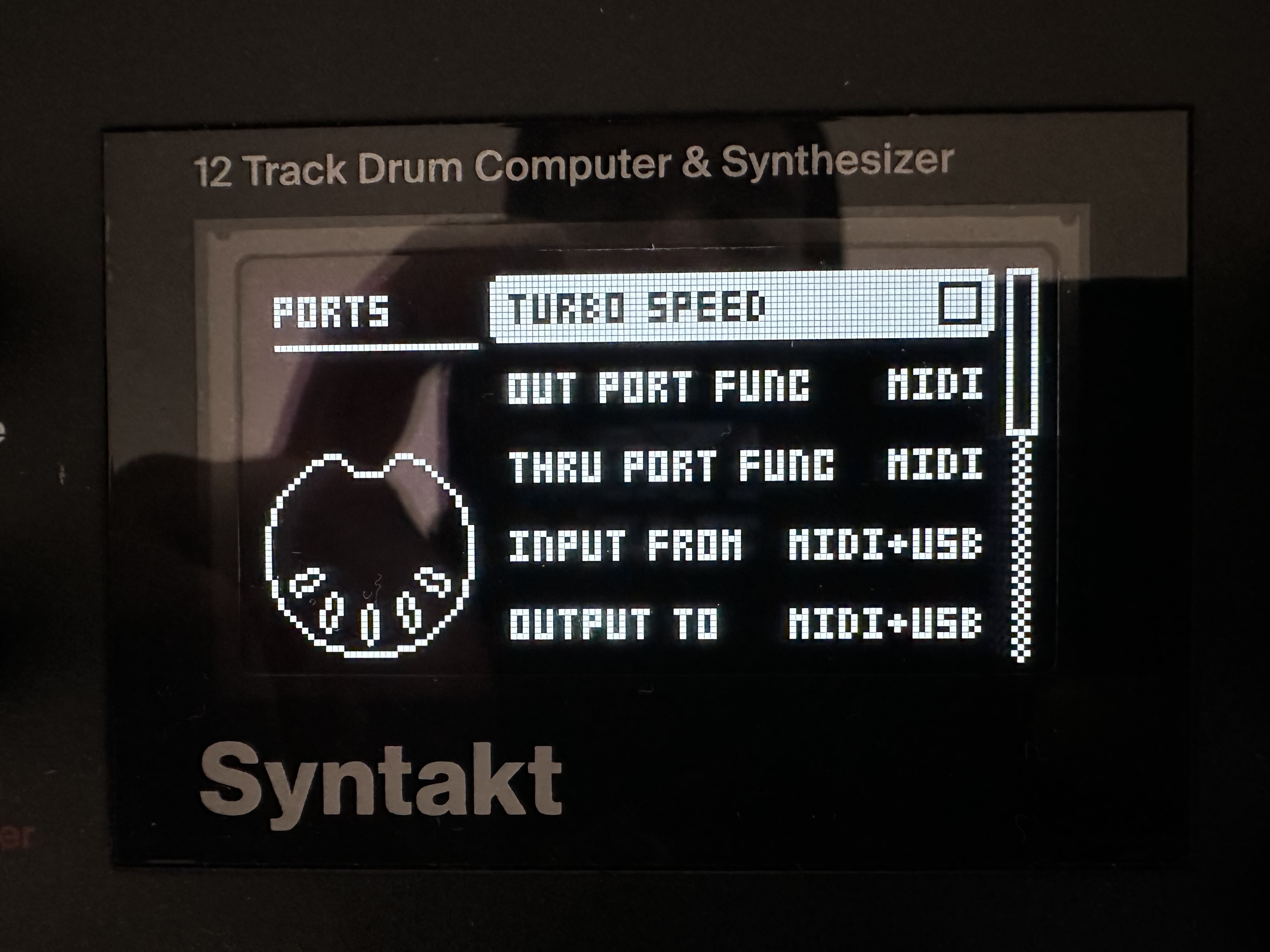
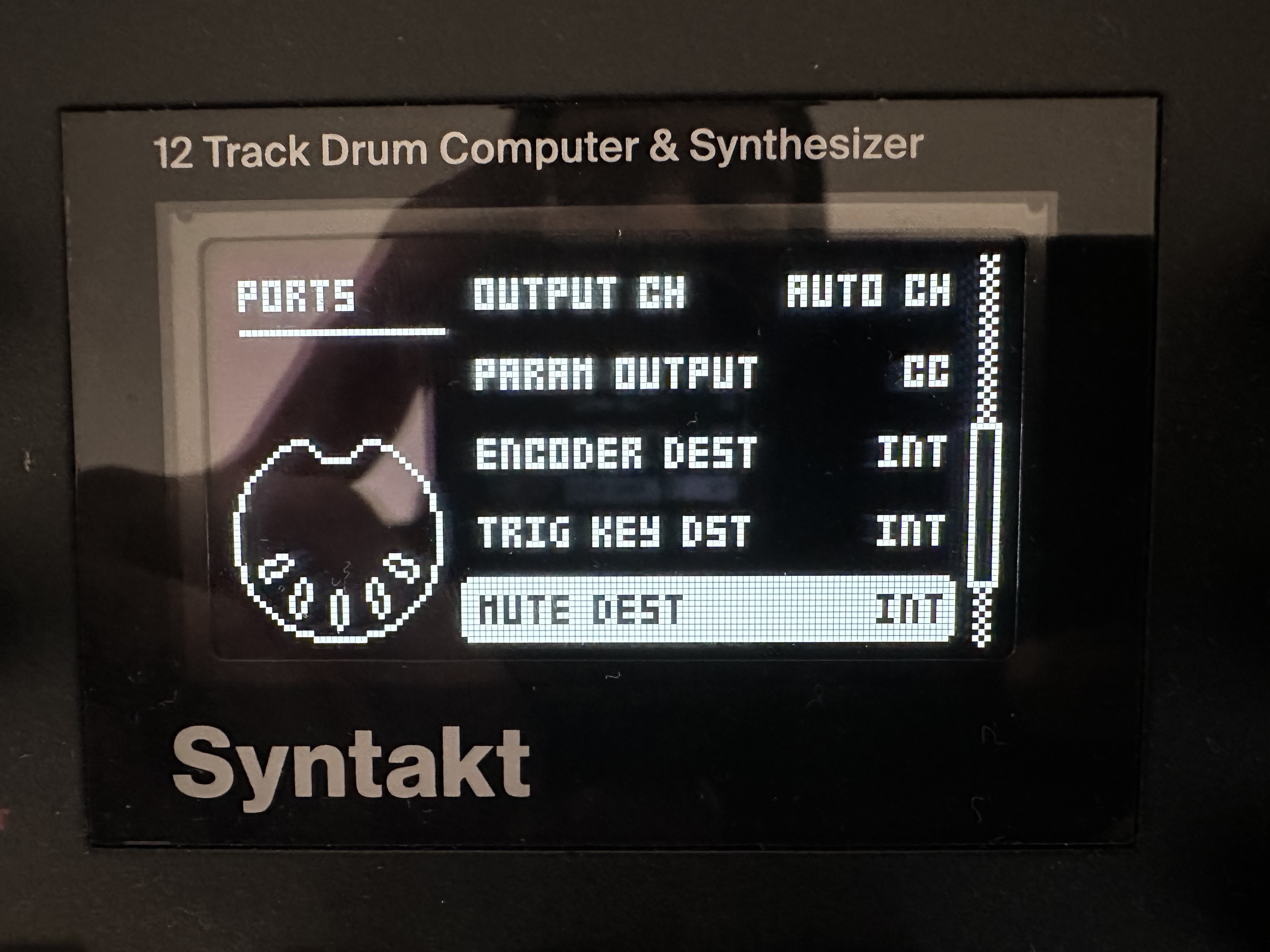
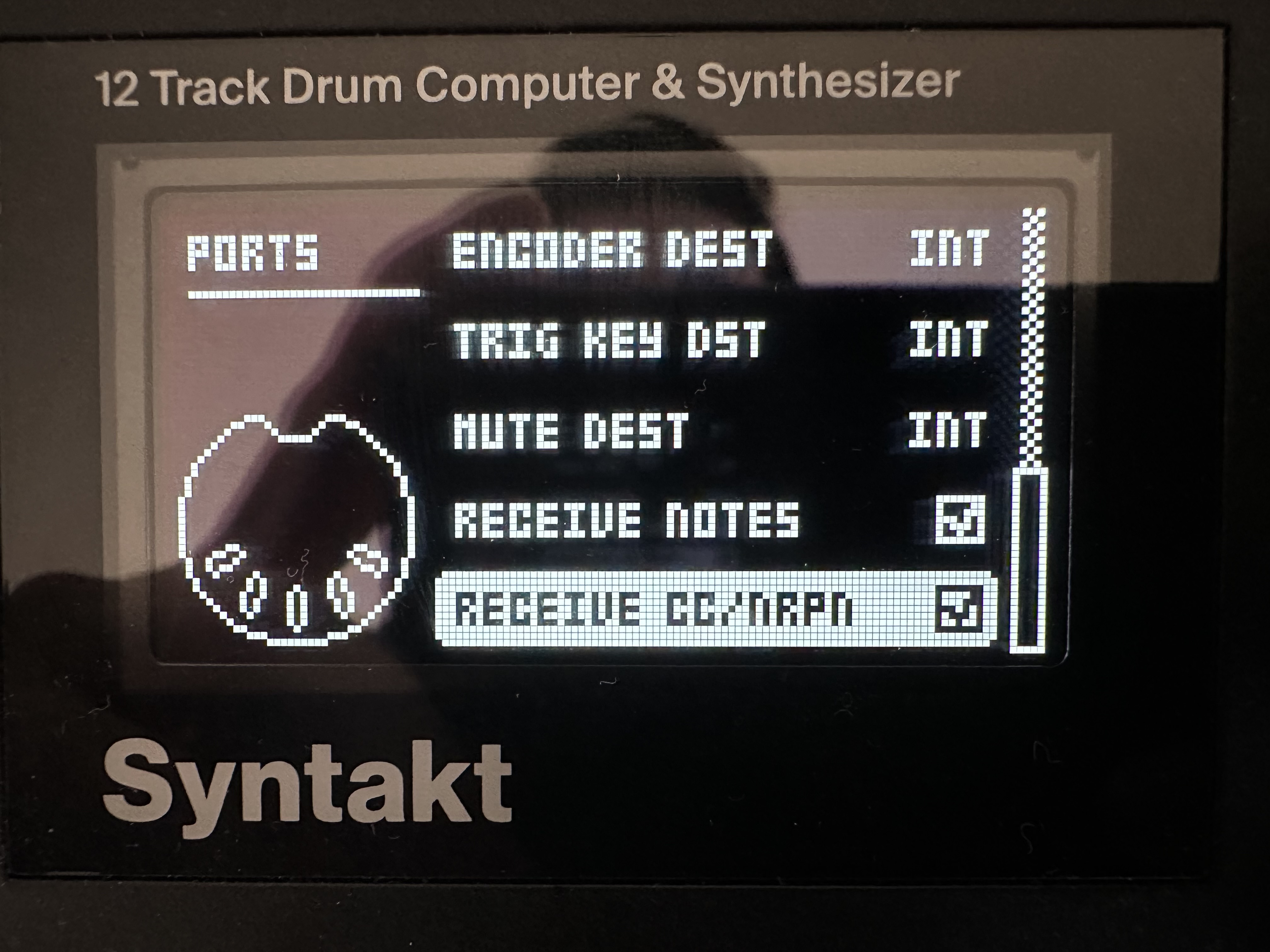
To quote the Hapax manual:
You can also use optional extended program change logic with MSB/LSB (used by some synthesizer with more than 127 presets).
To quote the Syntakt manual (7.12 MIDI Notes):
MIDI program change messages 0–127 will select pattern 1–128 (A01–H16) on the Syntakt.
In other words, on synths that have more than 128 programs, those programs are often arranged into “banks”. MSB/LSB lets you select the bank of the program you are interested in.
But on the Syntakt, there are only 128 programs total (A01–H16). So there’s no need for bank selection and thus no need for MSB/LSB.
1 Like
Your PC in channel is set to 15 so you have to send PC with a track set to midi channel 15 on the Hapax. MSB and LSB you don’t need to touch at all for this.
Keep in mind that the hapax will only send PC messages if you switch TO the patter you have PC assigned to.
Choose the same length for the pattern on the Hapax and Elektrons.
Okay, good news is that I figured program change! Thanks all 🫶🏻
Bad news is that I’m confused on how can I choose a sound channel if hapax is set to send midi signal to program change channel (in my case 15)
Let’s say I want to have two patterns one play channel 9 pattern 1 bank 1 an another play channel 10 pattern 2 bank 2. How do I do that? I understand that they can’t work simultaneously but I can’t figure out how to at least make it work when they play separately
I understand how to make program change with a drum track on Hapax but not with a poly track
Please help by clarifying this to me!
I want to send program changes from poly tracks (launching patterns on poly track on Hapax) to my elektron machines. So far i figured how I to send program changes with drum tracks only.
With poly tracks when i go to track midi settings (by holding track button) I can choose midi output (a/b/c/d) and midi channel 1-16. In order to send program change I need to match midi output channel to the program change channel on my elektron device (in my case it is set on 16). But in that case even-though I can change banks and patterns on elektron I can’t choose a voice because midi output is busy being on the 16th channel while voices are channels 1-4. What’s the point of program change if I can’t choose midi channel with the desired voice?
Is it possible at all?
Found a solution by simultaneously playing a pattern on a different track that sends program change only. Is that the best way to do it? Or is there a way not to sacrifice a whole track for program change just for one midi output
You can easily send PC AND sequence a sound with a hapax poly track. On the Syntakt … just set the track you want to sequence to the same midi channel as the PC IN channel … for example if your first track is set to midi channel 1 just set PC IN channel also to midi channel 1 … or both to 15 or 16 … doesn’t matter which one … just both to the same (matching the channel you have set on the hapax)
It didn’t make much sense to me at the beginning bc you become limited to control program change only with one track on syntakt but after 3 days fighting this it seem to be the best solution. Thanks!
It makes sense within the context of the Elektron ecosystem: a pattern governs what all the voices are, and changing the preset for one of the voices independently of the pattern doesn’t really respect that architecture. With that in mind, program changes being listened to on a single, specific channel makes some amount of sense.
You can get around this on the Hapax for a drum track because the lanes have their own channels, but so too does the track itself. Here’s a possible fix that might work with the latest Hapax firmware: use the Output effect on the track you’re using to sequence your Elektron and set Out to the same MIDI output and Channel to the program change channel. I am not sure if it will also transmit a PC message (the beta manual says “Easily reroute notes and control messages to other outputs.”, which might be read as note + CC/NRPN, but idk), but it’s supposed to let you send stuff being played by a track to a different MIDI out and/or channel to the one the track’s set to. I can imagine why they wouldn’t have it also transmit PC (it could really mess up a lot of normal applications of the Output MIDI FX), but if it doesn’t maybe enabling Output to do that with an option in settings is a feature request you could send to Squarp?
Sidenote: my two cents is that Elektron design is very idiosyncratic and that design tries to railroad you into a setup where Elektrons are only controlled by Elektrons, every Elektron is sequenced by its own sequencer, and one Elektron is telling all the others what pattern they’re currently on; my experience is (unfortunately) frustration usually occurs when you try to go against this.
EDIT: actually I’ve just realised my suggestion will definitely work if you set all your Elektron sequencing Hapax tracks to the program change channel, and use the Output effect to target the voice tracks’ channels. That way it doesn’t matter if Output transmits program change or not. I can imagine this being fairly chaotic if each track is sending program changes though given the Elektron architecture
1 Like
What is exactly the Output effect on Hapax? Don’t see it anywhere
It’s on firmware 2.0.0, there’s a beta available on the Hapax forum. It’s one of the new MIDI effects HapaxOS update | Squarp instruments
1 Like
Oh, literally 7 days ago haha
Will go check it, thanks!
1 Like
HapaxOS 2.00 update solves it! And new added features are so useful too, couldn’t be happier with it! 
3 Likes
Excellent! Yeah 2.0.0 really improves it a lot - mine was in my cupboard for months but I’ve been using it as my setup’s brain exclusively since the beta dropped
1 Like