I’ve made a little tool to simplify sample prep for the Octatrack and Machinedrum.
For the OT, it can put together a sample chain for you, and for the MD, it can convert to 12-bit and (optionally) add some padding at the front of the sample so you can p-lock or LFO-control the sample start parameter.
It’s pretty hacky but works for me. It might work for you too
It’s basically a thin wrapper around SoX which does all the audio processing.
this looks cool! one note, it will error if there are any spaces in the paths on OSX. also no double quotes wrapping the paths.
i’m having an issue getting past this channel # error even after prepping the samples using “ot” “/usr/local/bin/sox FAIL sox: Input files must have the same # channels”
First: Thanks a lot for this…I didn’t have yet the opportunity to try it out because…I am a completely noob in these Terminal things…
But I already love it.
Can you please help me a bit in how to set-up stuff?
I mean: I know that SoX esists - I kind-of-believe to have downloaded (…installed?!) it some time ago…uff…I am already lost…sorry
So, first thank you for your encouraging…I appreciate it a lot!
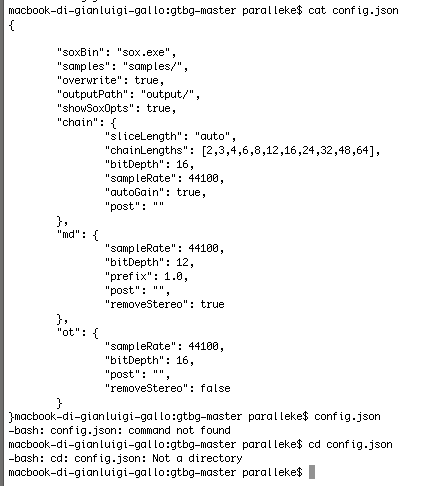
Second…I think I did ultrasmall steps further and using “cat config.json”
I can see the sox.exe line to be edited…BUT…in that Tutorial I can’t find a way to get actually in the file and edit it…
You can open the file up in a plain text editor (TextEdit, for example) via Finder.
…or if you want to go deeper into hackery, you could run “pico config.json” to open a Terminal mode text editor. Pico is one of the easier editors to get started on.
If you have follow up problems, send me a private message instead.
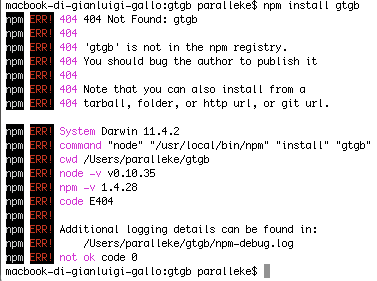
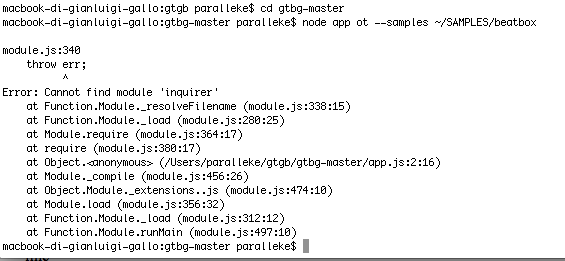
It looks like you’ve downloaded gtbg from Github rather than installing it using “npm install gtbg”. Delete the copy you’ve downloaded, and follow the install instructions.
Looks like I’m late to this party but hoping the project is still working. I’ll fork it and give it a try. I’m a long-time coder but still new to javascript but should be able to help if there are any issues.
Error: Cannot find module ‘/Users/ory/Documents/gtbg/app’
at Function.Module._resolveFilename (module.js:337:15)
at Function.Module._load (module.js:287:25)
at Function.Module.runMain (module.js:457:10)
at startup (node.js:136:18)
at node.js:972:3
OK went into the node_modules/gtb folder and dropped all of the sox binaries in there. Still the same error. I should add I used the most current version of node.js 5.0.0. Maybe I hould I downgrade?
The same error? Once you use ‘cd’ to change into that directory, do an ‘ls’ to list the directory contents. You should see ‘app.js’, along with ‘chain.js’, ‘config.json’ … etc. If you don’t, you’re in the wrong place.
If you’re more familiar using the Finder, find the directory containing those files and use CMD+I (Inspector) to get the path (or drag and drop the folder to the Terminal).
thank you for this super useful tool. I did some tests and everything is working fine here.
I have a question about the chainLengths parameter. I can’t understand how it works.
If I have a folder with 16 samples, and I want each chain to be 8 slices long should I run $ node app chainOt… --chainLenghts 8 ? Or is the chainLengths parameter supposed to work differently?