Not hard at all! Just replace the machine with flex or statics. Just make sure you also use a freeze delay on FX 2 for both those machines. The frozen audio is very important for several FX.
Hey folks,
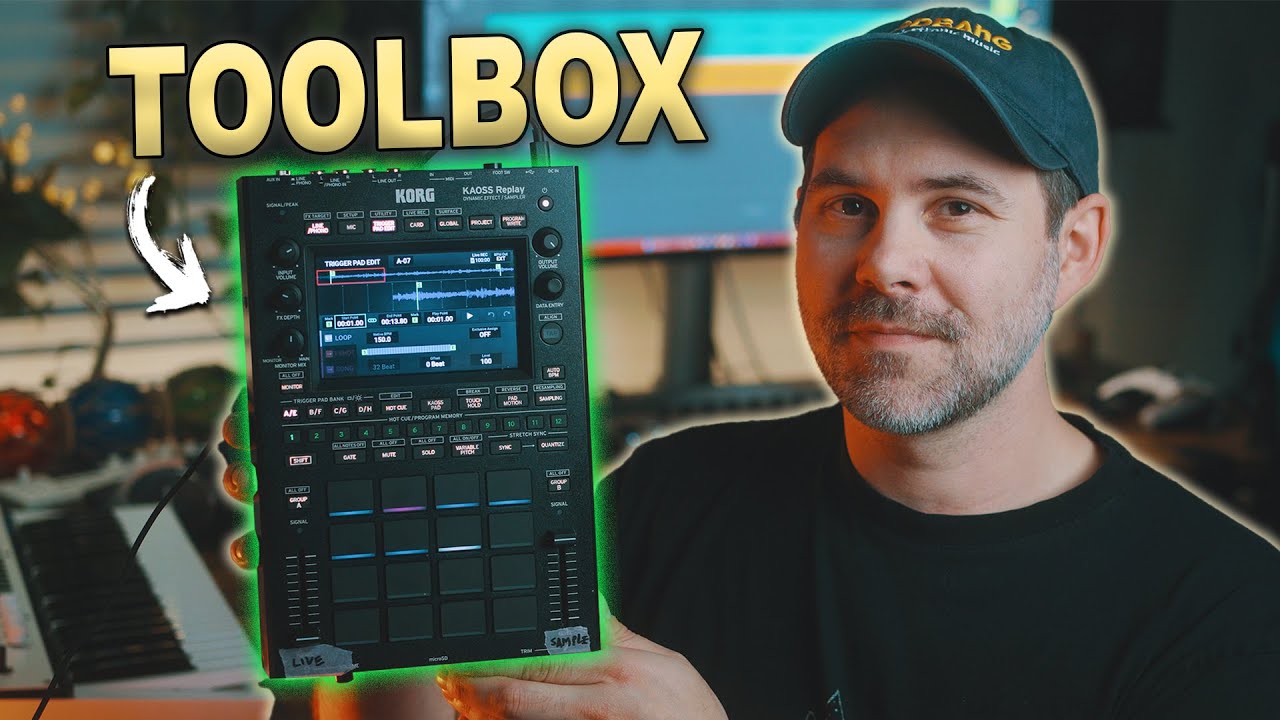
This is how I use the Kaoss Replay in my live sets. It’s kinda like an intern for my Octartack, haha.
2 Likes
Hi, I have a setup with some synths and drum machines connected to a DJ mixer along with the Octatrack.
Now the mixer is the audio interface as well, and the Octatrack is in a channel like the rest, but I’m thinking about getting a separate audio interface and connect the mixer to the Octa and both to the interface.
For example I could connect the second main output of the mixer to the AB ins (containing the “whole mix” to use the compressor in T8) and a send to the CD.
But I’m not sure, the idea is to sample, remix, resample and use it as an effect box.
Any suggestions on how to connect everything? Something different maybe?
1 Like
I prefer to use my OT at the end of chain for my audio if I am using it as a performance mixer. If you’re referring to one of my templates for the OT, they’re mostly designed to use two busses, one for melody and one for percussion. As for compression, I’d use an external compressor, and never use one on T8 because of double compression when resampling. If you don’t plan on resampling than an end of chain compressor on the OT is a fine choice, otherwise you can use one on the input THRU track or on an external compressor.
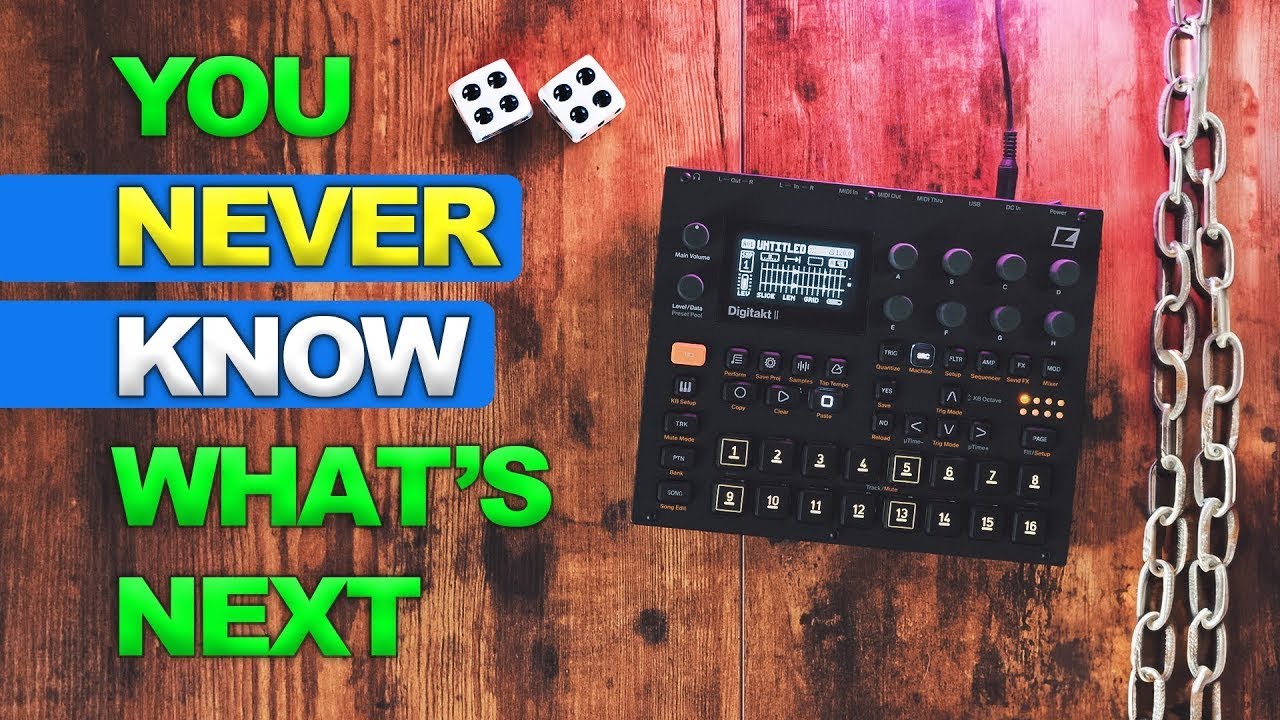
Digitakt 2 tutorial is up! Combining the new keyboard mode resampling makes for easy stereo sample chains.
6 Likes
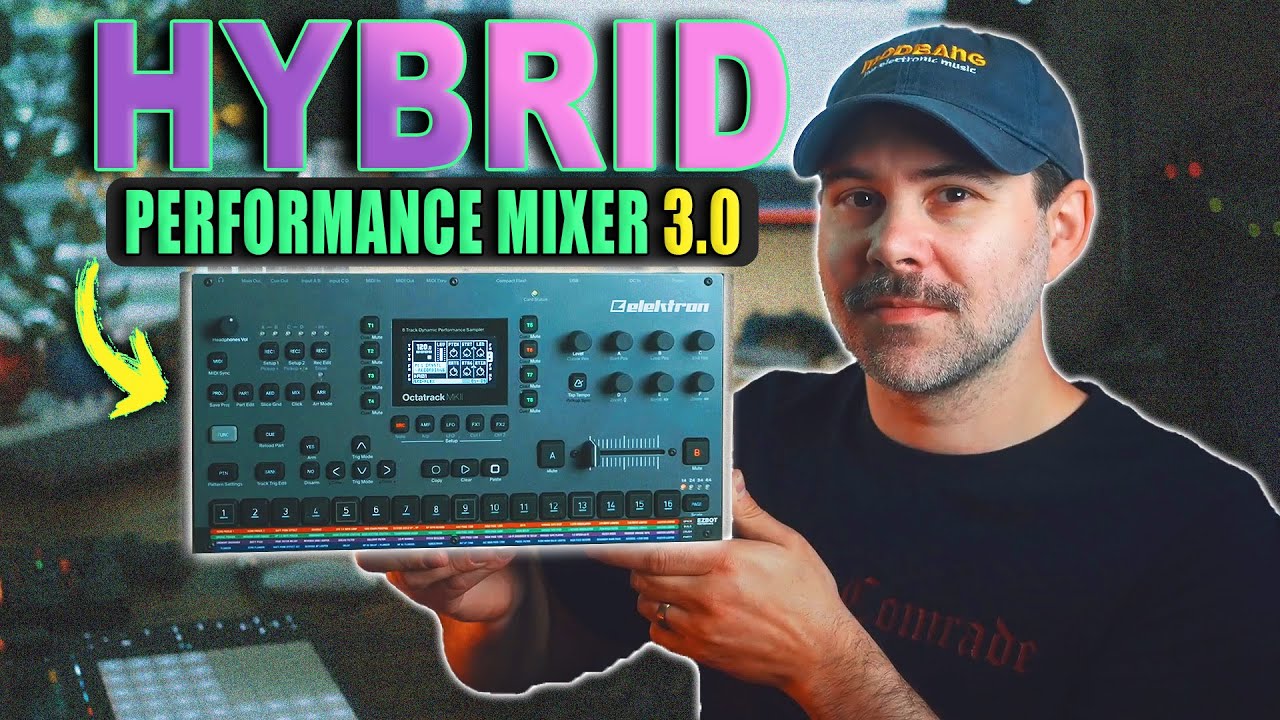
This is the overview and tutorial of my newest Performance Template for the Octatrack MK1/MK2
7 Likes
hi @mpiecora
love your work, interested in purchasing one of your templates. am i right in assuming that I can still use all 8 of the OT’s MIDI tracks as per normal while the template does its magic with the audio tracks/fx?
my use case would be Analog Rytm and Virus into the OT’s A/B and C/D inputs…still wanna use the OT to MIDI sequence the Virus though 
I assume that would work, right?
1 Like
Thank you! Yes you can, the templates are just for the audio tracks.
1 Like
thanks for the info! i’ll grab a template soon and roll my sleeves up to get busy
edit: tip for anyone else using these templates simultaneously with the OT MIDI sequencer, bear in mind the FX are spread across multiple Parts, so you’ll wanna prepare your MIDI by copying each pattern and machine across all parts you expect to be using FX in
1 Like
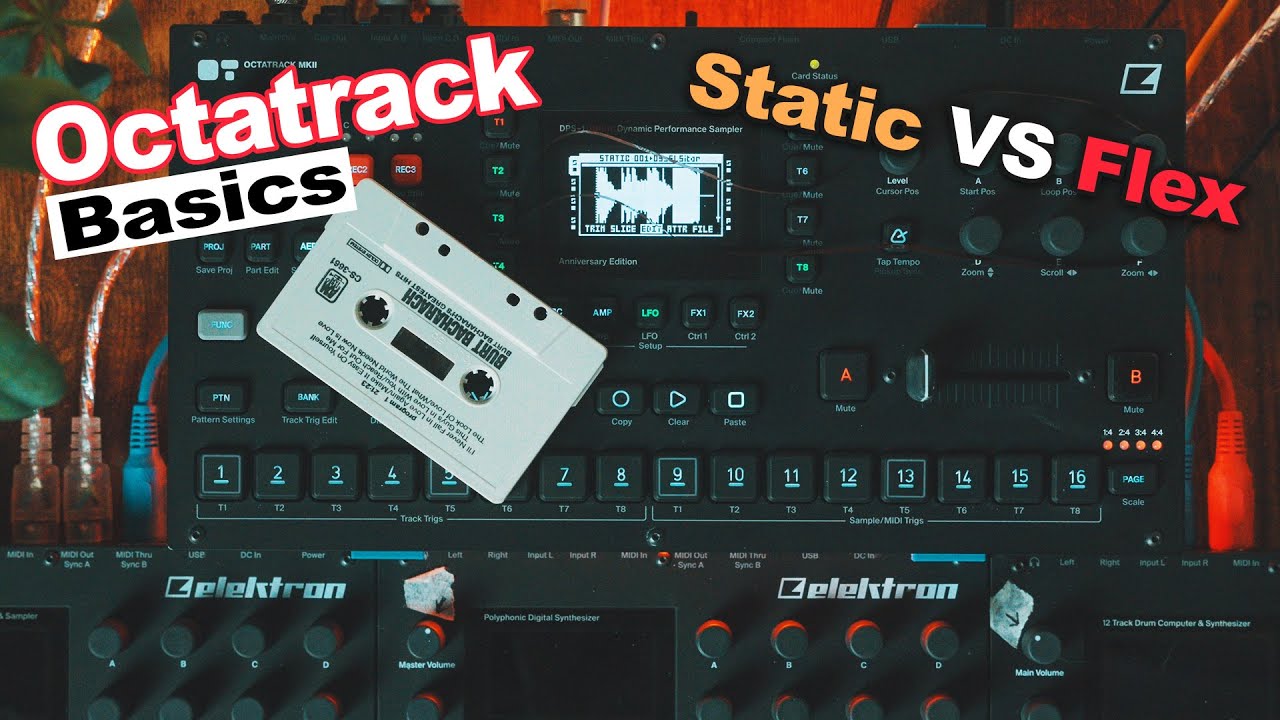
A short but in-depth discussion on when to use Static or Flex machine on the Octatrack.
6 Likes
Fantastic templates, thanks. For studio based applications,is it possible to route AB drums out to cue and CD synth element out to main outs for processing in my DAW or is this exclusively a performance tool? Thanks
Anyone who can share their experience on a MK1 Octatrack? How to trigger the recording? And does the magnet strip fit on a MK1?
@mpiecora, do you have similar riser effects as in the Oxi Meta?
Sorry missed this part 
Yes, there are 12 different noise risers and many more risers that don’t use noise. The Oxi Meta is a fun substitute in eurorack format but it doesn’t compete with the Octatrack or the FX in the Performance Templates imo.
1 Like
Do the Octatrack performance magnetic strips fit the MK1?
1 Like
Unfortunately, they only fit the MKII devices. 
Thanks, will have to make my own 
1 Like
Octatrack users, I come bearing the fruits of endless OT grinding and tinkering. Today I am happy to share The Hyper FX Template 1.0.1 for the Elektron Octatrack MK1/MK2. 64 deliciously fun Glitch and Lo-Fi effects for your external devices. Get the project on Patreon or Ko-Fi
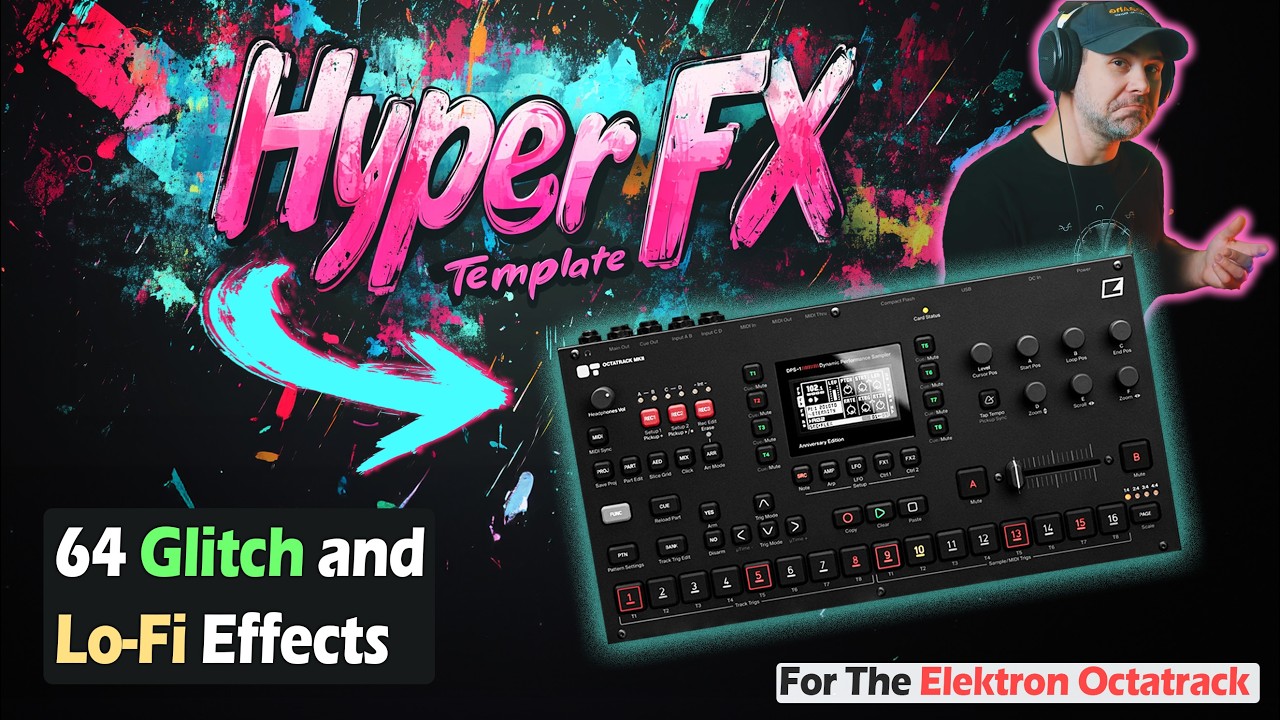
8 Likes
hi everyone!
My post is regarding the template 3.0. This template is very useful for me. I’m loving it.
Still i’m having a question. I don’t know why but after resampling on the track 4, i cross fade to FX scene 16 and still hearing the 2 sources coming from A/B and C/D. Even if the XLV are at minimum.
Any idea?

Tracks 3/7 should be set to CUE and your other tracks should be unmuted. Hard to tell what you’re doing in the image honestly. Come to my discord, much faster to chat their, lots of OT users active.