Has anyone used the Old Blood Noise Endeavors Expression Slider with the Elektron Analog Four? Is it nice?
1 Like
I was looking at this slider for the A4 as well. Did it work out for you?
1 Like
Havent got it yet 
If it works on AR, probably work on A4?
1 Like
Yes it should. I saw more complex pedals commected to the A4 and works well. Why shouldn’t this small thing work?
It should work. I made some very similar expression sliders in the past, with a better suited fader (I think), that slides really quickly, like the ones used as crossfaders. Here is an example :
https://www.instagram.com/p/BvtQ2jFI3N7/
Maybe one day, I’ll make a new version (with some switches for polarity, and direction).
1 Like
I ended up buying the OBNE Expression Slider for my A4 MKII and it works great. Expression learn and assigning macros was really easy.
Note: the slider on the OBNE has a bit more friction and is not as smooth as the OT slider. You might want to mount/attach it to something, the pedal itself is light and moves when using with one hand.
Current setup: DT / A4MKII / OTMKII / AH. Will probably add a second OBNE slider for additional control.
Bought one, works great!
1 Like
Good to hear!
That’s ace! In terms of similar utility units, the OBNE Ramper and EHX CTRL could be fun to try too
1 Like
Can confirm the OBNE expression ramper works with the Analog Rytm control in…set it as a pedal rather than CV to get full range of sweep.
Rate knob is very satisfying to twist and your chosen macros get a “bonus” triangle LFO (square too, though i don’t expect to use this wave much)
I have a OBNE slider in the post too, looking forward to pairing them together for adding a bit of extra direct tweakability to the Rytm
Quick soundless (currently using headphones) illustrative video to demonstrate
2 Likes
i just connected mine, and it works. But now it seems like there’s no way to use it bipolar. in the screen where you set which parameters to modulate there’s only a knob to set one value. Does anyone know if there’s a way to make this work? i would like to use it just as a pitch bend
sure, it works
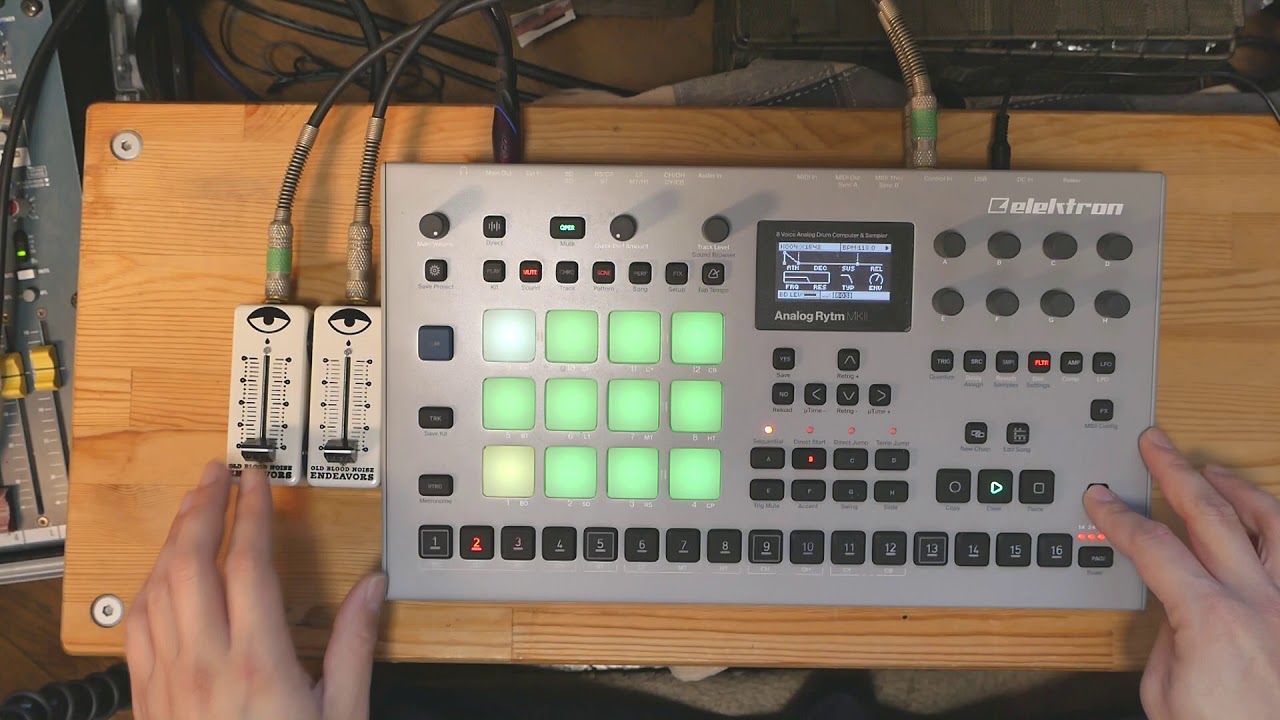
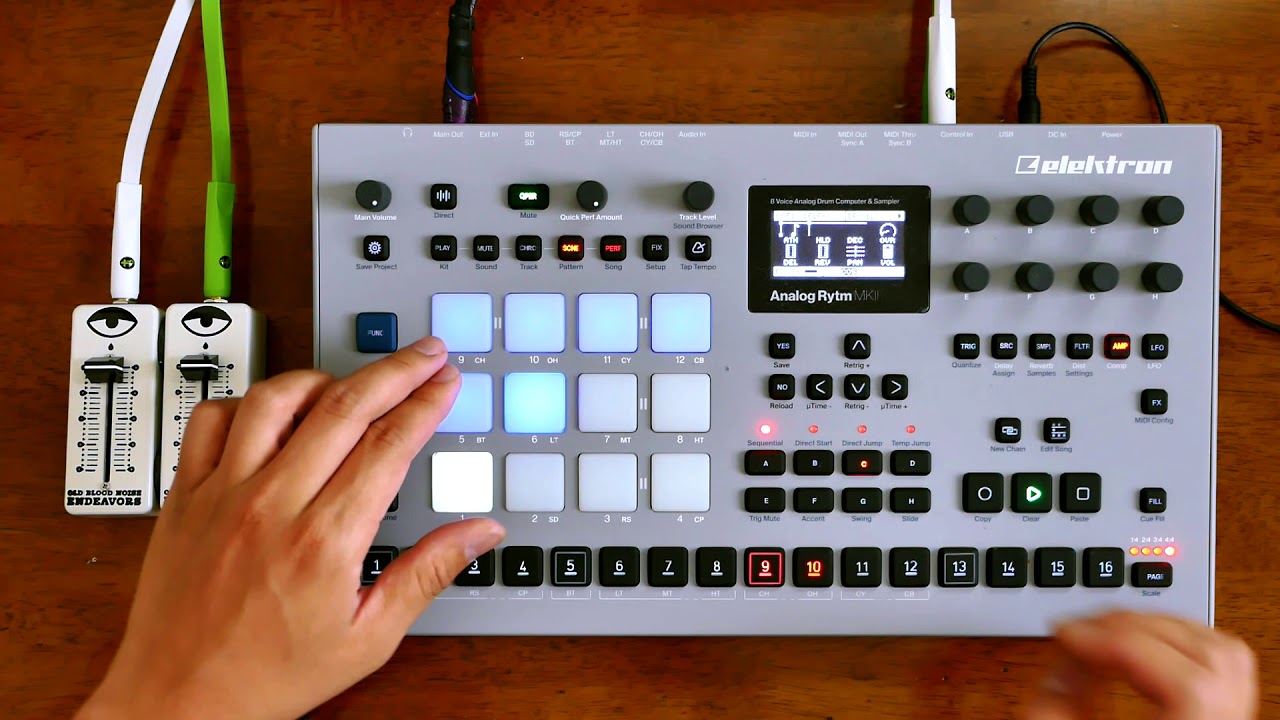
2 Likes
did you find a way to use it bi-polar? like a pitch bend?
Yes and no.
Pitch bend works well in one direction (root note to lower or higher octave), but I found getting it to work as a bi-polar bend isn’t exactly precise or quantized to a scale.
In order to achieve a bi-polar pitch bend, I had to set the slider to its middle position, basically “searching” for my root note. Once my root note was found, I could move the slider up and down to get that pitch bend. Returning to the original “middle/root note” position however isn’t precise, and I would find myself searching for the root note all over again.
That being said, it does work as a bi-polar modulation, it’s just a bit more expressive than precise.
Note: I’m using a TRS cable and not a TS cable. I find the TRS cable gives me a wider range of modulation and is easier for the expression learn function to pick up the controller.
Hope this helps @Acidvideo !
Thanks, yes this is the only way to do it that i found. But the strange thing i think is that in the learning screen the bi-polarity is shown. But nothing can be done with it. To me it would have been more logical if you et a plus value in the mapping screen that the same value would be applied negatively when your slider goes under 0 but too bad it doesn’t work that way