Hi guys,
I am having some problems expanding my live set due to buffer size problems.
Currently my live set consists of my Macbook (2015,16 GB, 2.5 GHz Intel Core i7) and AkaiAPC40 and works fine at 2048/1024 Buffer size, however I want to incorporate a 303 synth/maybe other kit but I always have problems with buffer size/latency issues.
There is far too much latency when controlling external gear (in this case 303 synth) via midi usb when running 2048 Buffer (what my computer can handle) the issues is with delay of midi notes/timing from Ableton to the synth. 2048 is safe for me playing live to avoid high cpu/crackle/dropouts- (This happens when I try using 512 Buffer size).
Would the ERM Multiclock or any other kit solve this problem? It would be great to maintain a similar safe buffer size and still control external gear./expand my live set capabilities. I despise using the internal Ableton latency compensation as I find it’s all over the place/unreliable combating buffer size.
Any tips appreciated!
Thanks
That’s a very very high buffer size for what you’re running… Are you using an audio interface?
I don’t know if this is what you mean by compensation, but there is a MIDI Delay that can be set in Ableton’s preferences which would shift the MIDI clock around for you…
Yes I’m using an audio interface. I run the buffer size this high as Im scared of dropouts/crackling when im playing live as sometimes my cpu jumps
I am aware of the Ableton Midi delay but I find it a pain to use/unreliable.
What are your sets looking like? Are you running loads of plug-ins / processing? I have to be really rinsing things on the computer side to require buffers that big…
about an hour and a half of Ableton freeze session view clips. some master chain plugins- nothing crazy.
I could get away with 1024 but when I get down to 500odd buffer size I run into problems
I have a older mac min i7 (2018) and i did run in situations where the clockstep midi clock could not handle the compensation. I would stay away from Fab Filters L2 limiter, the introduced 55ms latency was to much. I suggest you have a look on your masterbus and check if there is any latency introduced.
Number of clips is more on your hard drive speed or RAM though… Are the drop-outs from buffer problems or are they from your disk being too slow to playback clips? What happens if you enable the RAM button on all your clips?
Still sounds like you should be able to run this at 512 / 256 buffer samples no problems…
Would midi via usb be contributing to high cpu/latency/these issues? I will investigate the masterbus
mostly crackling and cpu jumping high when on 512- not an option for live performance due to this,
thats why im looking for a solution
Maybe its my laptop and need to upgrade?
I really want to add some external gear but yeah…latency issues
Your laptop specs seem good though - I’m running an older MacBook and I could run more intense things than what you seem to be running.
Have you got anything weird running in the background…?
Have you tried the RAM button on your clips?
What sample rate are you running at?
nothing weird in the background, wifi off, all precautionary things to reduce cpu when playing live
I have HiQ and RAM disabled. what does enabling RAM do?
Im running at 1024 ideally with external kit. 2048 without external kit
I do have a cracked version of ableton 11. Maybe that doesnt help haha.
The RAM mode on your clips dumps that clip to RAM rather than reading it from disk. I wonder if you’re experiencing disk-read drop-outs rather than CPU ones - Ableton’s CPU metering doesn’t necessarily give the whole truth.
What sample rate are you running at?
Crack probably won’t help, no. I was gonna suggest updating versions as there have been quite a few bugs and fixes with recent versions of Live. That’s likely your problem.
44100 sample rate is what ive always used- producing and playing live. is that ok?
Ill suss out the RAM. Yes maybe crack is culprit…hmmmm
Absolutely nothing wrong with 44.1k at all, but depending on where the bottleneck is, changing your sample rate can change the latency capabilities quite dramatically. For starters, each sample becomes half the time if you shifted up to 88.2k, but as I say, it depends where the computational bottleneck lies.
Sadly it’s likely that the crack is to blame here. Being unable to update with Live 11 isn’t ideal - there have been a plethora of weird things going on in v11.
yeah I think your right with the crack. Thanks for your help debunking!
1 Like
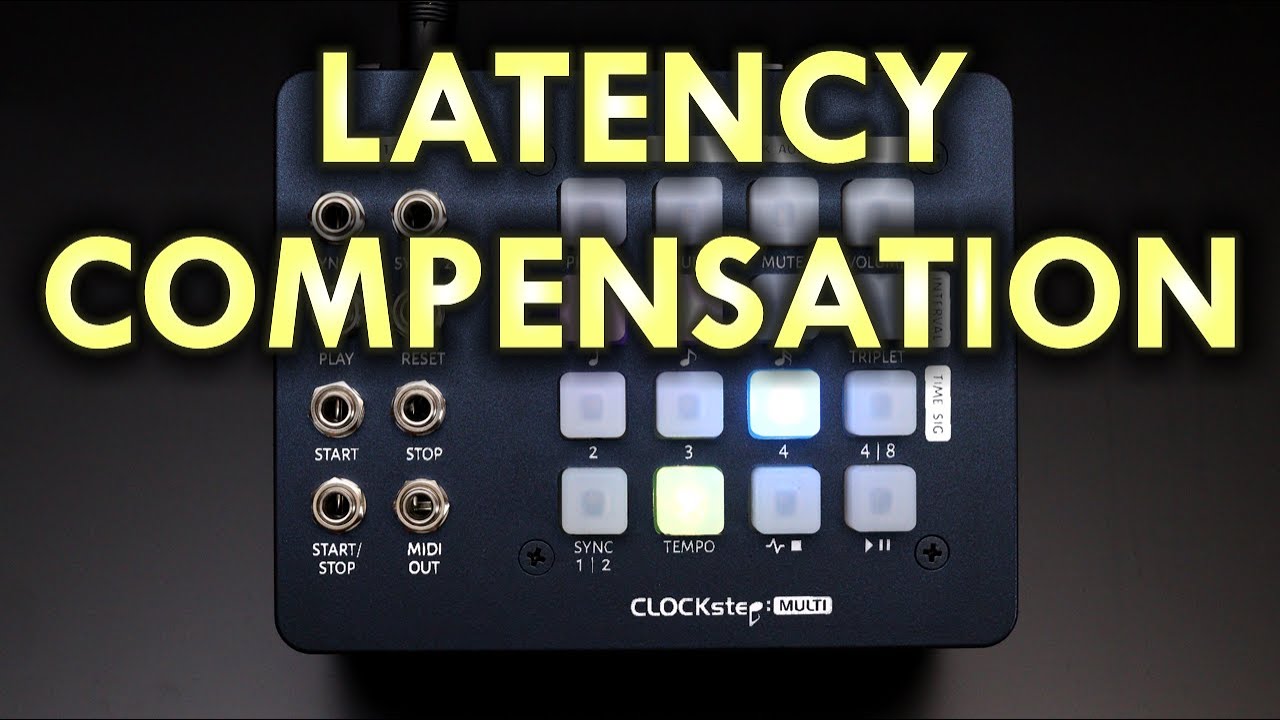
This comment has excellent timing because in the next firmware CLOCKstep:MULTI has its own Latency Compensation controls. You can get the beta from the discord support forum. Here’s the tutorial on it.
1 Like
I will for sure have a look, without the limiter clockstep was working fine. Solid clock is just to central.
1 Like