Well, I managed to get an hour with it and it does seem quite impressive in terms of functionality and feel. I had to send it back though as the display screen was damaged underneath. I thought it was the protective wrapping at first but after removing this and cleaning with a lense cloth I realised it was scuffed on the inside. It was very distracting and so had to go back.
Embodme were fast to respond and said they would get the screen replaced straight away, so happy with their customer service.
Well, I got to use the Touch 2 for a couple of days, but as innovative and nice as it is to use, I’m just not bothered about midi controllers anymore, so it’s been sold already.
I’m very happy with a mouse, trackpad, or finger (when using the iPad), heck, I barely use the Apple Pencil with the iPad, and don’t even use the Arturia Keystep I’ve had for a few years.
Perhaps this marks the end of a 20+ year hot and cold relationship with controllers…
I wish Embodme the best of success with the product 
1 Like
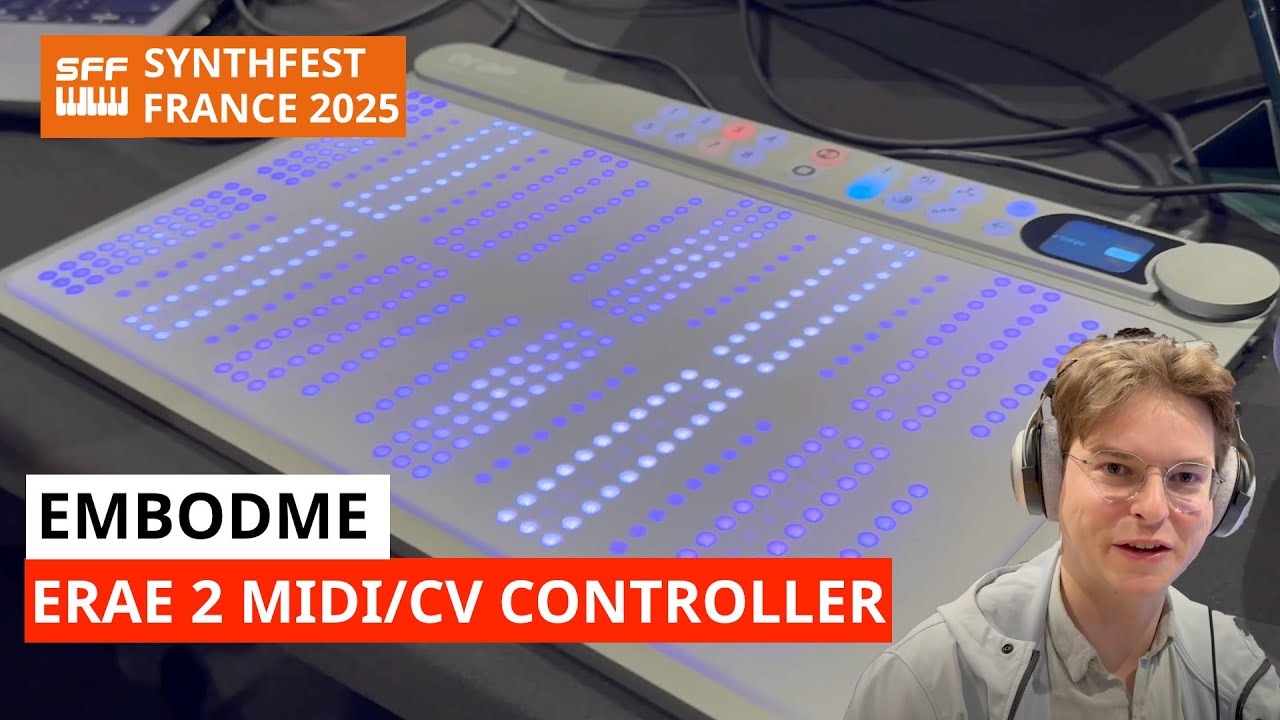
Embodme at Synthfest France 2025
They have been making firmware updates, some for bug fixes but also with new features and improvements.
One of the big improvement is an extra sensitivity mode.
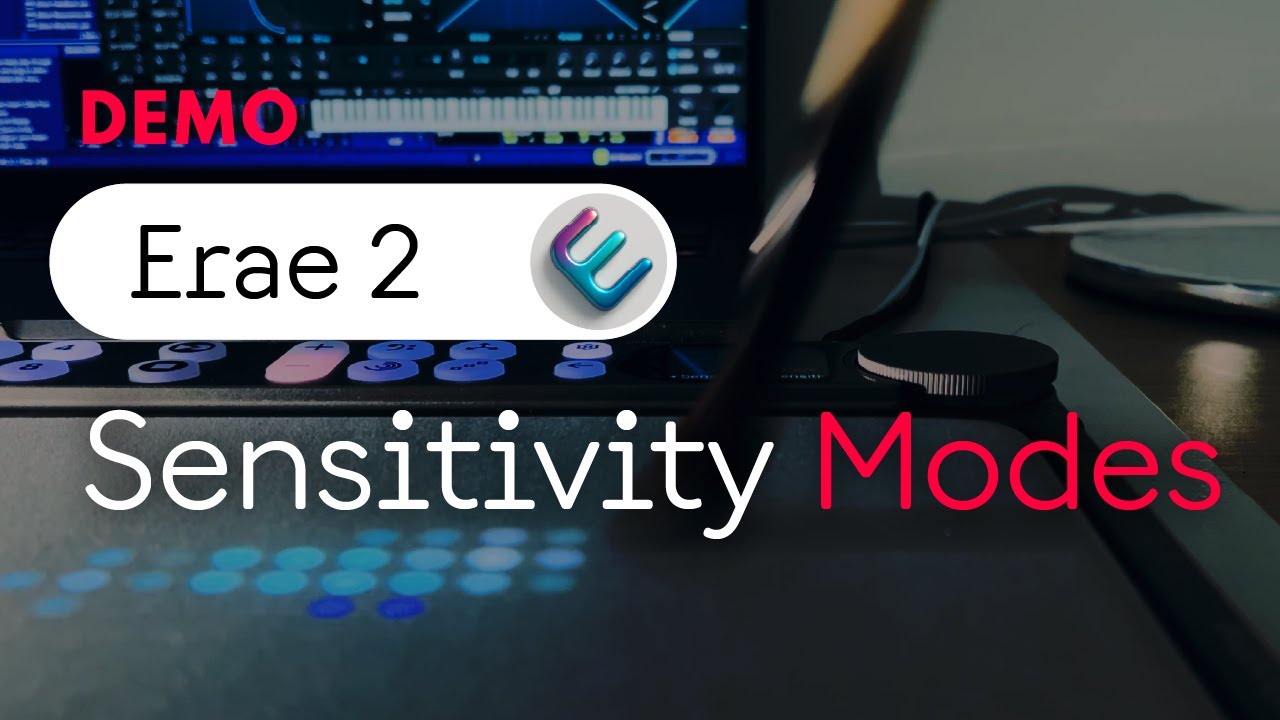
There is also improvements to dynamic adjustments of arpegiator rate with pressure. Expect more firmware improvements coming up.
Embodme is getting a a new batch manufactured and will have more of the ERAE 2 available in a few weeks, and will be covering backorders.
2 Likes
Hi Erae 2 Owners !
Considering getting an erae 2, but I have a couple of questions for current users.
- How do you rate the playability of the surface, I had a lot of double triggering with the V1 edition and also had to sometimes hit hard to register.
- Is layout switching able to send midi data when calling a page ? I would like it to be able to somewhat mirror which page is displayed on loopy pro. I donwloaded the companion app, but I can configure buttons but not sure about the physical interface.
- Is it correctly detected by an ipad as a midi source when pugged in usb-c ?
- What is configurable in the physical interface without using a computer ?
Thank you very much.
1 Like
I really need someone to make me visible in all the threads where I post… 

2 Likes
I can only say that I really enjoy playing my erae2. I mainly use a grid setup, like a big squishy linnstrument.
Since my main controller is a linnstrument128 it is easy to get used to another grid layout.
The extra travel i Z due to the squishy surface on the erae2 is great for controlling swells for pads and leads.
I mainly control vsts in Bitwig with it.
Plasmonic and SurgeXT are great for this as they give you control over how parameters are smoothed.
You cannot do any editing of the layouts from the panel. For me that is perfectly fine, less risk of messing something up during performance. I typically select my grid layout and then I’m done, maybe some adjustment of octave and/or sensitivity, that is how I use it.
I don’t have any Ipad to test with so I cannot say anything about that setup.
In summary, I’m really happy with it.
@thetechnobear wrote a really thorough review on the erae2 on the expressive forum.
It should be found a few posts above.
Is there a way to do a custom midi note per pad setup on the device itself?
There is a mounting plate for drum stands.
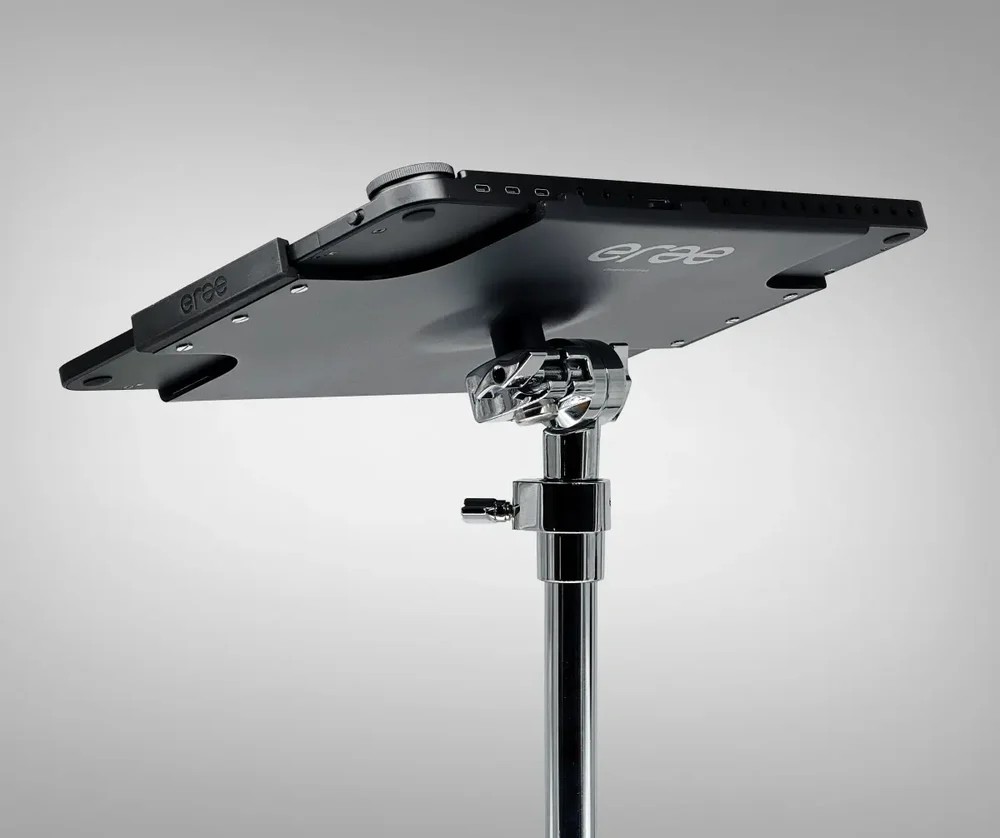
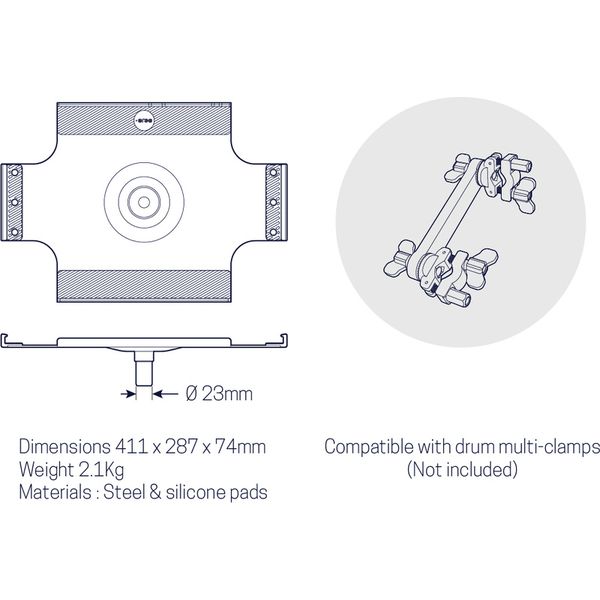
The mounting plate is made by Embodme, and looks heavy duty and stable.
The size difference is that the Erae 2 is 50% wider than the Launchpad Pro, otherwise it’s close to the same.
Erae 2 major update ! with up to 256 elements per layout, finally, that’s amazing !
Firmware Changelog V1.1.3
 New Features
Expanded Layout Capacity
Layouts now support a much larger number of elements. You can add up to 256 elements per layout (keyboards, drumpads, faders, etc.), enabling more complex and creative setups.
Element Retrigger on Slide
New ability to slide between multiple 1D Fader, Keygrid & Drumpad.
Arpeggiator Quantized Mode
New quantized mode for the arpeggiator:
-
When enabled, the first note is quantized to the MIDI clock grid
-
Ensures arpeggiator patterns start perfectly aligned with the beat
Auto-Load Last Project
The device automatically loads the last used project on startup.
Improved Project Saving
-
Select which project slot to save to (instead of always overwriting the current slot)
-
Current project is marked with " *" in the save menu
-
Currently loaded project slot is highlighted
Element Selection Mode
Hold the Mapping button to enter selection mode:
-
All LEDs dim except the currently selected element
-
Touch an element to select it for editing without triggering it
-
Helps you quickly identify element on the playing surface
Key Fadeout Animation
Keys now fade out gradually after release instead of instantly returning to their inactive state, for a smoother visual experience.
Scale Selection for SoloKey
Added LCD menu to select musical scales directly on SoloKey elements.
CC on Layout Change
New project setting to send MIDI Control Change messages when switching between layouts:
-
When leaving a layout: sends CC with value 0
-
When entering a layout: sends CC with value 127
-
CC number corresponds to layout index: CC 102 for Layout 1, CC 103 for Layout 2, etc.
-
Messages are sent on MIDI channel 16 via USB Device output
-
Useful for triggering scene changes in your DAW or lighting software
Looper Improvement
Quickly double/halve loop length while editing loop length by clicking +/- button — no need to hold the click wheel anymore.
Layout Button Glow on Gesture Activity
Layout buttons (N1-N8) now glow dynamically when playing on non-visible layouts. Glow intensity is proportional to touch pressure and movement speed.
CV Output Support for Footswitches
Footswitch settings now support Control Voltage output configuration.
2 Likes
2 Likes