Not sure if theres some combination of trigless/regular trigs, conditions and microtiming to accomplish this?
Say I have a sequence that I’d like to play 8 times. I have a track with some kick on it that I don’t want to play times 1 & 2. I would like it to play every time after that, 3-8.
Now “not 1st” is easy as its a trig condition I can set.
For a smaller number of plays like 5 I could drop a bunch of trigs with different X:Y conditions and stack them with microtiming, like 3:5 microtimed full right & 4:5 centered & 5:5 micro timed full left, such that they are all pretty much aligned.
Obvious workaround is duplicating sequence and using song mode where the first two plays are their own intro sequence without the kick.
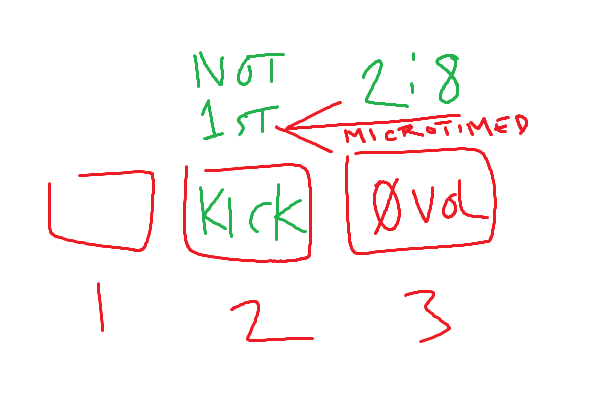
For 8 plays and you don’t want it to play on the first 2 times and you don’t want to pattern change I guess I would set the original trig with a not first condition and then microtime a step in front of it all the way back with a 2:8 condition and zero out the amp volume on the 2:8 so that it will immediately silence the original trig on the second pass, however this will not work on a loop, only on a single pass because once you loop back around, the “not first” condition is no longer true.
If you want it to loop and again skip the first 2 then it’s probably a little trickier and I’d have to think for a minute but we can probably come up with something like i don’t know, microtime the last step of the pattern forward with the kick or whatever you want on the first step and that will essentiaĺly play in the 1 position and on the first trig a 1:8 with the amp volume locked to 0 and then the second trig 2:8 with the same, but the second trig needs to be microtimed back and the first trig does not. That’s because we want all trigs timed as if they were in the 1 position.
Basically nothing will play on the first loop and then on the second loop the 1:8 and 2:8 should kill the voice on the last step which plays in the 1 spot.
Thanks - yeah I’d plan to only loop 8 times so the 2 trig method would work. Is the 2:8 trig “trigless” or a regular trig?
The song mode trick using the same pattern is interesting, are you saying I can add say sequence 5 twice, and on the first line in song mode have track1 muted and on the second line in the song mode have track2 muted instead?
I’d set a regular trig on that spot personally. With your same track sample and if the amp volume is zero you won’t hear it sound. It will act like a kill switch.
interesting tried this method on DT2 and the trigs still play on the 2nd time.
I have trigs on steps 2/4/10/12 set to not-1st condition, as the main trigs.
I then put the “muting trigs” set to 0 amp (and 0 velocity for safety) on 1/3/9/11 set to 2:8
I set microtiming of 1/3/9/11 muting tracks to the right to step over the 2/4/10/12, but that did not mute them on 2nd time.
I also tried pushing the 2/4/10/12 microtiming all the way to the left as well which didn’t work either so I undid that.
I also tried making the trig length on muting trigs 1/3/9/12 set to 1/8 note to play over the 1/16th notes that didn’t work either.
Maybe something basic I am missing, I’m not a sequencer pro yet.
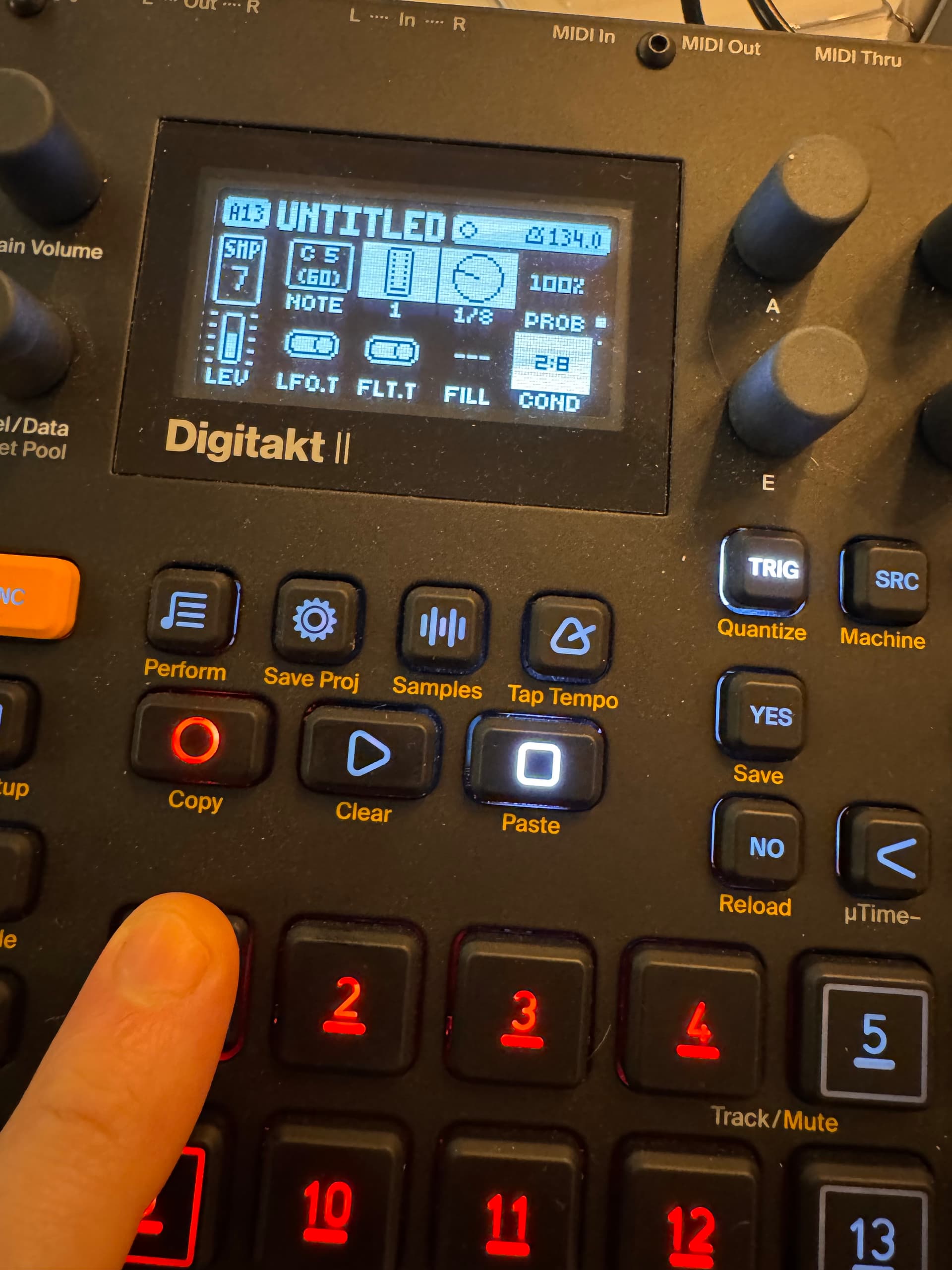
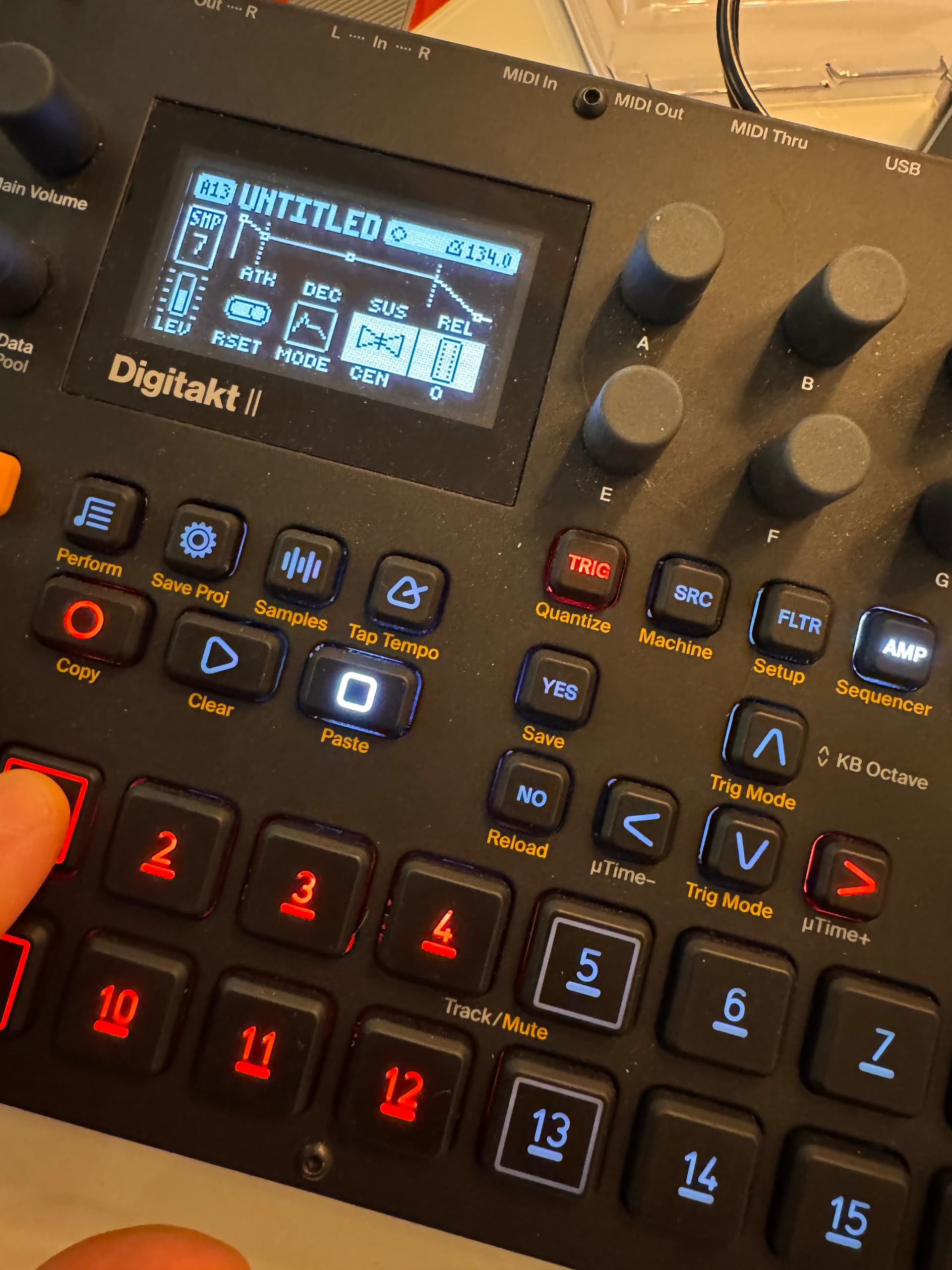
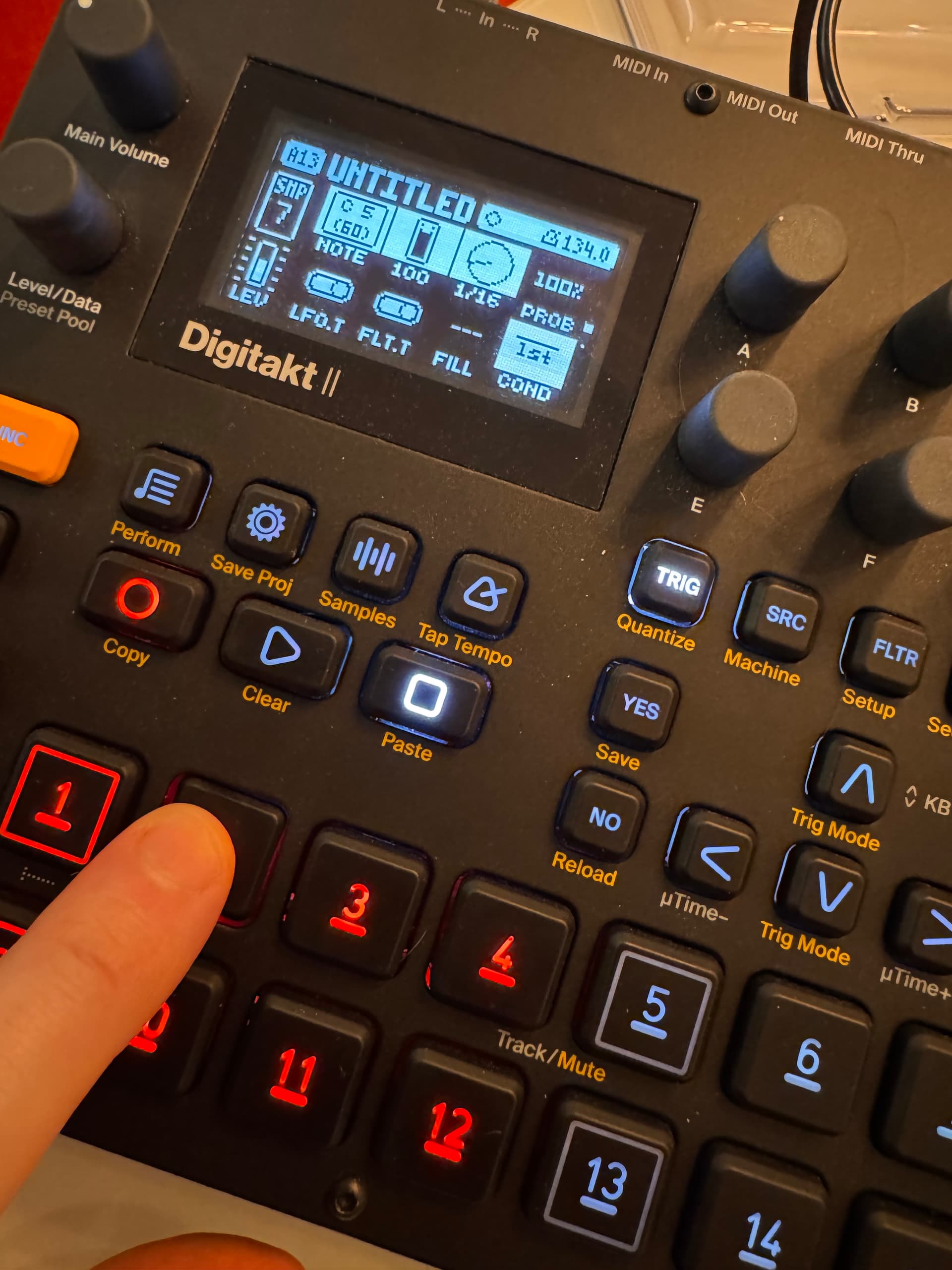
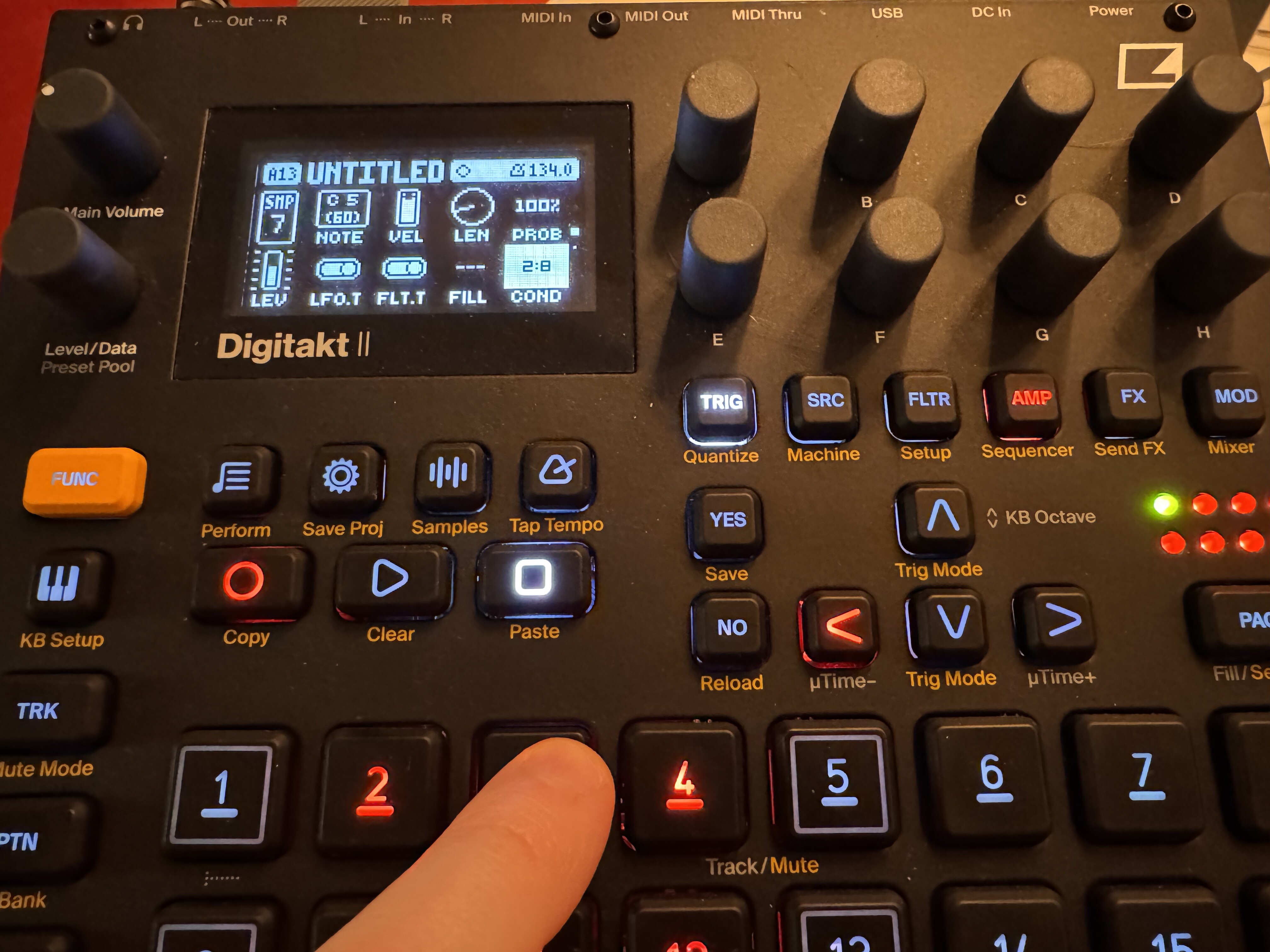
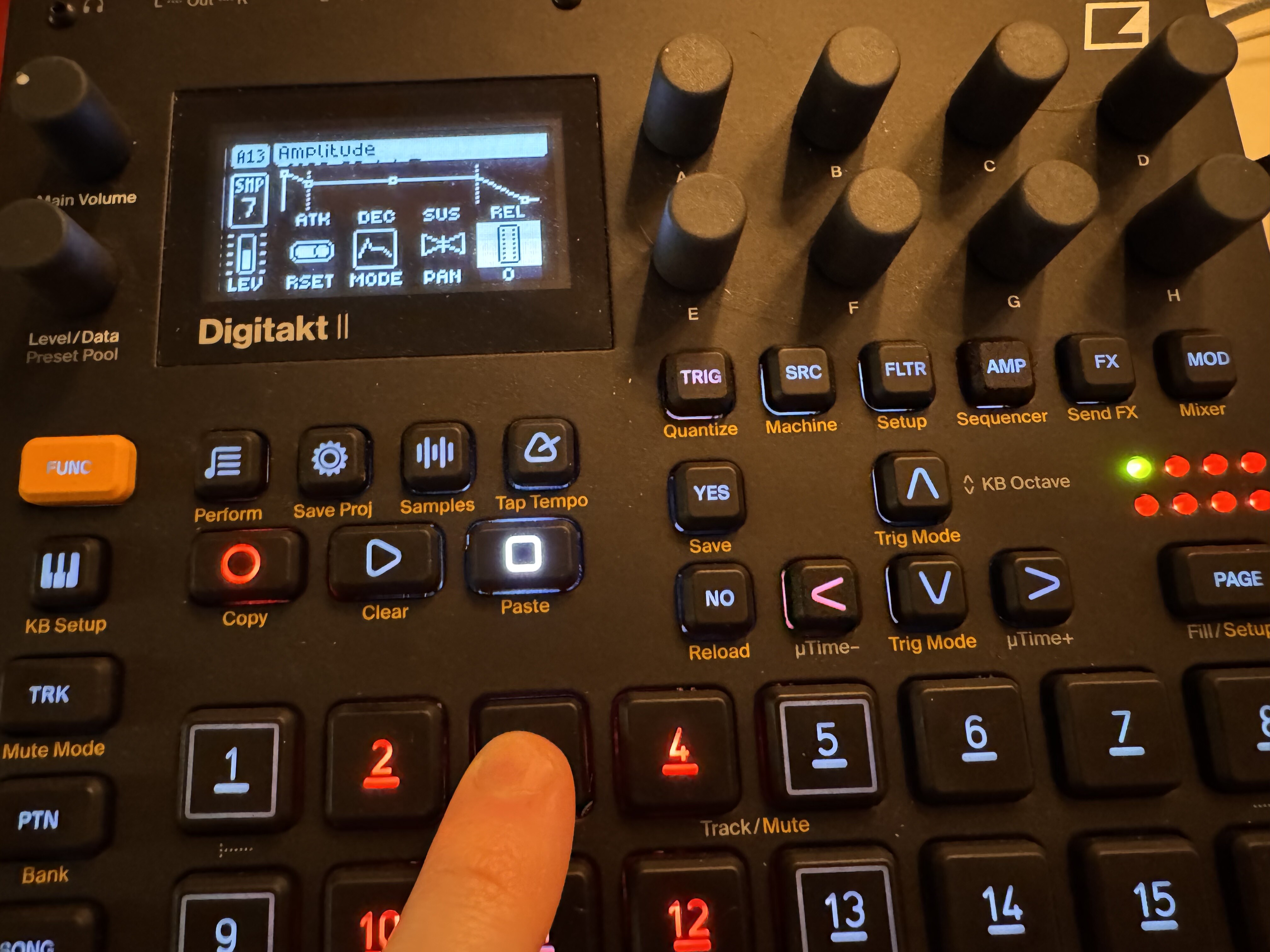
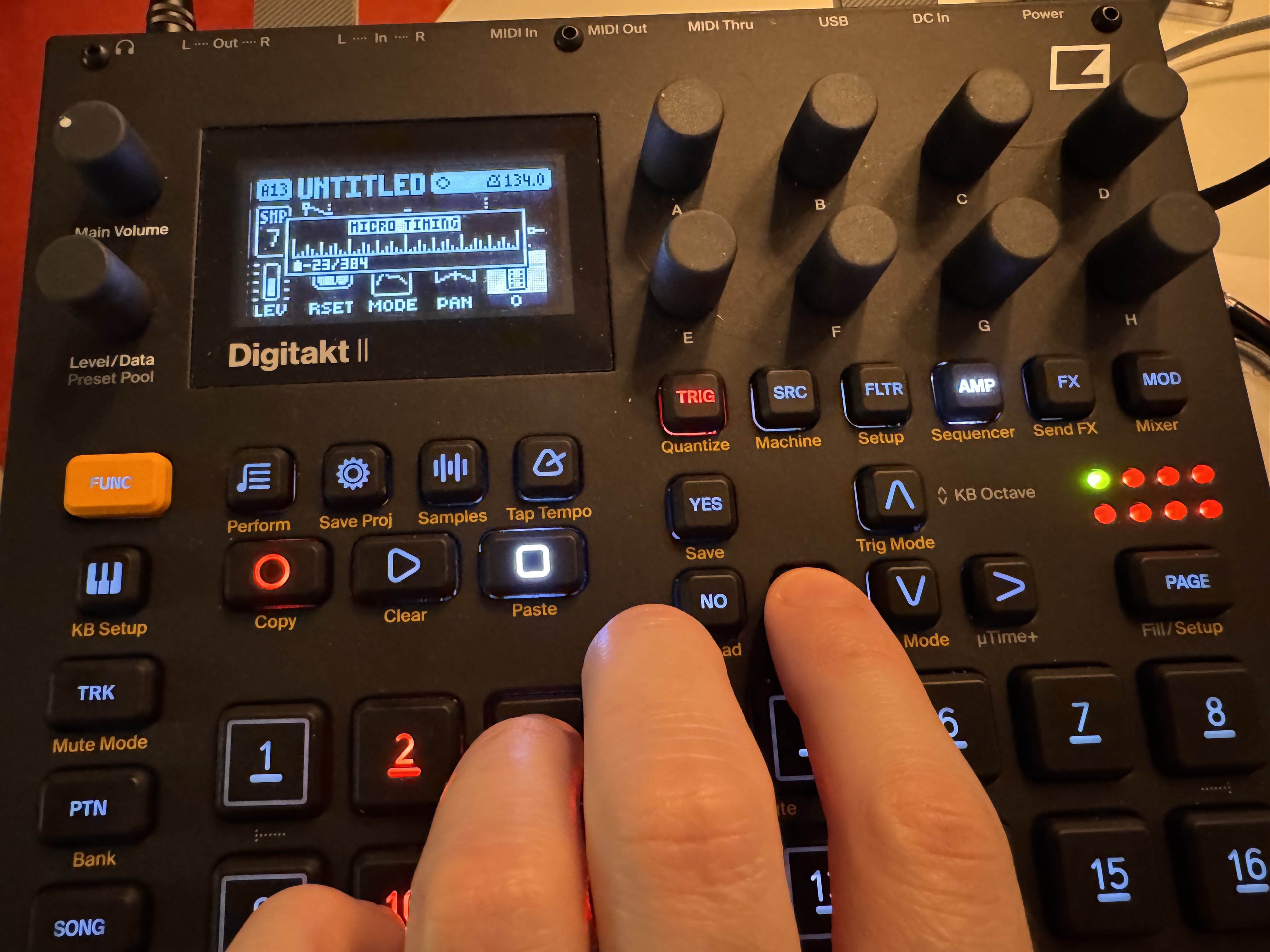
Here’s some photos to illustrate the config on steps 1 & 2 for example:
Your mute trigs always need to follow the active trig, not precede it. It sounds like you used the former step for mutes and latter step for active trigs, but the sequencer will run sequentially so the kill trig must come after the active trig, otherwise it won’t kill the active trig when it fires.
It looks correct. Give me a bit to get in front of my digitakt and I’ll confirm but nothing appears incorrect in what you’ve showed.
Try unlocking the note value though, where you locked C5 to the regular trig and just let it play as a track sample. I can see that you already have the track sample set to C5 so no need to lock the note, and I’m not sure that will impact anything but because I’m not sure, I’d unlock that parameter.
On your second trig with the trig pressed down, push down encoder A to clear the lock on that value.
I don’t think it’s going to change anything but give it a shot. Also if the track trig length is already set to 1/16 then clear that locked value as well. Again, I don’t think it will matter but just to level the field.
Thanks for checking, really appreciate the help, thought maybe I just did something obviously wrong. I’ll probably call it a night anyway, don’t want to bother you with too much back & forth!
For step 2 - I cleared the note/velocity/length locks so the only lock is on the COND=not-first.
For step 3 - the only locks are: COND=2:8, AMP vol=0, microtiming=-23/384 (max left).
I’m not bothered at all, I’m just not in front of my DT at the moment but will be soon. Also, I want to see what that “mode” parameter does, as I’m not sure DT1 has it but I don’t think it should matter.
It’s got to be something simple that I’m not seeing.
Just to confirm, the behavior is that the not 1st is working to silence trig 2 on the first pass and then it plays through the pattern and on the second time the pattern plays, the second trig sounds despite the kill trig locked in front of it?
How many steps is the pattern total, or how many pages?
Correct - the not-first on step 2 always works, but then on the 2nd pass the step still triggers despite the muting/kill trig on step 3 micro-timed in front.
Pattern is 128 steps / 8 pages
Trying to play with conditions to create a slowly evolving pattern, which is something I generally end up achieving with song mode and multiple patterns otherwise, which is a big of a blunt method.
Curious how this resolves as I think it unlocks a lot of options in the sequencer for me that I’ve previously been missing.