I’m just wondering if any of the Elektron boxes will let you set a musical scale and then when plocking the note only let you select those notes in the scale or play the closest one in the scale?
I know there’s a kb scale that means the notes played in live will lock to the scale, but I’m wondering if any of them let you constrain plocked notes to the selected scale?
Thanks both.
My mind is blown that this doesn’t exist anywhere than octatrack. And even then it’s a workaround and not an actual feature.
I thought at least digitone and syntakt might do it.
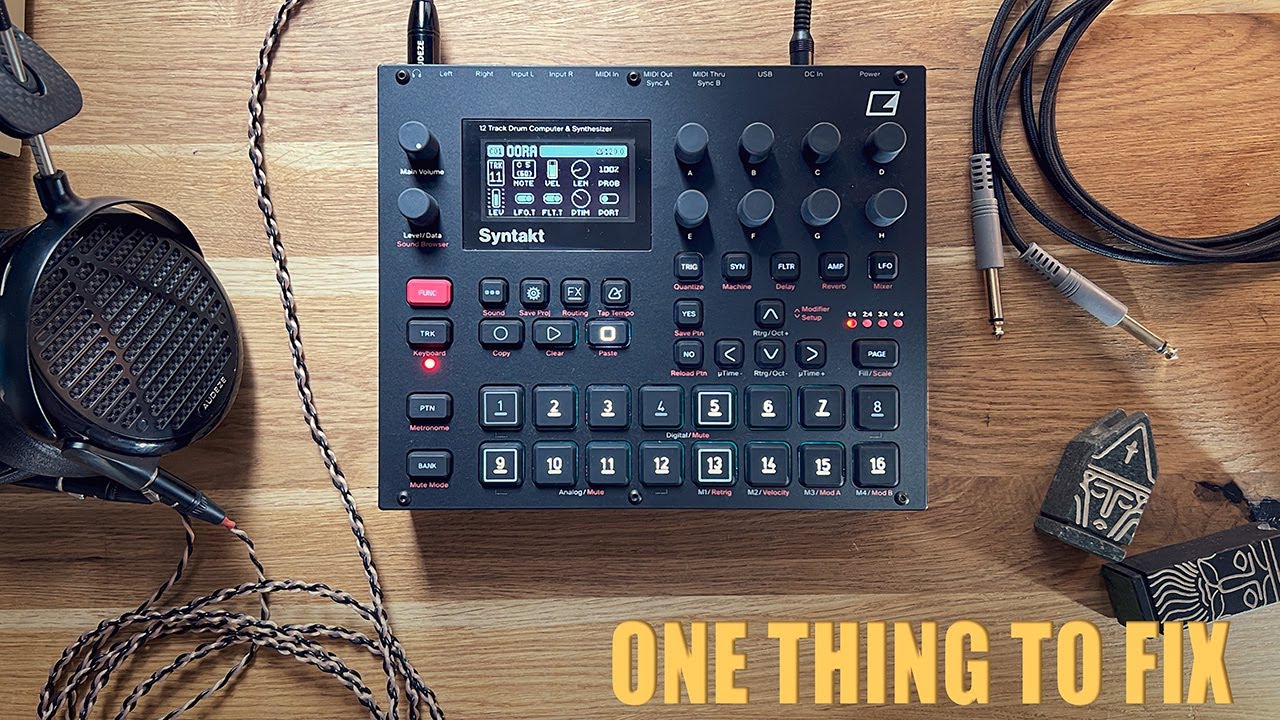
Someone in the YouTube comments mentioned if you hold down the trig and use the up and down arrows instead of turning the encoder, it will only use notes in the same scale as you have selected for the kb.
Apparently this works on digitone but not syntakt. May work on Digitakt too?
Up arrows as in what’s on the D-Pad? On the Digitakt that pulls up the Retrig menu, same for Syntakt. A4 and Digitone don’t have a retrig function, just an arp.
Digitone has a mode where you can select a scale and then only p lock or even live record notes from that scale into the sequencer. It also has a chord mode that does the same. Pretty slick.
Yes, Sorry, I’m just going on one of the comments in the Oora Syntakt youtube video. Not sure if it works, don’t have a Digitone to test, just a Digitakt and OT.
Added a new parameter, NOTE PARAM, in the PERSONALIZE menu where you can select the interaction behavior for whether the NOTE parameter settings should follow the set scale or not. Either turn the knob to set note value in the chromatic scale and push turn the knob to only select values that follow the set scale or the other way around.
Added a setting in the PERSONALIZE menu that controls how the DATA ENTRY KNOB knob behaves when adjusting the NOTE parameter. You can choose whether turning the encoder steps through notes chromatically, while pressing and turning follows the selected keyboard scale – or the other way around.
Added a setting in the PERSONALIZE menu that lets you add notes and parameter locks in LIVE RECORDING mode to already placed trigs instead of replacing them."