umm ah

3 Likes
Just wanted to voice the praise of other people here: This update is a massive game changer and opens up so many new possibilities. Chopping up breaks is a breeze, recording and mangling synths gets funky real fast. Thank you Elektron!
1 Like
solved reeinstalled and now it works well.
1 Like
thanks dave, but i fixed it with a reeinstal and some reeboots 
1 Like
Hmm,
The releasenotes list:
Bug fixes
“It was not possible to access Quick mutes and activate FILL mode when in GRID RECORDING mode.”
While everything on my DT seems to work fine with OS1.50 I can’t access quick mutes while in grid recording mode…
…can anyone else?
1 Like
Press TRK+FUNC
2 Likes
Just updated today…. I HAVE NO IDEA WHAT IM DOING BUT I LIKE IT…
10 Likes
As long as the slices are evenly distributed, yes!
My process for anyone interested is fiddly but works every time. I get my 8, 16, 32 or 64 samples in Ableton Live’s Arranger view, find the longest sample, trim it to as short as possible without affecting it’s impact/feel, trim every other sample to its length or less and apply a fade to the end of each sample to cut out clicks, highlight them all and CMD+J to consolidate, then pop them all into a single track in Session view, add Soothe 2 to remove harsh frequencies and Pro-L2 to remove peaks, then turn off Warp and Freeze/Flatten to save the effects of Soothe 2 and Pro-L2, then Crop them so they appear in the Crop folder, right click the top sample and Show in Finder, and finally drop the edited/cropped samples into a new folder. Then I pop them into MediaHuman File Converter to make them all 16-bit, mono 48kHz files. Then I drag them into OctaChainer and turn the files into one sample chain of 16-bit mono 48kHz format.
I find if I don’t convert the files into 16-bit mono 48kHz with MediaHuman before using OctaChainer, the sample chain will often render a file of pure silence. This is because for some reason my Live file renders often come out at 32-bit, which for some reason OctaChainer renders as silence no matter what I choose in OctaChainer.
8 Likes
Goddamn you Elektron. Two years ago I sold my Digitakt.
Just bought a Digitakt 
2 Likes
i love your process for sculpting the sound with soothe and pro-L
the warp/freeze/flatten/crop method of saving is where i’m confused
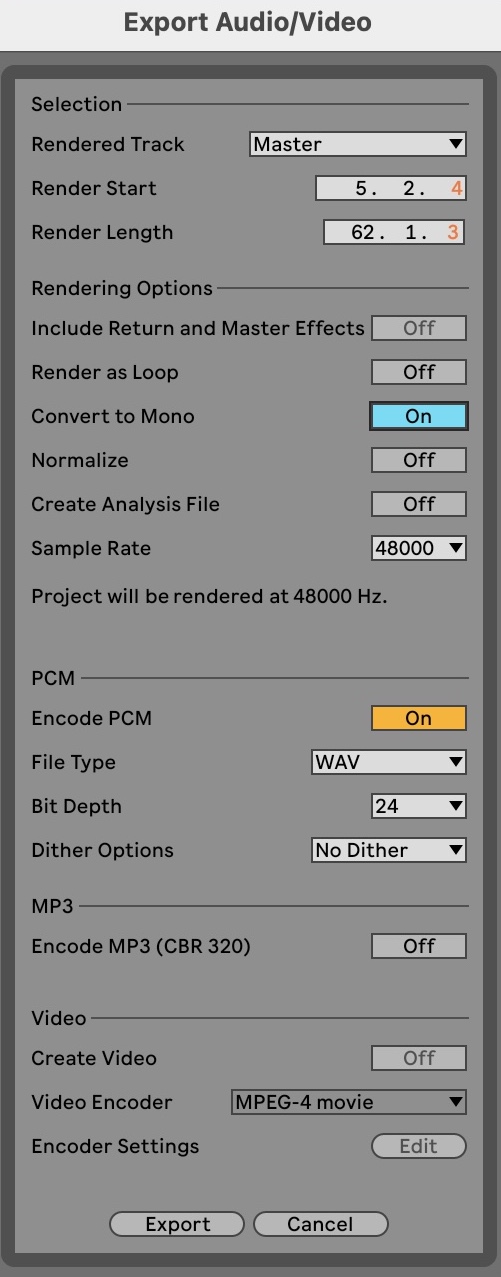
i’m still kinda new to ableton, is there an advantage to going that route instead of audio export?
seems like you could set the file format there and avoid a step before using octachainer, no?
3 Likes
You’re probably right, it’s one of those ‘I did it and it worked so I kept doing it’ situations that I’m sure could be done quicker. I haven’t used audio export for anything other than the final export of a mixed arrangement, do the individual files come out at the end or are they exported as one big file? I’m keen to lessen the hassle!
As for why some of my files are 32-bit and don’t get picked up in OctaChainer, I think at one point I set my bit depth to 32-bit and a bunch of my files are still in that format.
3 Likes
You can have it export the master or individual selectable tracks, and set the audio format as you’re there, much quicker this way.
4 Likes
I’ll give that a go, thanks!
2 Likes
Dumb question: how does the Digitakt read BPM? I just loaded a loop in WERP with the projects BPM and it started chopping it regardless.
I very much like that you can use the slice machine on alternative plock pool samples on a track and plock different slices on the trig too. Makes complete sense to have a fixed grid considering this use.
It doesn’t read bpm. As long as a loop has a “logical” length (4 beats, 8 beats etc.) it doesn’t matter at which bpm your project is running. This is because it simply evenly chops up the sample, so the length is what’s important, not the speed
6 Likes
Same. Ordered mine right when it went on sale.
Digitakt still going strong with great updates.
1 Like
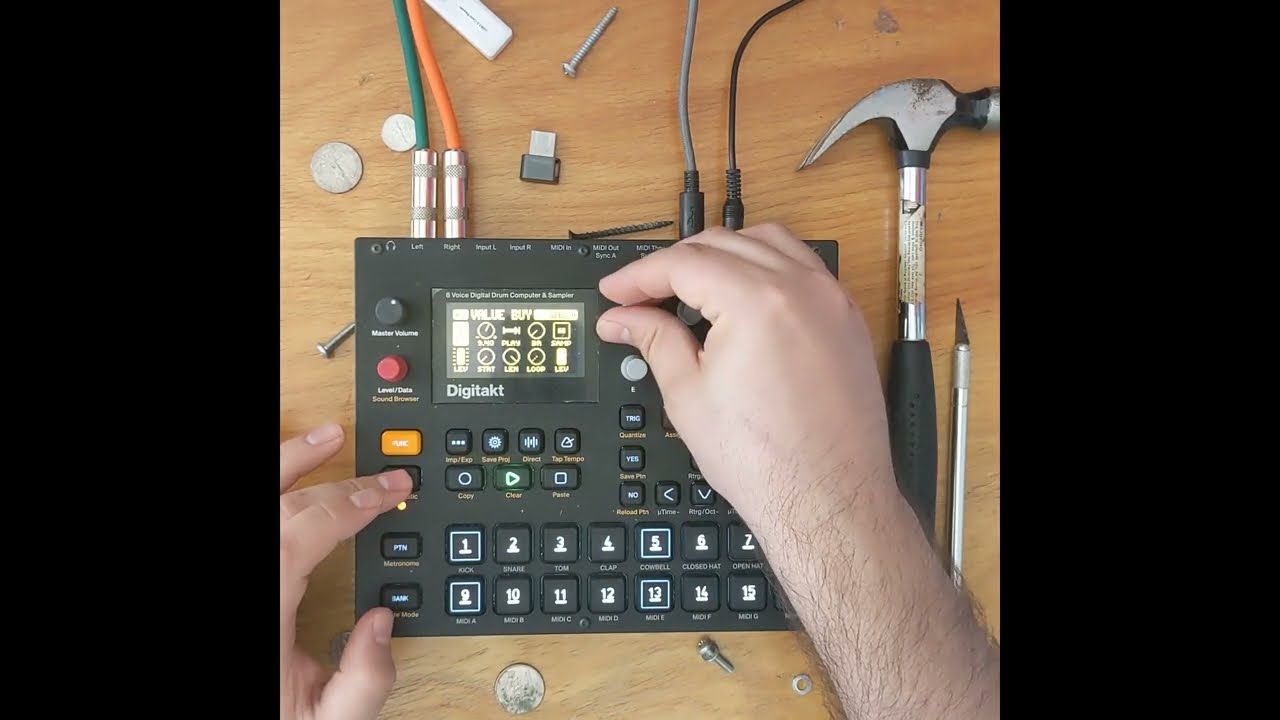
I’ve added sound files for Digitakt to my sample pack. They take advantage of the Slices feature for convenient access to all of the 286 samples using just 8 samples slots.
Check out the new demo I made this morning 
11 Likes
And doing this on the 8 first slots, one can basically have a configuration where the chains are available for every new pattern.
One still needs to set the machines to Slice, but I like this idea.
2 Likes
Hi everyone, sorry if it’s been discussed, but I couldn’t help but notice Werp seems to work essentially like this timestretch trick :
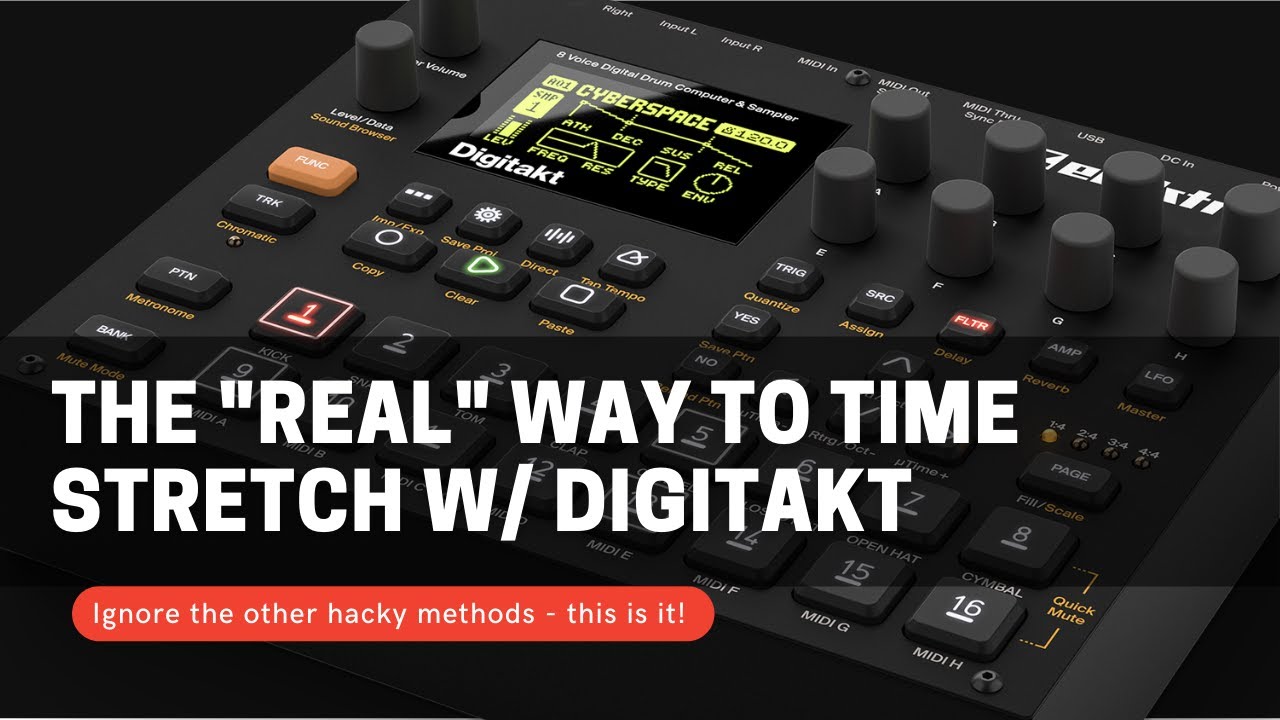
I don’t know if it’s a well-known trick but I have it saved as a sound and use it a lot. Or used it a lot. I’m really stoked they saw the potential and made it an easy to access feature.
On a side note, I know nothing about programming but if it’s the same principle as in the video, doesn’t it imply that there’s a third LFO working in the background? So… Does it mean the DT could run a third LFO in the future?
3 Likes