I believe it could be thought as a bug: the loop page configuration itself is not a part of the pattern, so it should stick, not be reloaded.
You shouldn’t abandon and keep explaining this to Elektron support imo 
3 Likes
Perhaps loop mode should be re-framed as part of the mute settings. So there is a global loop setting and a pattern loop setting, and both are accessed by entering the corresponding mute mode and holding PAGE?
1 Like
And you get rid of the possibility to use Fill?
I personally always have my mute mode on when performing, but I still want to be able to use the FILL function
Yes, I’ve reported similar behavior to Elektron and will link them to your comment as well. They have not confirmed that it’s a known bug yet.
2 Likes
Not sure if this can be described as a bug as such, but the trig buttons seem to be overly responsive- in that, if I hold a trig to lock in some params, more often than not when I release that trig (after a long press) it simply deletes the trig. Really f**king annoying. It’s not me being heavy handed, as im well seasoned with how these things work normally, and using the syntakt side by side with it, that is indeed behaving as normal (ie no accidental trig deletes when dialling in param locks etc). So, is that a bug? Has anyone else noticed this behaviour?
All of them ? Did you try test mode to analyse buttons behavior ? (Hold FUNC + POWER ON).
I didn’t.
1 Like
It happened on numerous trigs over the course of the session, so while I can’t say categorically that it was every one, id assume the behaviour is uniform. It didn’t occur to me to do the test mode- just did it now. It said no errors, however on the key test it does the following for buttons 1 and 2, which definitely does t look normal/good…
I don’t get it. that looks normal to me 🤷
1 Like
Holding down trig 1 makes the screen go white, trig button 2 the screen goes blank, any other trig button (and all of the encoders etc, which I didn’t film) report correctly the button/encoder being activated. Is it normal for only trigs 1 and 2 to not report their state and for one of them to make the screen white and the other blank? That doesn’t seem right to me surely…?
that’s normal. its a ui test as well as a button test. 2-in1
3 Likes
ah thank fuck for that!!
1 Like
Hahaha 
was just about to open a ticket, I would have looked like a right plum
2 Likes
it happens to the best of us 
1 Like
Same on all Elektrons. 
Seems reassuring concerning hardware issues. Could you make a video with the buggy buttons behavior ?
I will do when I have more time later today. Tho if it’s just a case of the buttons being a bit over-reponsive, is that even a bug? I feel there’s probably more pressing things to be addressed in the bug reports than this…!!
If your trigs disappear, seems a priority. Over-responsive behavior should be reflected in buttons test mode if it was an hardware issue. I’d check a bit longer in test mode.
1 Like
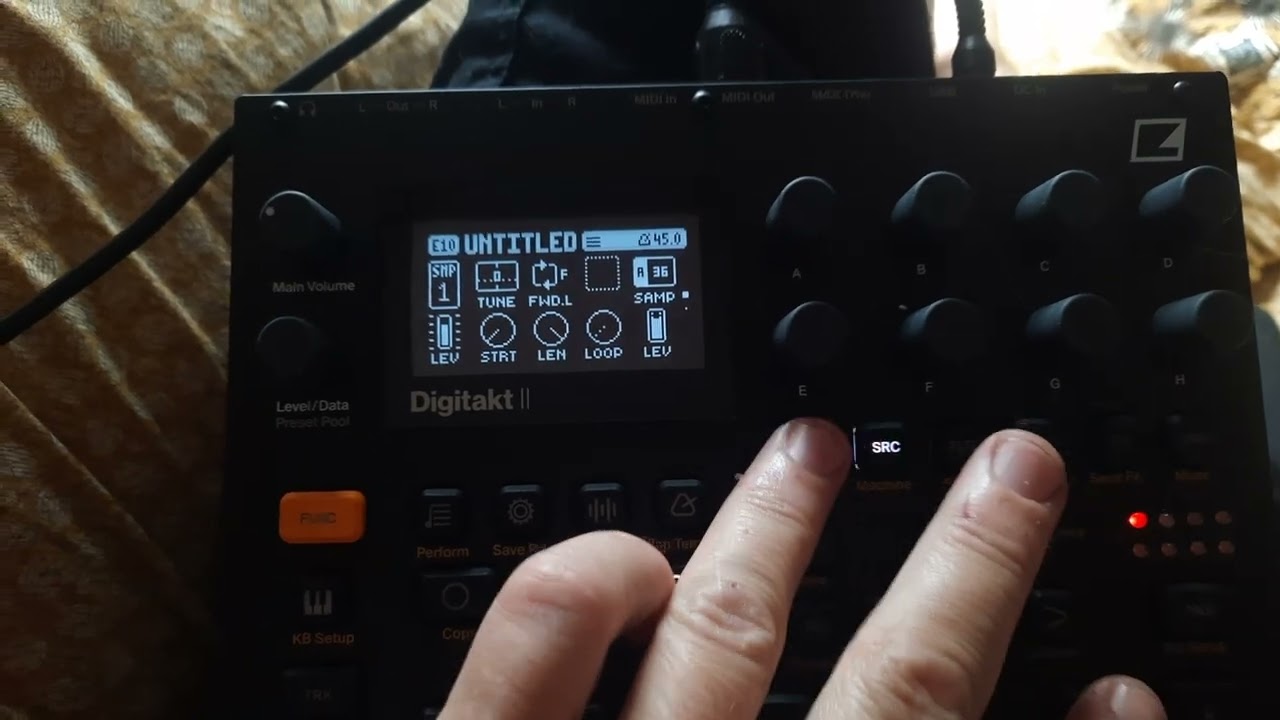
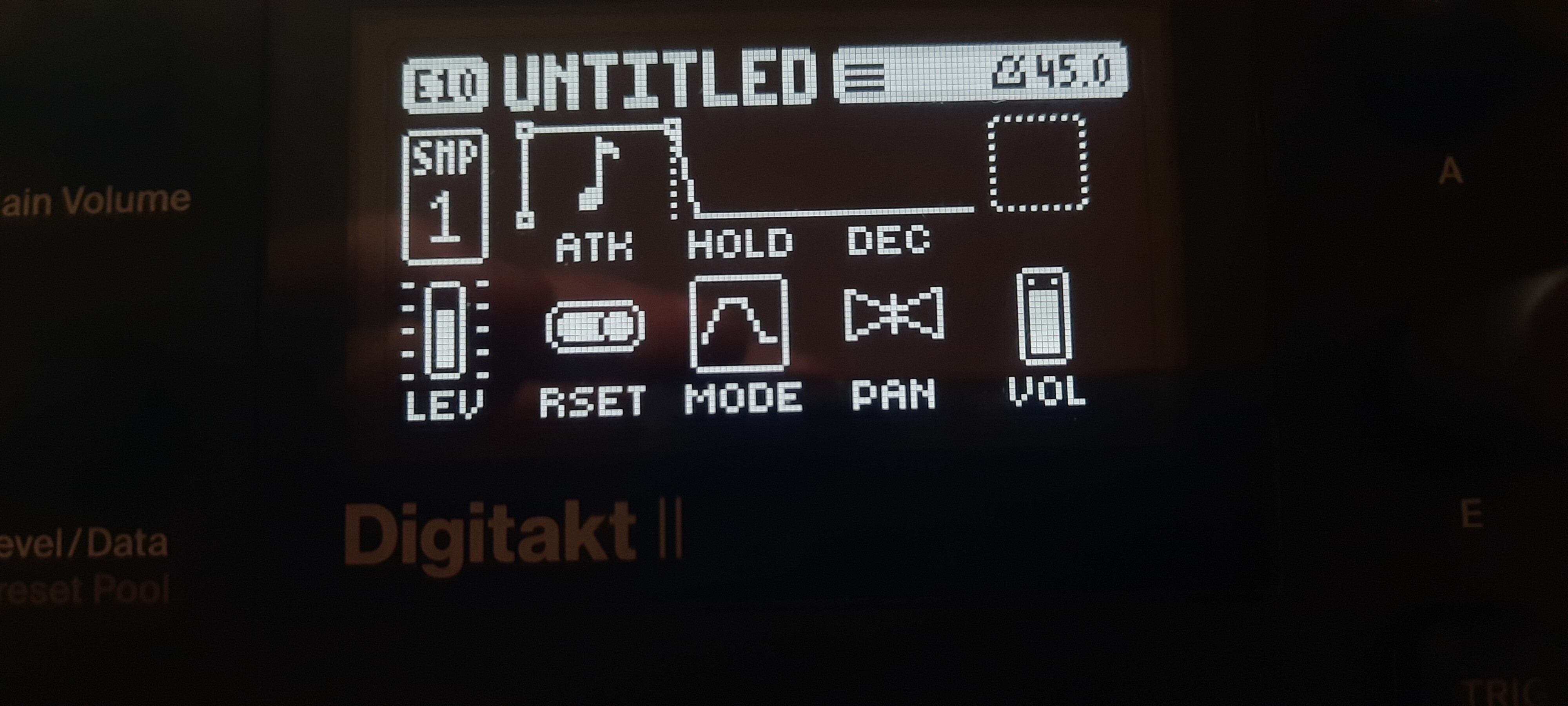
For me the buggy behavior is with SRC SAMP parameter. The slots list is automatically shown if you press SRC after tweaking other pages parameters, even non assigned ones like below (dotted square, D encoder).
You have to turn it to go back to normal.
It doest happen with lfo MOD page so I think it can be fixed.
1 Like
Yeh ill keep an eye on it, just dont want to be reporting anything needlessly (like I nearly did earlier with my screen test faux-pas…)
1 Like
Yeh I definitely think it’s some sort of double-tap thing going on. Just trying it now and paying more attention to it, every so often (like maybe 1 in every 6 presses of a trig) the trig won’t register, or is registering but doing it twice giving the appearance of not registering… Will submit a report then I guess
3 Likes