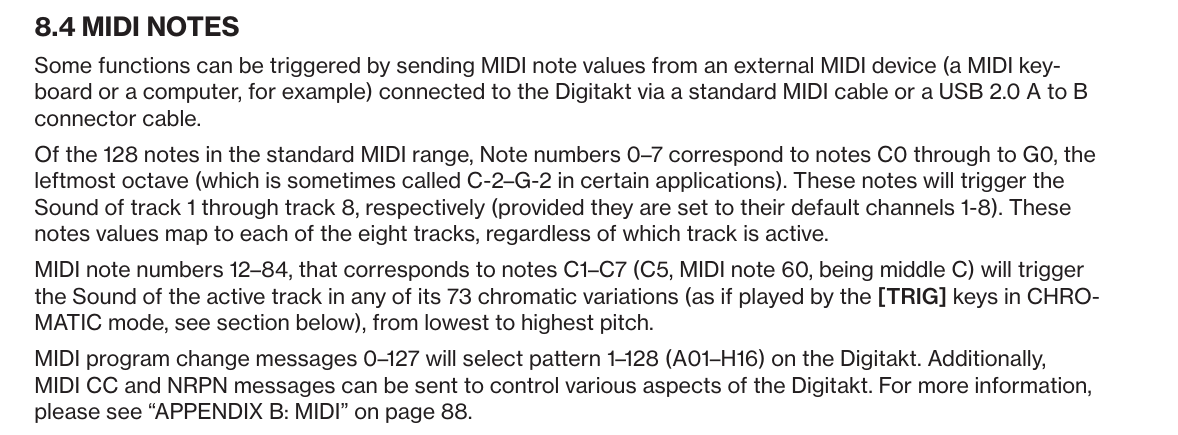
I am trying to map the 8 sample tracks on 1 midi channel and have each voice mapped over the keyboard. So C1 = kick, C# = snare, D = tom, etc. are all on 1 midi channel (10).
I do not wish to play the (drum) samples chromatically.
I’m not using a computer, so software mappers are no solution.
I already found some hints about the auto channel and lowest octave, but that doesn’t seem to work for me.
C1 varies between manufacturers, it might be two different midi notes. Find out what midi note your C1 produces (manual/specs/google ?) and then someone may be able to help with the autochannel/low notes setup.
Put your midi controller on auto Chan, octave down as far as you can. Try the first three keys starting with C. If that’s not it, octave up one time and try the first three keys again. Do this until you find the right it’s in. One of them will work.
I was thinking about this too hard. Since the manual says C0-G0 trigger the tracks regardless of the track selected as long as the channels are set to 1-8 you might just have to skip the drum map and play the samples from a normal keystep pro track, on the autochannel, in the order you set up the samples on digitakt tracks 1-8.
You can try it with the drum mapped to those notes, but I’m not sure it will all be receiving on one midi channel to all tracks, you’d have to test the behavior. If it’s using those notes C0-G0 but sending on 8 channels then the drum track sending all note data on channel 10 probably won’t work.
The ksp drum track assumes a device has the sounds mapped to individual notes on one midi channel like a lot of drum machines, not multiple tracks/channels like digitakt, that’s why it’s going to depend on whether or not the digitakt receives C0-G0 on one or multiple midi channels and I don’t know the answer to that.
So, the samples would be recorded ‘chromatically’ over the respetive midi channel, but the pitch will be corrected via the sample tune.
Root in DT should be fixed at same note as played via keystep pro keys (C1 = kick etc).
Also check pitch by ear, because DT and keystep pro midi maps may have different octave interpretation.
The KSP was the culprit. It seems the keyboard range goes from C2 to C9 and the drum map starts by default on note 36.
In the MIDI Control Center software I was able to set the drum map start at note 0 and solved my problem.
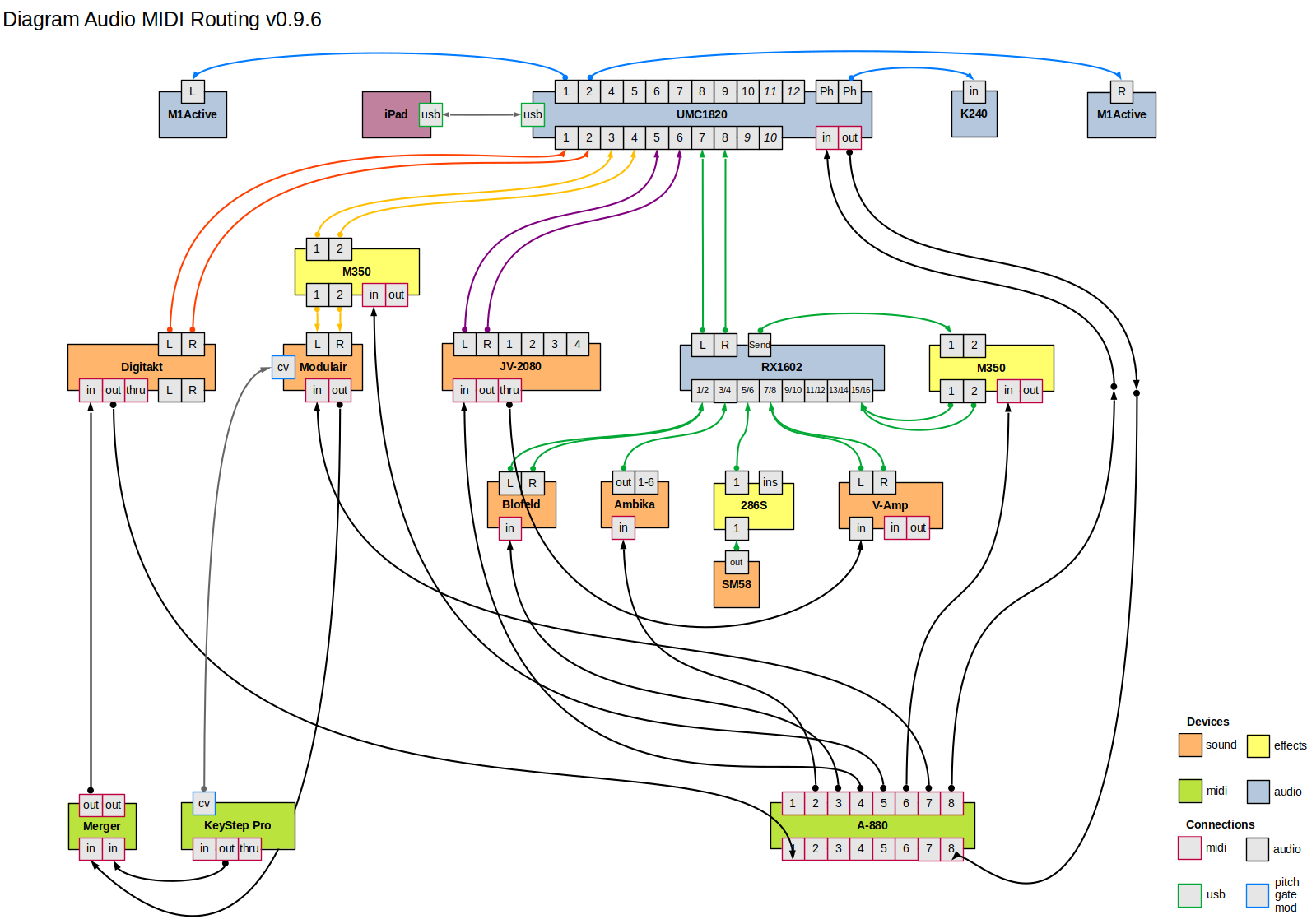
For futurre reference I’ll describe how the KSP now controls the Digitakt.
On the leftmost keys C0-G0 of the KSP drum track, it is possible to trigger all sample slots individually at the default pitch. It is possible to record the drum pattern from the KSP to the Digitakt. The only condition is that one of the 8 sample tracks is highlighted.
Optional a sample still can be played chromatically when a KSP track is assigned to one of the 8 sample tracks on the Digtakt.
On the MIDI side, selecting a track on the KSP will play an external MIDI device and record the MIDI data on the Digitakt.
In my setup I am also able to control the tempo from the KSP for the Digitakt and my modulair set.
I hope this make sense, and if not do not hesitate to ask.