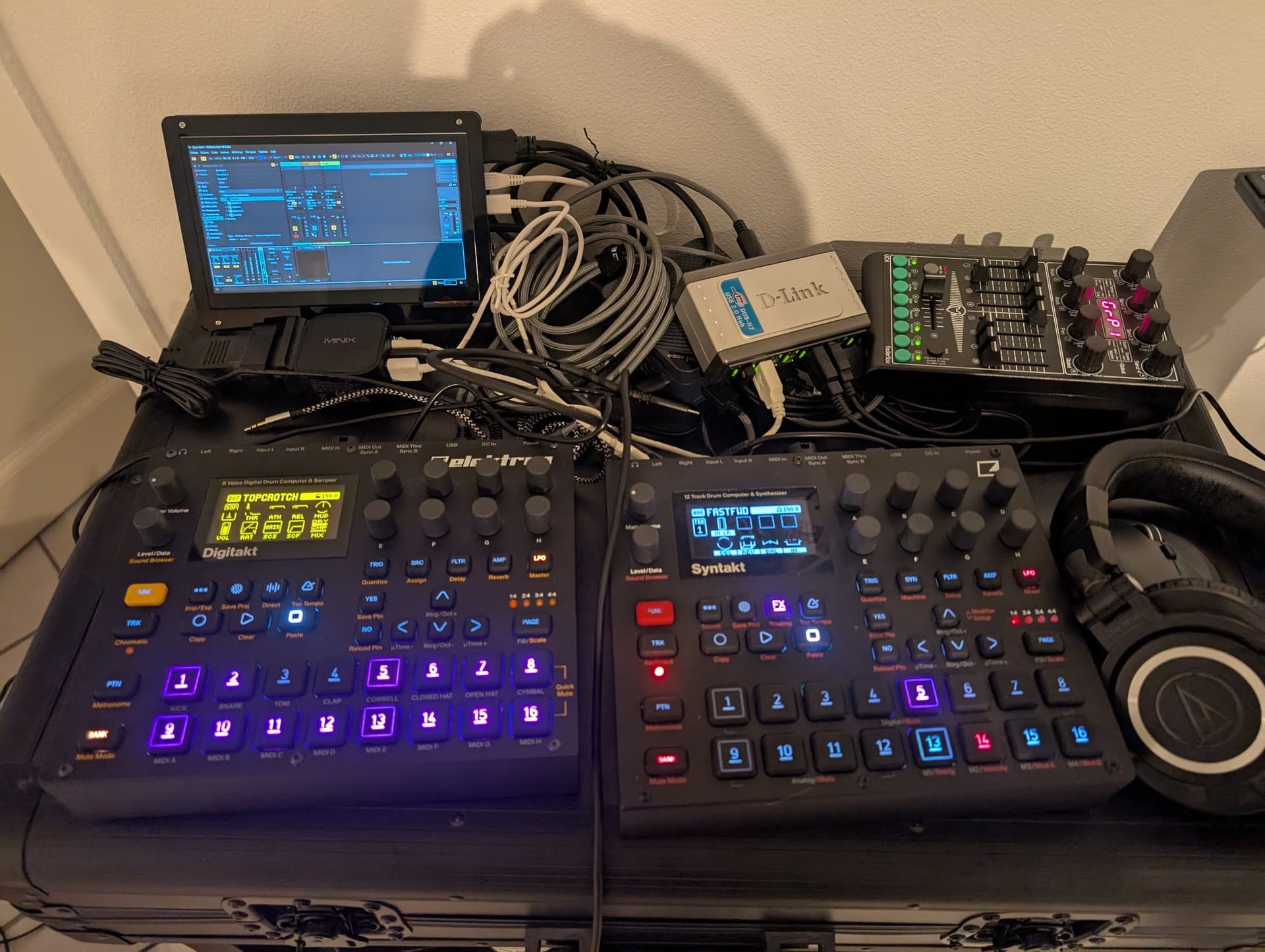
Ok, my setup is now complete and perfectly stable, and I even added a DT in overbridge mode into the mix with no issues 
For those who might be interested, here are the documented steps with the scripts I used: GitHub - sinedied/nanolive-setup: Docs and scripts to set up a minimal Windows 11 installation for music production with Ableton Live 12 on a small form factor PC
For a 100 euro box, it has more than exceeded my expectations:
- DT in overbridge
- ST as audio interface
- 128 samples latency in Live, with added 70 samples latency in audio chain (limiter) => total latency < 10ms, perfectly usable for performance.
- Running performance FX + mastering end of chain (with multiband comp, saturator, glue compressor, limiter, EQ…)
- For a size that’s about 1/4 of a Digi!
I did not wanted a screen at start, but I recycled an old 7-inch rPI touchscreen that I had, it will be useful to make small edits, record performances and leave a Voxengo Span fullscreen for visualisation. Should be easy to slide in the future case I’m planning 
Once I complete my performance FX macros I’ll try to record a video to show a demo.
EDIT: picture of the test setup