Which computer screen monitors would you recommend, that are easy on the eyes? I dont want to use glasses, and want something that allows longer sessions, without any stress to the eye.
Ideally it would have 2x hdmi and 1x display port. Size between 27 and 32"
Usage: Home office and Abelton Live mostly.
(Willing to spend a bit more, had eye problems, so i want something which is easy to the eye.)
I recently stepped up from a 2011 27" iMac to a 15" MacBook Air. I needed a monitor to go with it. I did a moderate amount of research but even then got lost in the weeds.
We’ve always had good luck with Dell monitors at my job. So I decided to go with a Dell S3222DGM. It’s a 32" curved screen gaming monitor.
I’ve never used a curved monitor before, so was a little concerned if I would like that or not. Turns out it’s just fine on my eyes.
I don’t game. It’s called a “gaming monitor”. Shrug.
The only thing I do on this computer is email and web browsing, and run Live and some vst’s, so I didn’t need anything super fancy.
Display comfort mostly comes down to whether the screen is flicker-free (no PWM) and if it can get dim enough.
Some new monitors are stupidly-bright at their lowest setting, and looking at that all day gives me migraines.
I wouldn’t have it set much brighter than a sheet of paper in the room.
Blue light reduction is not really a concern.
Run the screen on the “warm” color temperature setting, rather than “neutral” or “cool.”
IPS panels have the most stable image, and I really prefer them over VA or other panel types.
I use the built in Night Shift but still can’t find a way to make it 24h, there’s a minute between 23:59 and 00:00 where it turns off and I swear it’s the worst thing ever, my eyes hurt so much in that minute… can’t live without Night Shift.
there’s also Shifty and f.lux which are nice, but haven’t installed them since moving to new mac
Did anyone tried something like this? I.e. feeding a picture by picture mode from a mac mini - essential dual desktop but with one screen? Would that allow multiple side by side configurations?
On LG you can choose which side of the monitor, gets which input - one could flick the inputs with a switch of the button.
I have two of these running from my M1 Mac Mini (needs a usb c to hdmi for the 2nd one). Height adjustable and can rotate 90° too. Refresh rate more than enough for me as I don’t game on them.
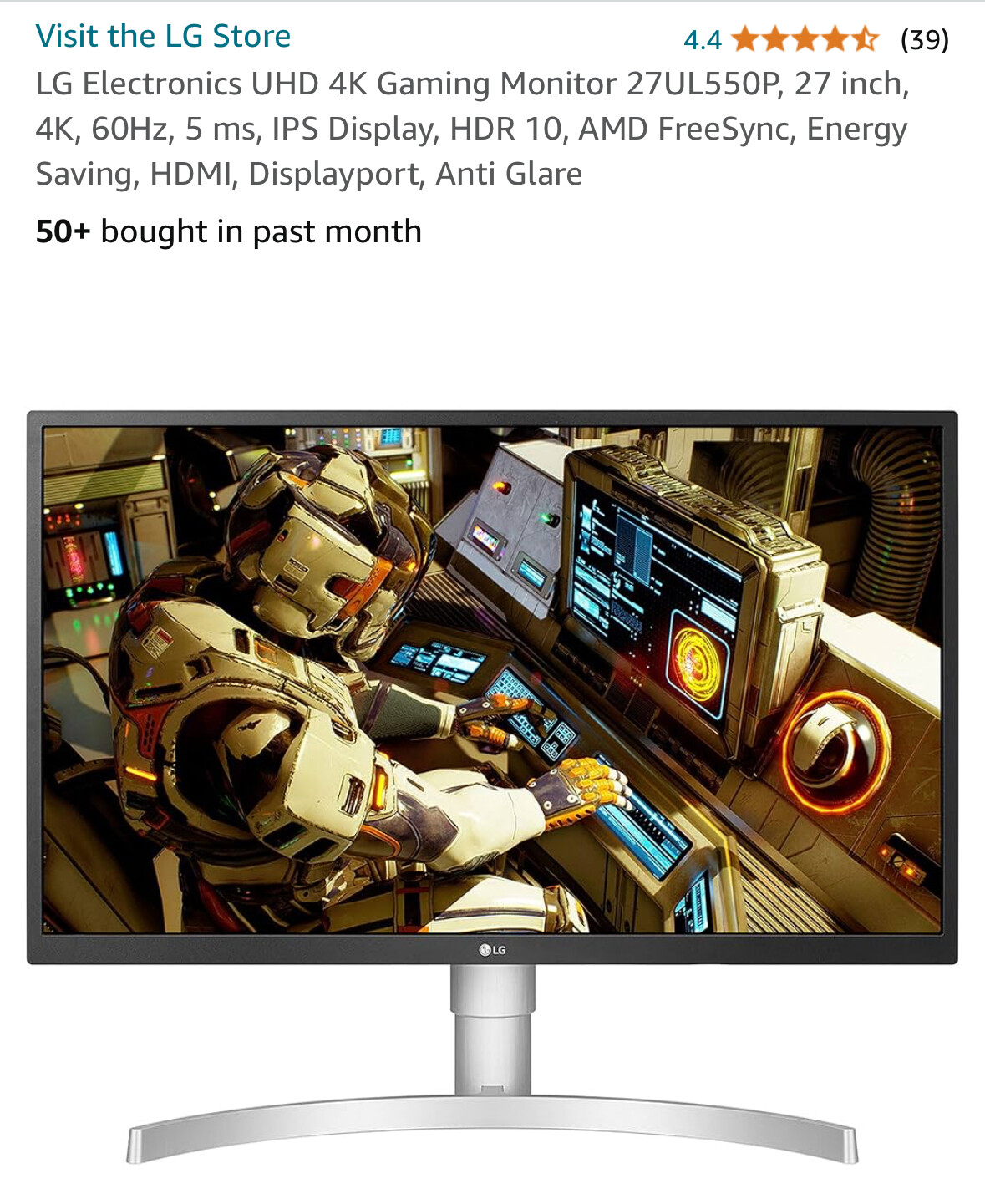
I use an 27“ Ips LG 4k screen and would recommend one up. I will upgrade to an LG 4k IPS 32“ 144hz, so plus on the screensize is very welcome in Ableton.