I am toying with the idea of a hybrid approach to recording right now. Currently I record to a Tascam DP and do a limited mix based on what it’s capable of. My home studio has my hardware wired to a mixer and then to the recorder. I always live with the 8 track limit and often even with using less than that.
I guess what I want to do is possibly replace my Tascam with a simple interface and then mix in a DAW after the fact. I suppose I may still track to the Tascam and then export to the laptop for mix. I don’t need a sequencer as I quite enjoy using my hardware ones. When I look at all the options I have a bit of analysis paralysis due to the aesthetics of most of them being so hectic. It’s a bit overwhelming. I’ve mucked about with garageband and logic before and I know i don’t care for them much although I couldn’t say why specifically.
I think ultimately I’d like to use whatever would be closest to a more traditional or old school mixing experience. Given this scenario, which DAW would you recommend? Any advice is appreciated!
I basically do that. I usually record a live version (stereo only) in DAW. Then, I’ll go back and record track-by-track to be able to tweak things juuust a bit. Usually doesn’t require too much mixing though.
I used to do stereo only, but I’ve had releases where the mastering engineers have to work really hard to get the track right. Others have requested stem mastering.
I just decided maybe track-by-track is a better approach in the end.
There are so many options. Personally I favour Reaper if it’s strictly for recording and mixing audio, no sequencing or synthesis ITB. That’s just personal preference though.
What I would say is: approach the DAW with the same attitude you would an interesting piece of hardware. Take time to read the manual and understand the expected workflow. Expect it to take some time to become fluid.
Logic is good for this linear approach to music, is relatively affordable, and also has free upgrades.
I didn’t gel with it at first either as it has a pretty steep learning curve. I also basically only used hardware and multitracks for most of my time making music. Back in 2020 I committed to finally learning Logic by buying the Apple certification course book and working through all the exercises.
That book barely scratches the surface of what you can do with Logic, but it gives you a pretty solid base for finding your way around.
Now I couldn’t imagine not having Logic. It does pretty much everything I could want from a DAW, and when they added that loop feature to compete with Ableton, I realized I wouldn’t like working in a DAW like that. Thankfully, that whole side of things is pretty much hidden by default so I never even have to look at it.
They’re all going to be confusing at first. I started with GarageBand and even that was frustrating for a while.
Give GarageBand a go though. It’s free, way more powerful than what you say you need, and if you do decide you need more, Logic is an easy upgrade. It will open all GB projects just fine.
Also try out Ableton. There’s a Lite version, and a long trial version. I used GB/Logic for a while, and when I switched to Ableton, it was like a breath of fresh air. Easier, more immediate, and with a nice consistent GUI.
Tbh, most of the DAWs are great. They all have their strengths, but any important differences are among the most advanced features.
Grab Ableton or GarageBand, try it for a week or two, then try the other one.
This is where I think I’m leaning as of right now. I guess I’ll just have to dive in and give it a try!
I think where my main hang ups come from are rooted in my pre existing anxiety issues. When I get overwhelmed by things my usual coping tool is to compartmentalize solutions into smaller problems. DAWs do not present this option to me especially given my little use with them.
In a perfect world the DAWim searching for would be like this, I open a session and all that is on the screen is a “mixer” with routing options. A button to click to open racks/FX on each track. And a timeline view only when I want to see it to do some basic editing. Does such a thing exist?
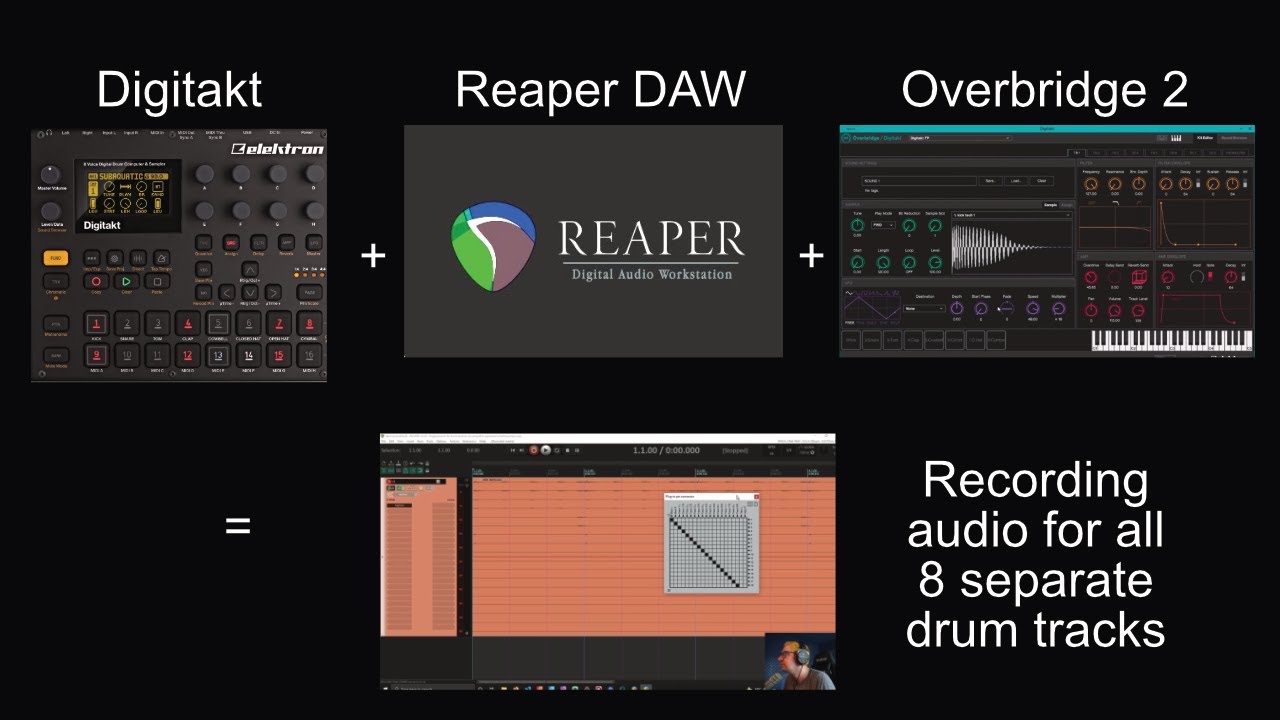
I’ve heard Reaper is customizable but is it to such an extent? Is overbridge an option with Reaper still?
Reaper user here.
Would not go back to cubase, logic or others. Have never managed with Live either…
I have customized it to my needs very quickly and efficiently:
Hardware templates
Hybrid templates
FX chains etc…
Price wise it is unbeatable.
Comes with s#!t loads of plugins.
Weighs nothing installed…
OB and Reaper?
I have a multiple in/out audio interface so my computer becomes the mixer as well as an extension of my hardware. With controller and specific key commands, it’s also a part of the performance.
I record all my takes live. I don’t usually arrange in the typical linear sense.
FLStudio doesnt seems to get a good reputation (and I kinda understand why), but the mixer view/management it got is one of the reason why I never achieved a total switch to another daw.
Give the Ableton Live Suite 90 day trial a try, or redeem one of the Live Lite codes that come with all manner of hardware and software. If anything I recommend Lite more than Suite as it’s a simple eight track recorder/arranger without the bells and whistles.
Setting up Reaper to do what you want will be simple. There are tons of intro videos to get you up andrunning. And Reaper has an awesome user community who will definitely help you out.
Running the demo at the moment. Still Needs some work imo, i experience lot of crashes but i really like the focused immediate workflow.
If they add a track nudge tool and proper mono/stereo binding option between tracks i am gonna buy it too. It’s too tedious to insert and load and setup 2 instances of a plugin to separate panned channels now.
I basically use Logic as a multitrack tape recorder. I really don’t like the look of Logic: cluttered, small icons, too much flexibility, option anxiety. My approach for mixing is SSL’s virtual console. I find it much less distracting to mix in that interface.
That’s a gem too. Especially for mixing bands and stuff. Default excellent channel strips, busses and masterbus with dedicated saturation knobs that sound very nice. If i was into country, rock, pop, singer songwriter stuff this would definitely be my nr one pick.