Im following a YouTube tutorial where the guy uses the classic oscillator sample on three tracks, each set to fwd loop and each sample tuned to create a Cm chord, but I’m having difficulty.
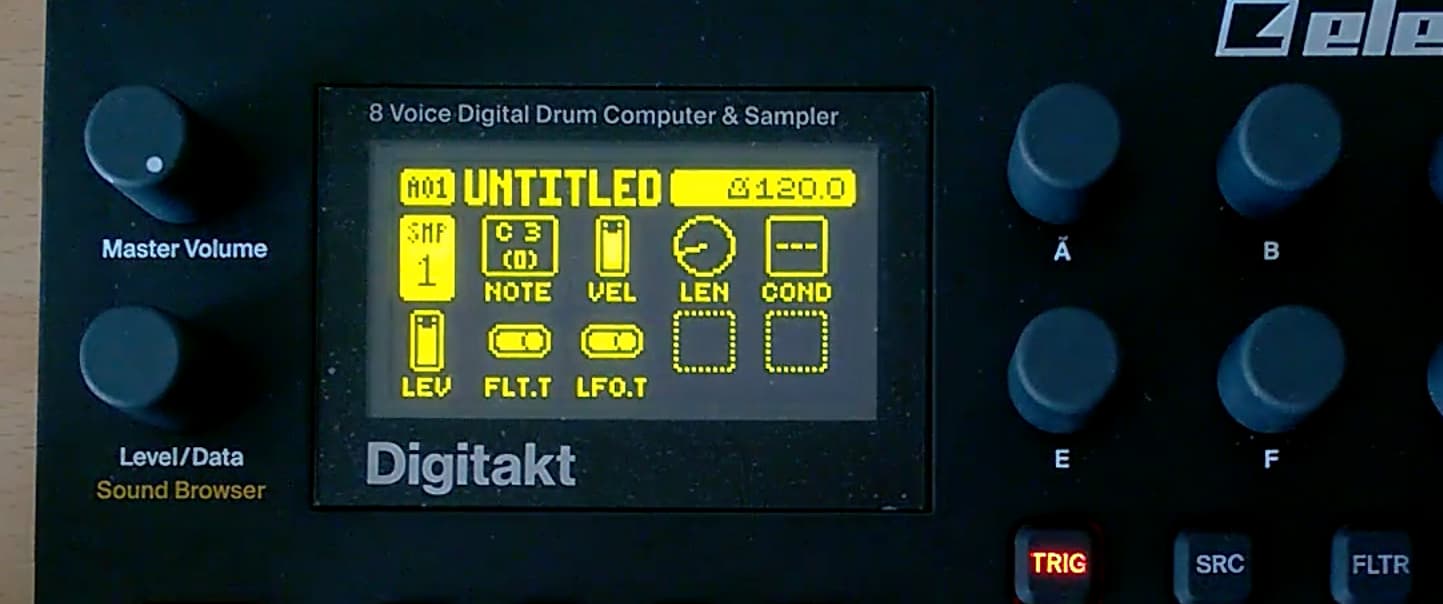
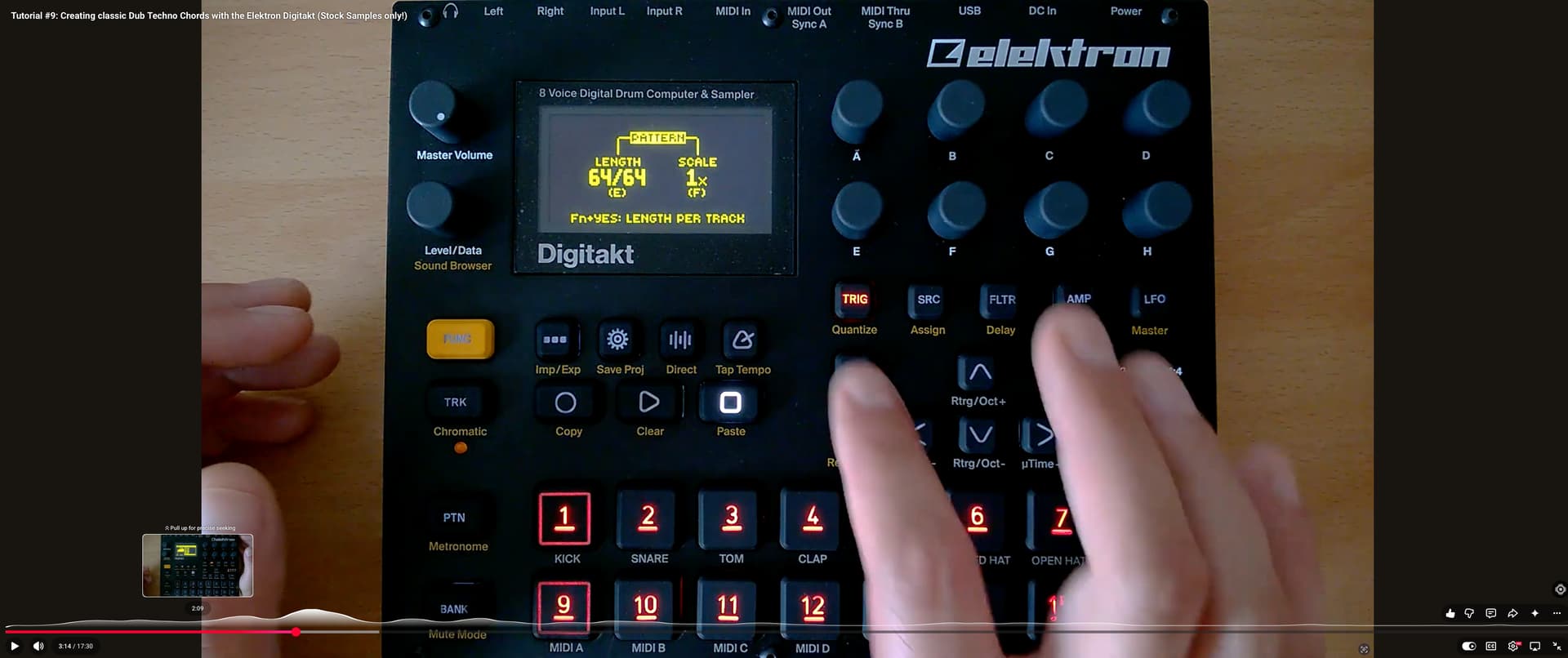
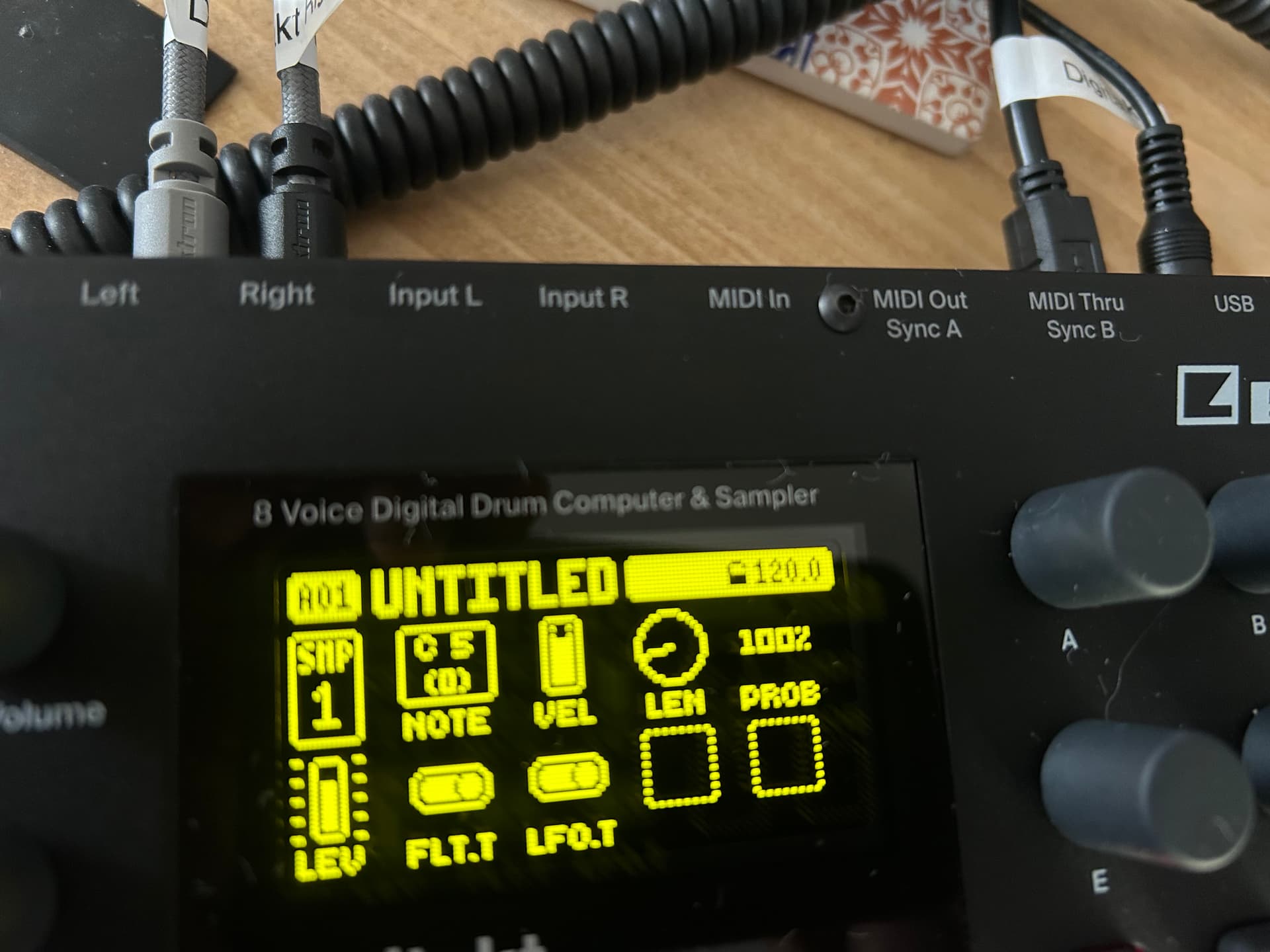
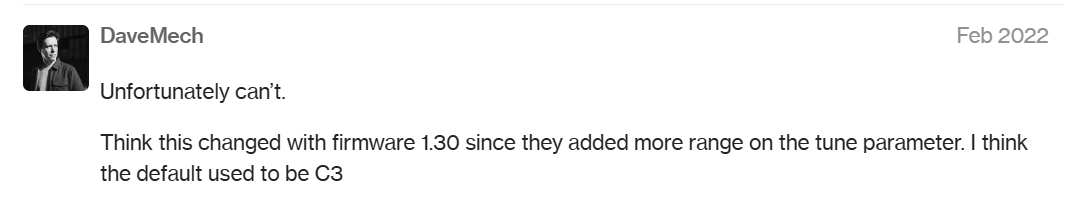
My first question is why do I have a C5 (0) playing the same sound as in the video, but in the video, the Digitakt shows a C3 (0)
In the video after setting tracks 1-3 with the classic oscillator sample, the guy presses play and all three samples play as one sample ( creating a minor chord ), yet when I try I hear the three individual sounds??
To change the note of a sample I would use the tune setting on the SRC page. It’s divided into 12 semitones so you can work out the notes if you know what note your original sample was.
I can’t recall ever using that NOTE setting for sample tracks only for midi. I’m sure someone can tell us what it does for samples.
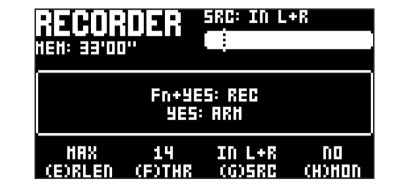
On the sampling page, use the G encoder to set your sampling source, and set it to Main. Mute the tracks you don’t want to sample. If you have the three notes of the chord on tracks 1, 2 and 3, leave those unmuted. Then arm the sampler and press play.