Yeah this was definitely a breakthrough when I sussed this out. Ensure you are ALWAYS in ‘workscene’ and just save off the mute/pattern states as you go… by the end of the session the song page should be populated with a number of variations
2 Likes
Yeah, in retrospect this is how I should have (and probably should still) do things. I’m just too lazy to learn and remember the Bank formats for all my gear.
This where gear like the proteus 2000 scores and why I print out charts for synths with loads of banks like the JV-2080. Some synths don’t use both LSB and MSB for bank select so once you define that in the instrument def, it’s usually just a matter of looking at the synth and using the TVs until they select the bank/patch you need. Then save the scene or song.
3 Likes
I incidentally ended up here after backing up everything and starting from my current instrument set up. This is super validating. Appreciate this tip.
Now to figure out my patch to song system.
3 Likes
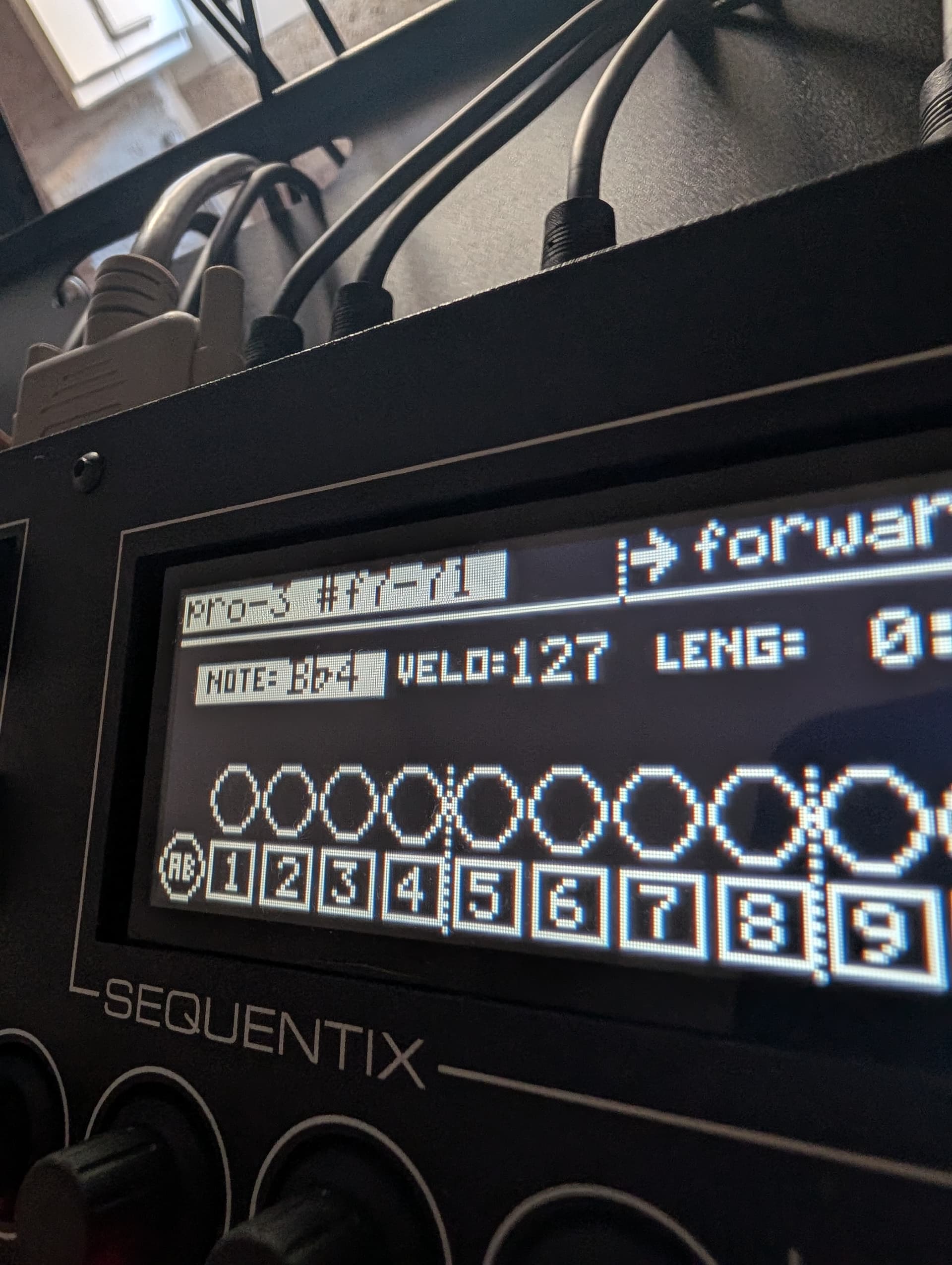
Hey all.
(I hope you’re all doing well. A bit of an update.)
I’m doing this now but some of my synths are defaulting to patches that were not saved in the track value.
Is there likely any small oversight I’m unaware of?
I’ve reset midi and “cleaned up” the song. Still isn’t consistent and I’ve checked to ensure the hardware is set to receive program and parameter CC; sending is set to off.
It sounds like you’ve done the kind of things I’d check too. Would have expected something like hidden track values or a possibly unused track that’s captured values sent inadvertantly - perhaps from a differnt port. But I think you’ve ruled those out already.
Program changes could also be in a pattern - but probably the best way to be sure all is truly working well is to start from a new song and see if it happens there. Try adding one or two TVs just as test and see if all remains well. If not, then hidden track values becomes favourite again. BTW they can happen if you change the track’s instrument but there are TV’s already there. You do usually get a warning message though.
I hope you get to the bottom of it. Always frustrating this kind of thing. I’m afraid it’s not an issue I’ve been plagued with for at least a decade so it could be there’s some other thing I’ve forgotten. But in almost all cases I remember, I traced the problem to my habit of using multiple tracks for the same instrument and mixing TVs on each. I still do that - but never for program/bank changes.
Good luck
2 Likes
Thank you, boss. I’ll be taking your advice with the manual as a companion with a fresh song.
Will report back.
1 Like
Good luck. I sometimes find the manual process for saving things like Tempo and TVs unnecessarily faffy and has certainly tripped me up before today.
Maybe my insert won’t help, cause i’m not sure to have understood exactly what’s your problem, but did you checked if the pgm track value was registred in scene level ? Sometimes, if you alreday saved a prog in scene level, when changing the pgm parameter, the synth will get back to the one previously recorded in scene untill pgm is recorded in scene. The thing can be seen when changing pgm in track value screen you have [scene] or [edit] above the pgm.
Sorry if i misunderstood your problem
Edit : to save the TV permanently you must save at the scene level too. The save at track value stage is not enough (except if scene auto-save is active)
1 Like
No, you’re right and this is what’s apparent in the manual.
I have to get in the habit of saving songs and scenes with the track values.
I want to be able to work quickly and then come back and name my patterns.
But perhaps it’s not necessay once I begin saving songs and scenes this way?
I want to ultimately get around what seems like a lot of unused patterns and recall my patches when the song is played.
This is a top prio for me this week and I think will help me get better at flushing out full tracks over a time frame.
1 Like
Community reminder: any songs that you have not manually saved to the SD card are hanging out in the Cirklon’s memory. And that memory is kept alive by a backup battery. When that battery dies, so does anything you haven’t explicitly saved to SD. So save to SD often!
EDIT:
If you happen to be in this pickle, the internal SD card of the Cirklon does store songs in non-volatile memory (that is, it doesn’t need a battery). But, when my battery went, the data on this card was corrupted.
The Cirklon keeps a running history of raw sysex dumps on the internal SD card in a directory called (appropriately enough) auto-backup. Trying to load the most recent of those (via Menu then Card/Sysex→card LOAD→LOAD Raw SYX dump — make sure Storage at the bottom of this menu is set to “internal”) might save your bacon? Even if a few days out of date, that’s a darn sight better than losing everything. But remember this is prone to be corrupted with the battery in an uncertain state, so backup immediately to an external card before you turn it off again.
Or, you know, just never worry about any of this by regularly saving to an external SD card. And then pop that in your computer and copy it every once in a while to back it up.
4 Likes
Normal batteries don’t just die overnight. You can check the voltage of the battery by pressing shift + insert.
2 Likes
I’m considering taking the Cirklon plunge, reason being that I want a lot of tracks, for midi cc & NRPN messages and quite a few multi timbral synths, but considering the V1 at the moment. From my research so far, difference doesn’t seem to be that vast as of yet, except CPU power. Please feel free to let me know if I’m missing something important 
Where would you guys search for a used Cirklon v1 at this point? Reverb? They rarely pop up used here in Sweden unfortunately.
be aware that these are not well supported.
As of now, the difference is non-existent for the end user, and that’s pissing off a lot of people who bought the upgrade.
I wouldn’t pay more than 1000 for a V1, because if you later decide to upgrade, you may end up paying almost the full price of a new V2 unit and a lot of V1s are very old units.
V2s are going for 1800–2000 on the used market.
3 Likes
Thanks for your input, appreciate it. Are NRPN messages buggy or generally slow, or what’s the issue would you say? And how do you find using aux events/accumulators instead of having LFO’s? The lack of LFO’s surprised me, but nobody seems to miss it based on my searches online.
Accumulators are really powerful. I don’t miss LFOs; I’d rather see other QoL updates and additional features, but that’s another topic.
You can’t use NRPNs in track values, only in the AUX events and having them in track values it’s important because it’s where you save your synth parameters per scene.
My Cirklon is currently in a closet, but I remember running into issues when setting MSB and LSB. It wasn’t very straightforward, and I recall reading about similar problems from other users.
It’s an absolute beast of a sequencer, and I still love it. I’ll probably never sell it. That said, it demands a programmer’s mindset, which I don’t always have. I tend to prefer a more spontaneous approach to making music, and many basic tasks require extra steps that feel tedious to me.
I’m using the OP-XY as my main sequencer now. It offers a subset of Cirklon features that actually matter to me, and it’s much faster to operate.
2 Likes
Great input, very valuable for me. Thanks for taking the time!
1 Like
Cirklon implements NRPN parameter addressing (CC99/98) but only sends coarse data (CC6) and omits CC38, so NRPN values are 7-bit, not full 14-bit. IME they don’t work at all.
2 Likes
I was doing that on an almost daily basis. It dropped to 2.8 or something, then, I had to unplug the cirklon for a couple of days to move stuff around. Plugged it back in, and the battery had completely died and the memory was wiped. So I don’t trust that method either anymore. The cirklon battery debacle continues.
1 Like